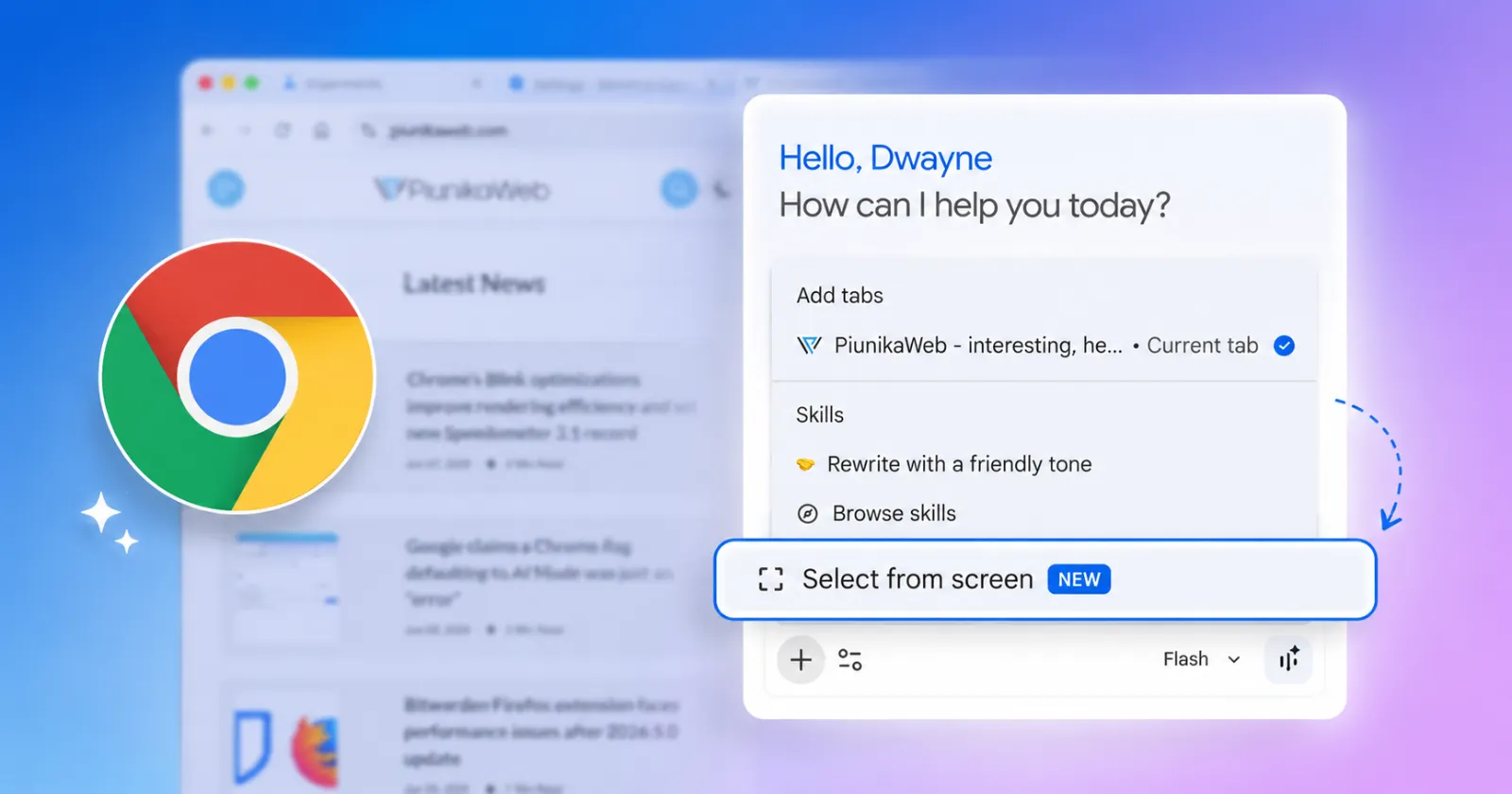
Google is bringing a Circle to Search-style feature to Chrome’s Ask Gemini, and it looks like one of the more useful upgrades to the side panel so far. Leopeva64 spotted the change, and the feature lets you select one or more regions of the screen and send them straight to Gemini inside Chrome.
This new feature has been baking in the oven for a while now. Leopeva64 said back in March that Google had added a setting to customize the keyboard shortcut for the overlay that sends a selected region to Chrome’s Gemini side panel, even though the full selection overlay had not landed at that point.
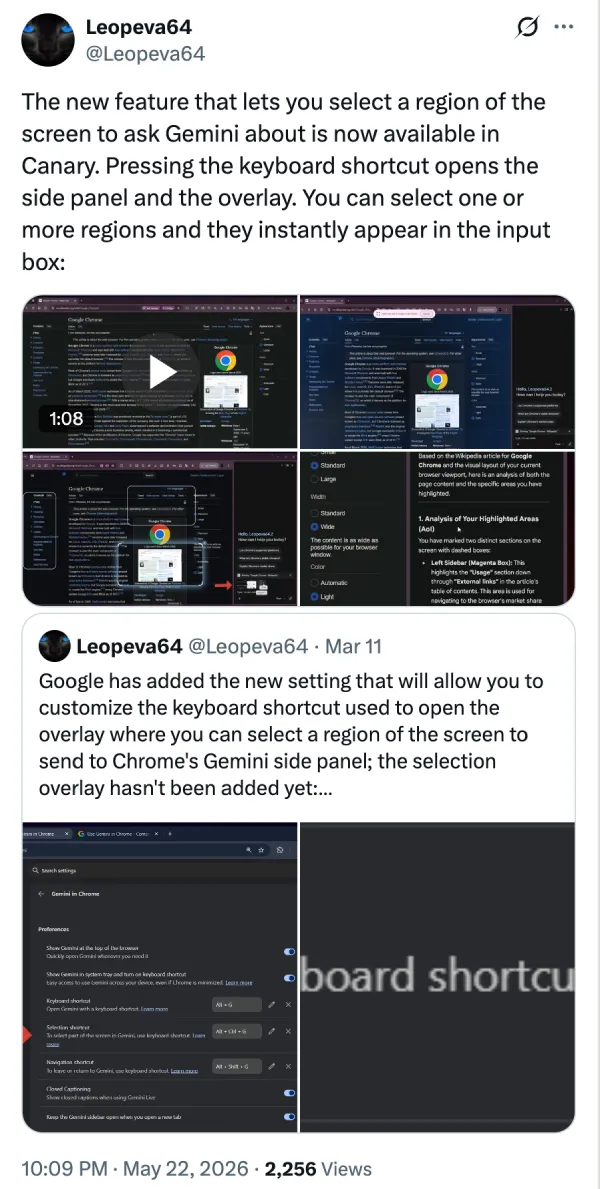
Fast forward to now, and the feature is live on the Canary builds. One interesting bit with this is that you can select and add multiple regions of your screen as attachments. So instead of having to ask Gemini about one specific portion of your screen, you can club multiple screenshots into one query.
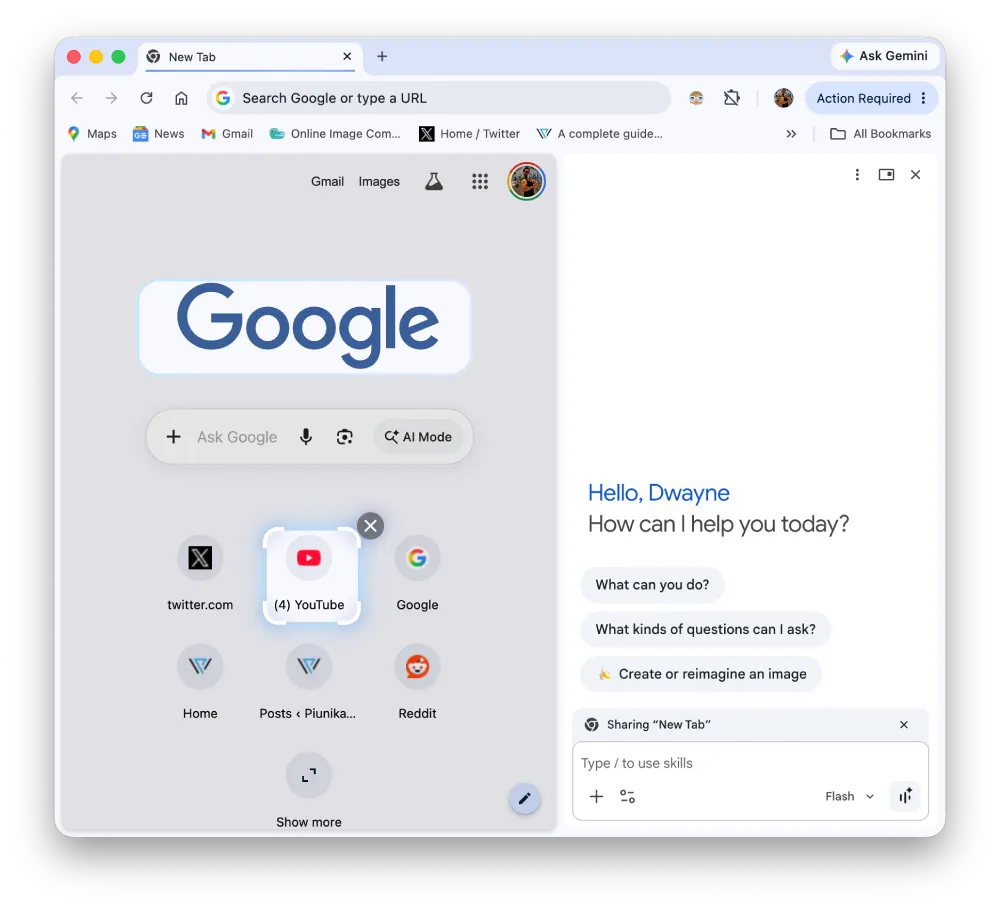
In my testing, I did not see the Selection shortcut option in Chrome Canary yet. The feature itself still works through Add attachments and then Select from screen feature in the Gemini side panel. So the core functionality is there even if the shortcut setting does not seem fully visible on my end.
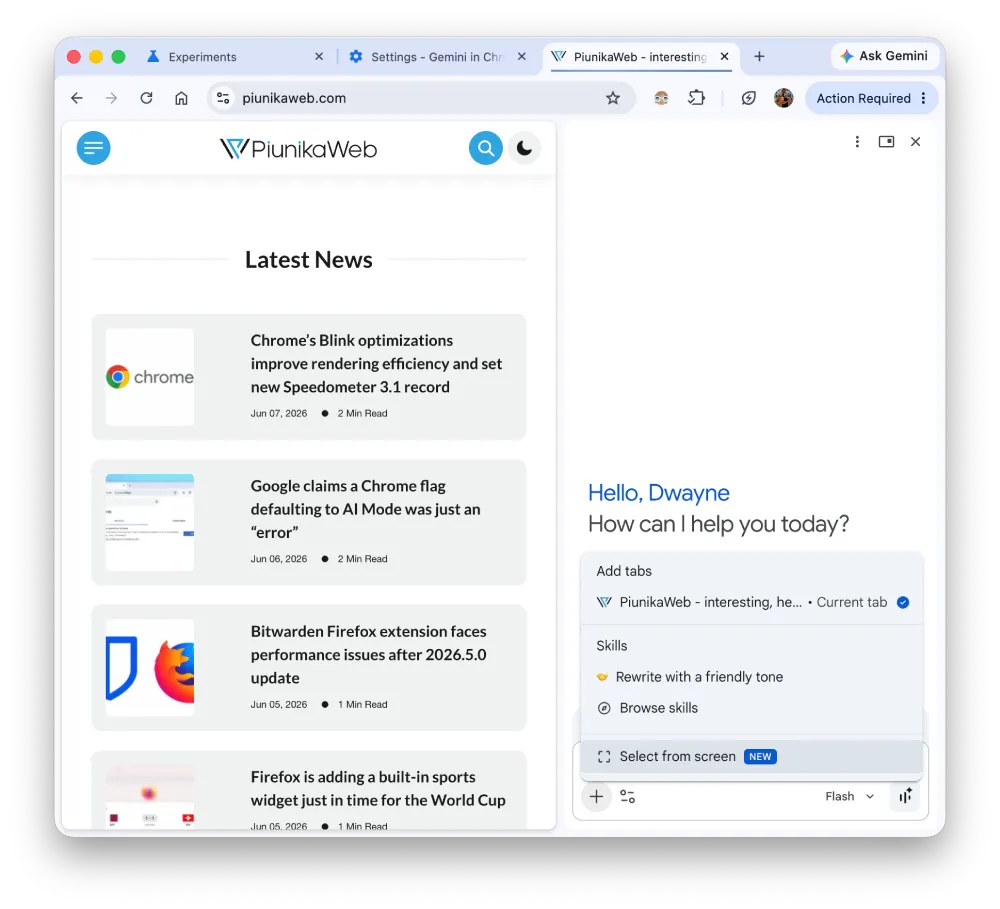
I found it to be a big flaw with Gemini in Chrome because you could not add screenshots as attachments directly in the side panel. That broke my workflow more than once. I had to open the Gemini website, upload screenshots or other attachments there, and then continue the conversation with follow-up prompts.
Google’s own documentation around Gemini in Chrome focuses on questions, summaries, clarifications, and tab sharing, which makes sense for a first version of the feature. But real usage is messier than that, especially if you’re trying to ask about an image, a UI bug, a chart, or a small part of a page that needs visual context. That is exactly where screen selection helps, and it is why this feels like a logical addition to the Ask Gemini experience.
I’ve already had this kind of flow in Perplexity’s Comet browser, where the side panel lets me attach screenshots and even files directly without bouncing out to a separate web app. That makes the whole experience feel less interrupted.
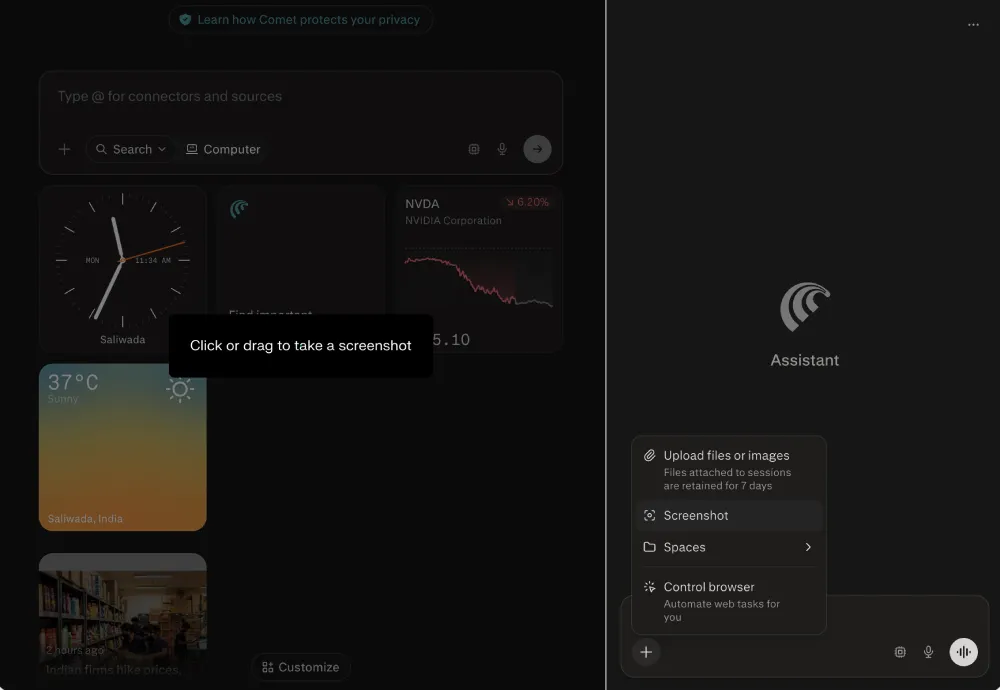
So for me personally, this is a welcomed addition to Chrome, and I’m looking forward to testing it more once it hits the stable channel.
Google seems to be widening Chrome’s AI toolkit pretty quickly now. We’ve already seen signs of that in a feature that could pick your best credit card automatically and in Chrome’s floating ‘Everywhere Omnibox’, which brings AI Search to the desktop. Ask Gemini getting a Circle to Search-style screen selection option feels like another piece of that same push for making Gemini more useful.


Dwayne Cubbins
3101 Posts
I cover fast-moving stories across apps, online platforms, and everyday tech — phones, wearables, consoles, and whatever else people are fighting with this week. Bugs, rollouts, scams, policy enforcement, and the occasional internet-culture rabbit hole are all fair game. My goal is simple — make confusing tech news readable. When I'm not working, I'm working out or chilling with my dog. Got a tip? You can find me on X @dcubbins.
Next article View Article