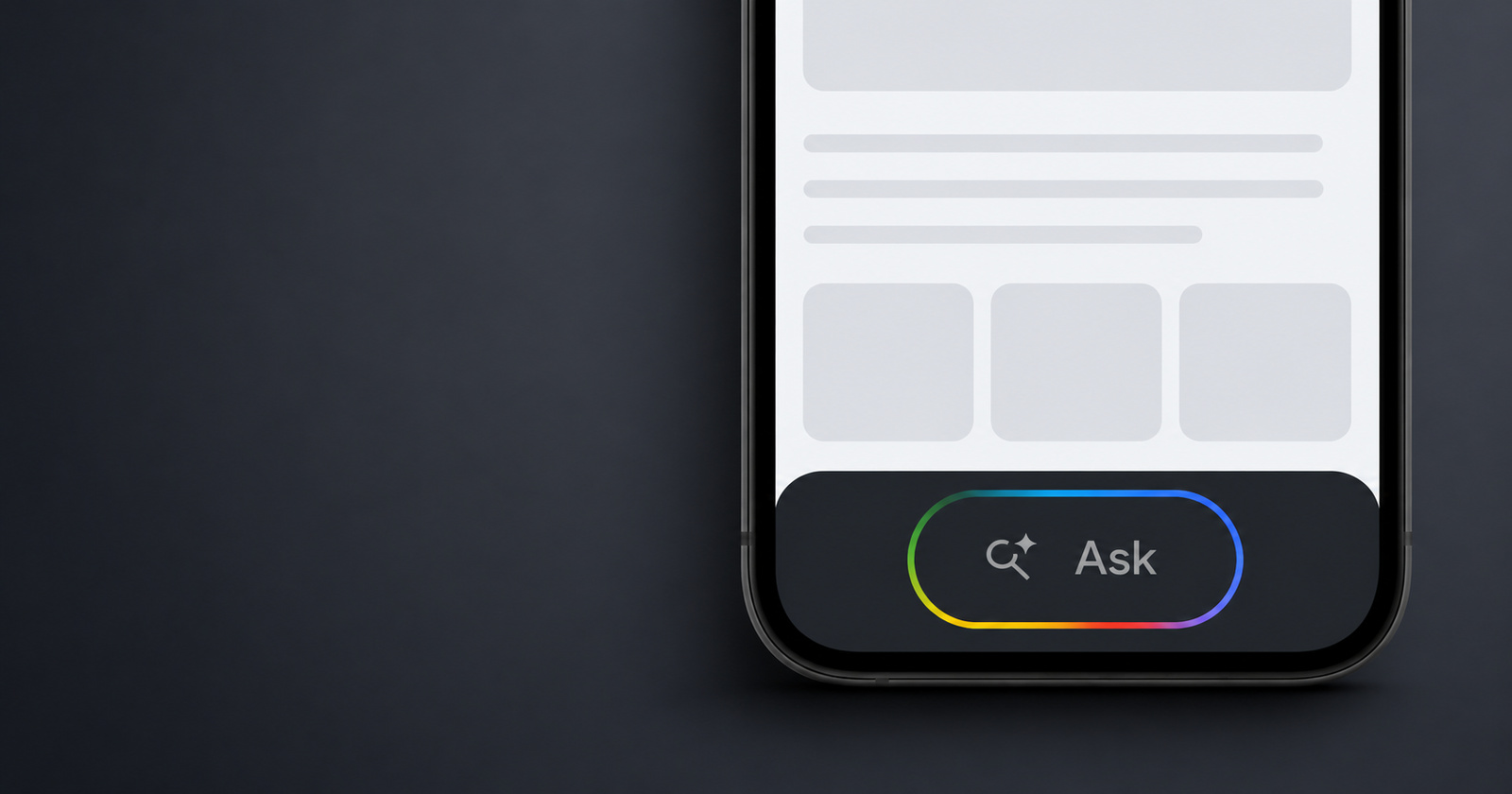
Google isn’t slowing down with the persistent shoe-horning of AI into every aspect of your browsing experience. Now, the company is slowly rolling out an “Ask” button at the bottom of all pages opened within the Google app.
The folks at Android Authority highlighted the rollout first, after seeing initial user reports surface and manually enabling the feature on their devices.
Additionally, there are several posts on Reddit and on the Google Support Forums about the intrusive new “Ask” button located at the bottom of the page. You can find more reports here, here, and here. It’s not device-specific; the reports include both Pixel and Samsung users with recent and older models.
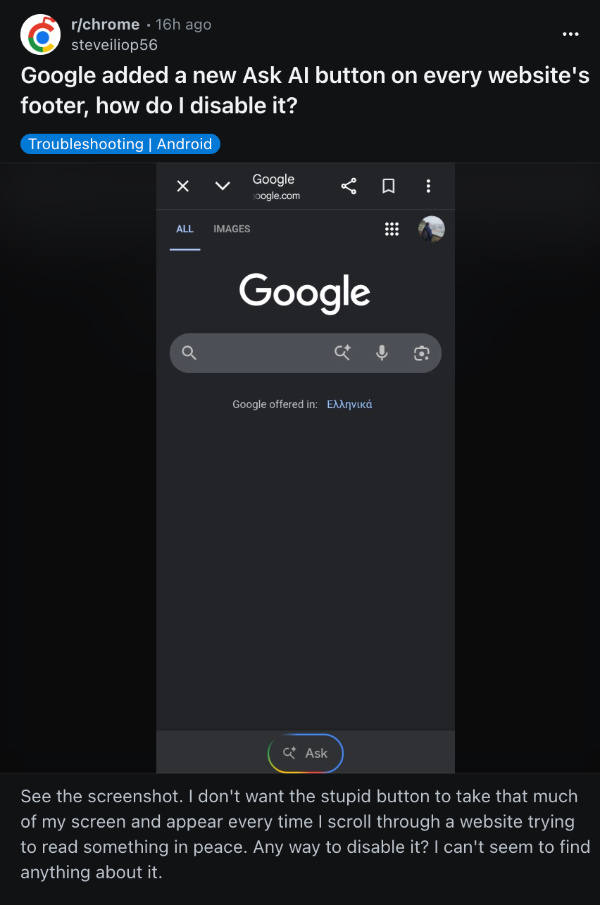
We’ve checked for this pop-up on several devices, including Pixels, but weren’t able to find it. This suggests that it’s under phased rollout, and it won’t reach everyone at the same time.
People have posted that it shows up on the footer of every website opened with the Google app, including the Google homepage, and that it’s fairly annoying. A lot of people already want to turn this feature off, finding it intrusive.
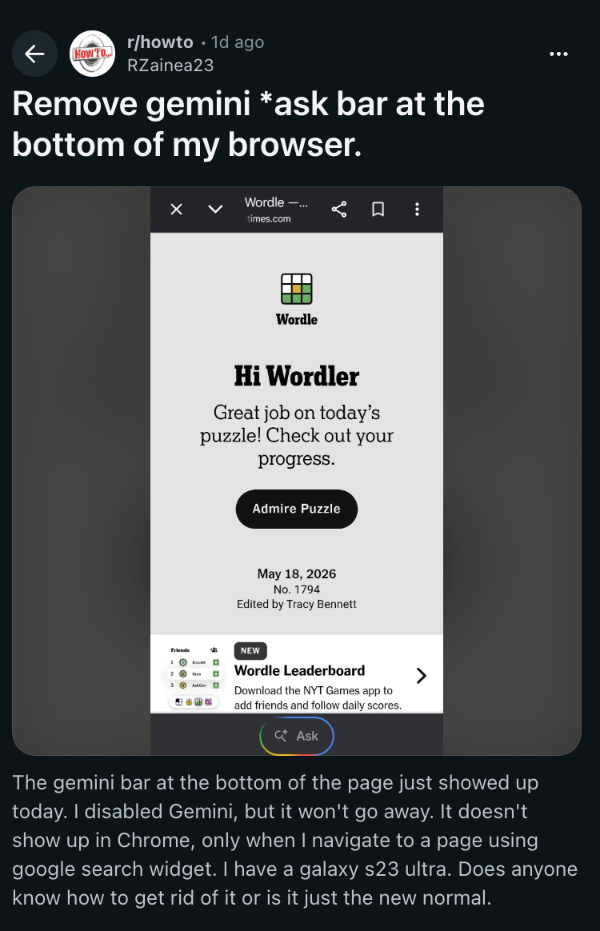
For now, the only workaround is tapping the three-dot menu at the top right and then selecting “Open in Chrome.” This opens the webpage in the normal Chrome app (and not within the Google app), which removes the “Ask” button, at least for now.
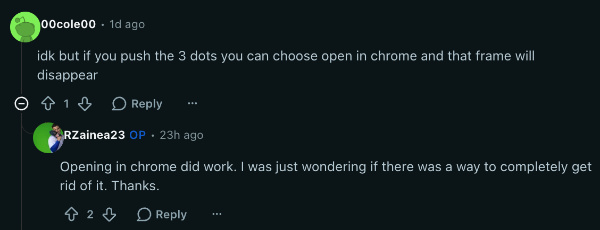
One comment suggests opening chrome://flags, searching for “AI Mode,” and then turning it off. Also, you’ll need to search for “Lens overlay” and disable it. However, it’s unclear whether this actually works. The setting may or may not apply to links that open within the Google app.
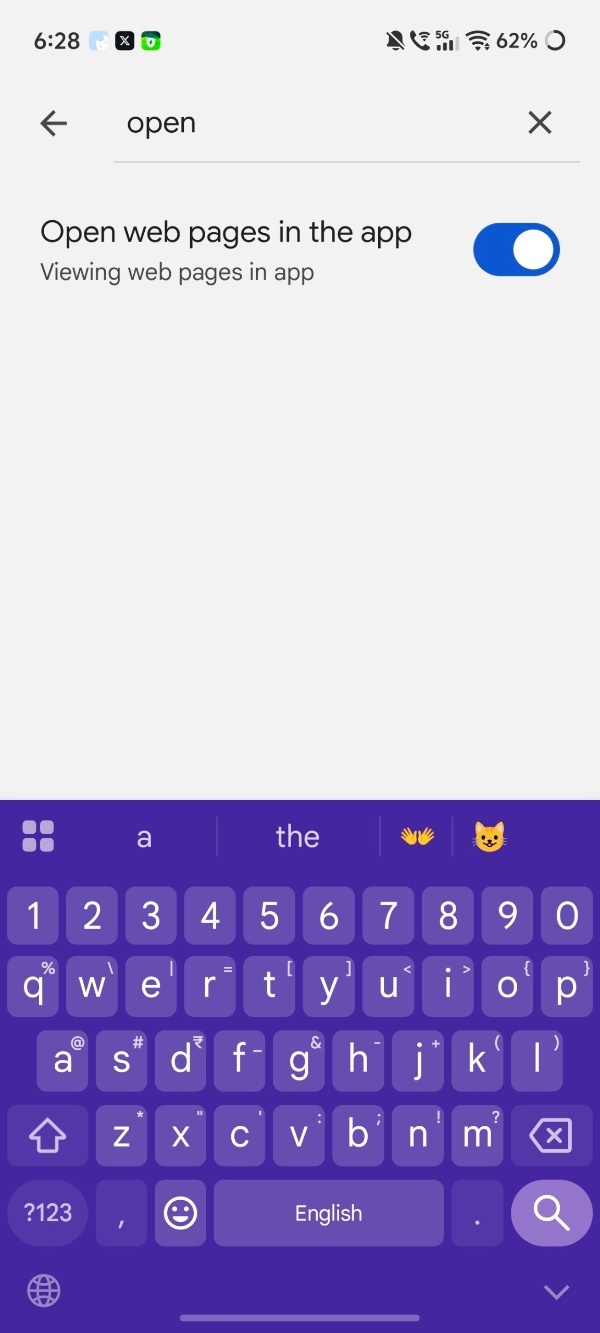
The Ask button only shows up when you open links from within the Google app, and not when you search on Google Chrome. If you’re fine with all your links not opening within the same app, then you can do the following:
- Open the Google app.
- Go to your Google Account settings by tapping your profile photo on the top right.
- Tap on “Settings.”
- Look up “Open web pages in the app” and toggle that off.
Note: This will open Google Chrome separately for all links.
In other Google news, users are already frustrated with Gemini’s new limits. You can read about that here.
Disclaimer: The Featured Image was generated with AI.


Sudhanshu K
303 Posts
I have been a consumer technology enthusiast for over 5 years. Thanks to my experience in software beta testing and product reviews, I've understood and learnt a lot about what bugs and issues bother people, and I spend time trying to simplify their solutions. I cover smartphones, software, social media, apps, AI, and most consumer tech gadgets. Actively pursuing a Computer Science bachelor’s degree. I'm mostly active on Twitter/X (@TechWhirlUlt), drop a DM or tag me if you want to share info or connect!
Next article View Article