






Waterfox has picked up a new update, version 6.7.7, with a heavy focus on under-the-hood security and faster image loading. This latest patch comes just two weeks after the version 6.7.6 release gave users more control over their home feeds.
Being a point release, it doesn’t have any major UI tweaks, and instead focuses on improving how the browser handles files and memory behind the scenes.
As highlighted in the release notes, the biggest change is that Waterfox has dropped the older C code used for Brotli compression and replaced it with a Rust version.
If you are not familiar with Brotli, it is basically the tool your browser uses to unpack compressed web pages and fonts so they load faster. Moving that system over to Rust is a huge win for everyday security because it prevents common memory errors that hackers usually try to exploit.
According to the developer, this was a “deliberate security decision as recent memory corruption vulnerabilities, including CVE-2026-111497 in Brotli, show the risks in this kind of code.” In affected software, the notes explain that “a specially crafted compressed response could corrupt memory and potentially allow an attacker to run their own code.”
Image handling has gotten a handy upgrade, too, especially when you come across modern formats on the web. JPEG XL images now automatically use multiple processor cores to load, helping heavy visuals appear much faster without slowing down your system.
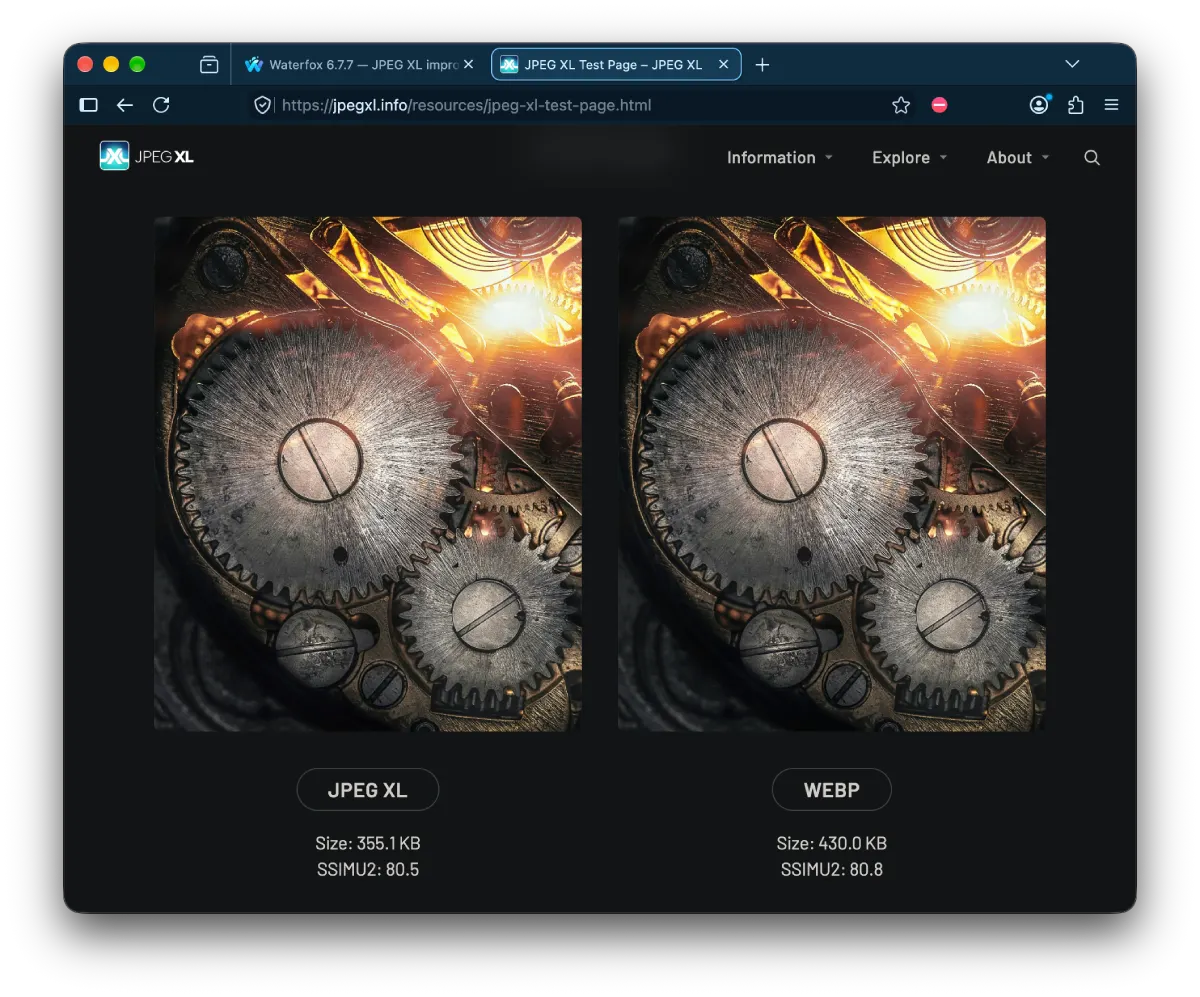
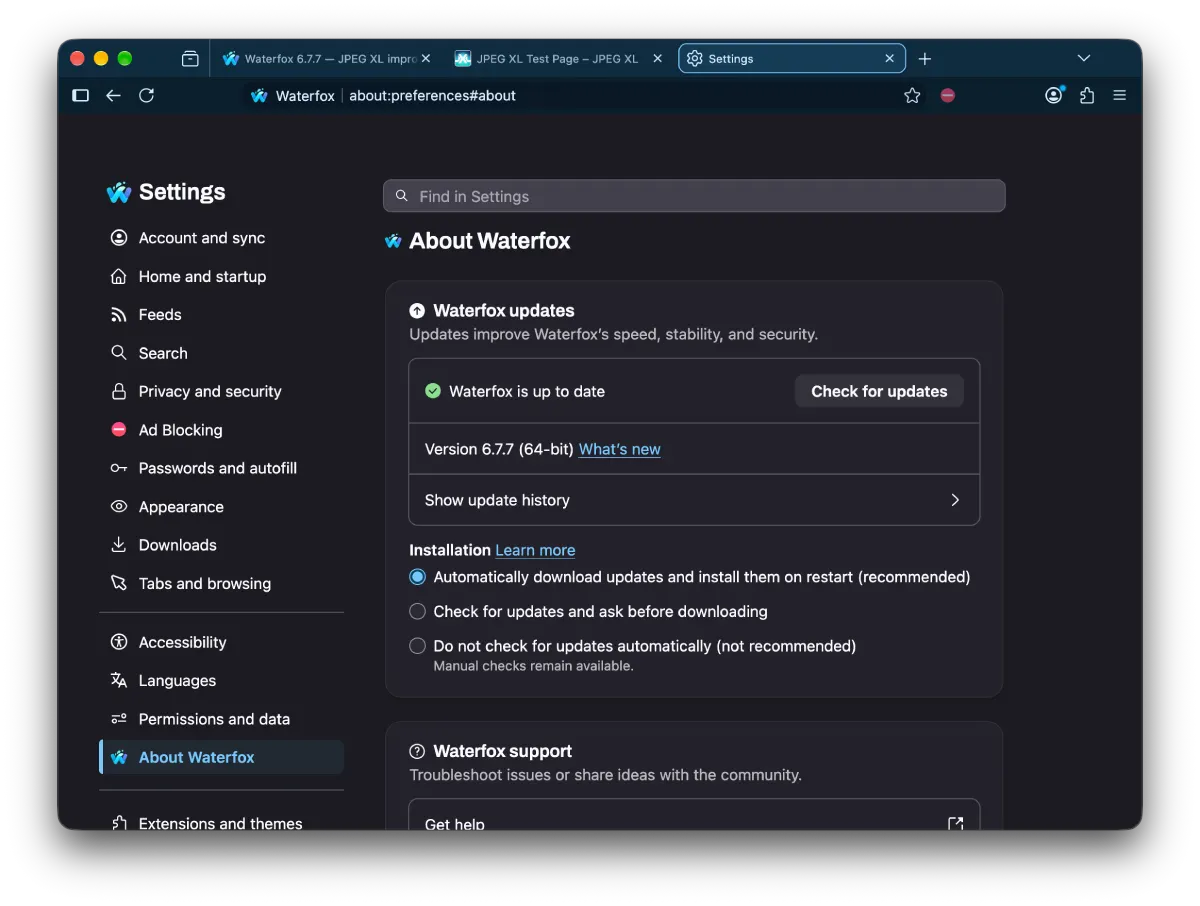
The developer also fixed a nasty crash linked to unusual color profiles in JPEG XL files, alongside some annoying transparency glitches. And if you like checking what is powering your browser, the About Waterfox window is now supposed to show the actual browser engine version right next to the main release number. However, in my testing, I couldn’t see the browser engine version on the page (maybe I’m doing something wrong?).
We have seen the developer stay pretty busy lately, especially after introducing the native RSS feed manager and built-in reader at the start of the month. With 6.7.7, a lot of the remaining polish went into fixing broken update prompts that sometimes showed the wrong release notes or outdated status alerts while waiting for a restart.
Tab previews are also a bit smarter now and will simply skip over broken images if a webpage changes while the preview is still loading.


Dwayne Cubbins
3159 Posts
I cover fast-moving stories across apps, online platforms, and everyday tech — phones, wearables, consoles, and whatever else people are fighting with this week. Bugs, rollouts, scams, policy enforcement, and the occasional internet-culture rabbit hole are all fair game. My goal is simple — make confusing tech news readable. When I'm not working, I'm working out or chilling with my dog. Got a tip? You can find me on X @dcubbins.