


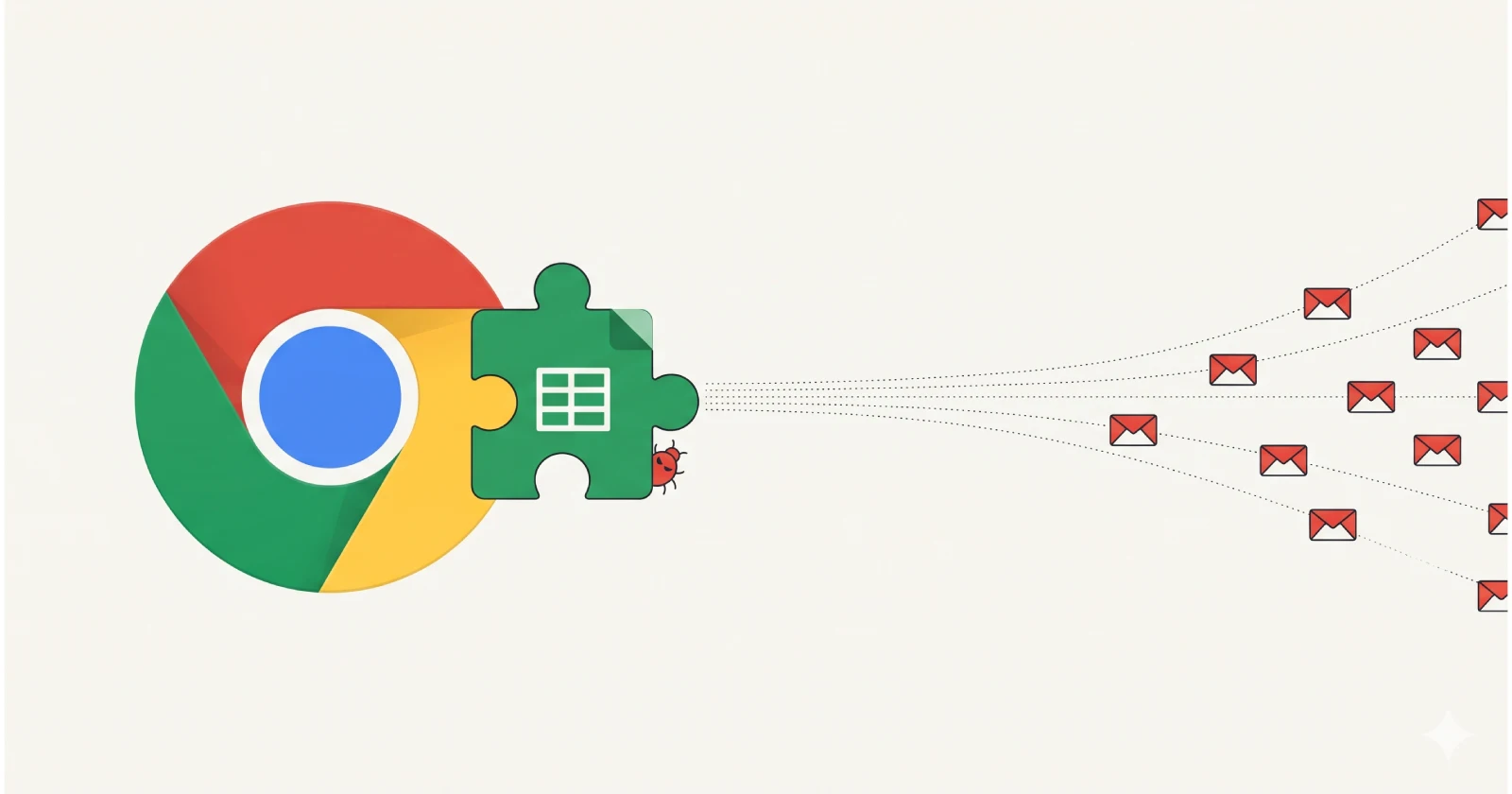
That scary Gmail zero-day the Remus infostealer was bragging about turns out to be a fake Google Sheets extension sitting inside Chrome. There’s no hole in Gmail at all.
The developer started pushing the feature on November 8, claiming it kept reading a victim’s mail even after a password change or session revocation. Hudson Rock looked into it and couldn’t find proof of a real vulnerability, though a customer backed the seller’s story. It’s sold on a $1,000-a-month Enterprise tier.
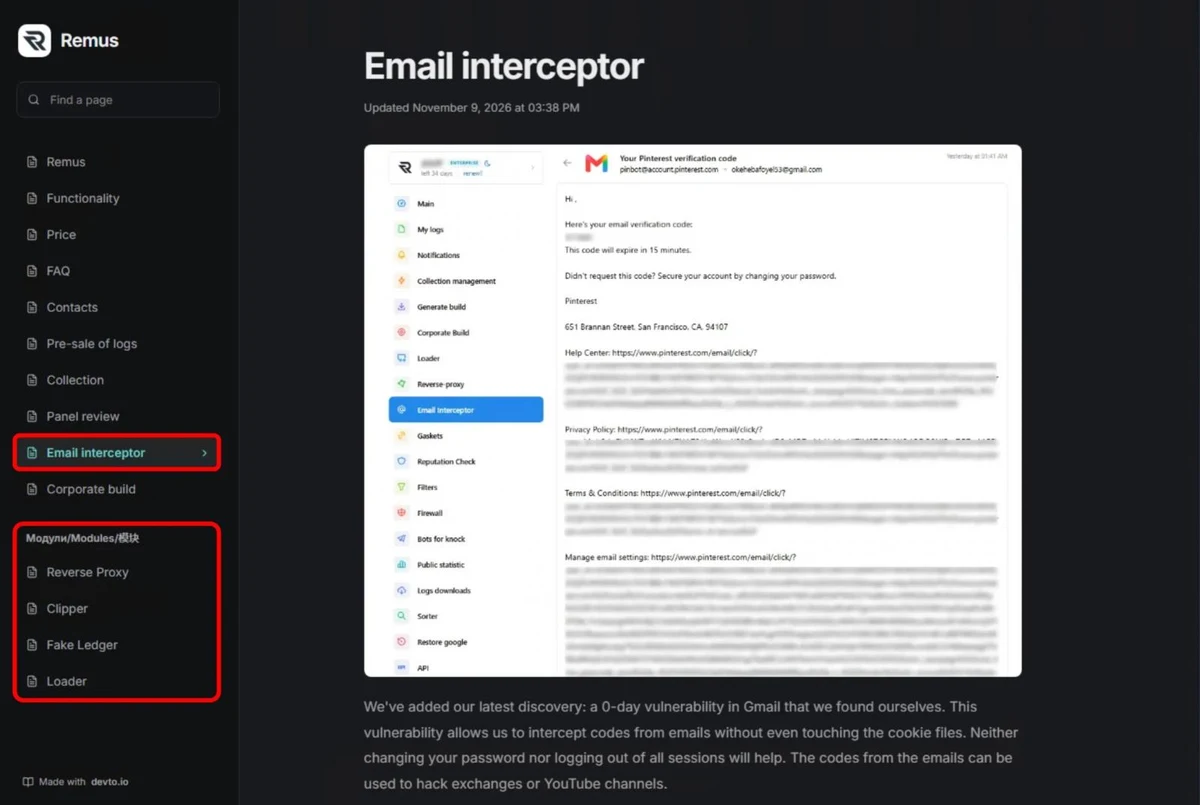
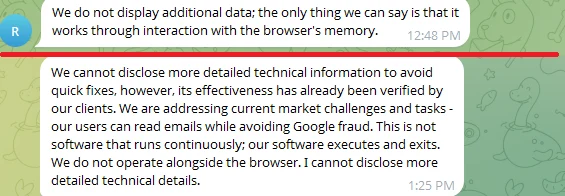
Hudson Rock co-founder Alon Gal said the developer described the malware as something that “interacts with browser memory, executes, and exits.” Pretty vague for what turned out to be a browser extension.
GenDigital and Invoke RE then published their own findings on November 24, and BleepingComputer has the rundown. GenDigital said the module is a DLL “whose sole purpose is to install a malicious extension into Google Chrome.”
Chrome 137 killed the command-line switch malware used to sneak extensions in, so Remus edits the Chrome profile directly and flips on Developer Mode itself. Google keeps tweaking extension rules (it recently rolled back its strict Chrome 155 extension restrictions after complaints), but attackers clearly keep finding another door.
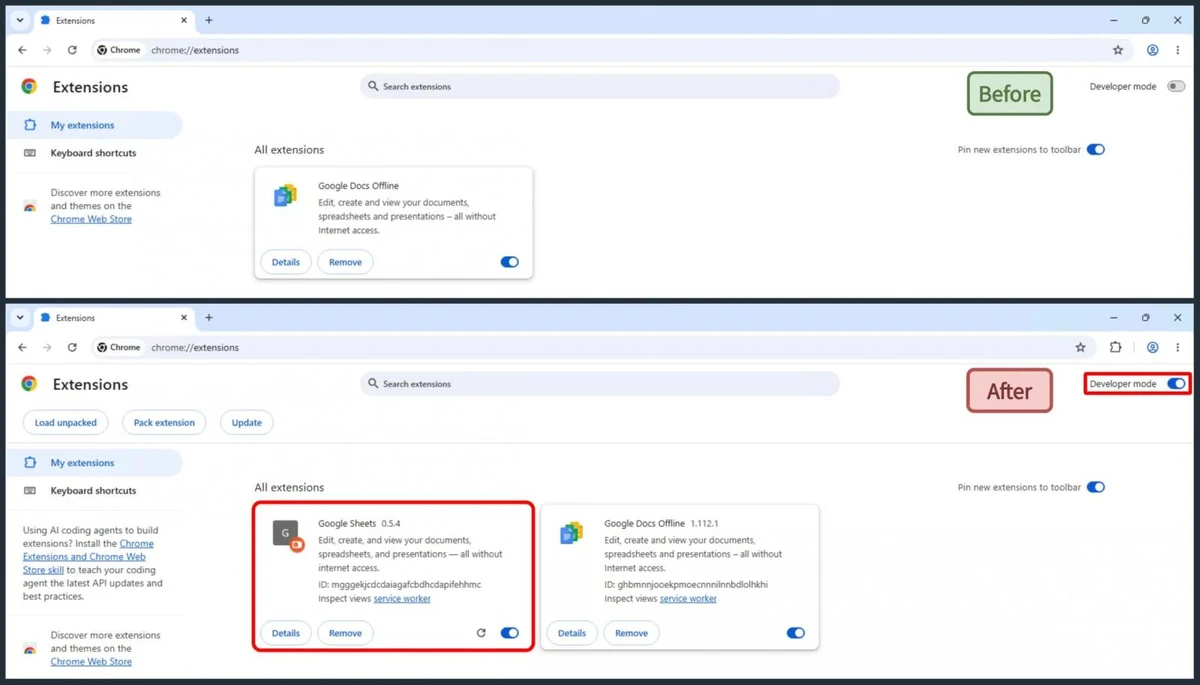
The extension calls itself Google Sheets, copies the description of Google Docs Offline, and asks for access to all websites. It’s far from the first extension to cause trouble, as we saw with the add-ons targeting crypto traders on Chrome and Firefox.
Every minute it checks for unread emails across up to 10 signed-in accounts and sends the subject, body, sender, and your address to the attacker’s server.
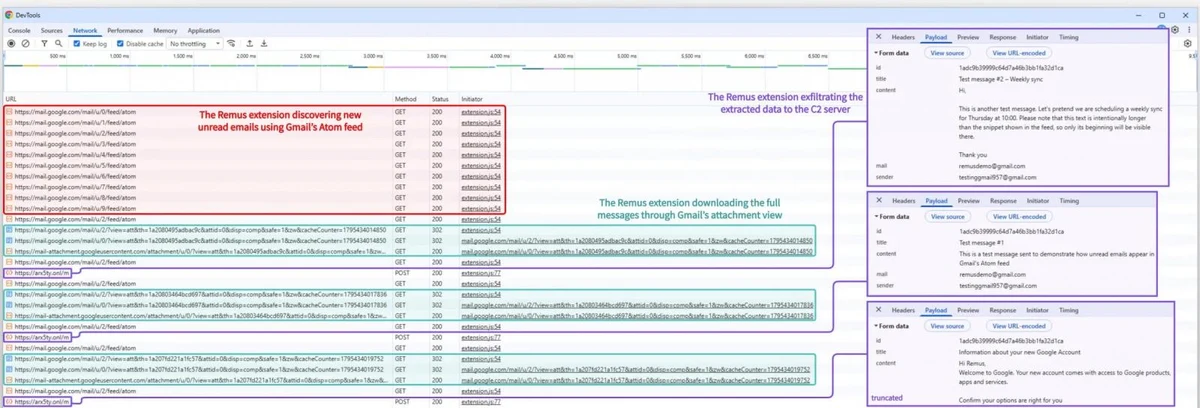
It doesn’t break Google’s sign-in. It leans on your existing Gmail session, so it goes quiet when you sign out and wakes up the moment you log back in. A password change alone won’t evict it.
Google told Cybernews that “there is no Gmail or Google vulnerability at play here.” It says to remove the malware first and only then reset passwords and revoke sessions; otherwise, the malware can grab your new session too.
To check yourself, open Chrome’s Extensions page and look for a Google Sheets entry you never installed, or Developer Mode switched on when you didn’t do it. If you find either, treat the whole PC as compromised and change your passwords from a different device. We’ve seen similar add-on trouble on Firefox too, with Mozilla pulling 16 malicious Firefox add-ons back in October.


Dwayne Cubbins
3248 Posts
I cover fast-moving stories across apps, online platforms, and everyday tech — phones, wearables, consoles, and whatever else people are fighting with this week. Bugs, rollouts, scams, policy enforcement, and the occasional internet-culture rabbit hole are all fair game. My goal is simple — make confusing tech news readable. When I'm not working, I'm working out or chilling with my dog. Got a tip? You can find me on X @dcubbins.