



It looks like Google had a change of heart and is rolling back a frustrating rule that it introduced in Chrome 155 that was breaking certain browser extensions on work computers. We spotted an update in the original blog post announcing the change, where Google confirmed it is rolling back the change after plenty of complaints from IT managers and developers.
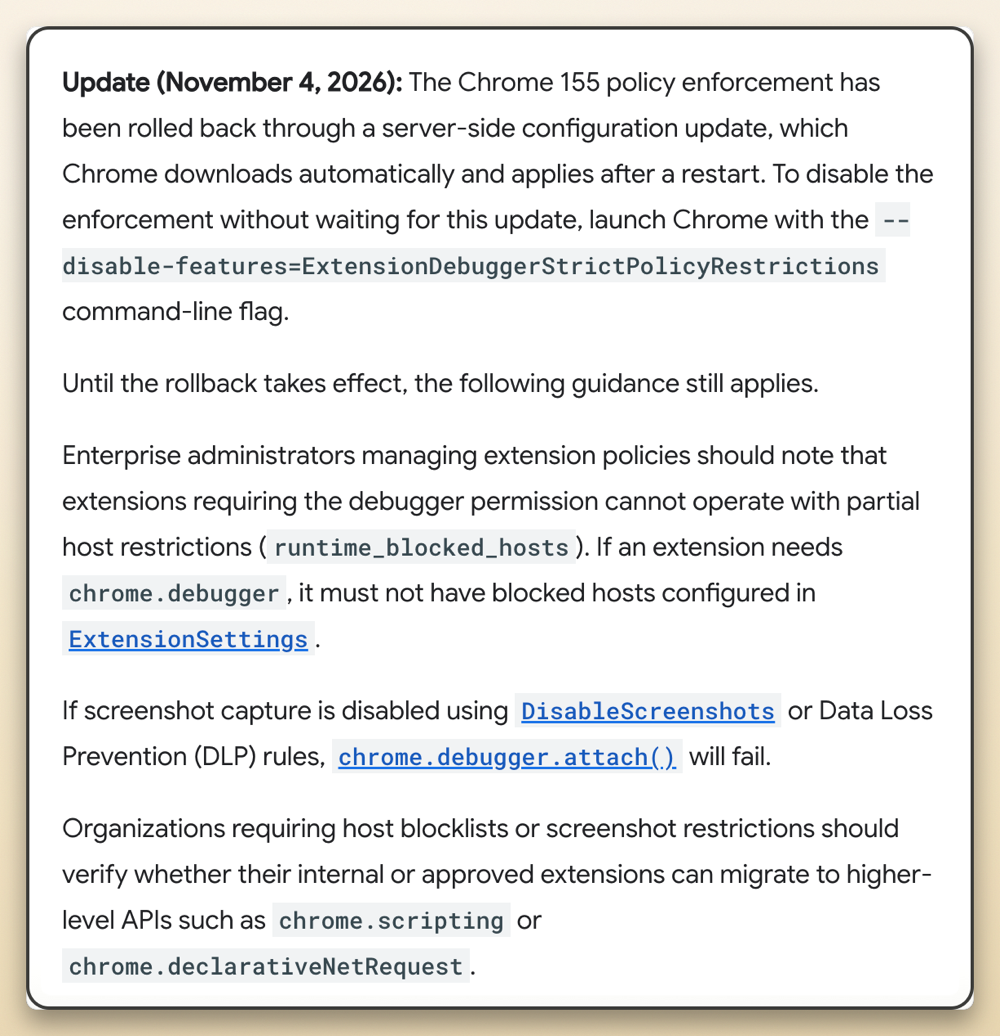
When Chrome 155 first rolled out in October, it quietly tightened the leash on extensions that use the built-in debugger tool. That is the deep access hook many testing tools, automation helpers, and custom workplace add-ons need to inspect pages and run scripts.
Up until now, company admins could block an extension from running on sensitive internal websites while letting it work normally everywhere else. Chrome 155 threw that balance out the window and switched to an all-or-nothing setup.
If a company had even a single blocked website on its list or turned off screenshot capture to protect private data, Chrome completely killed the debugger tool across the entire browser. Instead of just staying off restricted pages, extensions simply crashed with messages saying “Host access is restricted by policy” or “Screenshot capture is restricted by policy.”
That said, it still makes sense for Google to exercise caution when it comes to extensions. We’ve recently seen a sharp rise in malicious extensions and even reported on a 13-million-user search hijacking ring on Chrome just last week. It makes sense to lock down deep browser hooks, since an extension with debugger access can essentially see and change what’s happening on your screen.
The problem is that workplaces actually rely on those deep tools every day while still needing basic security rules for sensitive pages. Google admitted in its update that this strict approach “was found to be challenging” and decided to scrap the enforcement while the team figures out a more flexible design.
Google is pushing out the fix automatically through a server-side update, so affected users just need to restart their browser for things to go back to normal. If an office network has not received the automatic fix yet, admins can also force the old behavior back right away by launching Chrome with the following command-line flag:
--disable-features=ExtensionDebuggerStrictPolicyRestrictions


Dwayne Cubbins
3182 Posts
I cover fast-moving stories across apps, online platforms, and everyday tech — phones, wearables, consoles, and whatever else people are fighting with this week. Bugs, rollouts, scams, policy enforcement, and the occasional internet-culture rabbit hole are all fair game. My goal is simple — make confusing tech news readable. When I'm not working, I'm working out or chilling with my dog. Got a tip? You can find me on X @dcubbins.