






Two new reports from the security team at Socket have exposed a fresh wave of rogue browser extensions across Chrome and Firefox. One operation involves 319 hidden Chrome extensions that quietly hijacked searches for 13.4 million users over the past decade, while a separate campaign on Firefox uses fake crypto wallets to drain funds.
Most people never see these Chrome search hijackers in the store because the publishers keep them unlisted.
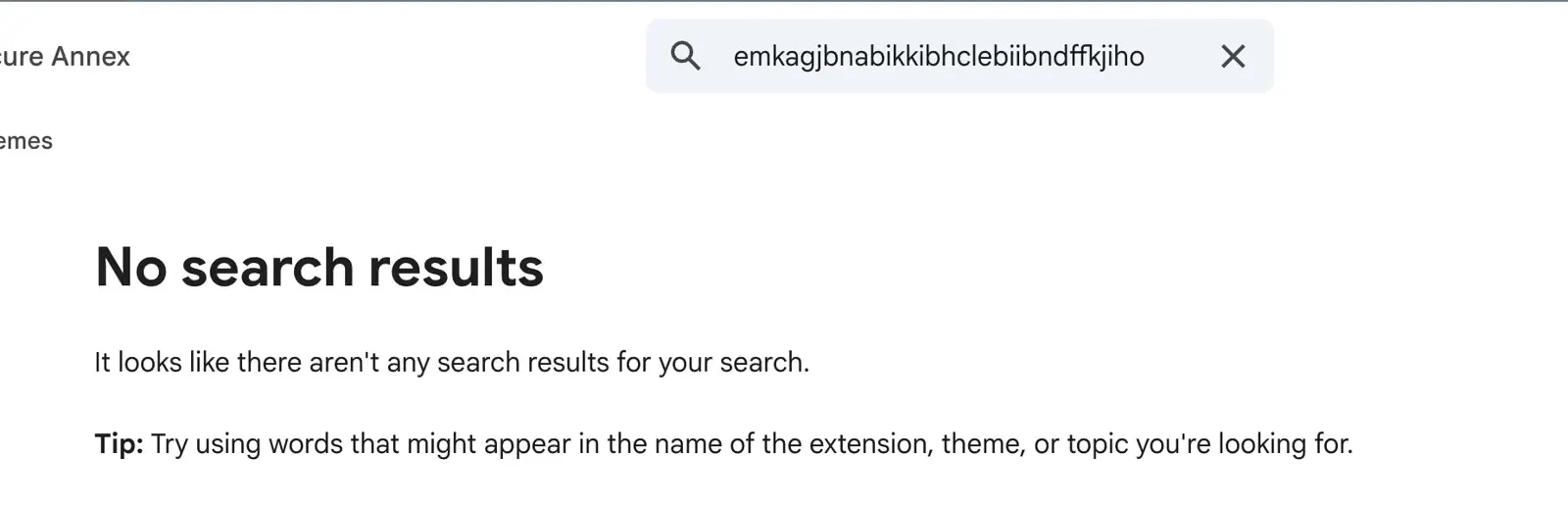
Instead, you may find yourself nudged into installing them by pop-up ads for free PDF converters or manual finders. This is a much more subtle trap compared to others, like when 19 browser extensions stripped away security rules to steal passwords earlier this year.
Once installed, these tools do not even ask for scary permissions; they just swap your default search engine and route every query through a private proxy server before dumping you on Yahoo or Bing for ad kickbacks.
That means some unknown operator is logging your entire search history and can redirect your browser on the fly, and as researcher John Tuckner noted, “The Chrome Web Store hasn’t kept up. Even if extensions are taken down, there are new domains and lures popping up quickly after.”
Just weeks after Mozilla pulled 16 malicious Firefox add-ons for stealing crypto credentials, Socket researcher Kush Pandya also uncovered three fake Firefox extensions posing as the Phantom, Jupiter, and Bitget wallets.
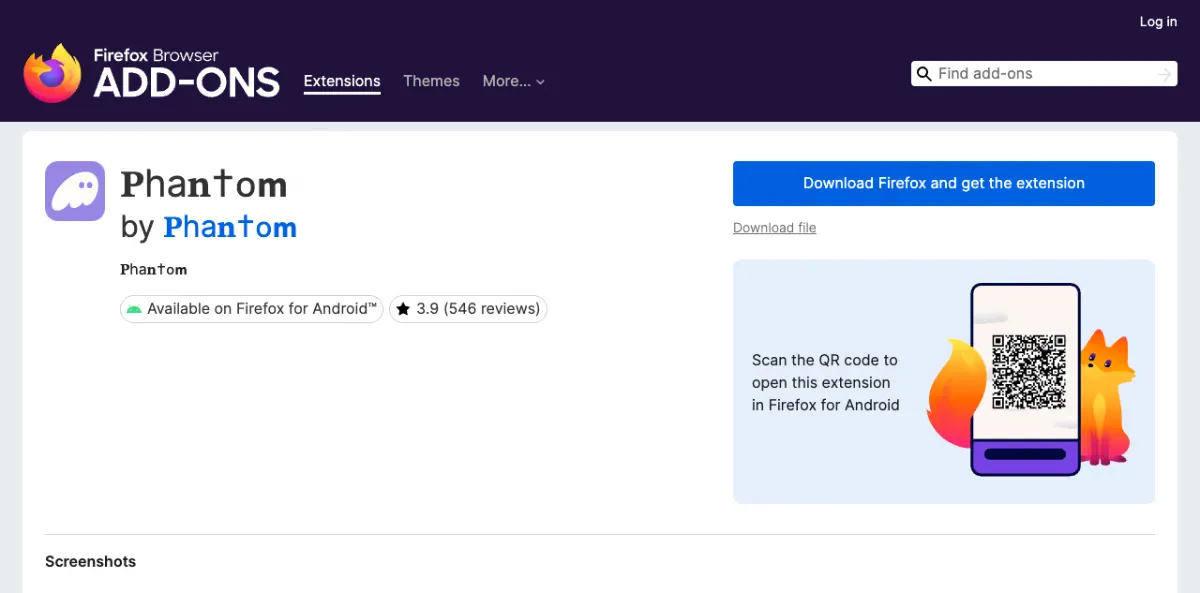
The scammers used lookalike characters and hundreds of fake reviews to disguise the listings, and while all three shipped with built-in stealers during review, the fake Phantom add-on also packed a remote loader that waited until approval before flipping on a second payload.
Typing or pasting a recovery phrase into any of these clones sends your keys straight to the attacker, repeating the same kind of betrayal we saw when free VPN extensions on Chrome and Firefox started stealing clipboard data.
Mozilla has removed all three fake wallets, though deleting the add-on will not save your funds if your seed phrase was already exposed since, as the report warns, “whoever holds them controls the wallet and can move every asset in it.”


Dwayne Cubbins
3166 Posts
I cover fast-moving stories across apps, online platforms, and everyday tech — phones, wearables, consoles, and whatever else people are fighting with this week. Bugs, rollouts, scams, policy enforcement, and the occasional internet-culture rabbit hole are all fair game. My goal is simple — make confusing tech news readable. When I'm not working, I'm working out or chilling with my dog. Got a tip? You can find me on X @dcubbins.