With each passing week, it feels like browser extensions are becoming more and more of a security risk. Fresh research from the security team at Socket has put the spotlight on 19 browser extensions that were quietly turned into credential-stealing tools.
According to their findings, these extensions worked by stripping away the security rules built into Chrome and Edge rather than trying to “hack” your computer directly. Once the browser’s security features were bypassed, attackers could inject hidden code into websites, letting them harvest passwords, personal data, and even information from crypto wallets.
And to make matters worse, some of these extensions actually started as legitimate tools. Meaning, users might have trusted the extensions to work as intended when they were first installed, but were completely blindsided when the extensions were updated with malicious code.
This tactic is something we’ve seen a number of times before, such as when fake VPN extensions rerouted user traffic through compromised servers.
The researchers found that one of the largest tools caught in this batch was a right-click extension called “Enable Right Click & Copy — Smart Unlock + OCR” that had nearly eighty thousand users combined on Chrome and Edge.
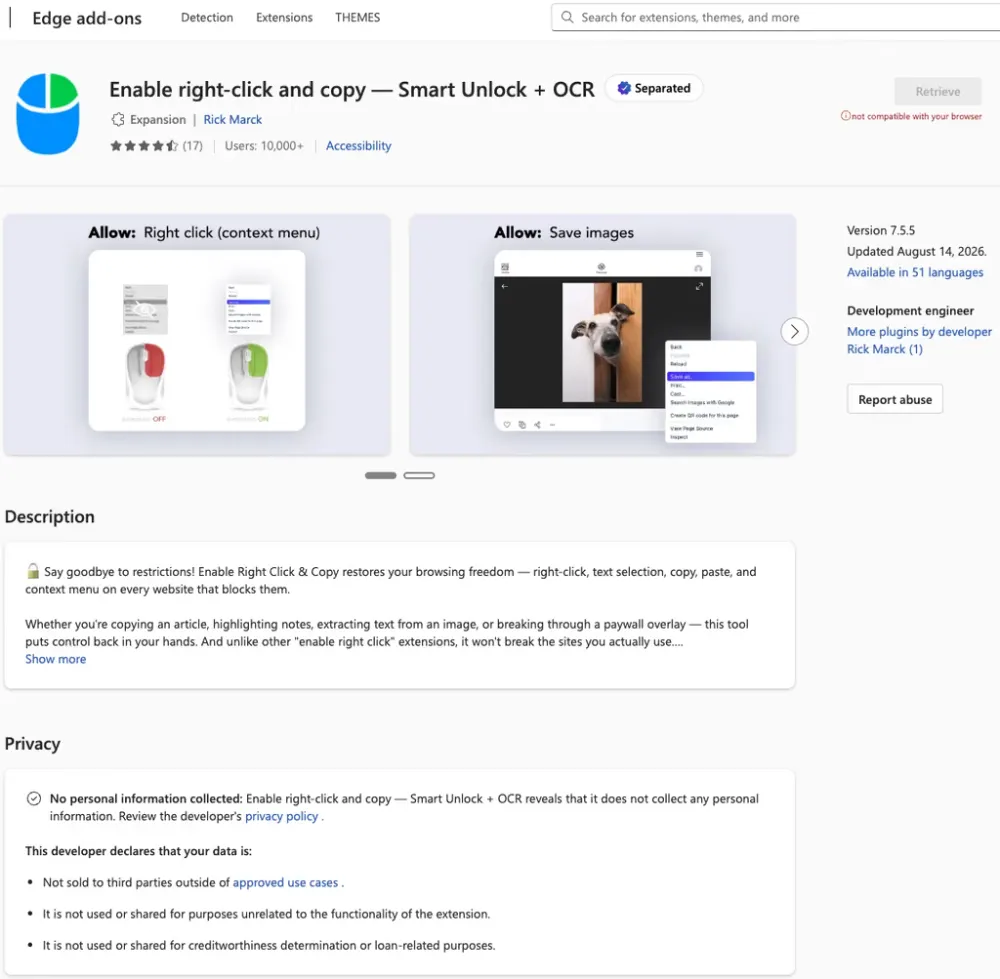
Extensions that shipped or were updated with malicious code began hooking into form fields to grab any text typed into them, including passwords. It’s the equivalent of someone looking over your shoulder while you’re entering your password. The only problem here is that most users would not even realize they’re being watched.
Something similar happened recently too, when Firefox add-ons hijacked crypto keyrings and intercepted saved recovery phrases right before encryption kicked in.
Socket researchers pointed out that these extensions mostly targeted users to steal login details and crypto assets through silent injections. They also warned that “the most impactful tactic is acquisition of established extensions offered for sale with an existing user base, which then get weaponized with malicious functionality.”
As noted in the introduction to this report, it seems like these tactics are becoming increasingly common. So the best way to protect yourself is to regularly audit your browser extensions. And if you don’t use or don’t really need an extension, delete it.


Dwayne Cubbins
3155 Posts
I cover fast-moving stories across apps, online platforms, and everyday tech — phones, wearables, consoles, and whatever else people are fighting with this week. Bugs, rollouts, scams, policy enforcement, and the occasional internet-culture rabbit hole are all fair game. My goal is simple — make confusing tech news readable. When I'm not working, I'm working out or chilling with my dog. Got a tip? You can find me on X @dcubbins.
Next article View Article