



Firefox can now import data from the Arc browser.https://t.co/HwXonV0IxC
— Firefox Nightly 🔥 (@FirefoxNightly) November 19, 2026
Arc is shutting down in about a month, and if you want to switch to a more “mainstream” and established browser, then Firefox is making it easier for you. The latest Nightly version lets you import your Spaces and Favorites as Bookmarks.
The official Firefox Nightly account posted about this feature on X, and you can view the post below.
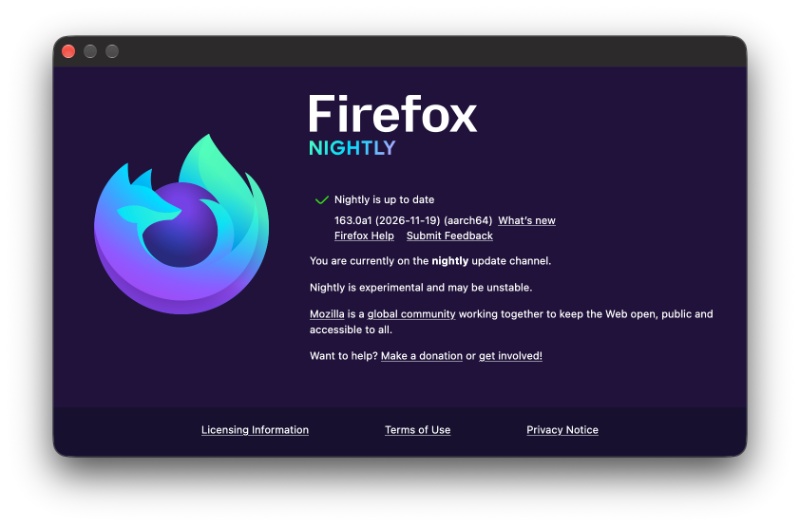
Nightly v163 is the latest version, and that’s the one that includes the “import” feature on my end.
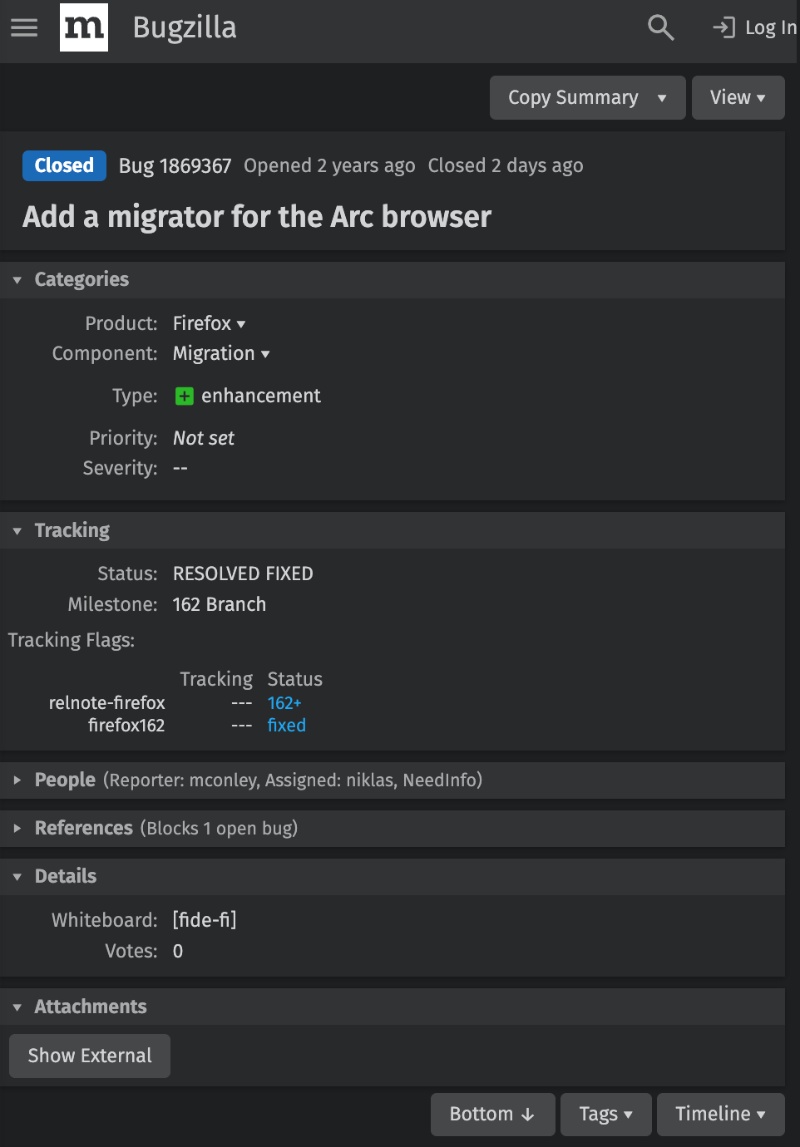
The X post also includes a Bugzilla link about this feature. It’s interesting to observe that the Bugzilla ticket was raised two years ago, and the import feature has only made it to Firefox two days ago.
So, where exactly do you find the option to import data from Arc? Here are the steps:
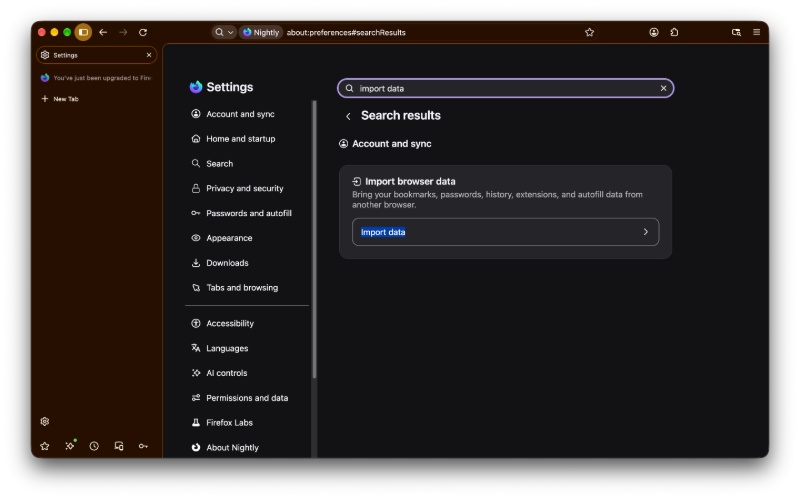
- Open Firefox Nightly and navigate to Settings.
- Look for “Import data” in the search bar.
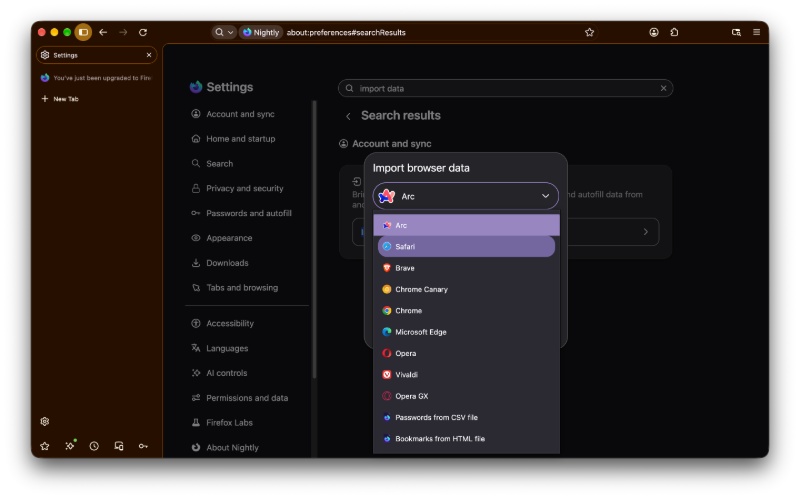
- From the drop-down menu, you’ll now find Arc as an available option. I looked for this on the Firefox beta, and the option was unavailable, so it’s currently Nightly-exclusive.
- All you have to do now is hit “Continue,” and then “Open.”
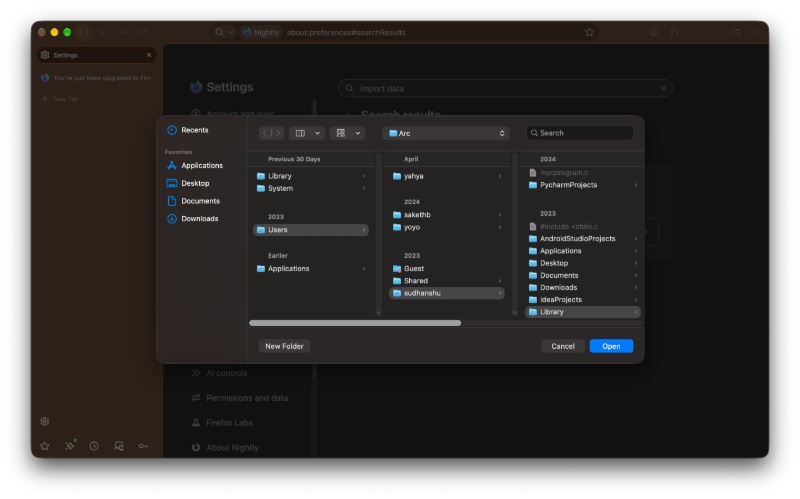
- It’ll start the process after that, but you have to enter your main user account’s password to give it access.
Once it’s done, you’ll see a “Data imported successfully” message.
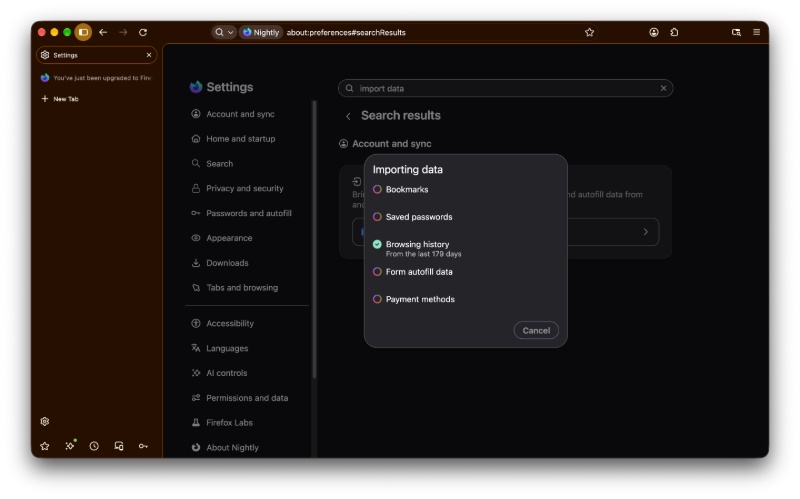
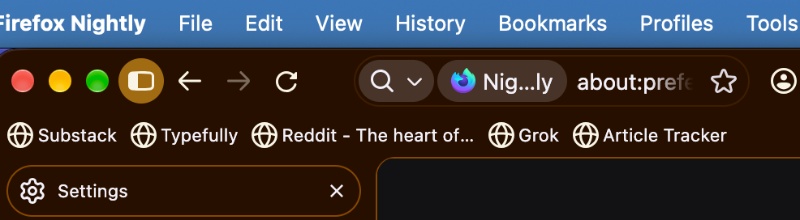
As you can see, Spaces are moved to Bookmark folders, and Favorites are converted into Bookmarks on the toolbar. It’s a very simple and quick process.
While Firefox v163 will enter the stable channel in January, it doesn’t make sense for this feature to go up that late. I’m assuming Firefox will bring it down to the latest version of stable soon, because the Arc browser is shutting down on December 22. Do note that we don’t have official confirmation on when this feature will hit Arc stable, considering it’s not even functional in beta at the moment.

We stand out from the tech-media crowd because we break news stories; we mainly bring you stuff that you won’t find anywhere in the mainstream tech media. Our stories have been picked up by some of the world’s most popular websites and media outlets—more info is available here.

Sudhanshu K
396 Posts
I have been a consumer technology enthusiast for over 5 years. Thanks to my experience in software beta testing and product reviews, I've understood and learnt a lot about what bugs and issues bother people, and I spend time trying to simplify their solutions. I cover smartphones, software, social media, apps, AI, and most consumer tech gadgets. Actively pursuing a Computer Science bachelor’s degree. I'm mostly active on Twitter/X (@TechWhirlUlt), drop a DM or tag me if you want to share info or connect!