



If you were facing performance issues with Zen browser after a few hours of browsing, then you might want to grab the new v1.24.3b update right away. The developers claim that this new build patches a memory leak where “closed browser and popup windows” were never cleared from RAM, causing memory usage and random pauses to grow over time.
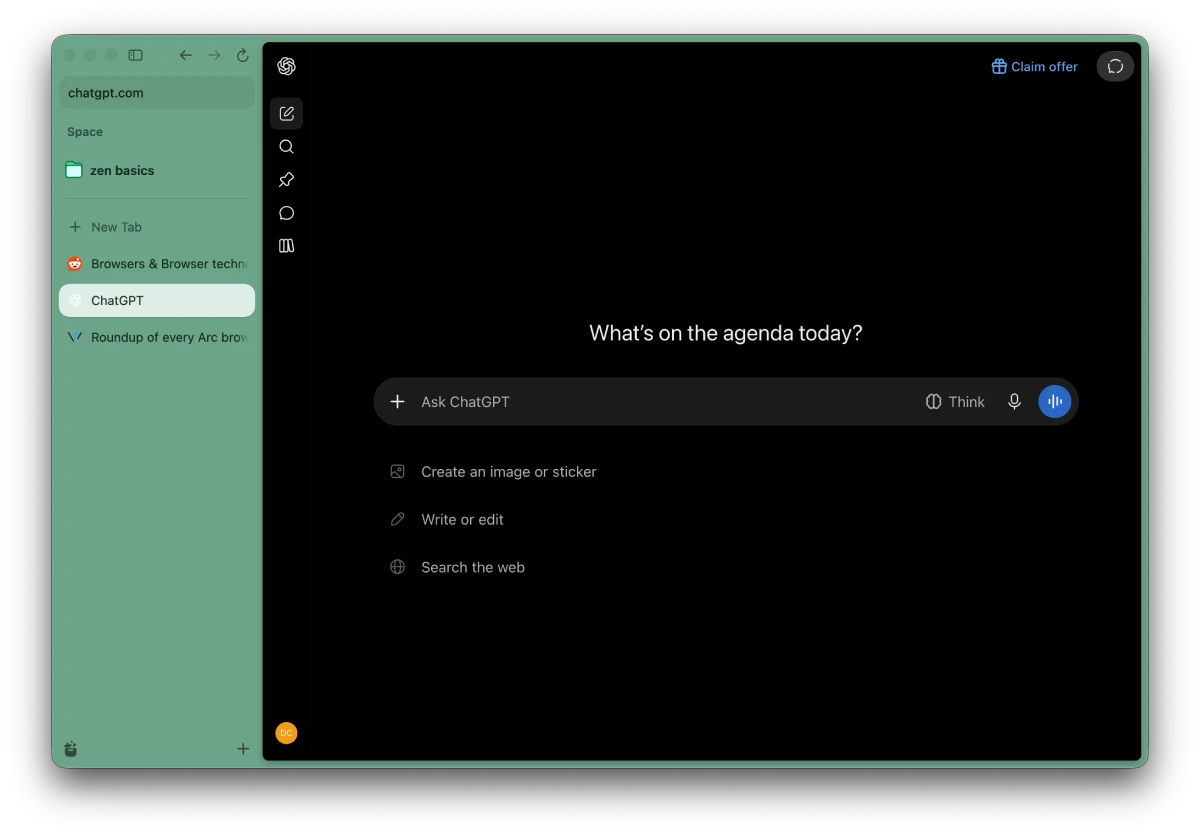
The official release notes also suggest that it stops tabs from crashing on certain sites, “most notably ChatGPT.” Since so many people keep an AI tab open all day, that fix alone makes updating right away an easy call.
Built on Firefox 160.0.1, this release arrives roughly a week after Zen 1.24.2b added Apple Metal WebGL support and PiP speed controls.
It cleans up some display bugs too, like PDFs and web graphics turning blank or showing black cells in Google Sheets on Macs with AMD GPUs. Linux users on Wayland also get proper colors back in Google Meet backgrounds.
You also get a handy tweak for copying links when you select multiple tabs at once, since the copy URL and Markdown shortcuts now grab every selected link together.
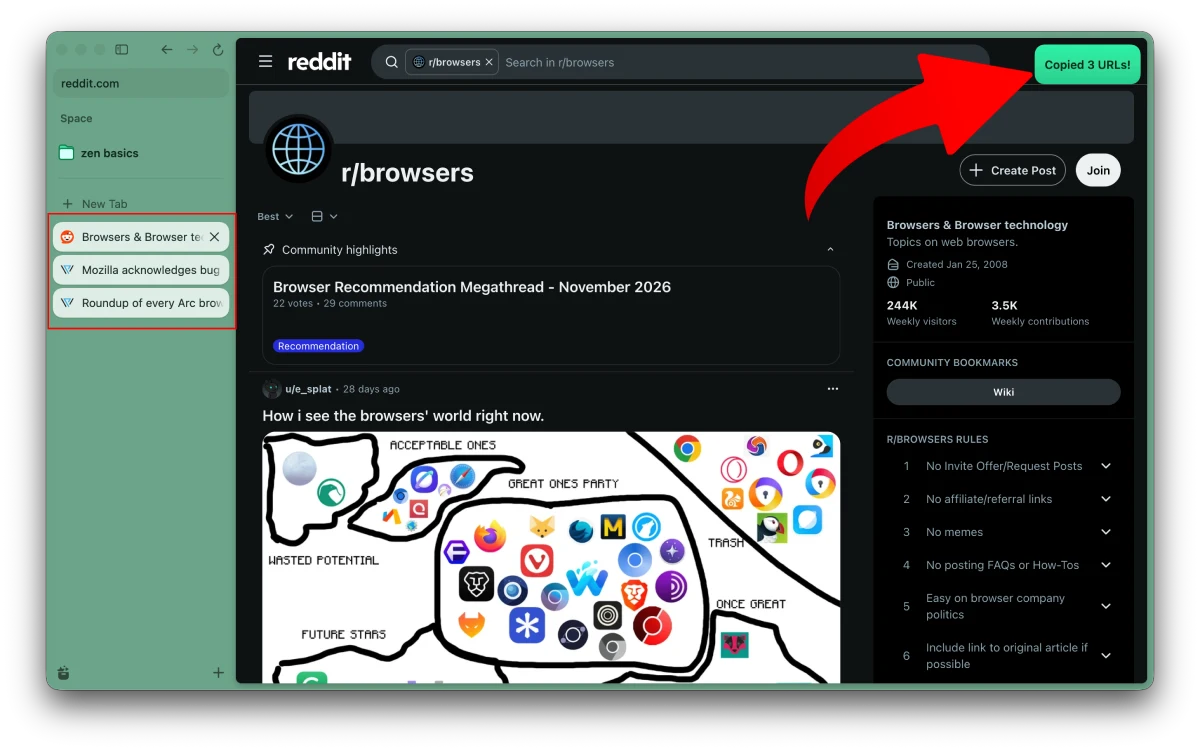
The team also stopped that shortcut from copying a blank address if you trigger it while a page is still loading.
Boosts color tinting and controls work again too, which is good timing since Zen made Boosts shareable last month. Switching gradient spaces feels smoother now, and split view or glance tabs won’t unload when memory gets tight.
In the single toolbar layout, the zoom button is hidden and replaced by a brief toast popup when you zoom. Several security fixes round things out, and you can read the full changelog below.


Dwayne Cubbins
3222 Posts
I cover fast-moving stories across apps, online platforms, and everyday tech — phones, wearables, consoles, and whatever else people are fighting with this week. Bugs, rollouts, scams, policy enforcement, and the occasional internet-culture rabbit hole are all fair game. My goal is simple — make confusing tech news readable. When I'm not working, I'm working out or chilling with my dog. Got a tip? You can find me on X @dcubbins.