


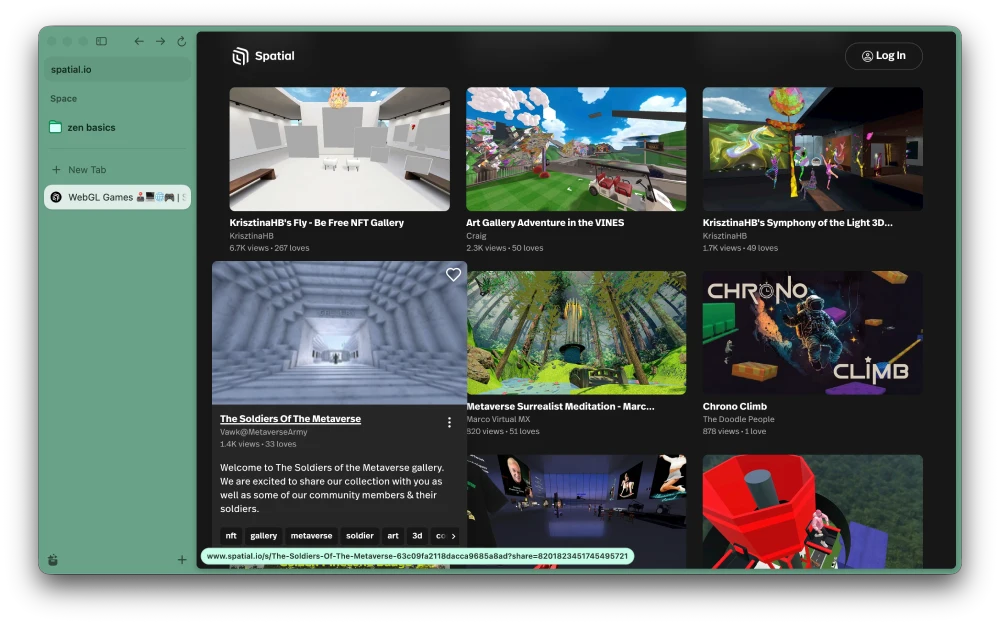
Zen bagged a new update a few days ago that brought a bunch of quality-of-life improvements to the browser. For starters, Mac users are getting a nice performance upgrade with version 1.24.2b. WebGL content is now rendered using Apple’s Metal graphics API.
If that sounds like gibberish, WebGL is basically what powers the 3D stuff you see on some websites, like browser games, interactive maps, and those spin-around product viewers.
Metal is Apple’s own graphics tech, and it’s what Macs are built to work best with, so moving WebGL over to it should make graphics-heavy pages run smoother. Zen keeps its expectations modest though, saying it “can improve performance on some sites.”
The update is also built on Firefox 160, so it brings along something a lot of people have wanted for ages. But the change I think most people will actually use is that the Picture-in-Picture player now has a playback speed setting that goes from 0.25x all the way to 2x.
I often find myself watching YouTube videos with the PiP player while working on things like this post. This playback speed control is a huge plus because it lets me speed up videos without interrupting my work and switching to the YouTube tab just to speed up the boring parts. Here’s a screenshot of the PiP player’s new speed controls:
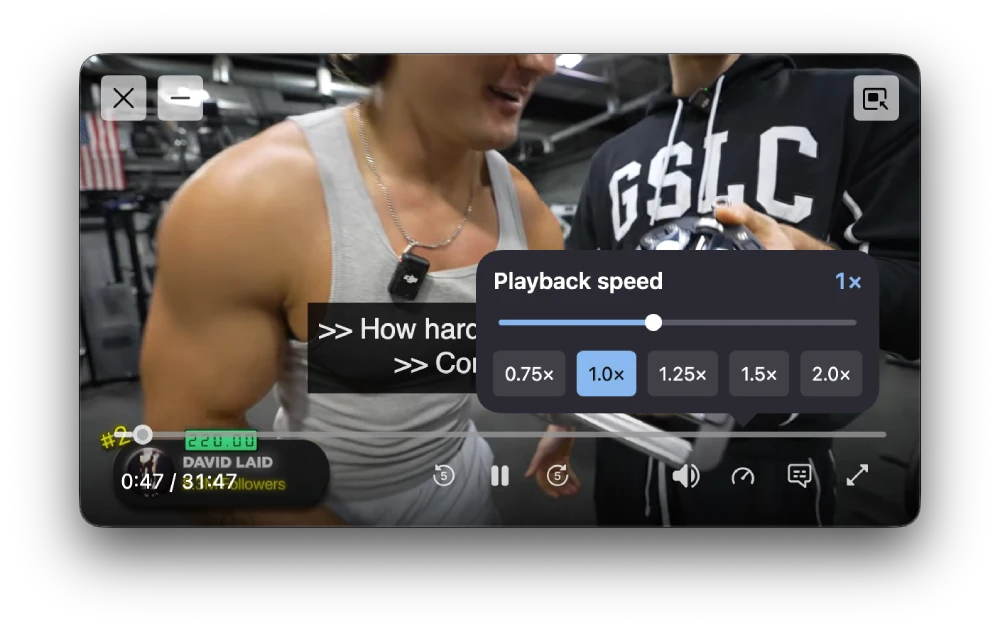
It’s pretty neat. But keep in mind that the speed controls only appear in the window if the player is medium-sized or larger. If you reduce the size of the PiP window, those controls disappear. So if you don’t see it immediately, try resizing the PiP window to make it bigger and then check again.
That said, we already saw this show up in Firefox’s own v160 update alongside the new mini window, and it’s good to see Zen pick it up this quickly.
Zen also squashed a bunch of annoying macOS bugs. Links opened from apps like RSS readers no longer yank Zen to the front, and downloads stop opening in the wrong app.
Grabbing multiple files at once when Zen asks where to save them actually works now too. Before this, only the first file even got a save dialog, and the rest just sat there forever.
The address bar gets a bit of transparency for a more modern look, and boosts color tinting got faster. That’s the same boosts feature that became shareable when Zen added Arc and Dia import last month.
You can also pause downloads from the context menu now, and sites that keep nagging you to handle email links can be shut down with a new “Never allow” button.
You can find the full changelog here.


Dwayne Cubbins
3207 Posts
I cover fast-moving stories across apps, online platforms, and everyday tech — phones, wearables, consoles, and whatever else people are fighting with this week. Bugs, rollouts, scams, policy enforcement, and the occasional internet-culture rabbit hole are all fair game. My goal is simple — make confusing tech news readable. When I'm not working, I'm working out or chilling with my dog. Got a tip? You can find me on X @dcubbins.