






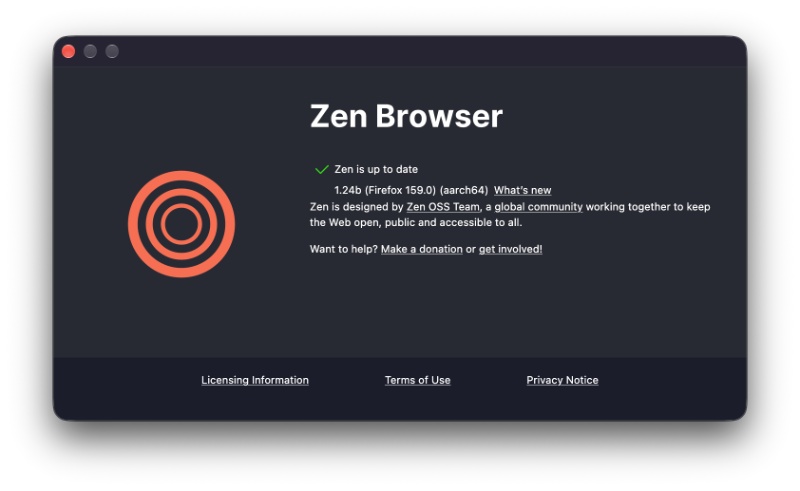
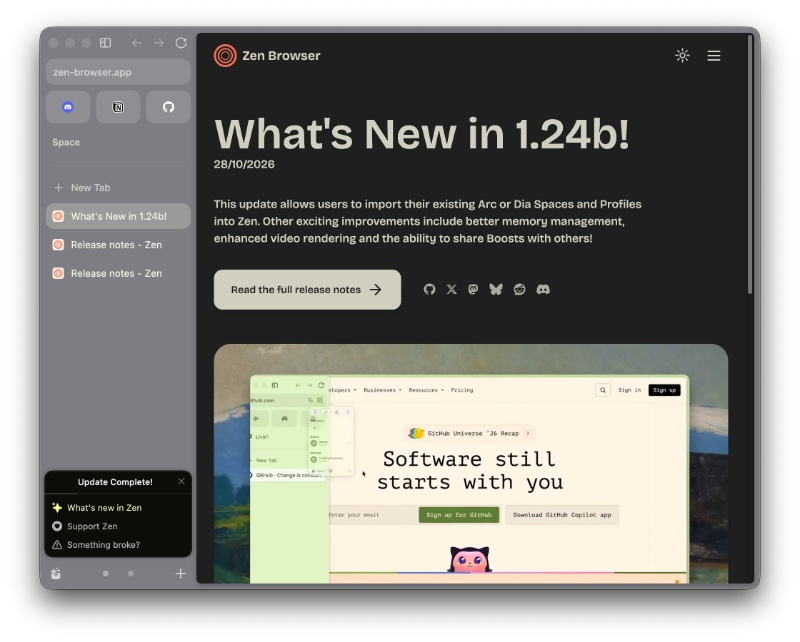
The latest Zen Browser update (v1.24b) is primarily to ease the migration process for Arc (and Dia) users. There are also some polish and bug fixes.
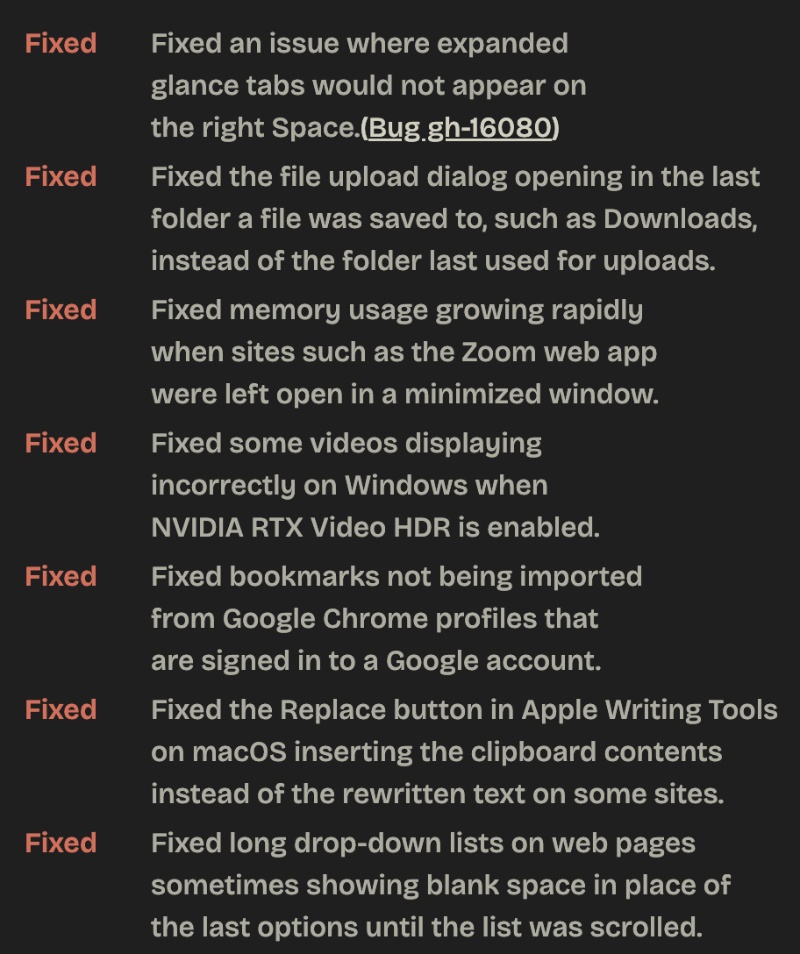
The entire changelog was officially published in Zen’s Release Notes section. The entire list is too long to attach here, so I have uploaded a partial screenshot below for your reference.
One of the main new features is easier migration from Atlassian’s browsers, and the timing is likely deliberate. Arc is shutting down fully on December 22 of this year, and The Browser Company is pushing users towards Dia. However, Zen is subjectively a cleaner-looking alternative that’s visually more similar to Arc, though it’s Gecko-based. The migration feature is likely aimed at grabbing some users who are on the way out from Arc.
Here are the most important changes added in this update:
- Import Spaces and Profiles from Arc and Dia: This is the “headline” feature. You can bring over your workspaces and profiles directly from those two browsers instead of needing to start from scratch.
- You can now share Boosts: The per-site customizations that you’ve created (fonts, zapping elements, colors, dark/light themes, etc.) can now be shared with others.
- Paste and Search: Control (or Command) + hovering over the New Tab button will now run Paste and Search. It lets you quickly paste a URL or text and search it.
- Add/Remove tabs from the Library.
- Visual indicator when a tab is not visible, and the tab’s content isn’t currently being shown.
- The keyboard shortcuts have moved to about:keyboard. Space routing settings have also been moved to the Library.
- Fixes for memory leaks and overall everyday polish, such as fixing folder-related issues, better video handling with NVIDIA RTX video for Windows, and more.
- Updated to Firefox v159: This brings security fixes from Mozilla.
- Furthermore, the Reader Mode button has moved next to the Secure indicator.
You can find the entire list of fixes, additions, and changes here.


Sudhanshu K
356 Posts
I have been a consumer technology enthusiast for over 5 years. Thanks to my experience in software beta testing and product reviews, I've understood and learnt a lot about what bugs and issues bother people, and I spend time trying to simplify their solutions. I cover smartphones, software, social media, apps, AI, and most consumer tech gadgets. Actively pursuing a Computer Science bachelor’s degree. I'm mostly active on Twitter/X (@TechWhirlUlt), drop a DM or tag me if you want to share info or connect!