


Vivaldi just pushed out a fresh pair of mobile test builds for Android and iOS, bumping the underlying engine to Chromium 159 while cleaning up some genuinely annoying bugs that slipped into recent updates.
If you use the Snapshot builds on your phone, the Android release (version 4235.3) is the one you probably want to grab right away. A recent update ended up breaking keyboard clipboard tools, built-in translation, and language switching for a bunch of users, which made everyday typing a chore.
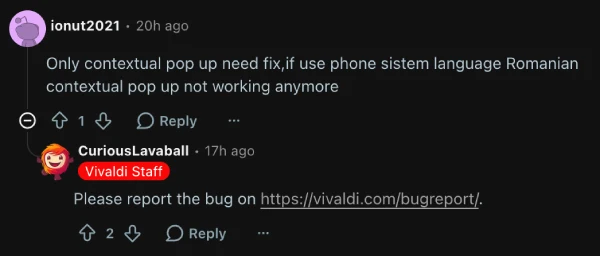
Making matters worse, people who keep their address bar docked at the bottom of the screen couldn’t even type in non-Latin languages. Both of those headaches are finally sorted out here, though one Reddit user ionut2021 pointed out in the release thread that “if use phone sistem language Romanian contextual pop up not working anymore,” so a few regional quirks still need ironing out.
Both mobile builds also continue tweaking the built-in ad blocker, which got a massive overhaul earlier this month when Vivaldi 8.3 arrived on desktop, iOS, and Android. On Android, custom filter lists now drop neatly into the “Other” category by default, and you can actually disable regional filter lists again after a bug previously locked that toggle.
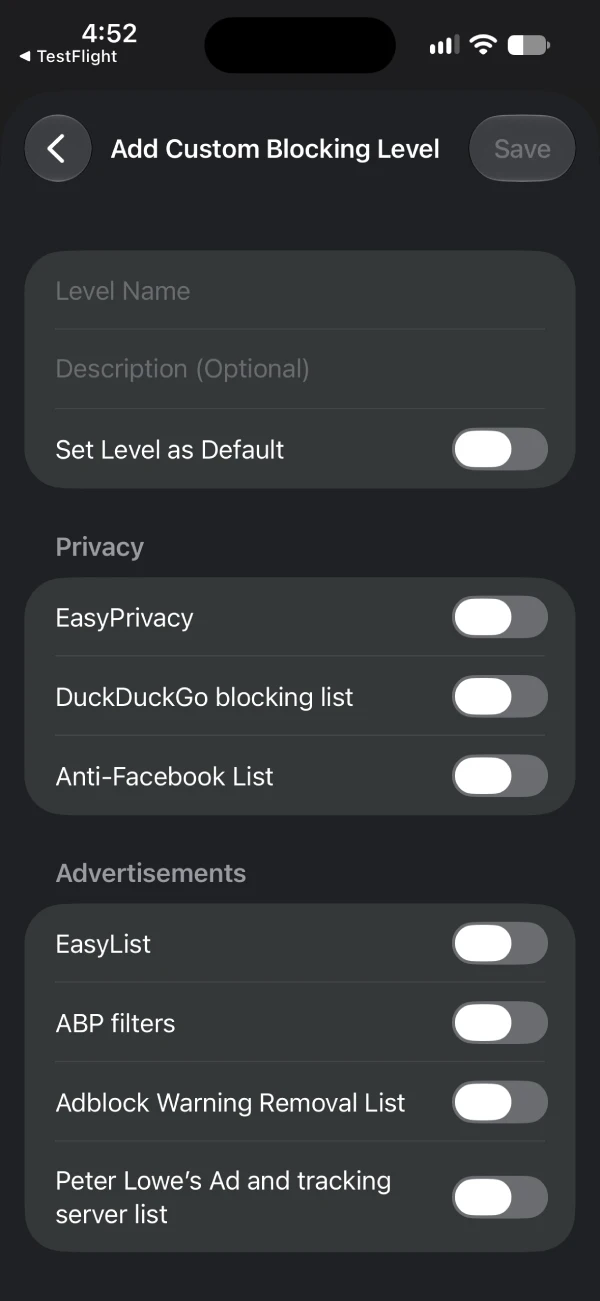
Over on iOS and iPadOS, Snapshot 4234.4 lets you set a custom protection level as your default right while you are creating it. That fits right in with what CEO Jon von Tetzchner said during the 8.3 rollout when he noted that “ad blocking shouldn’t be all or nothing.”
iPad users are also getting bailed out of a pretty nasty keyboard shortcut bug. Pressing Cmd+W on an iPad was unexpectedly shutting down the entire window and wiping out all open tabs instead of just closing the active one, which is the kind of bug that makes you scared to use a physical keyboard.
The iOS update also fixes a broken “Send to your device” button, stops the app from crashing when sharing notes, and makes sure opening a new window on your very first run actually works. Meanwhile, the Android build cleans up a weird glitch where creating your very first Speed Dial group somehow spawned two of them, alongside a couple of random crashes in the history tab and settings menu.
All of this steady maintenance comes during a pretty busy month for the company, right after Vivaldi Enterprise launched as a free, privacy-focused browser for businesses looking to ditch Big Tech.


Dwayne Cubbins
3218 Posts
I cover fast-moving stories across apps, online platforms, and everyday tech — phones, wearables, consoles, and whatever else people are fighting with this week. Bugs, rollouts, scams, policy enforcement, and the occasional internet-culture rabbit hole are all fair game. My goal is simple — make confusing tech news readable. When I'm not working, I'm working out or chilling with my dog. Got a tip? You can find me on X @dcubbins.