


Arc is shutting down soon, and the time gap between the announcement and shutdown has left an open window for other companies to recreate the experience of using Arc. Not everyone is particularly keen on moving to Dia, since that offers an AI-forward experience.
Arc introduced several features and ideas that change the way people interact with their browsers, and finding a suitable replacement isn’t as easy as installing Chrome.
As a result, there are almost a hundred independently developed alternatives, many with AI-assisted coding. Some of them are quite ambitious, including Arc’s vertical sidebar, Spaces, Little Arc, Peek, split-screen, and more. Some take a slightly different approach that focuses on AI agents while maintaining the overall theme of Arc. Not all these projects are mature, and many of them are in early development or beta stages.
We went through the list of available alternatives, and here’s the list of our top 20:
- Crest: It lacks the hover feature for web apps; while everything, including Spaces and Peek/Split View, is present, the browser lacks an option for website customization/Boosts. One particularly interesting feature about Crest is that it supports all extensions, including Gecko, Chromium, and WebKit. We took a detailed look at Crest before, and you can read about that here.
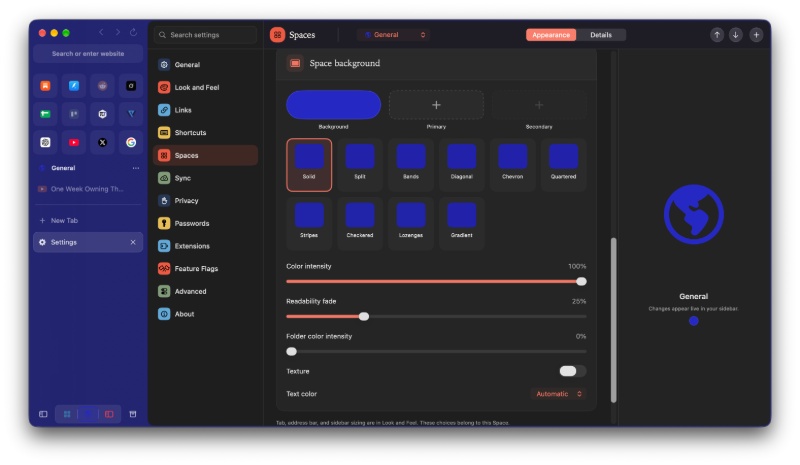
- Cra: It’s the most ambitious project so far, and they issue updates almost every day. It includes basically all of the important Arc features, and doesn’t miss a single major one. It lacks DRM streaming; there’s no mobile app yet (currently in TestFlight), and you don’t get support for Arc Easels.
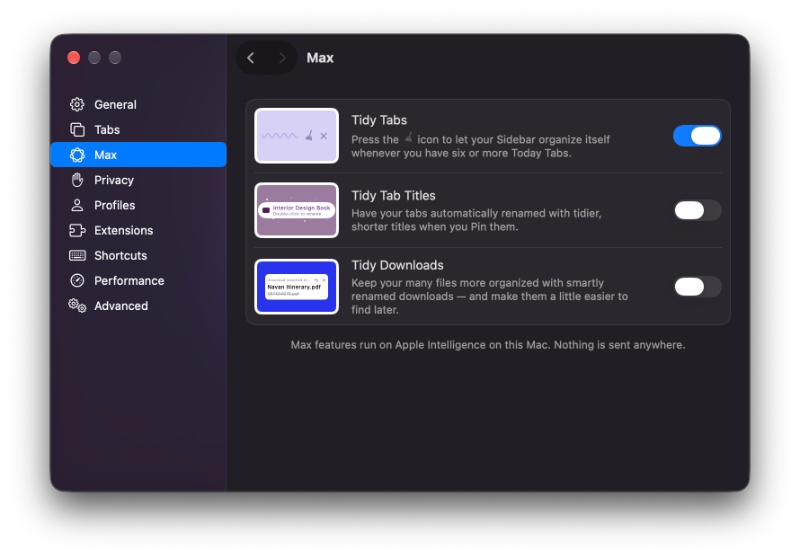
- Search: It doesn’t support Firefox/Safari extensions and doesn’t have the hover feature for pinned web apps to get a small preview. That aside, it has almost everything, including the sidebar, Spaces, Profiles, pinned tabs, Peek, Little Arc windows, and more. The Search browser is also advertised as a “No AI” approach. You also don’t get a mobile app, and it’s exclusive to macOS at the moment.
- Yab: Yab works for users who want AI integrated into their browsing. However, it misses out on several features.
- Facet: Facet is another browser for those who want to integrate AI into their browsing experience. The major misses include only “partial” support for Little Arc. Links from external apps don’t open in these Quick Windows by default. It also lacks support for iCloud Keychain passkeys, and the iPhone/ iPad companion apps are still in beta.
- Vane: It’s a browser built on WebKit, and it offers almost everything that Arc does, including Boosts, Little Arc, and more. However, it currently lacks passkey support, and it doesn’t have an iPhone/Android app at the time of writing.
- Circa: It’s a feature-rich option that currently lacks DRM streaming, Passkeys, and Easels.
- ilo: It’s open-source and is Chromium-based. It includes several Arc features, like Spaces, Peek, Little ilo windows, Boosts, and Split View. However, it doesn’t support Live Folders, lacks Easels, and has no mobile app.
- Magnetite: DRM support is limited at the moment, and Passkey support is only partially present. Also, you don’t get a mobile app.
- Bay: Bay is a Chromium-based browser with several important Arc features. However, the global Favorites are not shared across Spaces. Peek functionality is limited, and DRM streaming and iCloud Keychain passkeys are partially supported.
- Orbit: Orbit lacks support for DRM streaming and also has limited support for passkeys. It lacks a built-in ad/tracker blocker as well. There’s no publicly available iPhone app either, although one is reportedly in development.
- Airc: Airc is an open-source Chromium browser with plenty of features. Once again, DRM and passkeys are only partially supported. Easels are available, but it’s quite basic at the moment. There’s also no mobile app for now.
- Contrail: Contrail is a WebKit-based browser with support for Mac, iPhone, and iPad. However, Boosts are limited to hiding individual webpage elements, and it does not have custom CSS or JS. Its iPhone and iPad companion apps are available through a public TestFlight beta for now.
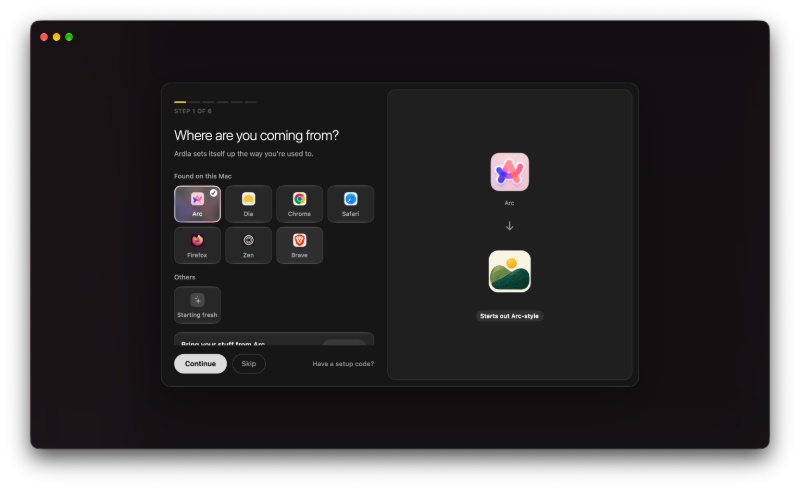
- Ardia: Ardia is a really popular, open-source Chromium browser. This is also the browser that MKBHD appears to have switched to. It has a minimal interface and also built-in uBlock Origin. However, multiple workspaces cannot share the same profile, and Boosts are incomplete at the moment. There’s no Easels equivalent either.
- OpenArch: OpenArch is a free, MIT-licensed Chromium browser with Arc’s sidebar, Spaces, Arc import, and also an iPhone companion app. DRM streaming and passkeys have partial support. It lacks a built-in ad blocker; there are no screenshot tools, and no Easels.
- Phi: Phi is a Chromium-based browser with an Arc-style sidebar, Spaces, URL Rules, and an integrated AI assistant. It does miss out on quite a few features. Boosts and Easels are missing entirely, and there’s no dedicated mobile app. The built-in ad blocker is available but disabled by default.
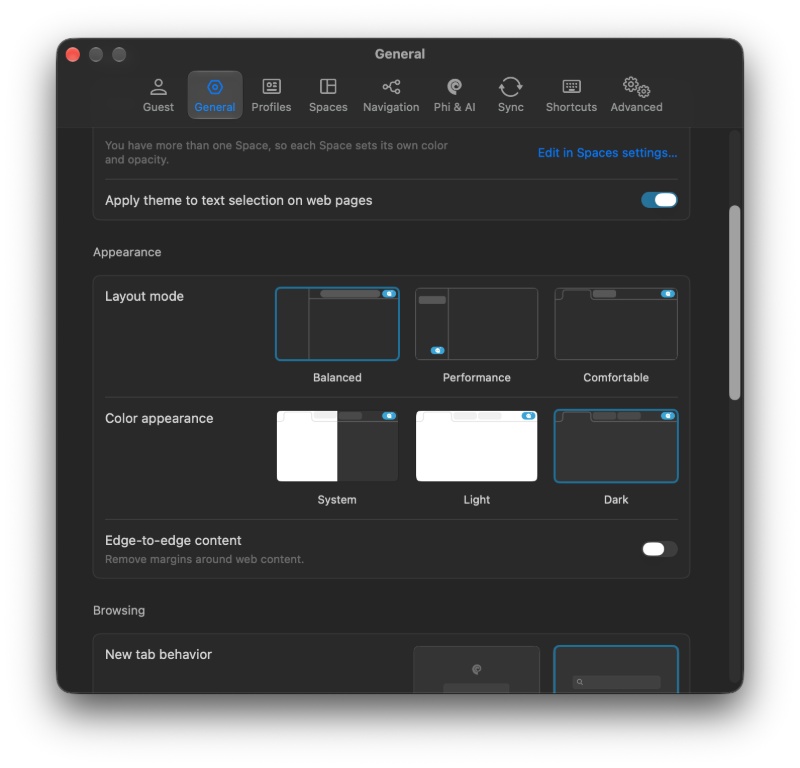
- Sailfish: Sailfish is an open-source Chromium browser that lacks Boosts and Easels, and even the automatic PiP mode is only partially implemented. Furthermore, DRM streaming is limited, and passkeys aren’t supported. For now, it’s one of the least feature-rich Arc clones.
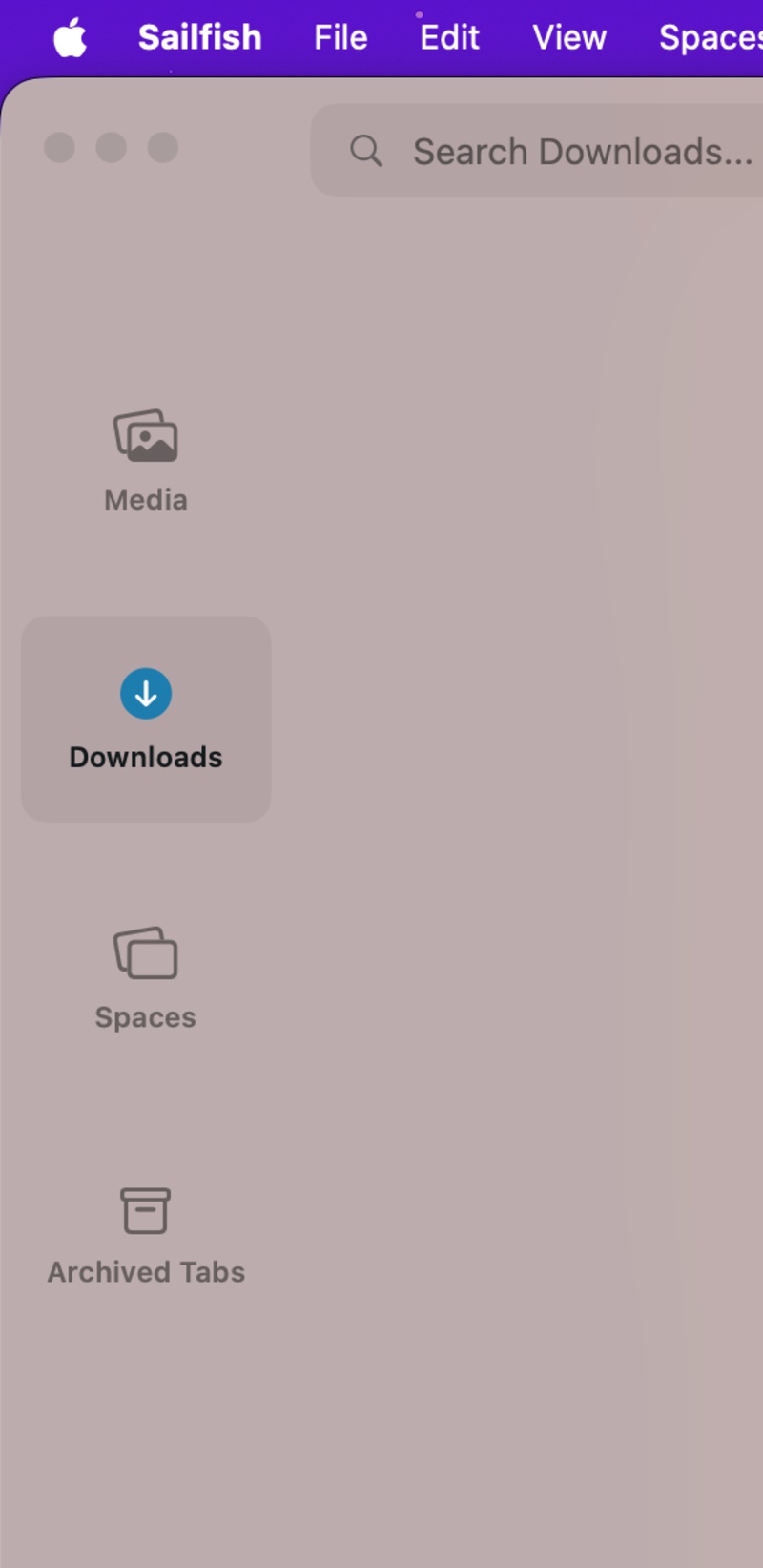
- Zen Browser: Zen is one of the most established Firefox-based alternatives. It includes vertical tabs, Workspaces, Essentials, Glance, and Split View. However, it doesn’t support Chromium extensions, and the major miss is that it doesn’t have Little Arc floating windows. There’s also no Easels equivalent. Thankfully, DRM support is going to be added quite soon.
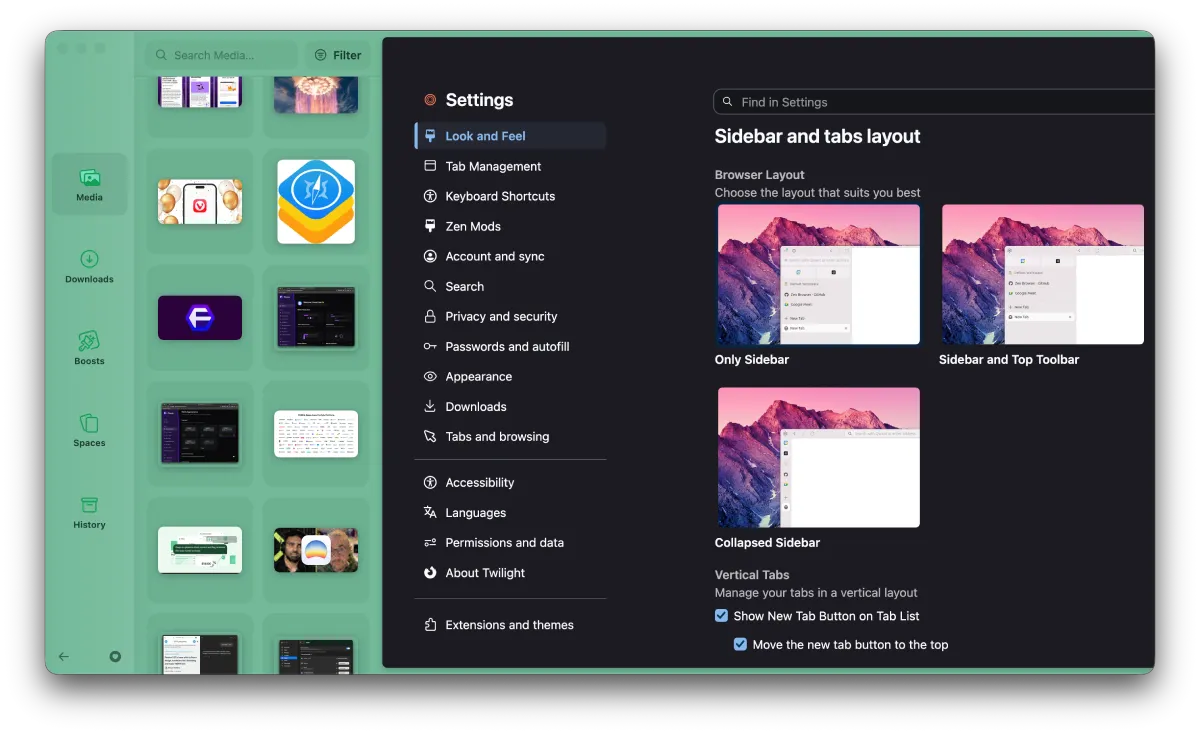
- Dia: Dia is the official “successor” to Arc from The Browser Company, but it still misses out on so many features that made Arc popular. They’re adding things slowly, but it’s still quite behind. Peek and Little Arc are incomplete; there are no Boosts or Easels, and while an app has been planned for 2027, it’s not available for now.
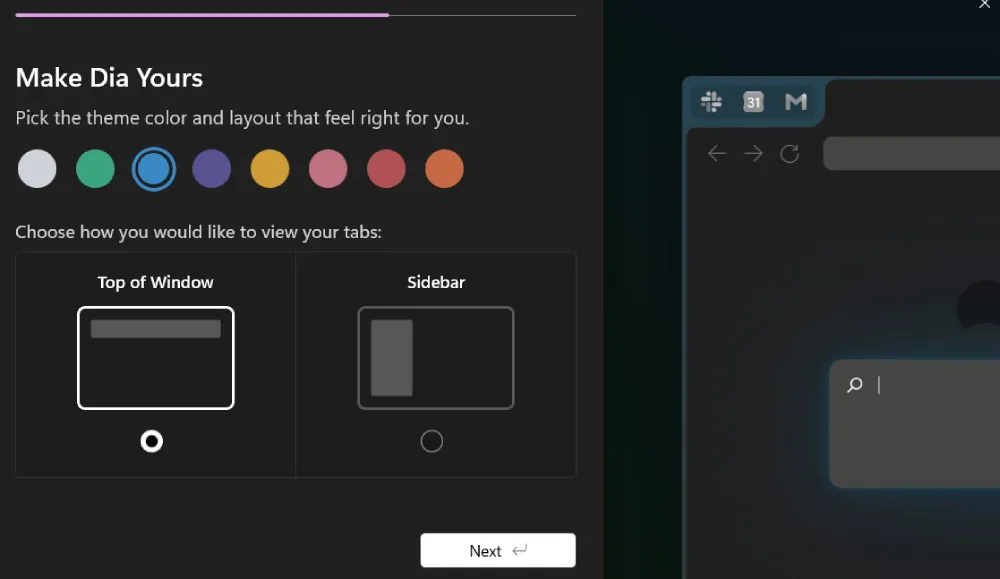
- Stedding: Stedding is an open-source Chromium browser for Mac and Windows with Arc import, Spaces, Peek, and tab archiving. It lacks Live Folders, Boosts, and Easels. DRM streaming doesn’t work. Sync implementation is partial, and there’s no mobile app.
Honorable mention: Fey browser. It’s built on Chromium and is specifically made for connection with AI agents. It also integrates the concepts of various Arc features.
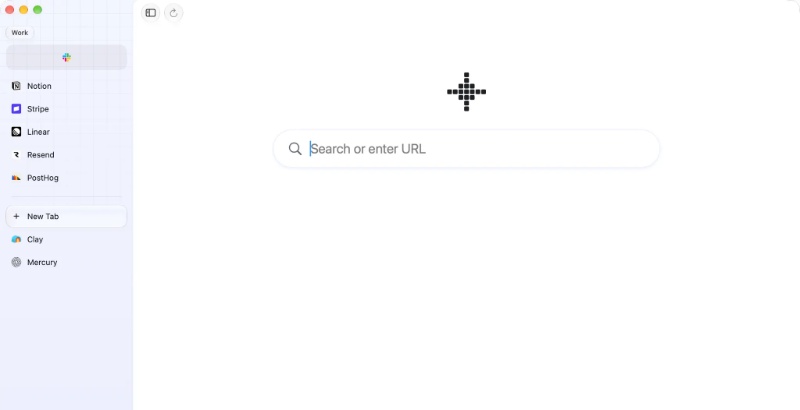
There are several other projects worth exploring, but they didn’t quite make it to our top 20. We’ll periodically update this list when new projects pop up. You can take a look at the rest of them below:


Sudhanshu K
391 Posts
I have been a consumer technology enthusiast for over 5 years. Thanks to my experience in software beta testing and product reviews, I've understood and learnt a lot about what bugs and issues bother people, and I spend time trying to simplify their solutions. I cover smartphones, software, social media, apps, AI, and most consumer tech gadgets. Actively pursuing a Computer Science bachelor’s degree. I'm mostly active on Twitter/X (@TechWhirlUlt), drop a DM or tag me if you want to share info or connect!