


Ever since The Browser Company announced that the Arc browser won’t work anymore after December 22, the internet has been flooded with at least a dozen vibe-coded, rapidly developed “alternative” browsers. Most of them attempt to closely replicate the design language and feature set of Arc, and they aim to offer users an alternative once Arc finally shuts down for good.
However, picking an open-source, community-maintained, vibe-coded browser can be quite challenging. You might be tempted to pick any of the popular projects without realizing what you’re running into. I’ve tested around 10 of these vibe-coded/rapidly developed Arc alternative browsers, and this listicle explains which one’s the best.
Before I start, it’s worth noting that many of these vibe-coded remakes are rapidly created individual responses to Arc being shut down. The incentive to continue developing and maintaining these browsers, and keeping them up to date with security patches, largely rests on the developer’s interests. We have no clue about the sustainability, long-term vision, funding, and the future of any of these projects.
If you’re after a more “mainstream” option, I’d recommend going straight to Dia or Zen, which at least seem to have a future in the browser market. DiaTweaks adds several more interesting features to Dia as well, if you’re interested in that.
1: Phi Browser
Now, beginning with the browser that seems to have the strongest long-term signals: Phi. It has a 20-person team, and it’s also funded. They have a rigorous open-source process and also have plans for expansion. Curious about how it actually performs, I gave it a go.
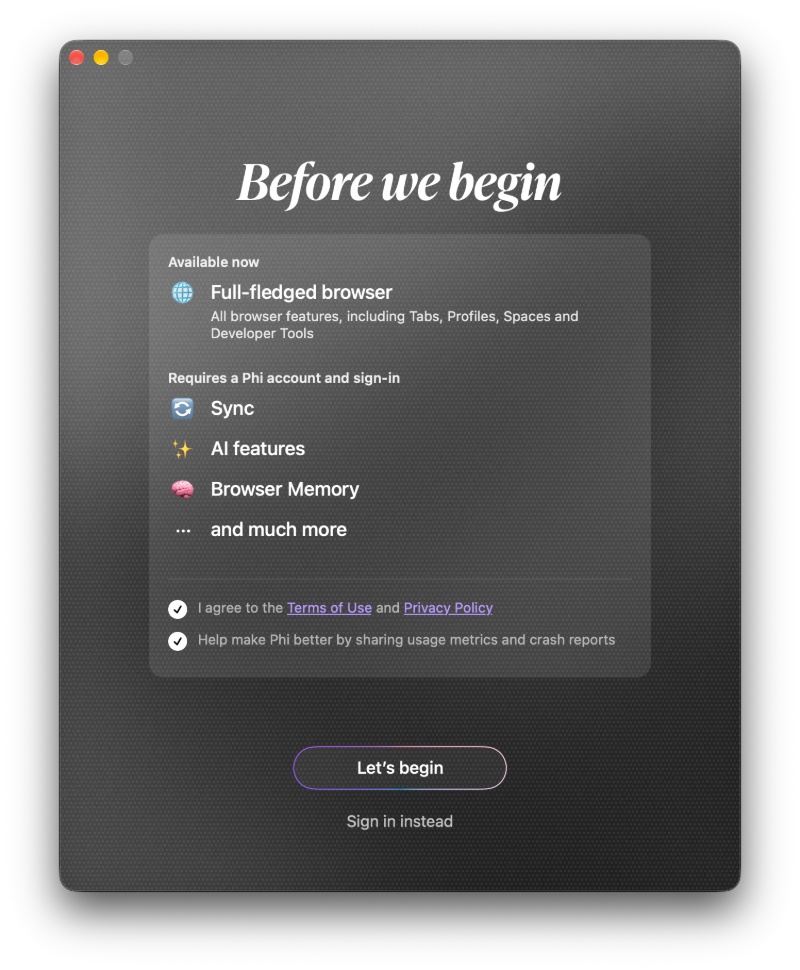
You don’t have to sign in to use Phi, but features such as Sync, AI features, and others require an account. Also, the browser runs Chromium, so it supports many extensions.
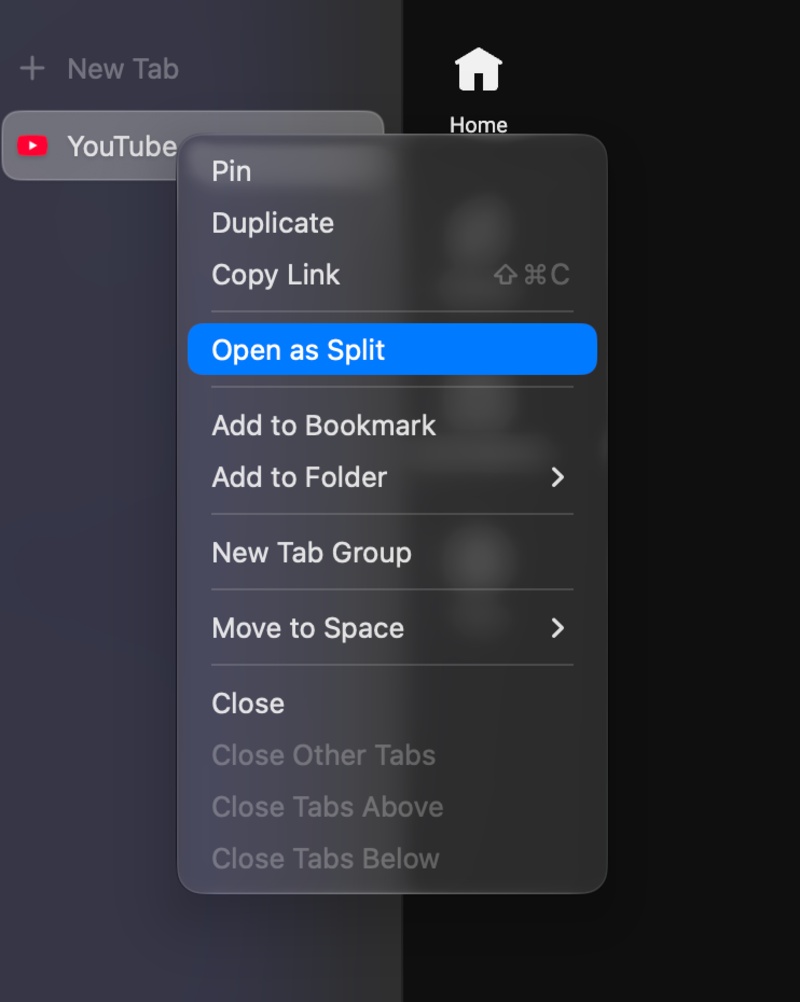
The core Arc features are present. You can use Vertical tabs; you can swipe through Spaces, use split screen, and also configure websites to open in a mini window. The feature was called “Little Arc,” and here, it’s called “Kiosk.”
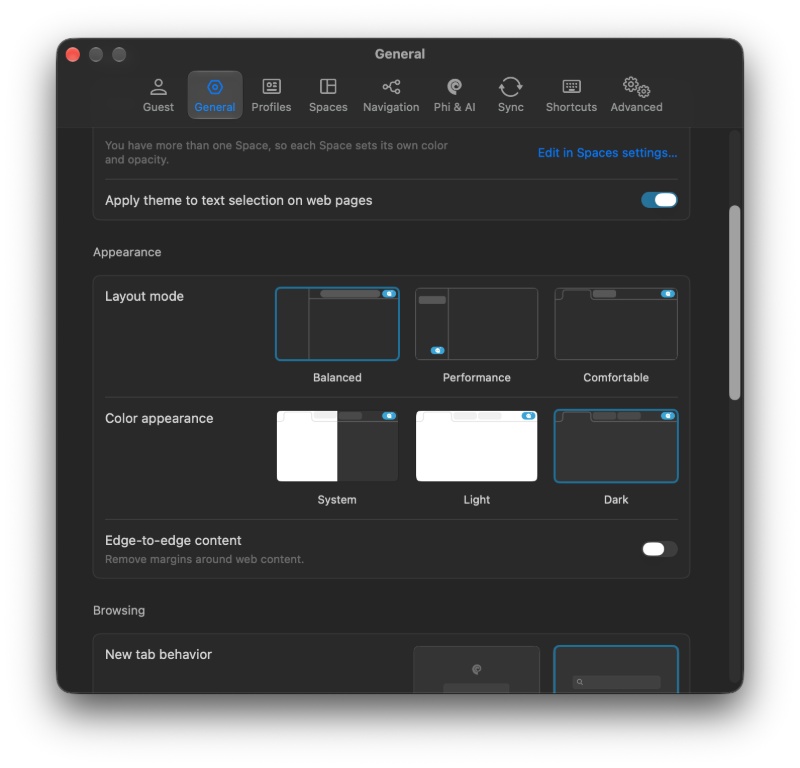
What’s missing: It doesn’t have any equivalent to Boosts, so you cannot customize the font and theme of webpages, “zap” away elements that you don’t like, and save those Boosts. You also don’t get the media panel on the left (Library feature), and the concept of Tab Archives doesn’t exist. Furthermore, I couldn’t find any convenient screenshot tools.
Overall, I think the browser is fairly decent, especially because it has a team and has funding for now. However, due to the lack of features, I’d still place it below Zen. I didn’t encounter lag or any major issues in my brief test.
2: Ardia Browser
The Ardia browser was all over X (Twitter), and it seems to be quite a popular alternative to Arc. It’s positioned as a free, open-source browser that also blocks ads and trackers.
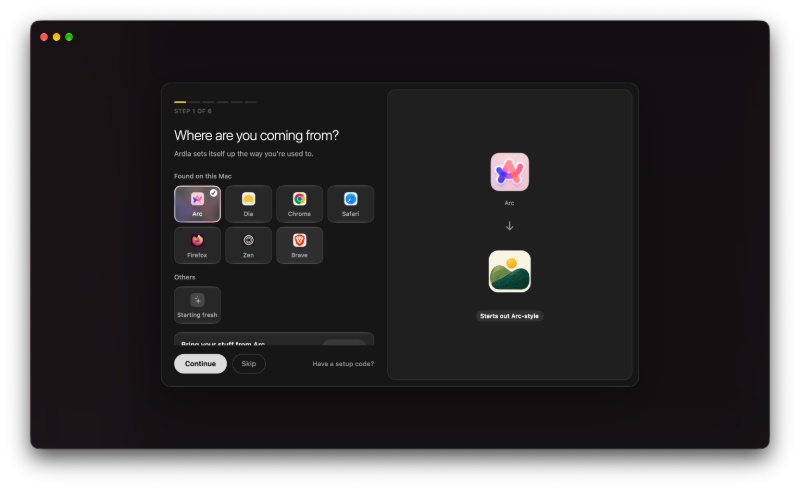
I was unable to find the media pane (Library), and the website customization (Boosts) is missing once again. It does have the sidebar, vertical tabs, and swipeable profiles, but I don’t see a reason to use this browser when countless others do the same.
Thankfully, there’s the option to open links in a smaller “Little Ardia” window, but there are several features remaining to add.
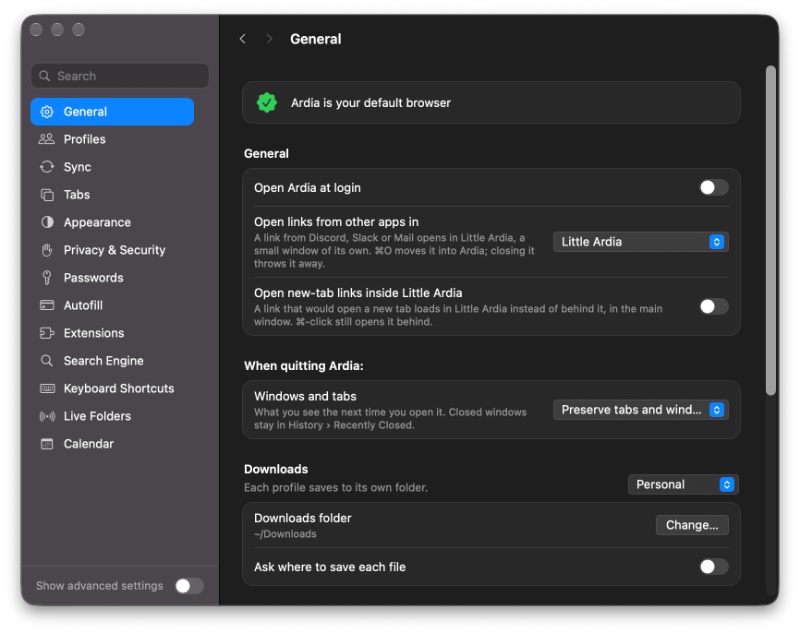
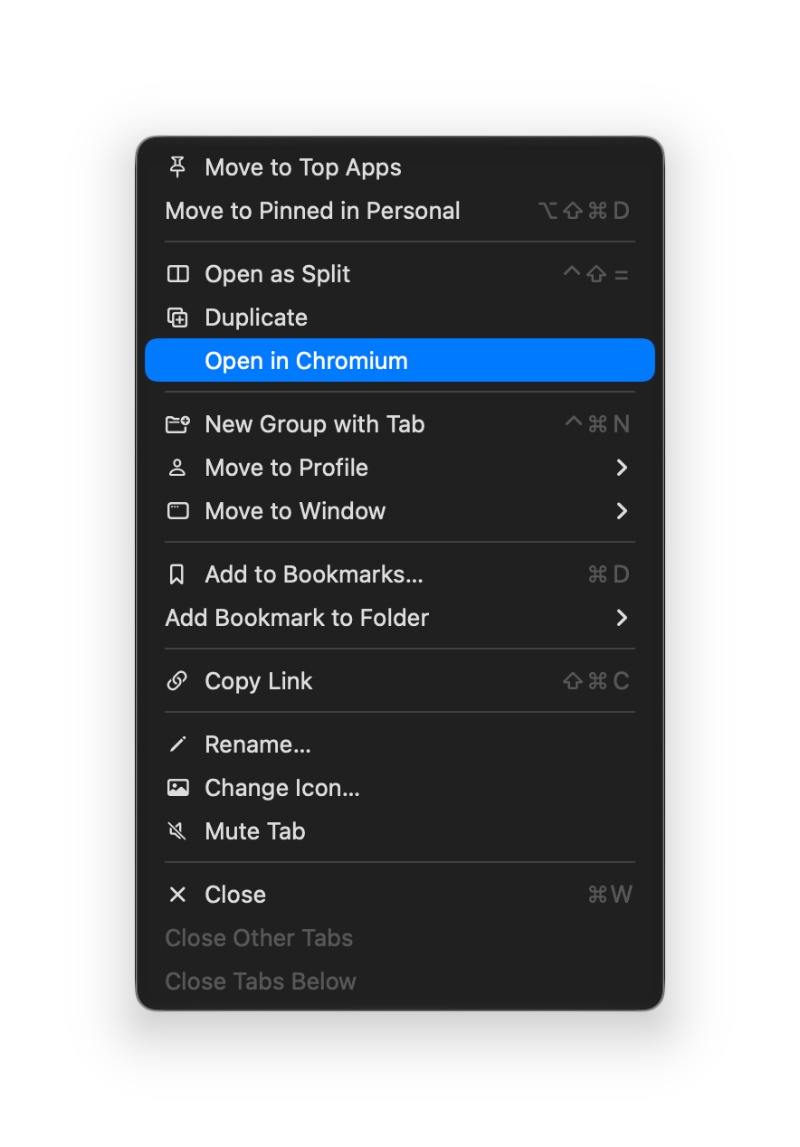
There’s one really interesting feature I found while looking through this browser: You can open a website specifically in Chromium, or in WebKit. It’s a good feature if some websites break on WebKit/Chromium; you can easily “switch” to opening the webpage in another engine.
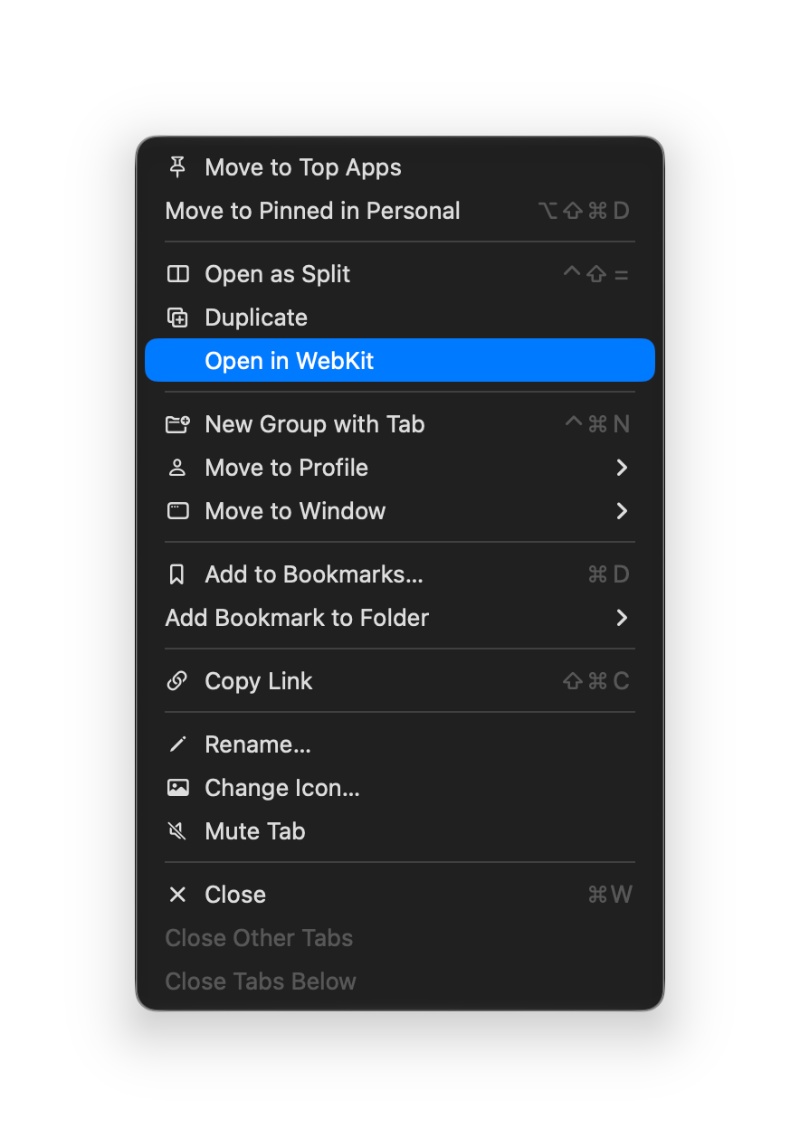
Unfortunately, the future scope is unclear. It’s a community-driven project with no funding, and whether it’ll have a future is entirely up to the developers/community.
3: Stedding Browser
Open-source, Arc-style, and Chromium-based. They also advertise several features that are popular on Arc. It surprisingly has Tab Archives, which I didn’t expect it to.
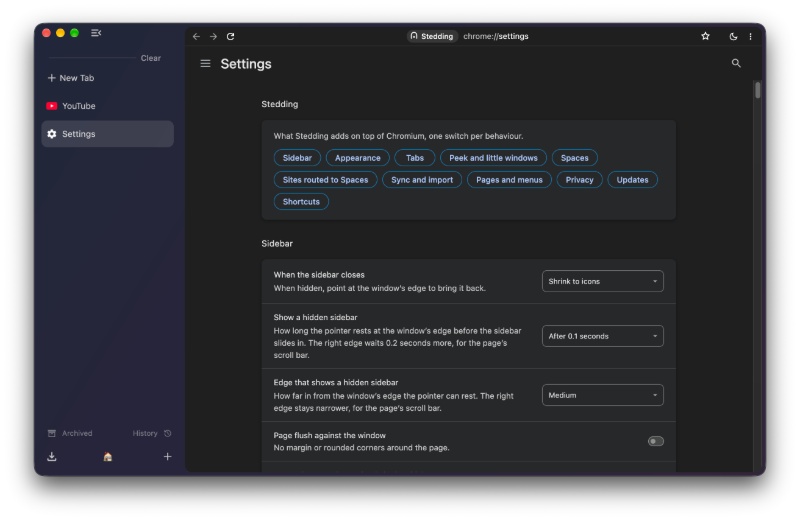
It fully supports the “Little Arc” (Peek windows) feature, even for external links. The only features I found missing were the side pane (Library) for media storage and website customization. Stedding also has well-executed screenshot tools.
Furthermore, Stedding has a fairly strong community backing on GitHub, and also has GitHub sponsors for updates. As a result, it doesn’t have a very shaky future. I can easily recommend Stedding if you don’t mind missing out on the Library pane and website customization, and the latter can easily be recreated through extensions.
Another reason I liked Stedding was the amount of customization they’ve provided.
4: Cra Browser
Cra caught my eye because they’ve addressed one of my concerns directly in the official documentation: Security. It automatically scans for security/Chromium updates, and also ships it as a signed update that installs on its own. Sites are also isolated from each other, and pages run in Chromium’s sandbox.
I was greeted with a very straightforward import process, and they’ve also replicated Arc’s Easel feature, the sidepane (media library), and the whole aesthetic. It feels the fastest to operate among all of the ones I’ve tried, with extremely snappy animations.
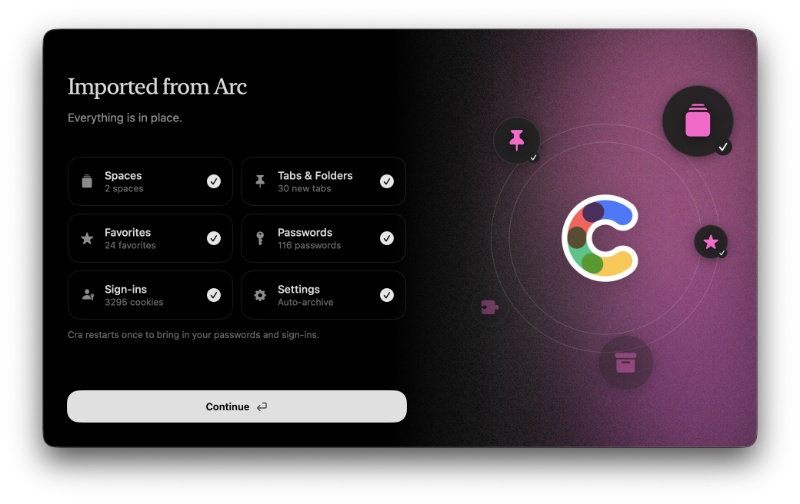
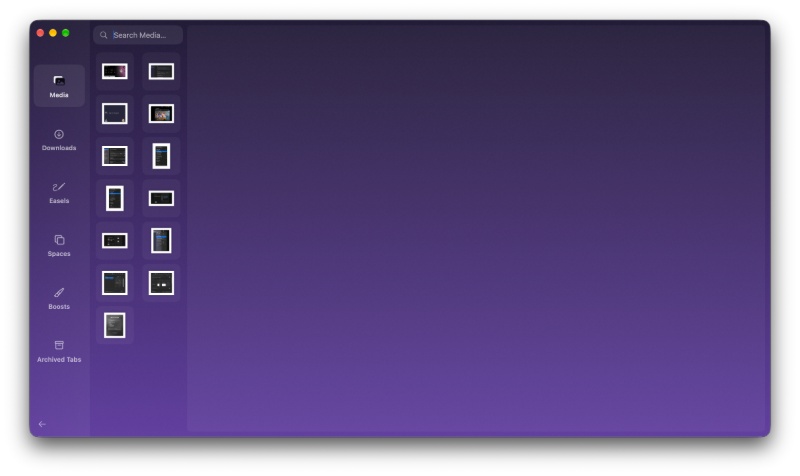
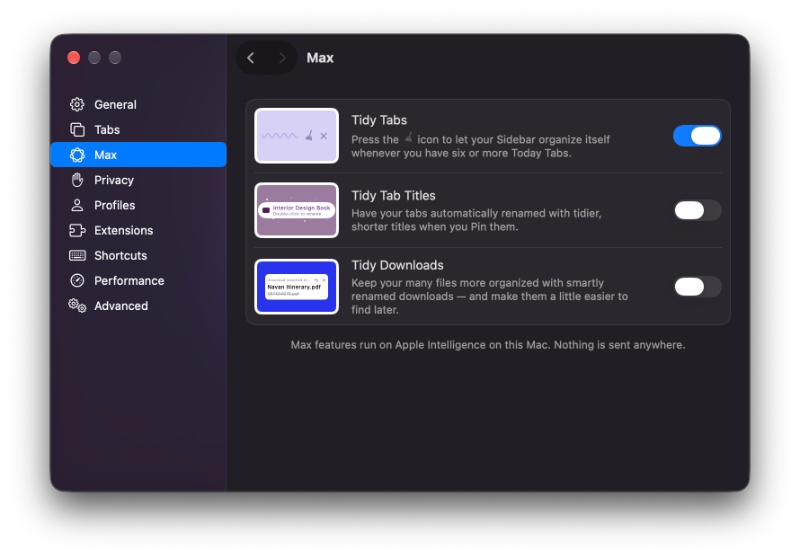
They’ve even replicated the Arc Max tab-tidying features; external links can open in little windows. There are swipeable spaces, the Tab Archive, screenshot tools… it has basically everything from Arc except for Boosts. I can replicate that with extensions either way, so it’s not a major miss.
I was the most impressed by Cra out of everything in the list so far, because it feels like a one-to-one clone and they actually put effort into even the more “niche” features of Arc. I’m just not sure about fully committing to a switch, because it’s sponsored by GitHub users, and the future “could” be shaky if it doesn’t continue to hold momentum after a few months. Either way, I genuinely hope this project succeeds.
5: ZigZag Browser
The ZigZag browser is centered around being really lightweight. The DMG file was less than 10MB, and the setup process was also fairly simple and straightforward.
While it does support Tab Archives, “Little ZigZag windows,” and vertical tabs, and also feels really fast and snappy to use, it doesn’t feature website customization, and there’s no Library pane. The browser is decent, but there’s no real standout USP.
6: Sailfish Browser
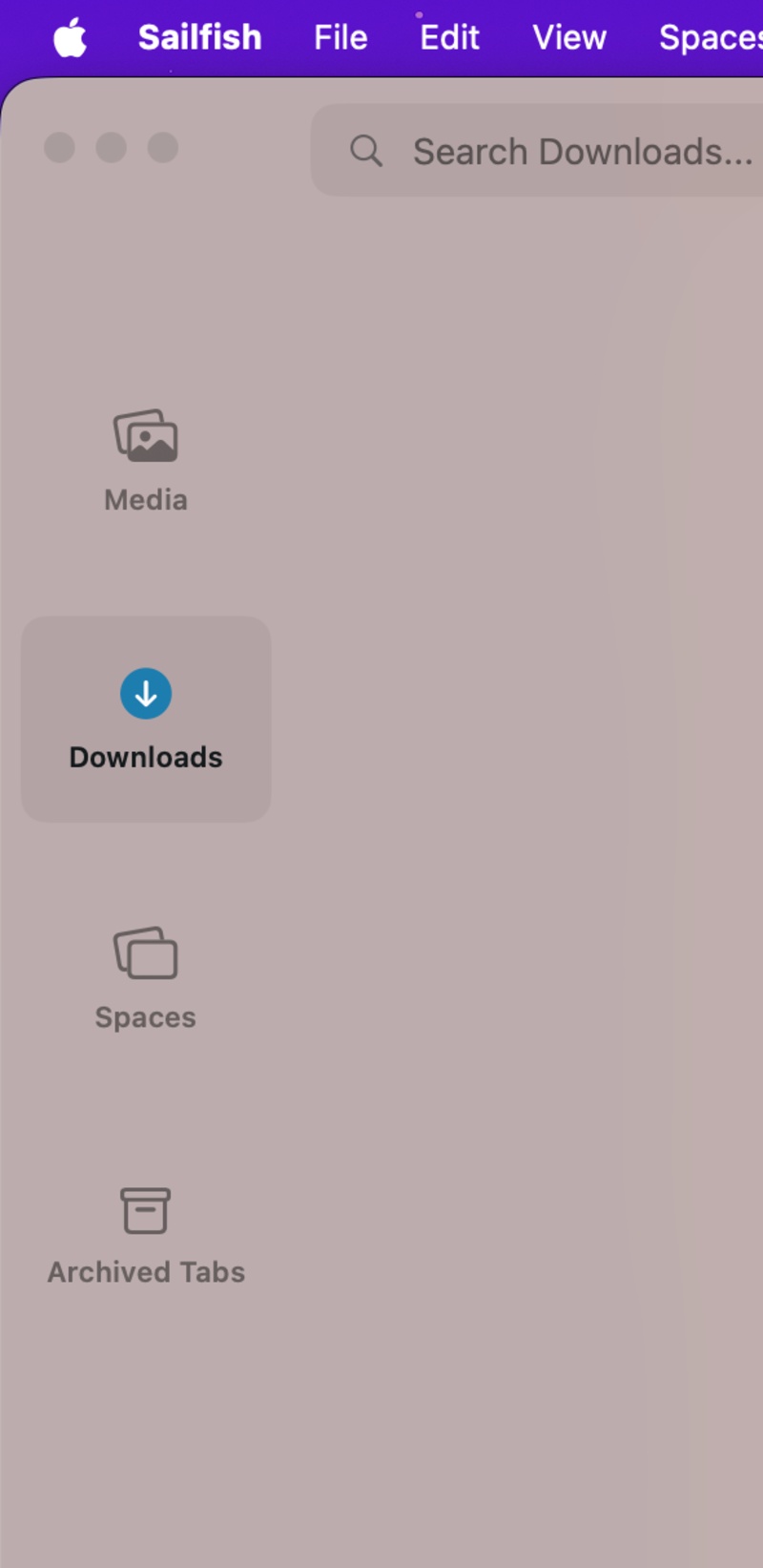
Sailfish supports mini windows, the usual vertical tabs/sidebar, but also has the media library, and it doesn’t miss out on Tab Archives and screenshot tools either. While it doesn’t have website boosts, that’s the only thing missing from Arc. The aesthetics are also reasonably similar, but the future and sustainability are once again unclear.
7: Yab Browser
The Yab browser is “Yet Another Browser.” It’s snappy, fast, and beautifully animated, with a really pleasing setup/onboarding experience. However, the media pane is missing, and there are no Tab Archives or Boosts.
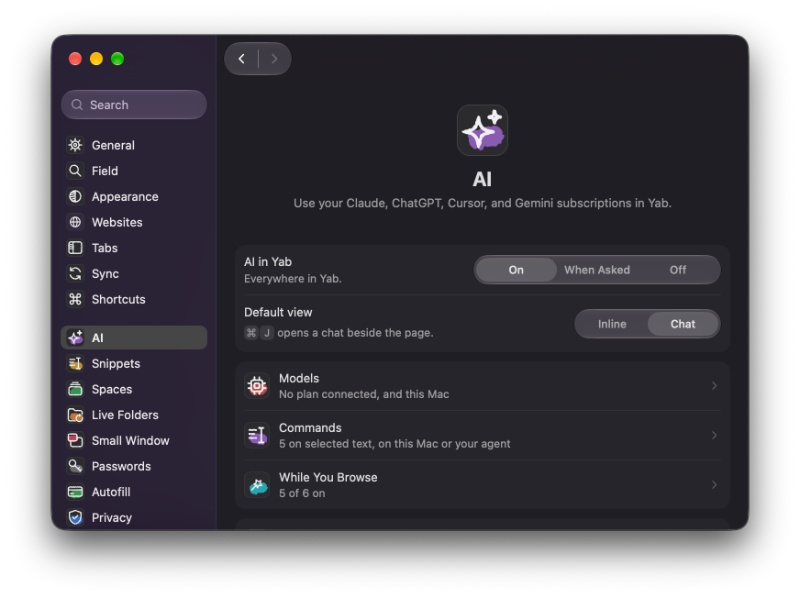
If you’re interested in connecting AI agents, this could be a viable option because it has several features and options dedicated to that. However, the features on offer definitely fall short compared to the rest of the alternatives.
Conclusion
There are so many more, like Radius Browser, which is marketed towards people who run coding agents alongside regular browser tasks. Then, there’s the Arc Reborn project, which is still under development. Flecha is also built around coding agents and sidebar functionality.
I have deliberately excluded the Crest browser from this list because it has already been detailed in previous coverage. The browser is good, but misses out on the media tab, Boosts, and some features.
Considering the fact that these “Arc remakes” carry a risk of fizzling out if the maintainer loses interest, the open-source nature of these browsers does mean you can just fork the code. Doing this is still not for everyone, of course.
It’s worth noting that the performance, benchmarks, security, and RAM usage haven’t been taken into account when running these tests, since they can vary based on usage and device specifications. It’s mostly a comparison of the feature suite, the browser’s future, and the aesthetics.
So, attempting to answer the question: Should you switch to a browser that’s marketed as an Arc replacement? I would personally recommend not investing yourself in a browser that doesn’t have a very clear-cut future. Among the available Arc alternatives, Zen remains my best pick (despite not being included in this list) because it has all of the features while getting regular patches, and seems to have a decent future ahead.
If The Browser Company, with investor backing, couldn’t sustain Arc, I doubt independent projects can easily survive the browser market. Using something without state-of-the-art security poses risks, especially in an era where AI agents pose real cybersecurity risks.
Also, it’s worth noting that I have excluded some browsers from this, such as Helium (very feature-light) and Deta Surf (mediocre experience).
It’s difficult to pick one clear-cut winner from the list. Phi seems to have the best future, while Cra and Sailfish offer a ton of features. ZigZag is good for something really light on resources, and then there are so many options if you want the integration of AI/agents. There isn’t a one-size-fits-all, so the best alternative really depends on what exactly you’re looking for. Cra and Sailfish are my personal favorites from the list, but the “commitment issues” still hold me back.


Sudhanshu K
370 Posts
I have been a consumer technology enthusiast for over 5 years. Thanks to my experience in software beta testing and product reviews, I've understood and learnt a lot about what bugs and issues bother people, and I spend time trying to simplify their solutions. I cover smartphones, software, social media, apps, AI, and most consumer tech gadgets. Actively pursuing a Computer Science bachelor’s degree. I'm mostly active on Twitter/X (@TechWhirlUlt), drop a DM or tag me if you want to share info or connect!