


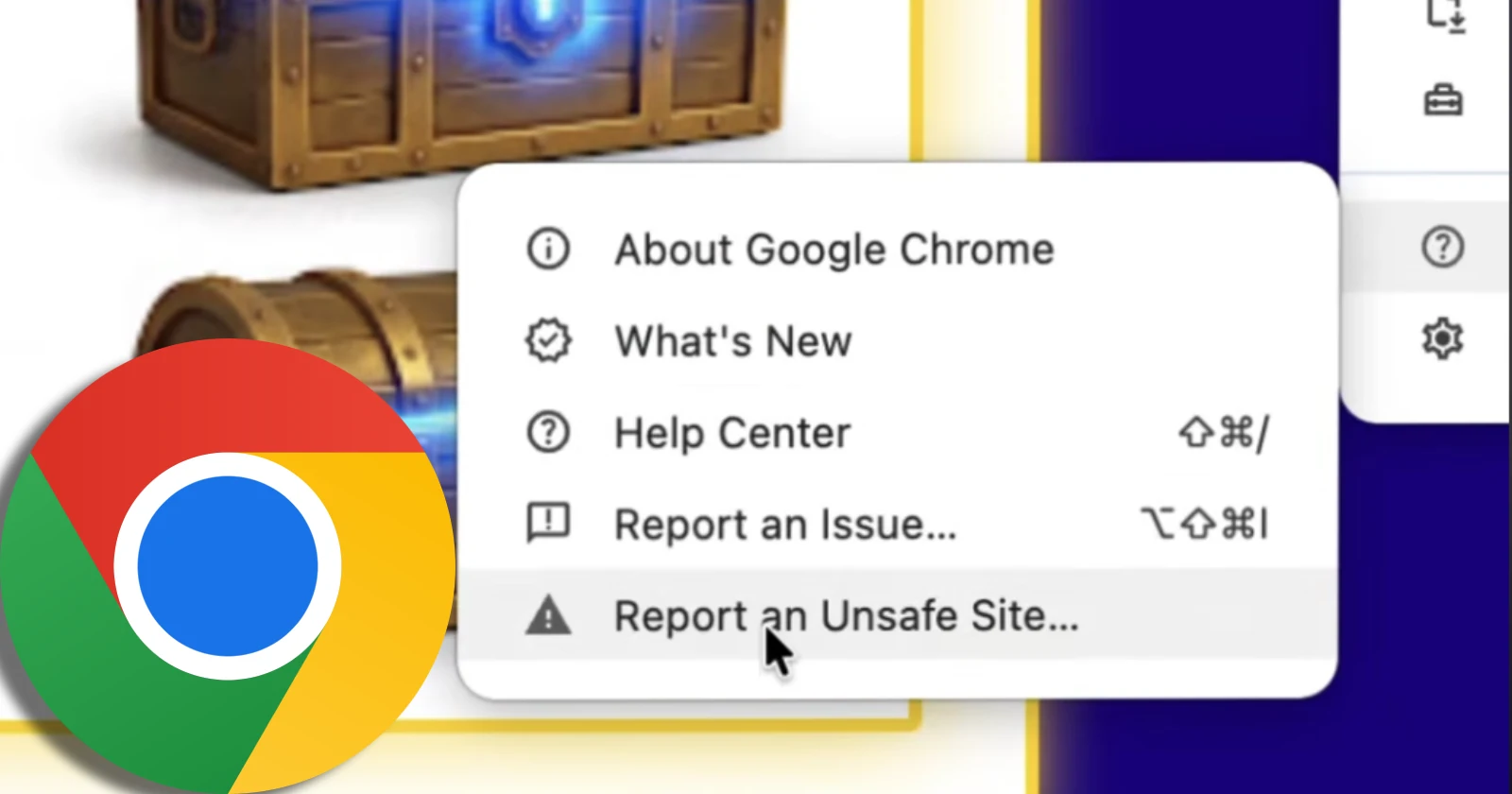
Google’s official Chrome channel just dropped a cheeky 28-second YouTube Short called “Obviously, you’d never fall for these…” to remind users about a handy safety feature sitting right inside their browser.
The clip opens with a narrator playfully assuming that “a friend of yours” stumbled onto a sketchy webpage offering “some promising loot that’s more than likely filled with scams.” Instead of lecturing viewers, the video admits that falling for shady links “happens to the best of us” before walking through how to flag the page.
While the video treats this like a fresh tip, we actually spotted the Report an Unsafe Site option rolling out to Chrome back in July. It first showed up in Canary builds earlier this year, and Microsoft Edge users have had a similar button for quite a while.
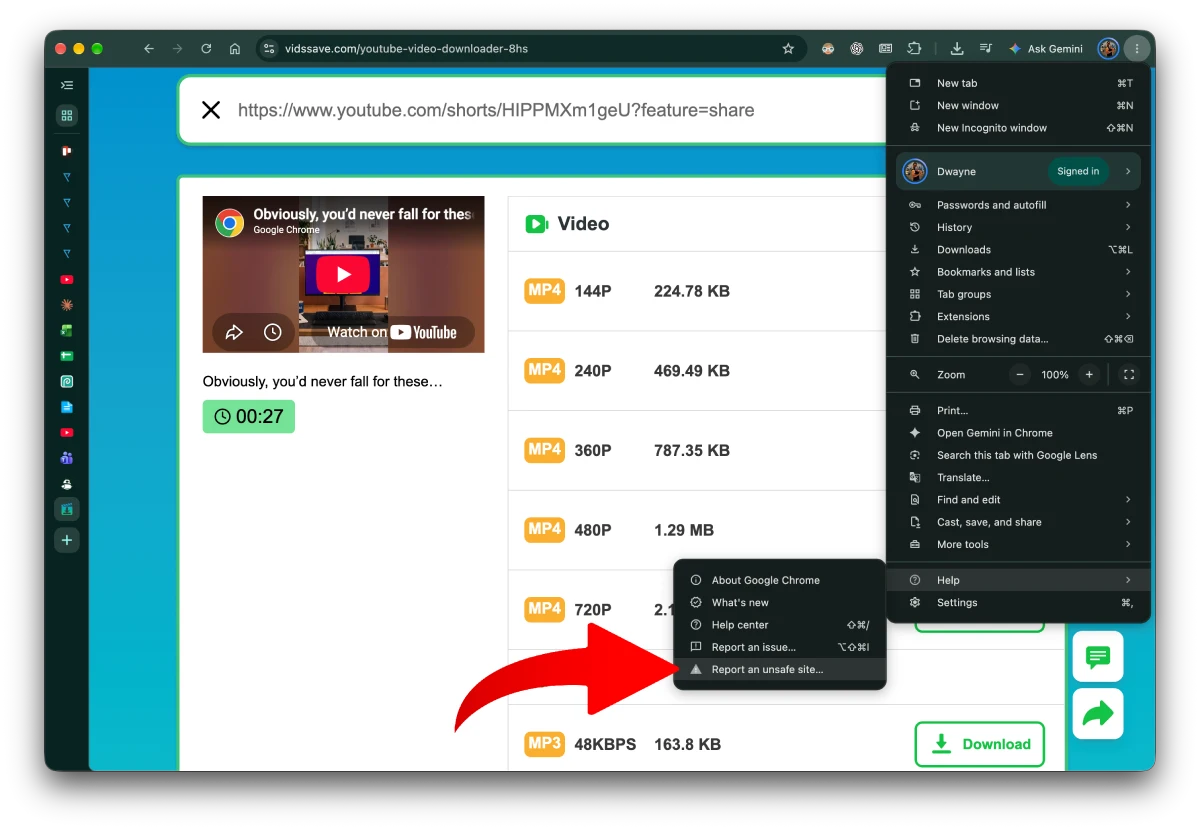
Using it takes about five seconds. You just click the three-dot menu in the top-right corner of Chrome, hover over the Help menu, and select Report an Unsafe Site at the bottom.
Once you click it, a small box pops up with the page URL already filled in and a screenshot attached by default, though you can uncheck the image if you prefer not to send it. Hit send, and Google’s team will review the page to see if it needs to be blocked for everyone else.
It is nice to see Google finally giving this manual reporting tool some spotlight, especially since the company has been leaning heavily into automated defenses lately.
Just last month, Google added server-side Gemini AI to sniff out fake antivirus warnings and phishing traps inside Enhanced Protection mode. Around the same time, Chrome started showing default warnings for unencrypted HTTP sites so people do not accidentally hand over sensitive details on older pages.


Dwayne Cubbins
3212 Posts
I cover fast-moving stories across apps, online platforms, and everyday tech — phones, wearables, consoles, and whatever else people are fighting with this week. Bugs, rollouts, scams, policy enforcement, and the occasional internet-culture rabbit hole are all fair game. My goal is simple — make confusing tech news readable. When I'm not working, I'm working out or chilling with my dog. Got a tip? You can find me on X @dcubbins.