





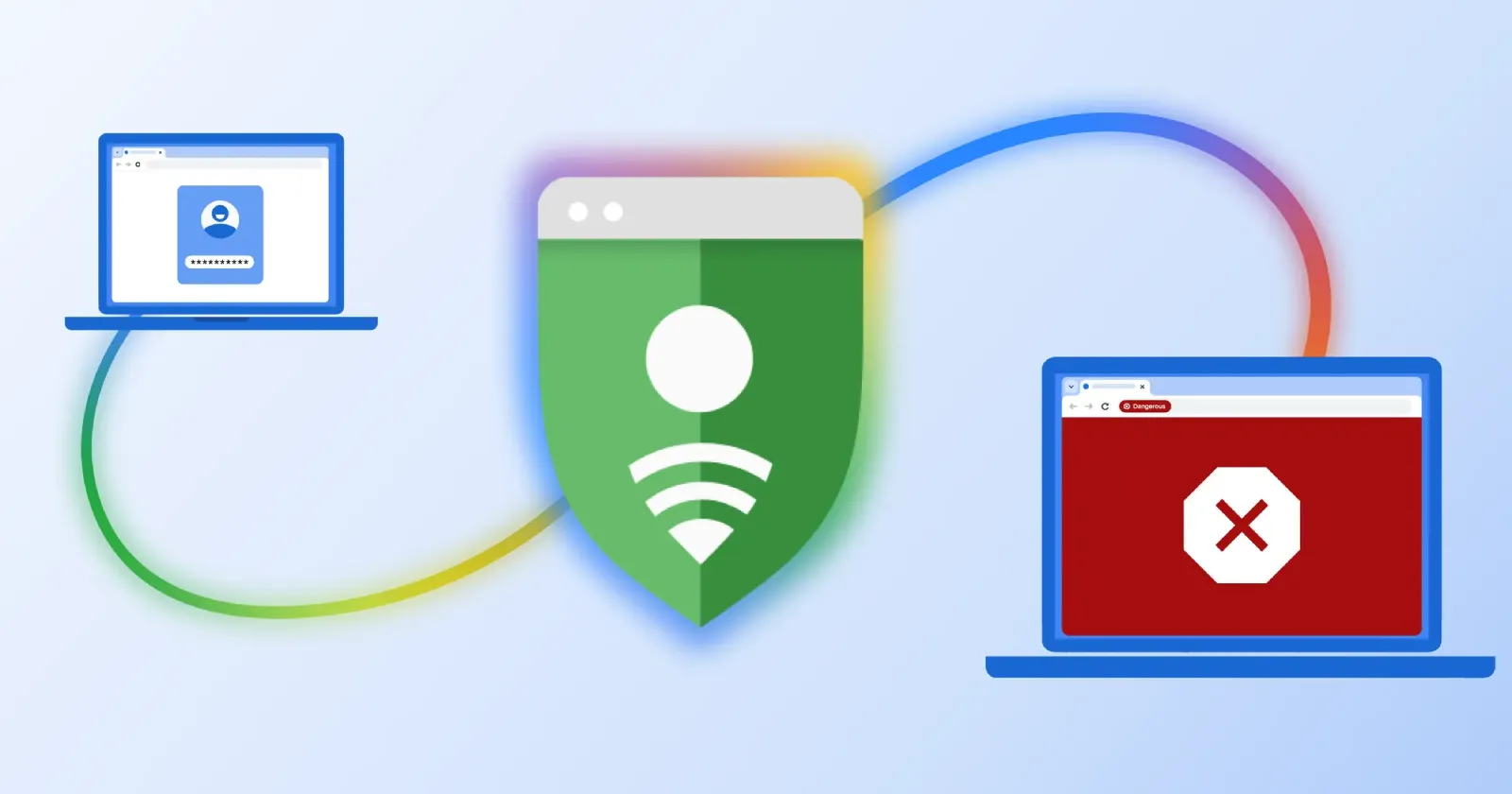
As AI tools make it easier than ever to find software exploits and vulnerabilities, Google is taking steps to make it harder for hackers to trick its users. The company is upgrading Chrome’s Enhanced Protection mode with a server-side Gemini AI model to catch fake antivirus alerts, bogus browser updates, and sketchy terminal commands before they trick you.
In a security blog post posted a few hours ago, Google revealed that it is moving away from relying solely on local device smarts for scam detection. Last year, Chrome started using a smaller on-device Gemini model to spot tech support scams, which worked fine, though it had hardware limits.
Now, by shifting that heavy lifting to Google’s own servers, the browser can protect everyone who has Enhanced Protection turned on. And it makes a lot of sense considering how Chrome now wants around 20GB of free space for on-device AI models.
When you visit or stumble on a webpage that looks a bit off, this server-side Gemini model reads the page text to figure out what brand it is pretending to be and calculates a scam score. If a website is a known malicious site, users will see a red warning screen that says “Dangerous site.”
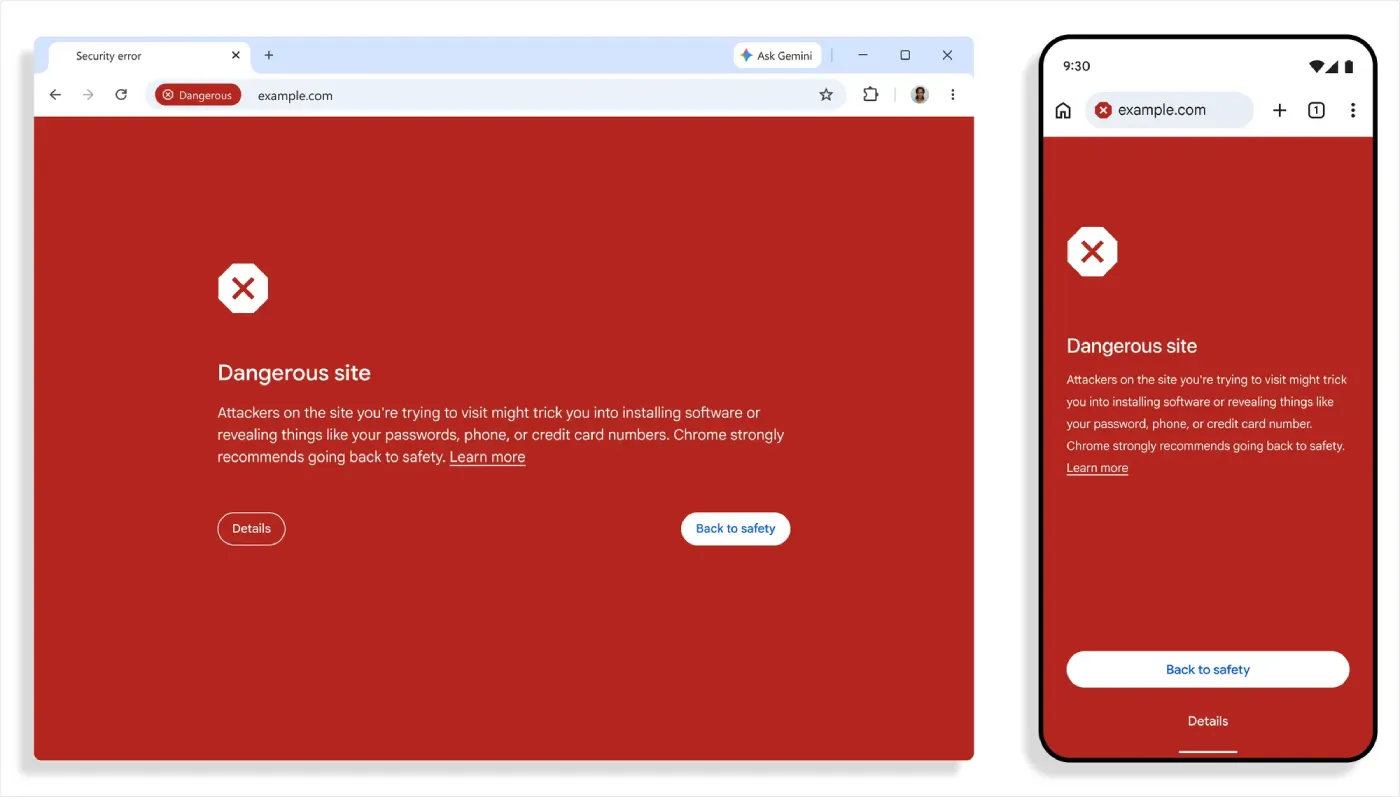
Google says the page data is processed ephemerally, meaning it is “never logged, retained or used to train models.”
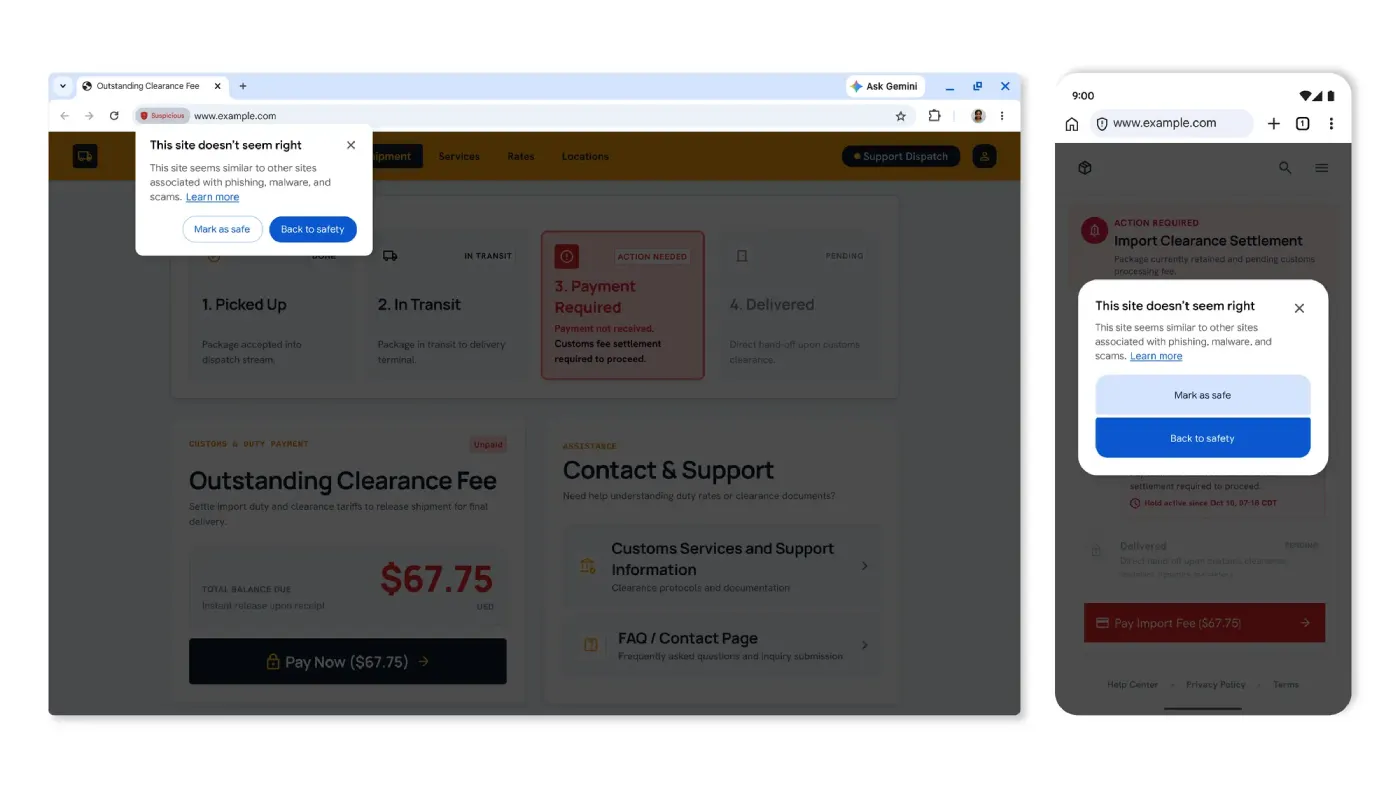
Chrome is also splitting its site warnings into two categories so you do not get hit with the giant red screen of death for every tiny thing. Sites that are definitely malicious still trigger that classic red warning, while pages that just look a little sketchy will throw up a milder “suspicious site” banner so you can decide for yourself.
It’s no surprise that Google is going all in on AI, especially since the company confirmed earlier this year that it is using AI to squash over a thousand security bugs in the browser. Plus, Chrome’s new product boss already stated that the goal is to get people using AI to get things done in Chrome.
That said, the best addition here might be the defense against “ClickFix” scams, which have been everywhere lately. For those unaware, it’s when a fake error pop-up tells you to copy a line of code and paste it into Windows Terminal or PowerShell to “fix” a broken browser update, bypassing Chrome’s normal download checks.
Now, if Chrome notices you copying a sketchy script from a webpage, it scrubs your personal info from the clipboard and sends the command to Safe Browsing to check if it is a trap.


Dwayne Cubbins
3133 Posts
I cover fast-moving stories across apps, online platforms, and everyday tech — phones, wearables, consoles, and whatever else people are fighting with this week. Bugs, rollouts, scams, policy enforcement, and the occasional internet-culture rabbit hole are all fair game. My goal is simple — make confusing tech news readable. When I'm not working, I'm working out or chilling with my dog. Got a tip? You can find me on X @dcubbins.