


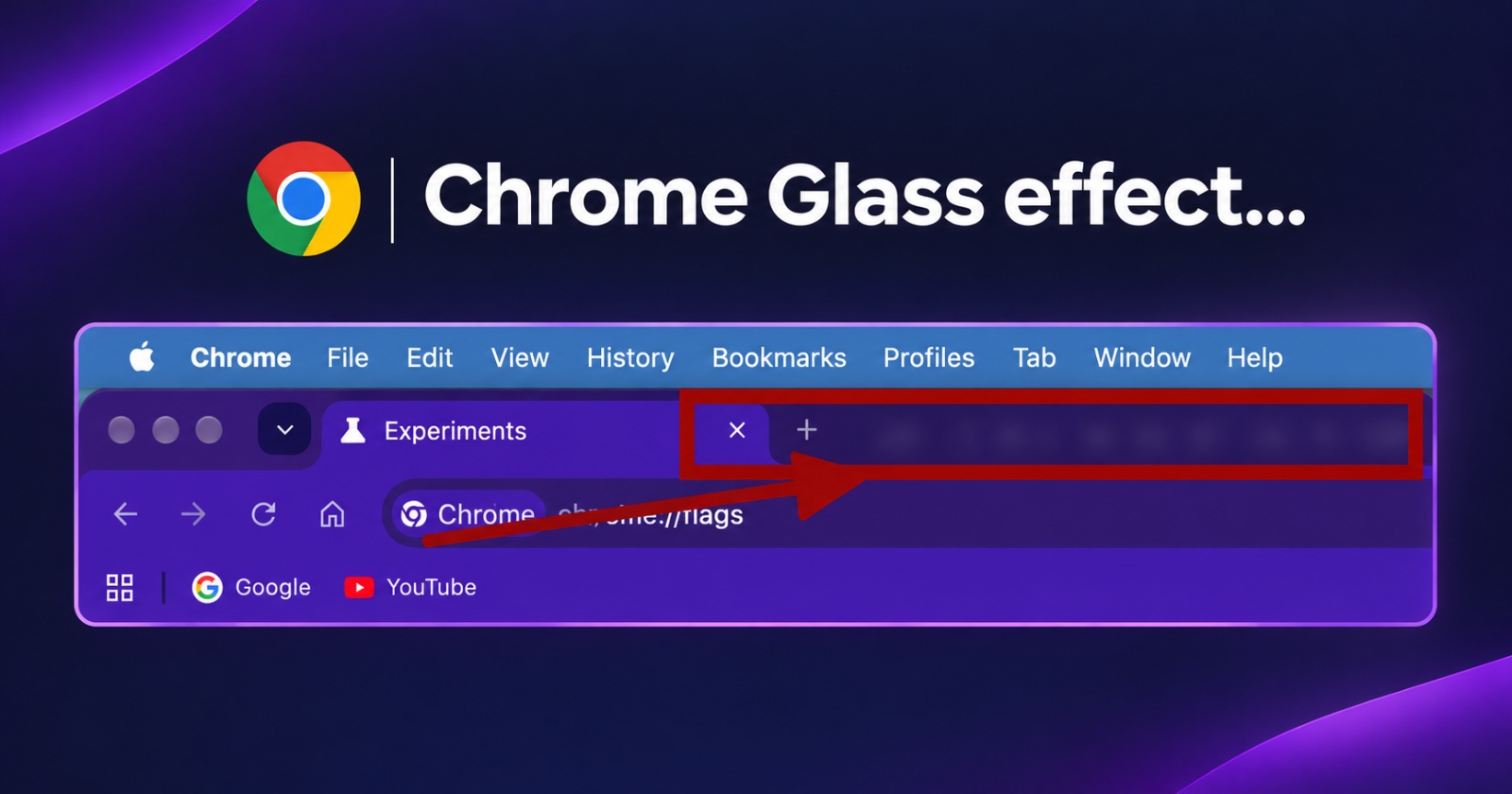
After months of going back and forth with glass and transparency effects on Chrome, Google has finally enabled the glass effect by default in the latest version of Chrome Canary.
The screenshot below shows the browser’s toolbar in Chrome Stable and Beta. There’s no change in those versions, and the transparency/glass effects are not present. If you take a look at the traffic lights on the far left and the tab bar, it’s just a solid color with no see-through elements anywhere.
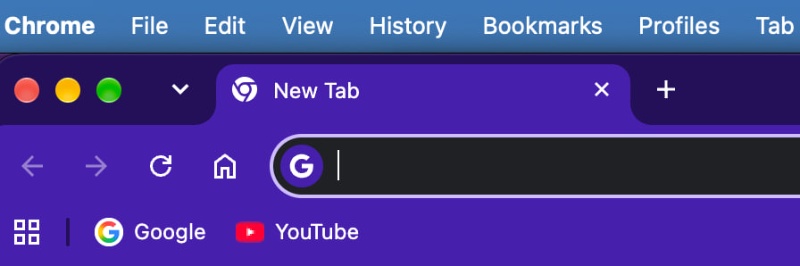
Now, taking a look at the image attached below, you’ll notice the difference. The area around the traffic lights has a glassy look. The entire tab pane has a semi-transparent aesthetic, where you can see a bit of the background too. This effect is now enabled on Chrome Canary by default.

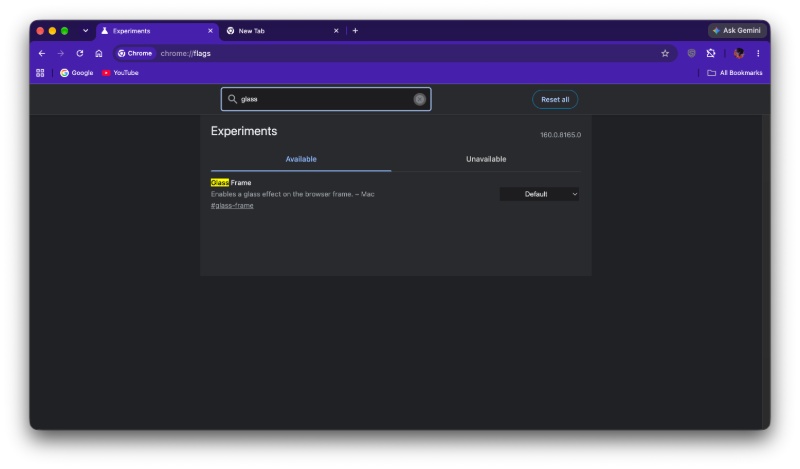
If you want to try out this look, there’s a flag for that, called “Glass Frame.” It enables this glassy effect, and on Chrome Stable and Beta, this flag is set to “disabled” by default. The default is “enabled” on Canary. If you turn this flag off, the transparency/glass effects disappear, and you’ll get the old look back.
It’s also worth noting that the Canary look may or may not make it to the stable version.
Remember how I mentioned that Google has been going back and forth between different looks for months now? That’s because developers haven’t really been able to agree on one consistent design. Previously, we reported on Chrome developers debating between Microsoft’s Mica and Acrylic effects.
Both of these behave differently. Mica blends the desktop wallpaper and theme colors to create a translucent interface. The discussions didn’t exactly end there. Later changes even showed that Google was still refining the look of the Glass Frame, particularly on macOS. The company was experimenting with transparent tab styles too. We covered this a few months ago.


Sudhanshu K
387 Posts
I have been a consumer technology enthusiast for over 5 years. Thanks to my experience in software beta testing and product reviews, I've understood and learnt a lot about what bugs and issues bother people, and I spend time trying to simplify their solutions. I cover smartphones, software, social media, apps, AI, and most consumer tech gadgets. Actively pursuing a Computer Science bachelor’s degree. I'm mostly active on Twitter/X (@TechWhirlUlt), drop a DM or tag me if you want to share info or connect!