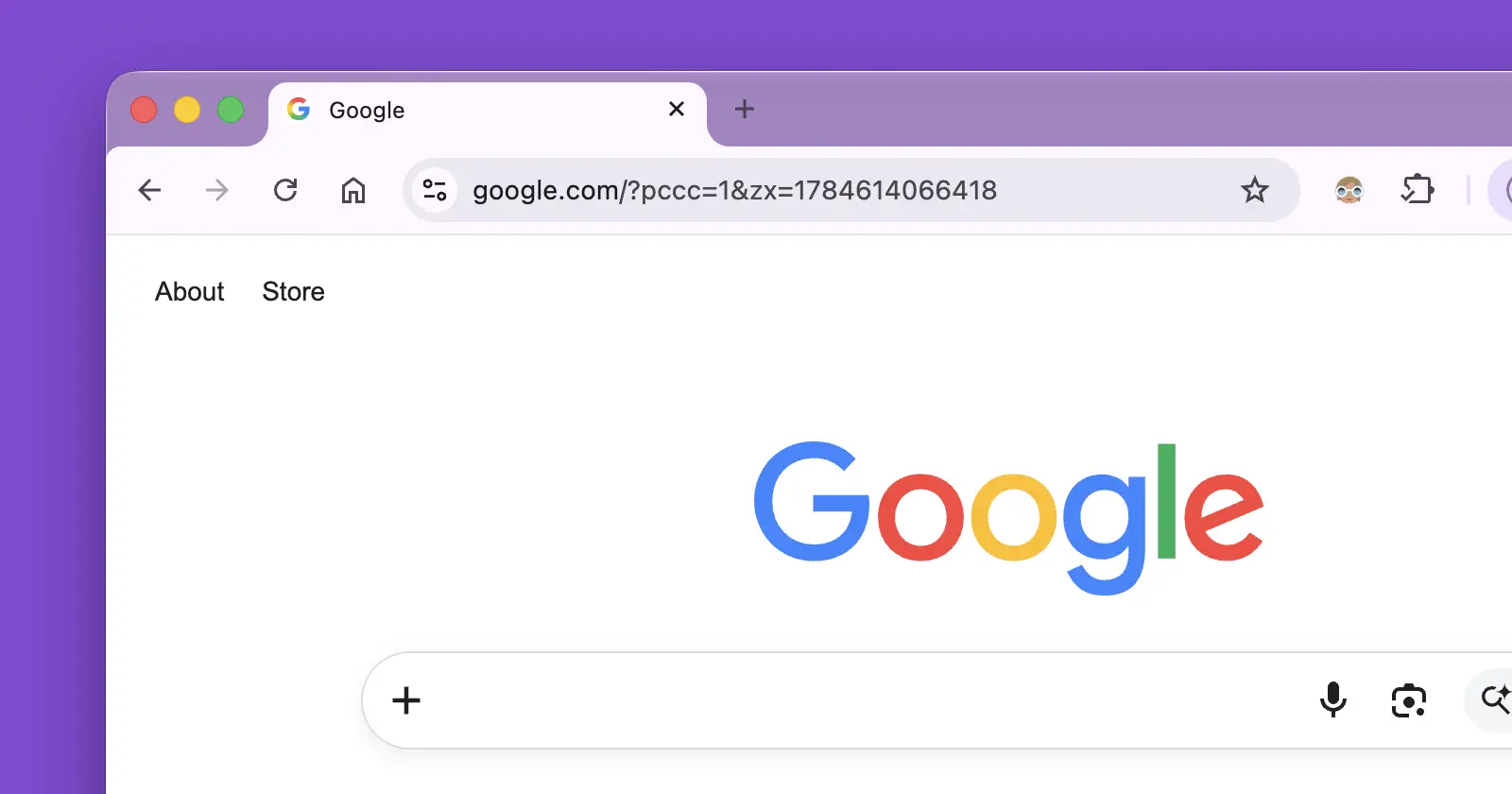
Google’s glassy Chrome window design is not sitting still. Several new Chromium code changes show the company is still working out how the experimental Glass Frame should look and behave on macOS.
This follows our earlier look at Chrome’s glass effect debate. At that point, developers were arguing over whether Chrome should use a Mica-style effect or something closer to Acrylic. The newer work points to a more practical direction, with transparent tabs, user controls, and a fallback for times when battery life matters more than appearance.
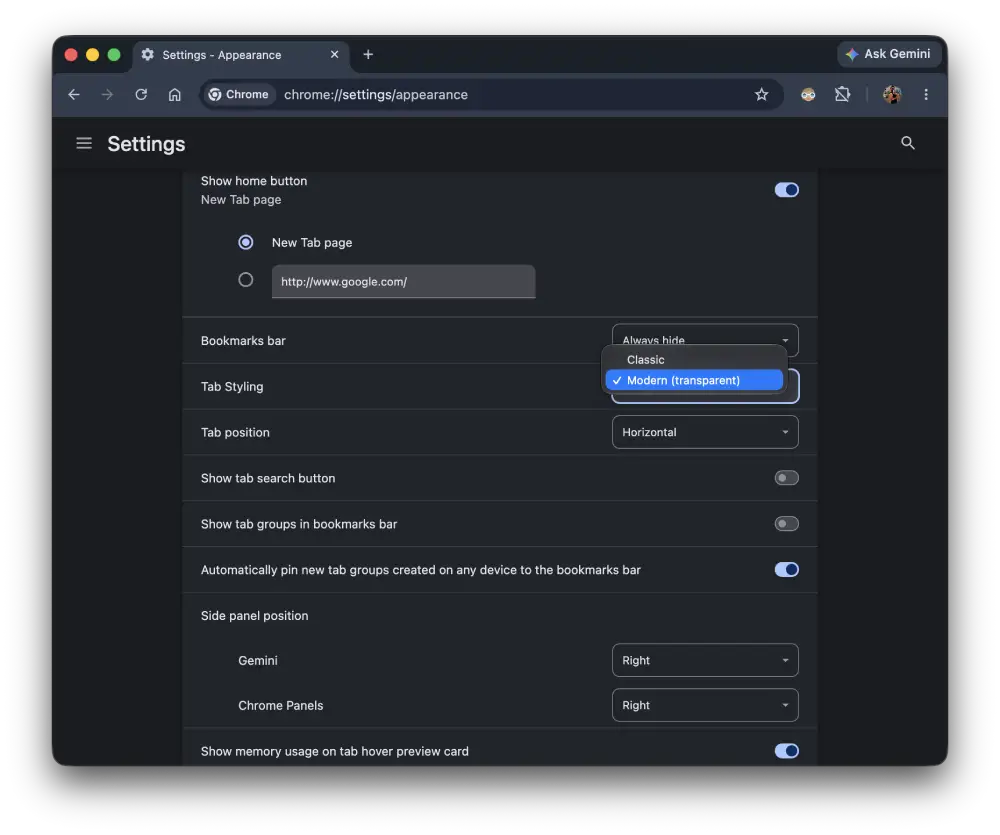
We spotted that the most user-facing change has already merged. Chromium change 8071076 adds a ‘Tab Styling’ dropdown to Chrome’s Settings page. It offers ‘Classic’ and ‘Modern (transparent)’ options. You can already check it out on the latest Chrome Canary builds after enabling the flag.
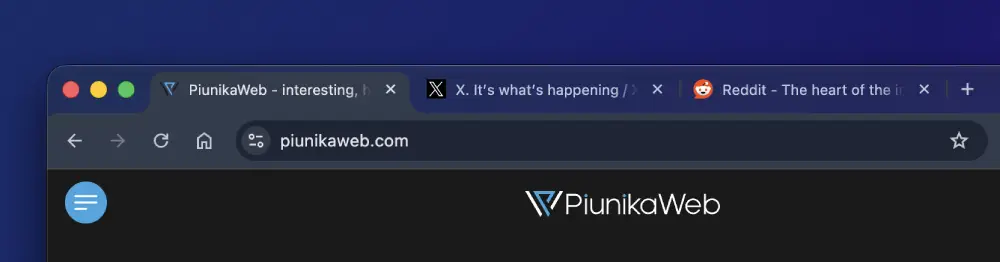
Another change that has landed alters how tabs appear inside the glass frame. Selected tabs that are not active can use a partly transparent background, while inactive tabs lose most of that background treatment. The work also fixes the text color shown on hovered inactive tabs.
In other words, Google is trying to make the effect readable, not just translucent.
A separate change merged today makes ‘GlassFrameService’ available across the codebase. That does not mean the glass interface is coming to Windows or Linux. The commit says GetInstance() will return nullptr on non-Mac platforms, allowing shared code to check whether the service exists without adding platform-specific build flags everywhere.
Two related changes are still unfinished. One would pass the glass state through Chrome’s tab controllers so the tab strip can repaint when the mode changes.
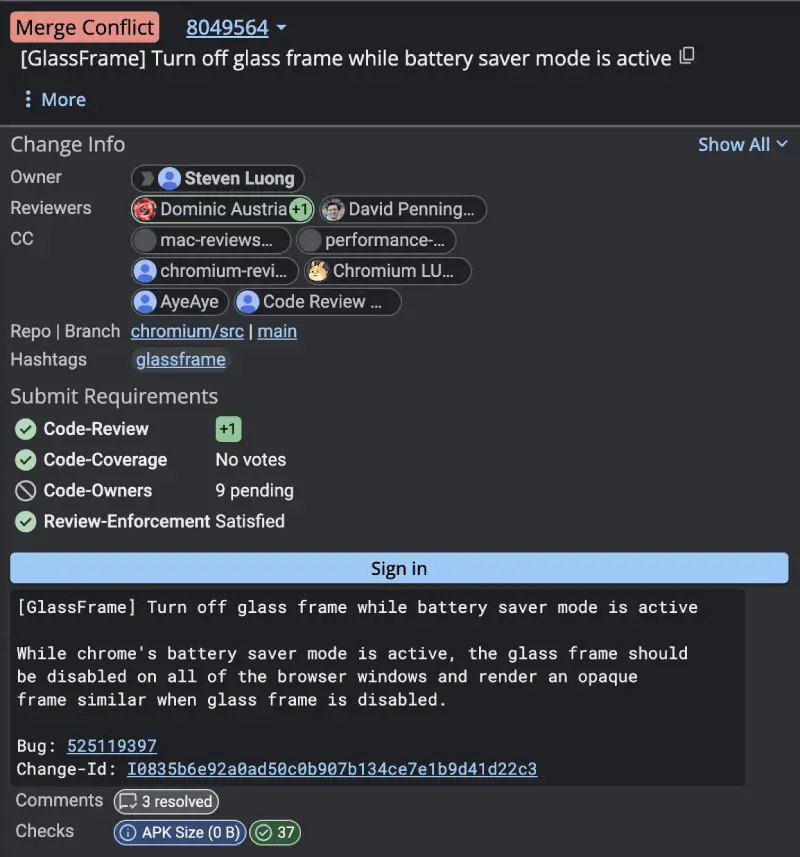
Another would turn the glass effect off whenever Battery Saver is active and restore an opaque frame. That change has passed recent checks and received a review approval, but it also needs more work before it can land.
This should not be confused with the Chrome 151 early stable rollout. Glass Frame arrived as a Chrome 149 experiment and is still something users must enable through Chrome flags. There is no sign here that Google is ready to turn it on for everyone.
Still, it’s clear that Google is refining this constantly before a proper release.
If you want to test the new Glass Frame effect on your Mac, simply open up chrome://flags and search for Glass Frame. Enable it and relaunch the browser.
P.S. It also changes its translucency with the Liquid Glass toggle that Apple introduced in macOS 27 Golden Gate.


Dwayne Cubbins
3155 Posts
I cover fast-moving stories across apps, online platforms, and everyday tech — phones, wearables, consoles, and whatever else people are fighting with this week. Bugs, rollouts, scams, policy enforcement, and the occasional internet-culture rabbit hole are all fair game. My goal is simple — make confusing tech news readable. When I'm not working, I'm working out or chilling with my dog. Got a tip? You can find me on X @dcubbins.
Next article View Article