


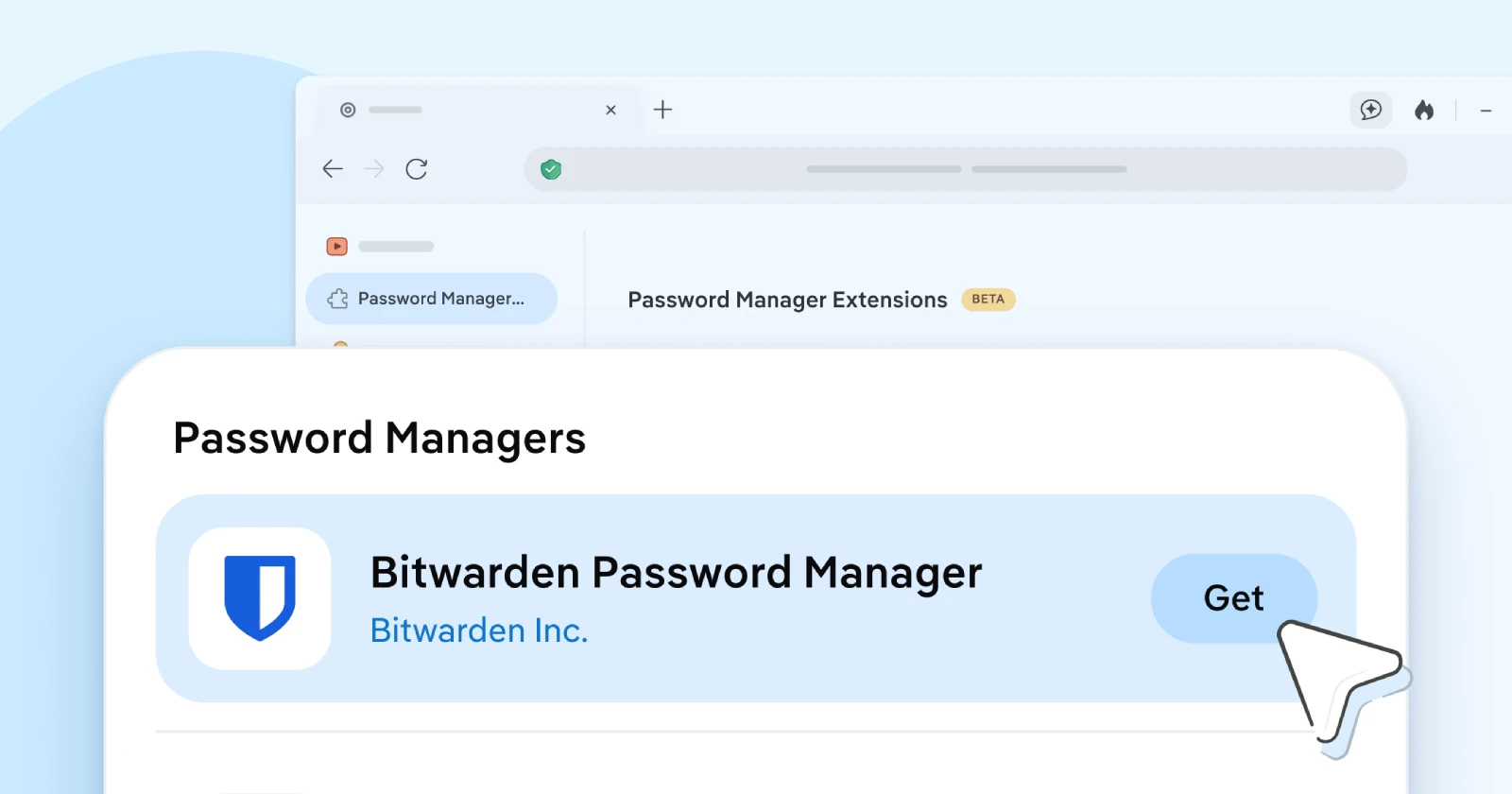
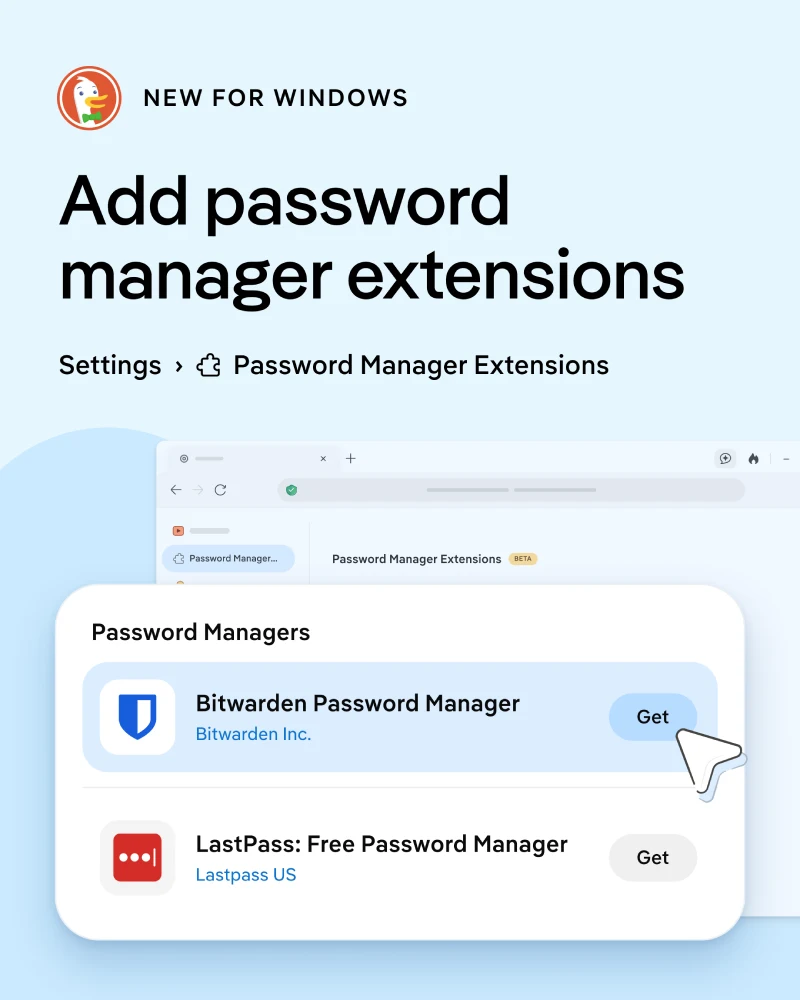
DuckDuckGo is finally bringing third-party extension support to its Windows browser. The first extensions to be supported are Bitwarden and LastPass. People have been begging for browser extensions for ages, and the company says password managers were at the very top of that wish list.
To try it out on Windows, you just head into Settings, click on Password Manager Extensions, and hit the Get button next to the one you want. That takes you straight to the Chrome Web Store to add it, though you do not actually need a Google account to install or use anything.
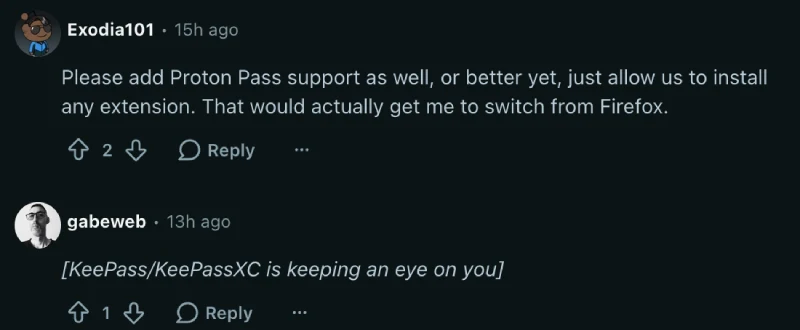
While it’s clearly a step in the right direction for DuckDuckGo, not everyone’s all that excited about it. The limited options are to blame. Folks on Reddit and X want options like 1Password, Proton Pass, or KeePassXC.
Some users may feel uneasy about LastPass making the first cut, given its past security issues. DuckDuckGo also recently had to patch an Android browser bug that could have allowed hackers to steal saved passwords.
Still, having the choice to use a dedicated vault is a big step forward. On their official help page, the team explained why the rollout is so limited right now, noting that “most extensions aren’t compatible with our browser as-is.”
You can only run one password manager at a time, so turning on Bitwarden or LastPass will automatically shut off DuckDuckGo’s built-in autofill. Your old saved logins stay safe in the background if you ever decide to switch back.
The company also shared on Reddit that “extension support for the Mac browser is in the works, too.” I really hope the feature arrives on Mac soon because copying and pasting logins from a separate app gets old fast when you are trying to use a secondary browser every day.
Between adding encrypted, expiring chat sharing to Duck.ai and syncing AI chats across devices, DuckDuckGo has been checking off a lot of practical features lately. They even found time to hand out a $1 million grant to the Tor Project and open web non-profits just a couple of weeks ago.


Dwayne Cubbins
3196 Posts
I cover fast-moving stories across apps, online platforms, and everyday tech — phones, wearables, consoles, and whatever else people are fighting with this week. Bugs, rollouts, scams, policy enforcement, and the occasional internet-culture rabbit hole are all fair game. My goal is simple — make confusing tech news readable. When I'm not working, I'm working out or chilling with my dog. Got a tip? You can find me on X @dcubbins.