


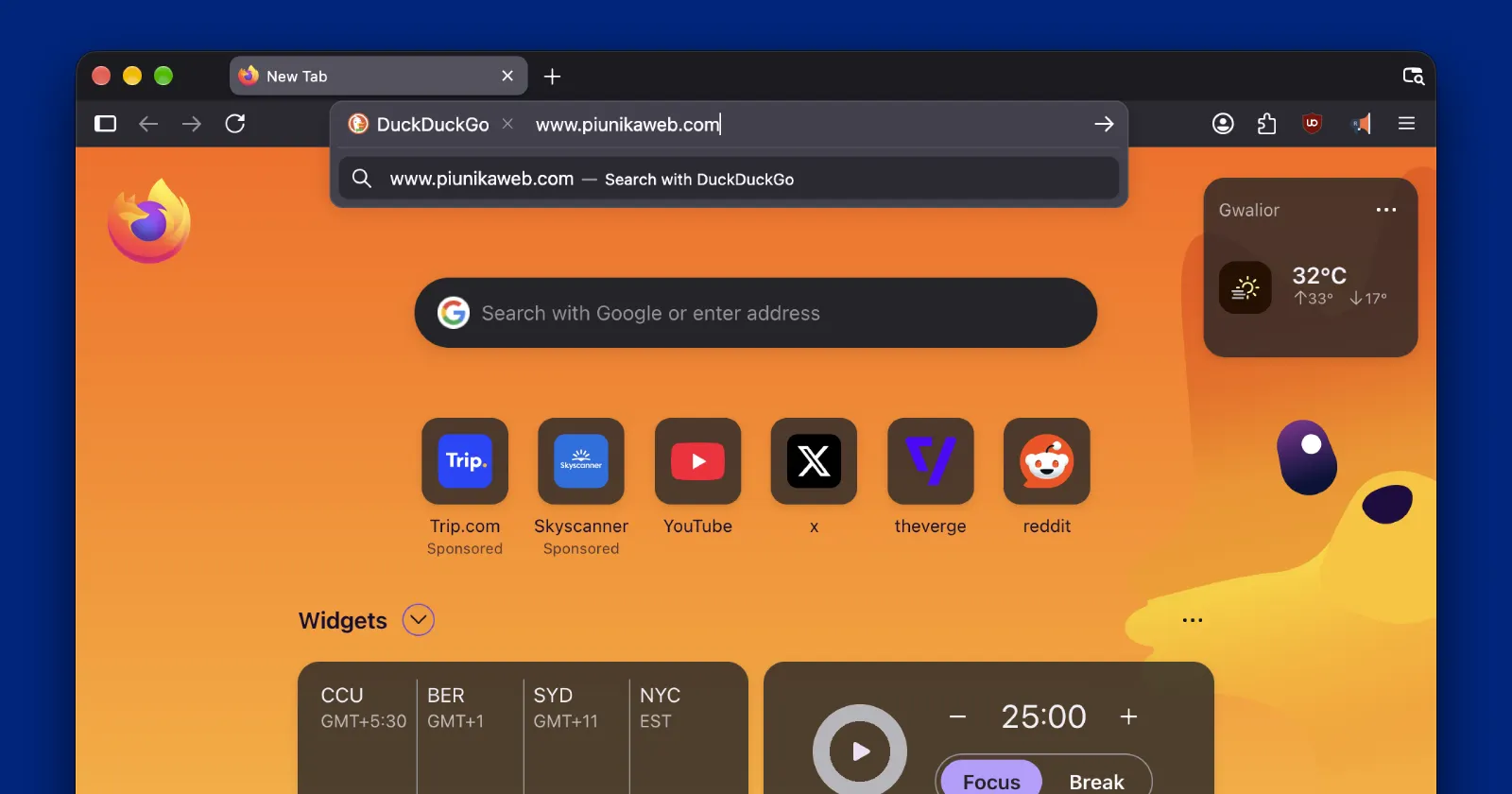
Typing a full website address into your browser only to get dumped onto a search results page is pretty annoying, and it looks like Mozilla is finally putting a stop to it in Firefox.
A frustrated Reddit user put the issue in the spotlight by asking why Firefox refused to open a normal web link when typed into the address bar. They even went into the settings to turn off every suggestion toggle they could find, yet the browser kept searching for the URL instead of loading the site.
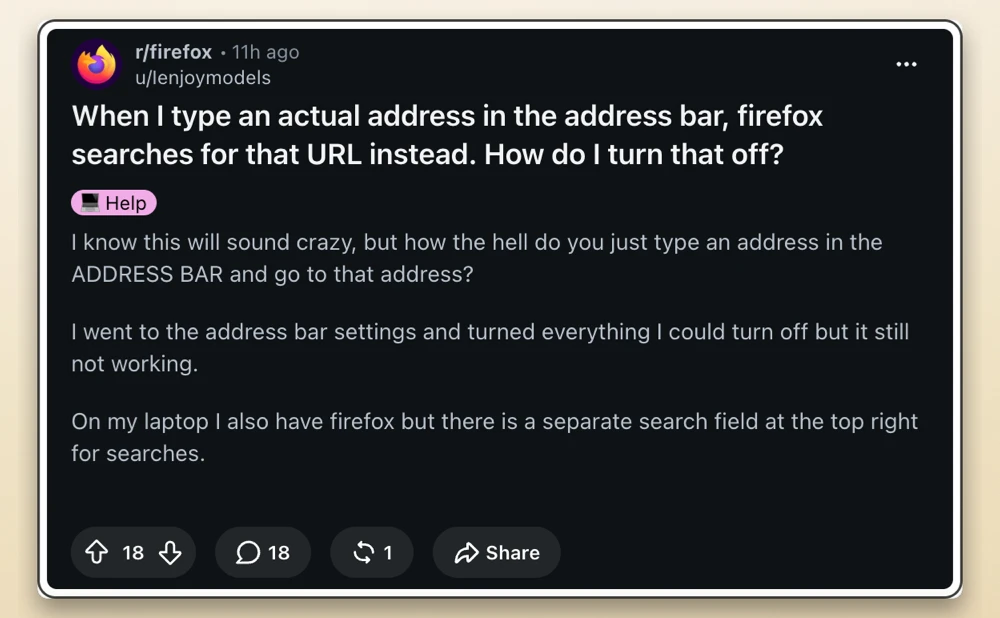
“Firefox is just a browser it’s not a personal assistant or some kind of advisor, I type a URL you do your job and go there and stay out of the way,” the user vented in the thread.
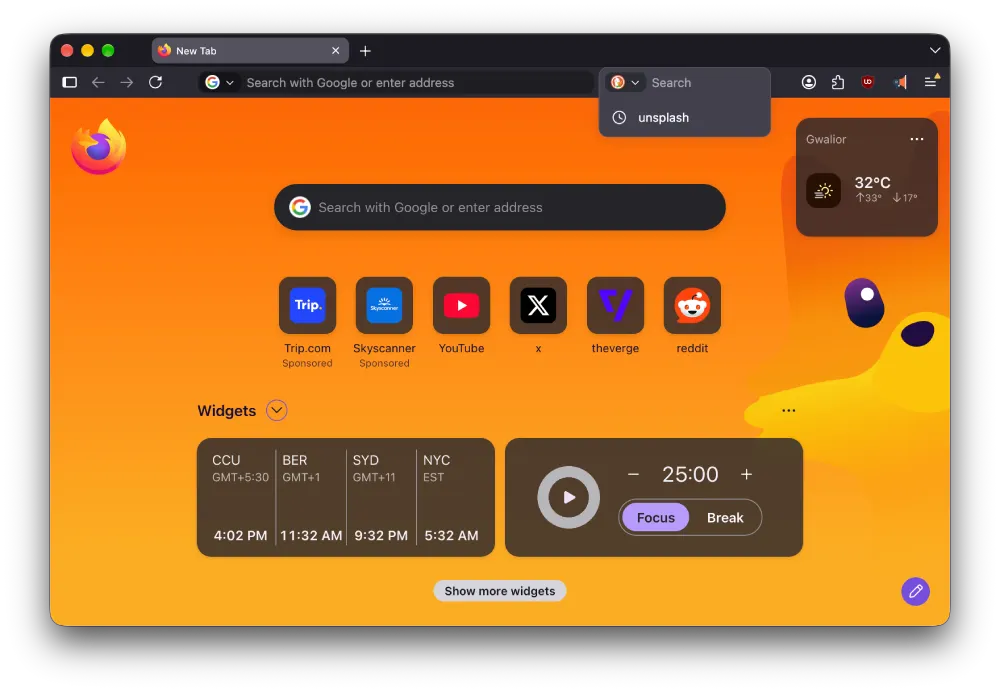
It turns out this happens because of how the search switcher works on the left side of the address bar. If you accidentally click that icon and pick a different search engine, or hit the Control and K shortcut on your keyboard, Firefox locks itself into search mode. We’ve confirmed this behavior on our end, too.
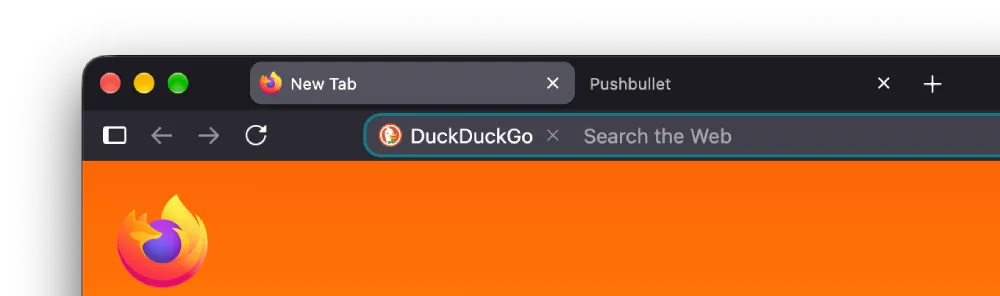
A designer on the Firefox Search and Suggest team jumped into the replies to explain that switching away from your default engine makes the browser assume everything you type next is a search query. That happens even if you type or paste a complete web address.
Mozilla has been tweaking the URL bar quite a bit over the past few months, like adding a Manage AI quick action in the search dropdown to help users turn off generative features faster.
Still, when you pack too many shortcuts and search chips into one text box, basic stuff can get messy. Even Mozilla’s own designer admitted the current setup makes very little sense for normal browsing.
“However, I agree this is confusing, We’ve recently worked on changing it so that it always navigates if you’ve typed a web address, unless you select the web address from the search suggestions that show up beneath where you type. This should be released soon,” the designer confirmed.
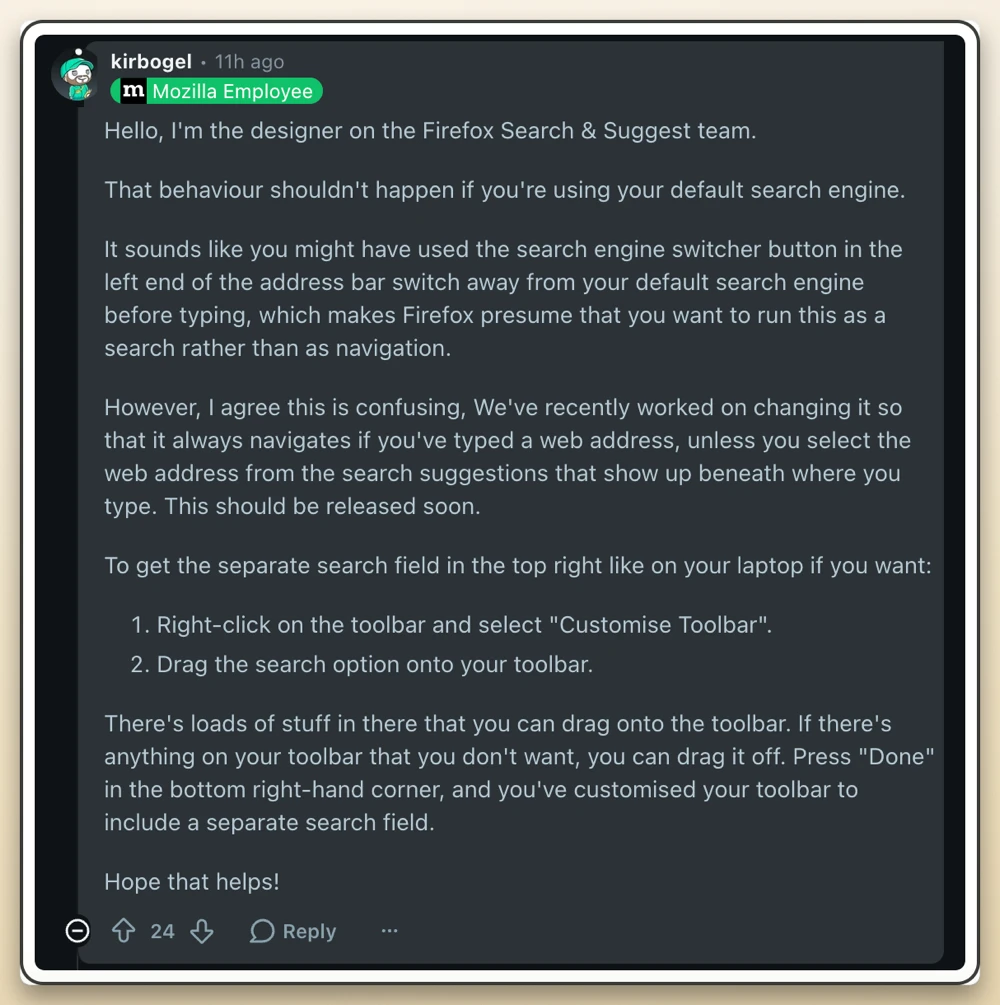
That said, if you don’t want to wait for the update, you can work around this by adding the old-school dedicated search box back to your toolbar. You can just right-click the top bar, hit Customize Toolbar, and drag the separate search field next to your address bar so the two jobs stay separate.


Dwayne Cubbins
3179 Posts
I cover fast-moving stories across apps, online platforms, and everyday tech — phones, wearables, consoles, and whatever else people are fighting with this week. Bugs, rollouts, scams, policy enforcement, and the occasional internet-culture rabbit hole are all fair game. My goal is simple — make confusing tech news readable. When I'm not working, I'm working out or chilling with my dog. Got a tip? You can find me on X @dcubbins.