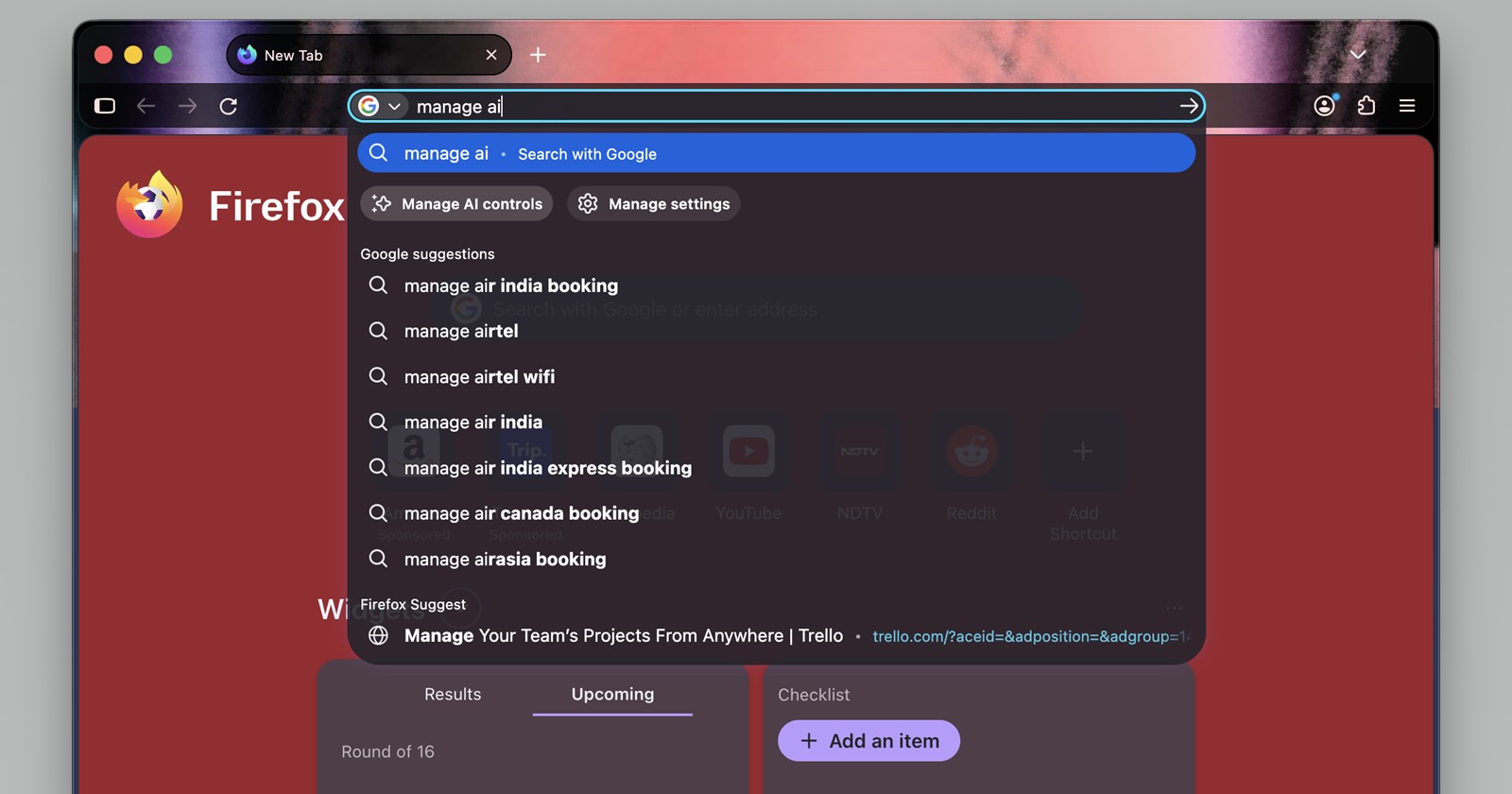
Just about every modern web browser has integrated some form of artificial intelligence over the past year. As the generative AI arms race heats up, giving users adequate control over how and when these tools operate is becoming inevitable. Firefox has generally taken a thoughtful approach to this, recently dedicating a specific “AI Controls” section within its settings menu to govern its generative AI features.
Now, Mozilla is streamlining how you access these preferences. In the latest Firefox Nightly 154 build, the development team has introduced a brand new quick action to the browser’s search bar, appropriately named “Manage AI.”
If you aren’t familiar with them, Firefox quick actions allow you to execute browser commands like clearing history, managing downloads, or opening settings directly from the address bar. They are massive time-savers. By typing specific keywords, you bypass multiple menu clicks.
With this latest Nightly update, typing “Manage AI” directly into the URL bar prompts a dedicated button to appear in the dropdown suggestions. Clicking this shortcut teleports you straight to the AI section of the browser’s settings.
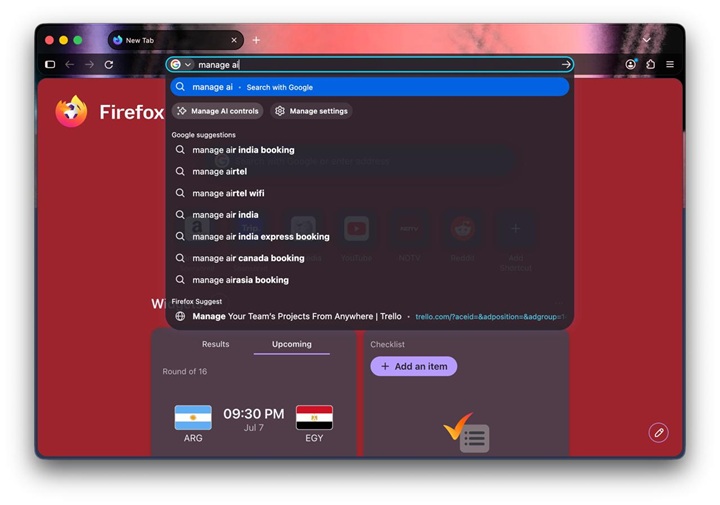
I haven’t been able to get this specific quick action to trigger on my Windows 11 machine just yet. It appears Mozilla is testing the waters with a phased rollout. However, a colleague of mine on macOS 27 Beta managed to pull it up without a hitch.
Looking at the screenshot they shared (below), the implementation is seamless. Typing “manage ai” immediately surfaces a prominent “Manage AI controls” button accompanied by a four-point sparkle icon, the universal design language for anything AI-related these days. It sits neatly alongside the standard “Manage settings” quick action.
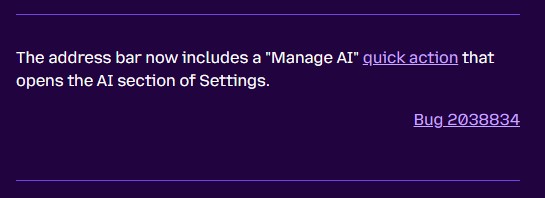
Mozilla has already made it official, listing the new quick action in the Firefox Nightly 154.0a1 release notes.
While it is a relatively minor quality-of-life update, it highlights a growing trend. As browsers become heavier with AI integrations, surfacing the off-switches and configuration dials becomes just as important as the features themselves. If you are running the latest Nightly build, give it a try in your address bar. For everyone else on the stable channel, expect this handy little shortcut to arrive in a future public release.


Hillary Keverenge
2723 Posts
Tech has been my playground for over a decade. While the Android journey began early, it truly took flight with the revolutionary Lollipop update. Since then, it's been a parade of Android devices (with a sprinkle of iOS), culminating in a mostly happy marriage with Google's smart home ecosystem. Expect insightful articles and explorations of the ever-evolving world of Android and Google products coupled with occasional rants on the Nest smart home ecosystem.
Next article View Article