





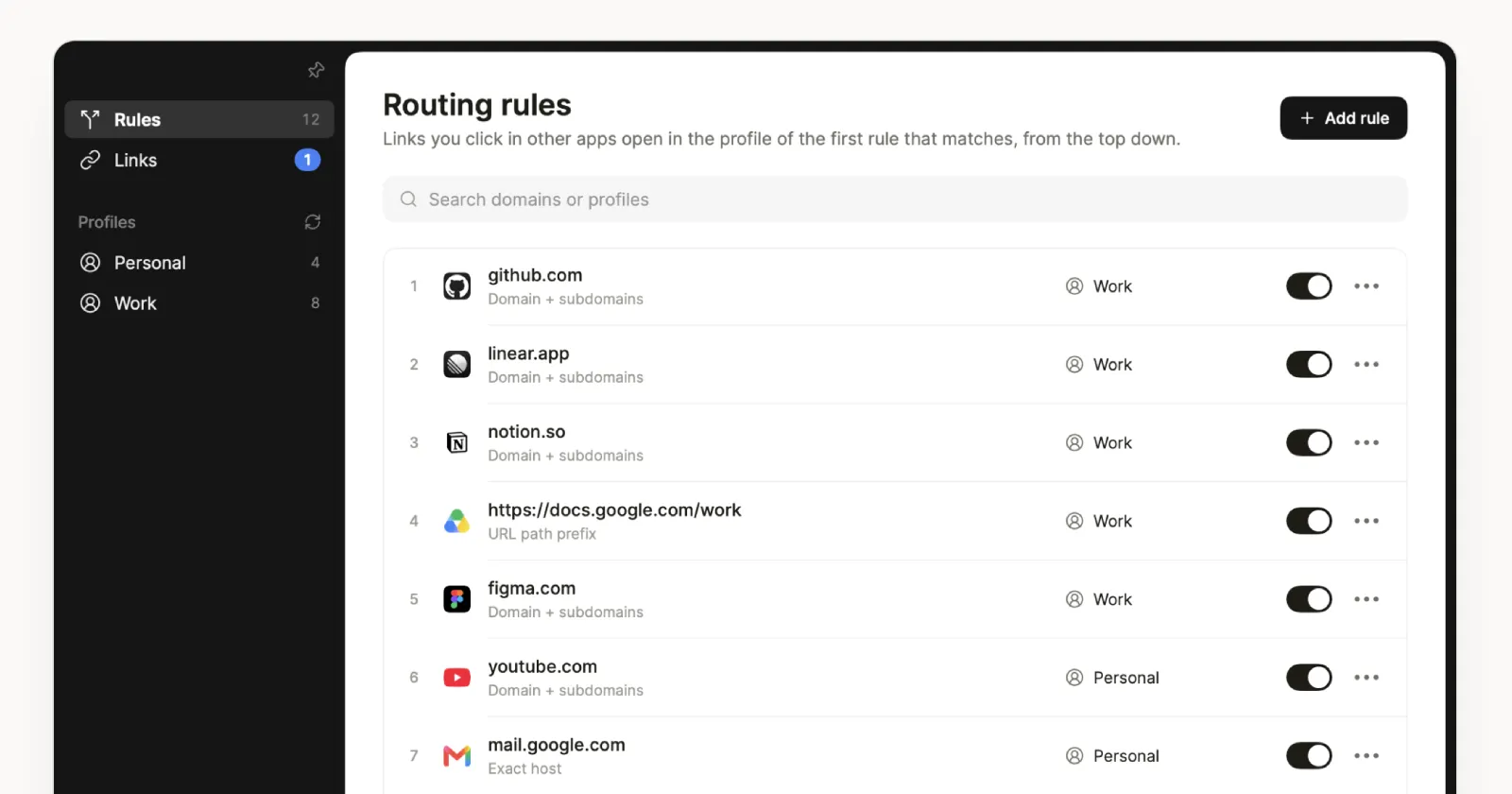
One of the things I’ll miss most about leaving Arc is Air Traffic Control. Having links from Slack or Mail open automatically in exactly the right workspace, without me having to think about it, felt like magic. Dia still doesn’t have an official solution for this, though.
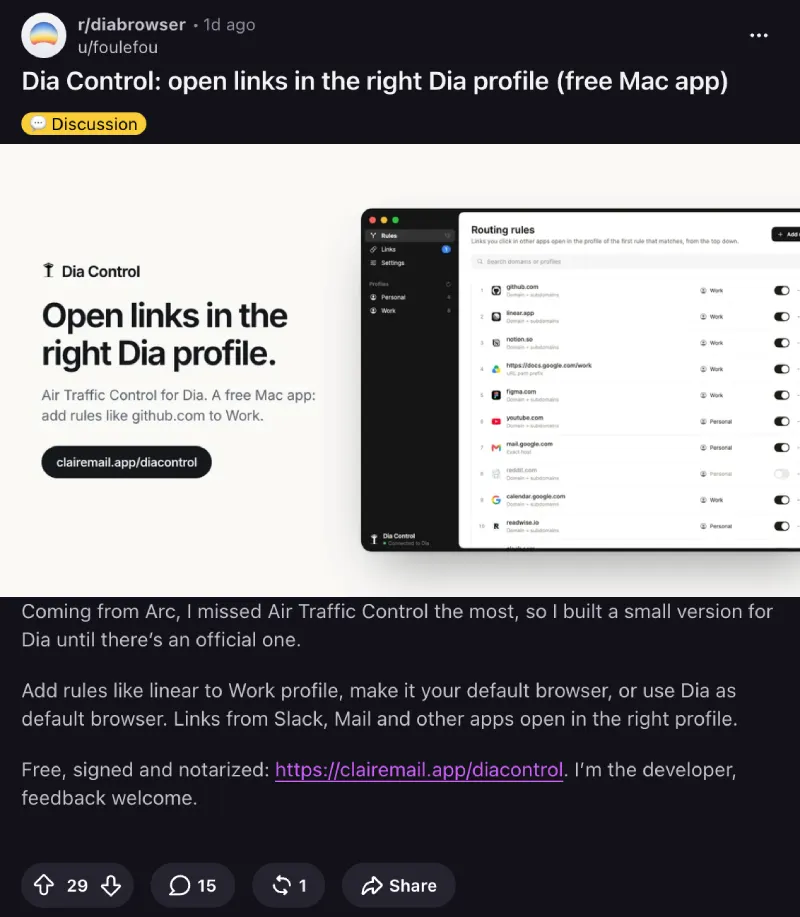
Thankfully, an independent developer who goes by foulefou on Reddit got tired of waiting and built a free Mac app called Dia Control to fill the gap.
“Coming from Arc, I missed Air Traffic Control the most, so I built a small version for Dia until there’s an official one,” the developer explained in the Reddit thread.
Now that Arc is officially shutting down in December, a lot of us are finally being forced to pack our bags and move on. While some folks are testing out niche browsers like Crest or watching Mozilla court Arc users over to Firefox, plenty of us have landed on Dia as our daily driver.
The way Dia Control works is pretty simple. You set it as your default browser on macOS, connect it to Dia so it can read your profile names, and then set up rules for specific websites.
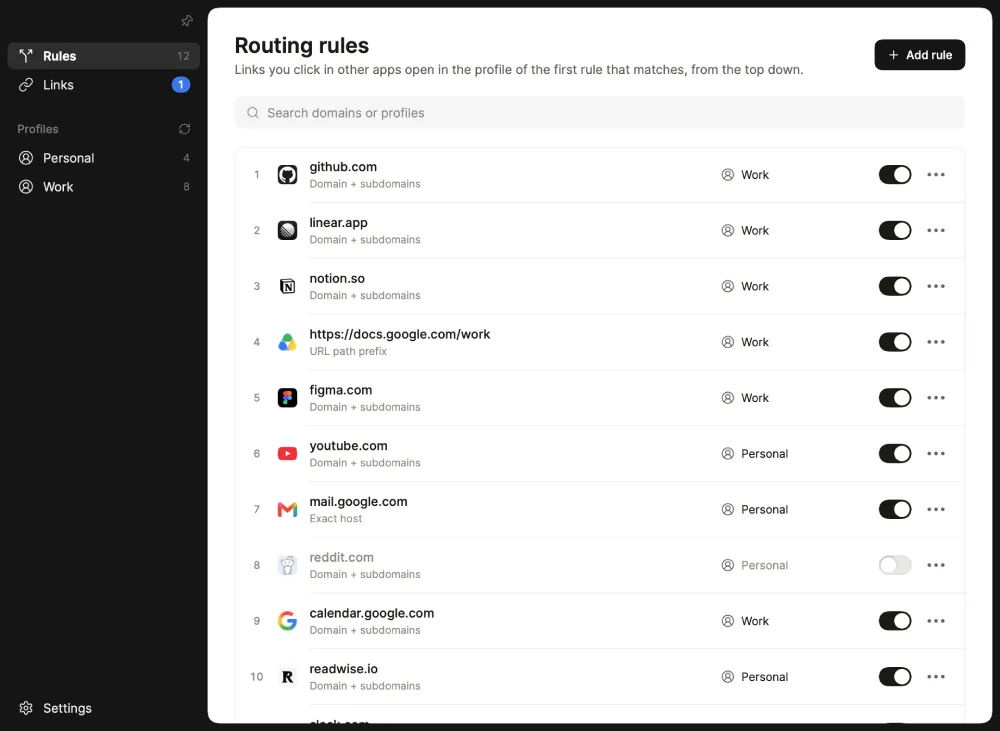
For example, you can tell it to send all GitHub or Linear links straight to your Work profile while routing YouTube or Reddit over to your Personal profile. It even unwraps annoying tracking links from Gmail and Slack before sending them through, and it switches to an already open tab instead of creating duplicates.
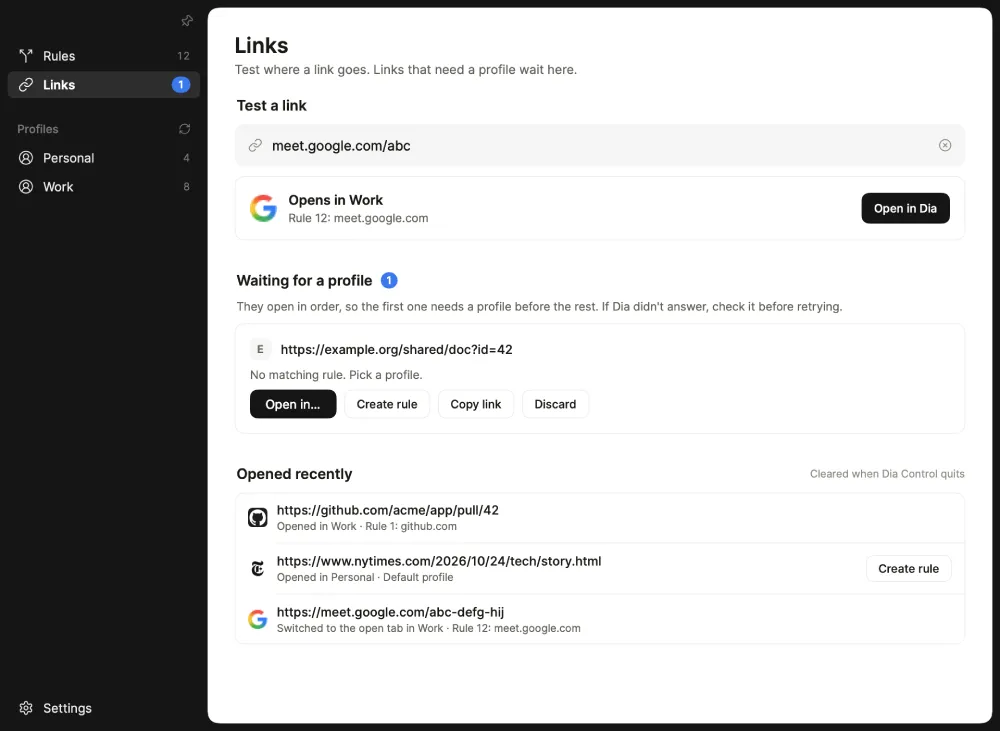
The best part is that it looks like the developer is taking feedback seriously and working to improve it rapidly. When a user pointed out that unmatched links were awkwardly opening the whole app window instead of a clean prompt like the popular Mac link router Velja, the developer pushed an update just hours later.
“1.3.4 is out, links with no rule now get a small menu right at your pointer, like Velja. Press 1 or 2 to pick a profile, and tick ‘Always use for this site’ to turn it into a rule,” they replied.
They also quickly added an option to hide the icon from the Mac menu bar and a pin button to keep the window floating on top while you copy and paste URLs out of Dia. If you already use Velja as your main router, you can even chain Dia Control right into it.


Dwayne Cubbins
3150 Posts
I cover fast-moving stories across apps, online platforms, and everyday tech — phones, wearables, consoles, and whatever else people are fighting with this week. Bugs, rollouts, scams, policy enforcement, and the occasional internet-culture rabbit hole are all fair game. My goal is simple — make confusing tech news readable. When I'm not working, I'm working out or chilling with my dog. Got a tip? You can find me on X @dcubbins.