






The latest snapshot (beta) update to Vivaldi on Android brings an important usability improvement; it’s related to the media player. There are some more polish improvements to make the experience better.
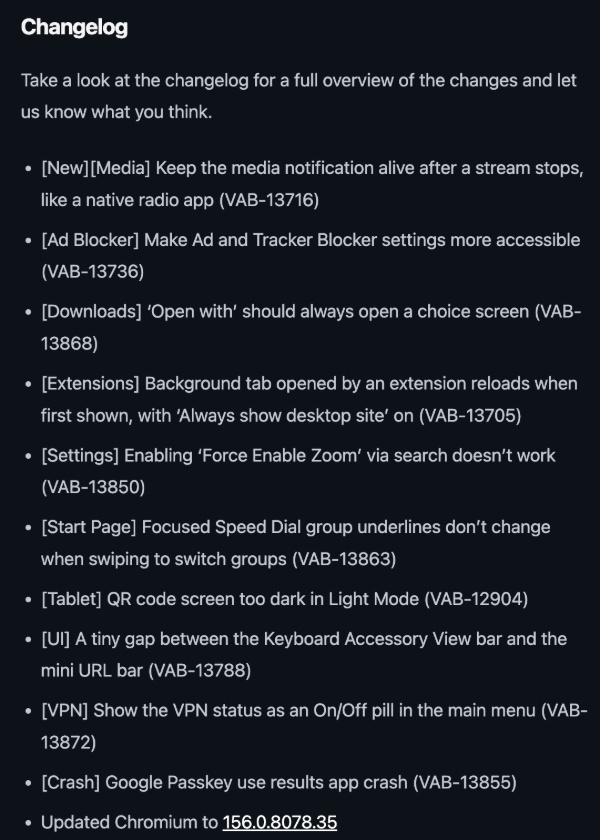
For your reference, a screenshot of the changelog has been attached below. They were published in an official Vivaldi blog (Release Notes).
I checked for this snapshot on the Play Store, and as expected, I found the v4190.50 update waiting for me.
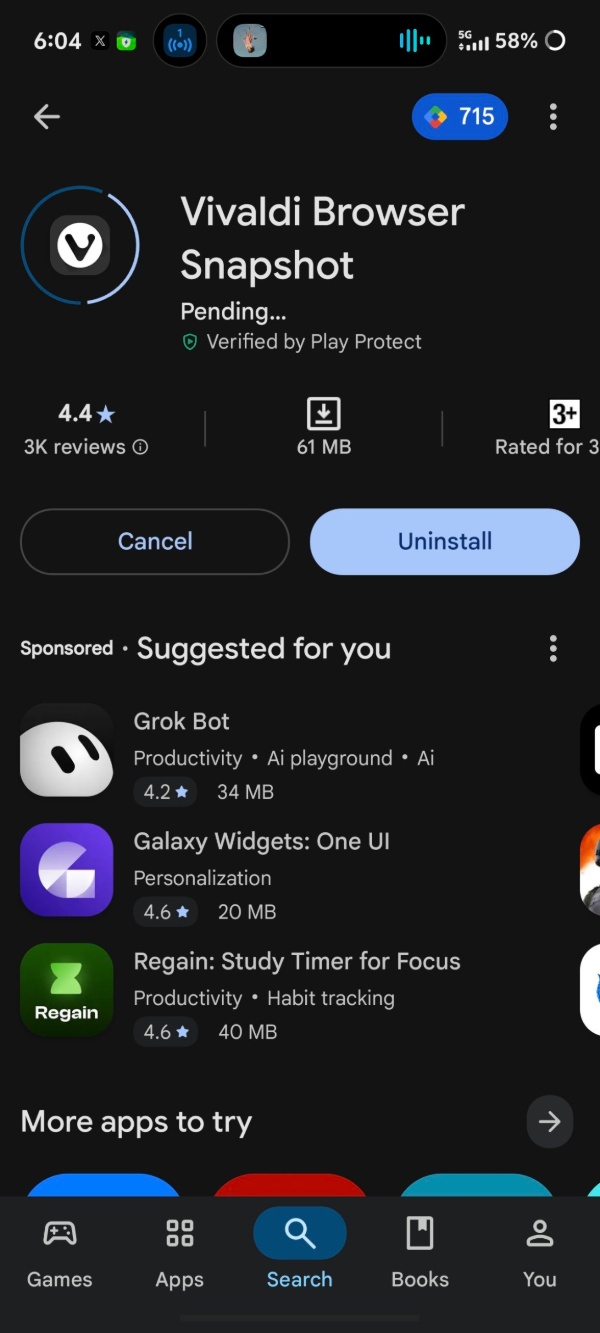
Here are the important changes I observed:
- Media player stays up for longer (Persistent media player): The notification and lock screen controls will no longer disappear immediately. You can get back to what you were listening to easily, instead of needing to reopen the browser for these controls.

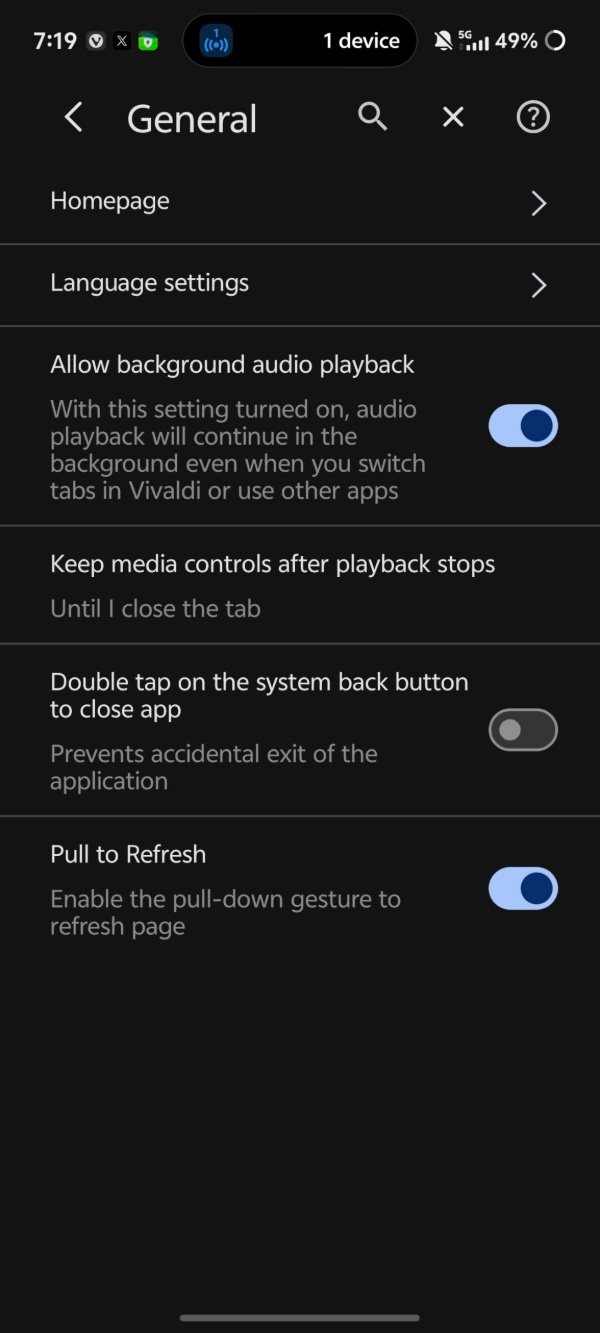
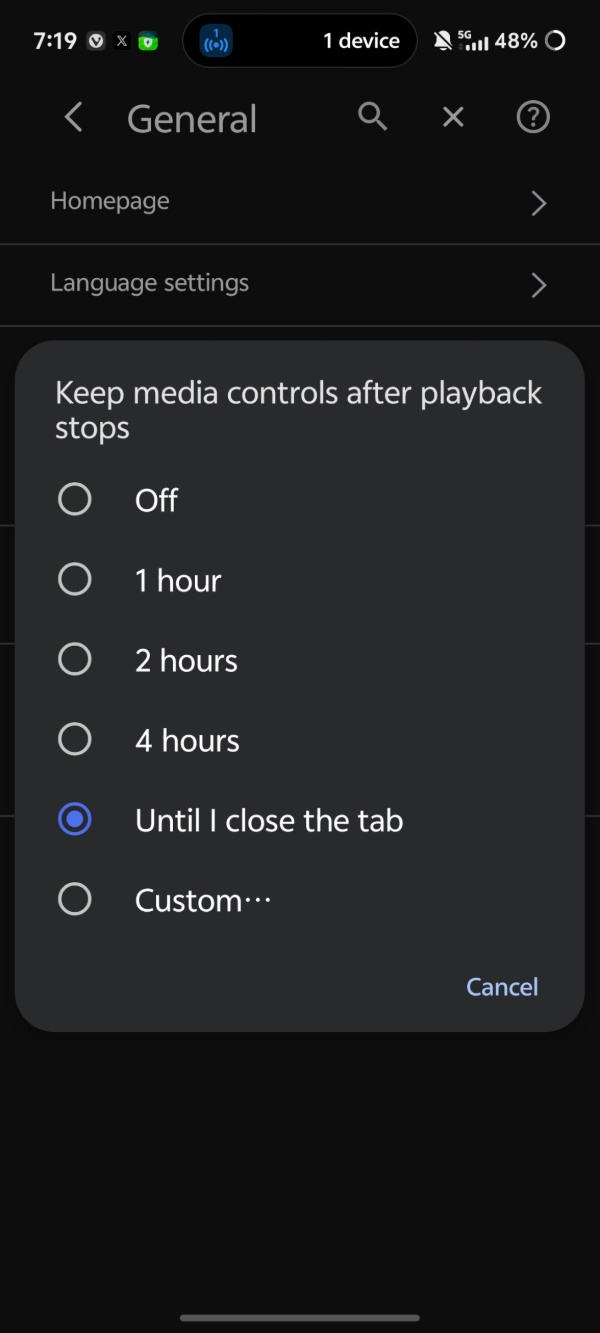
Furthermore, the amount of time it stays is adjustable via Settings -> General -> “Keep media controls…”
- The settings for “Ad and Tracker Blocker” are easier to find.
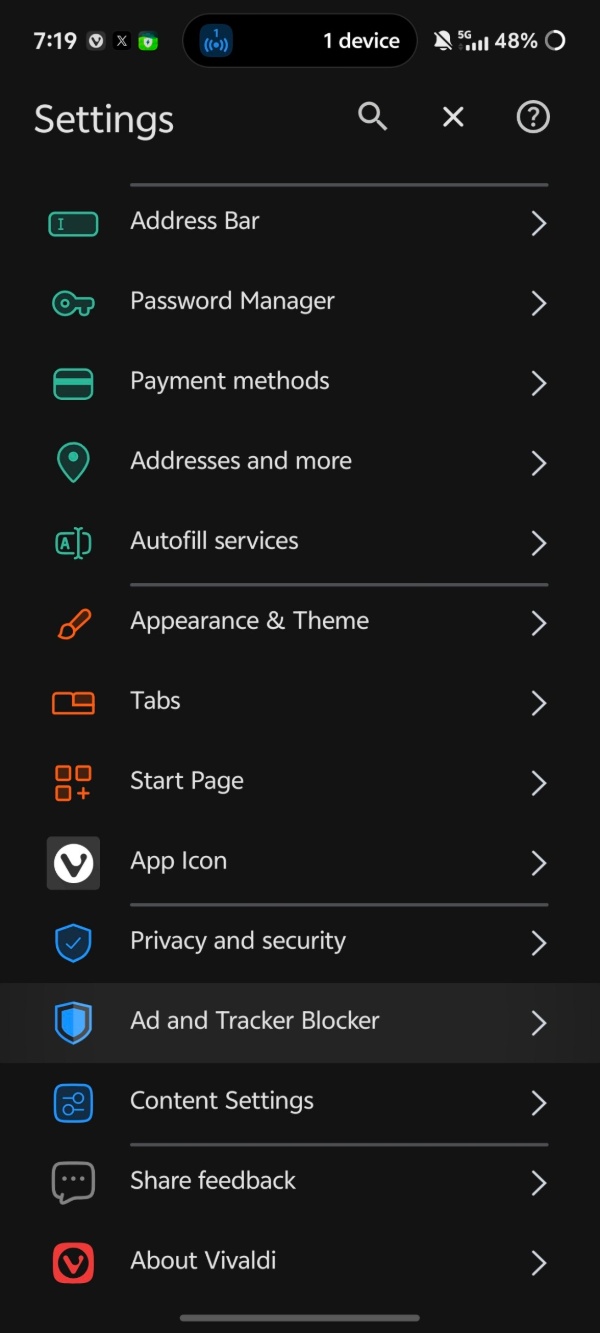
- Whenever you download something, the “Open with” feature will always show the choice screen.
- VPN status: Shows a simple On/Off pill in the main menu.
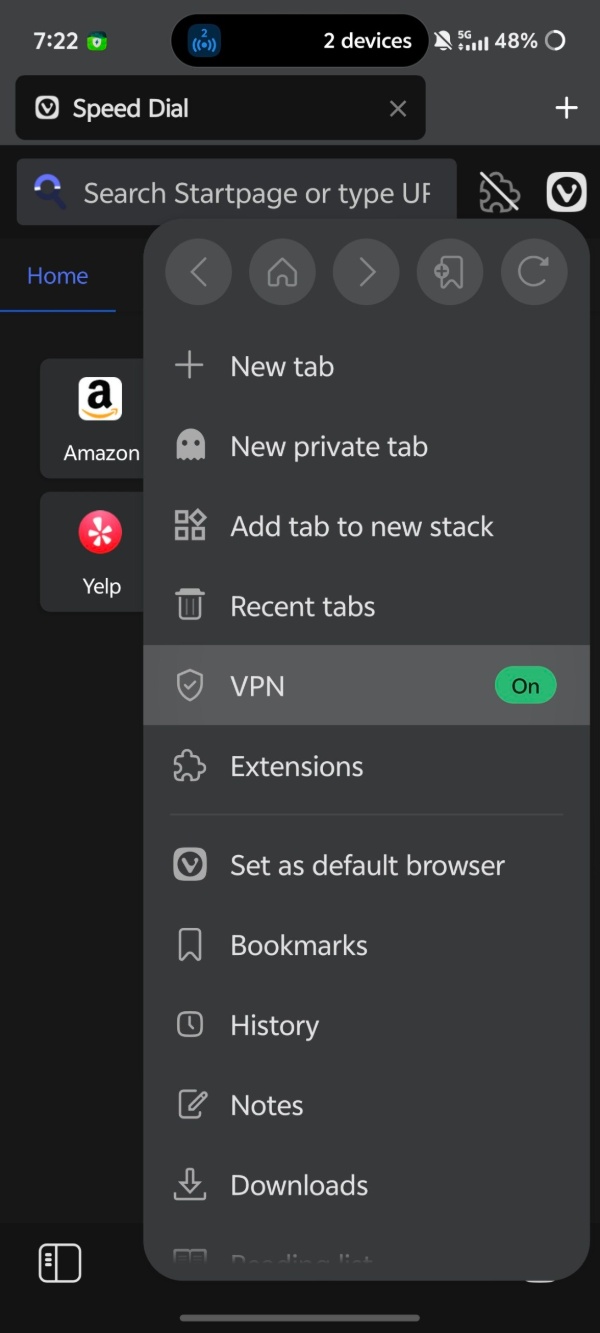
- Moreover, some crash-related issues with Google Passkeys have been addressed.’Various smaller UI issues with Speed Dial underline, tablet QR code screen in light mode, gaps above the mini address bar, force-enable zoom via search, etc were fixed.
- Has been updated to Chromium v156, bringing in security patches.
Note: A snapshot update can’t be treated as a stable version, and it’s prone to instability. It’s only recommended for testers or developers, and everyday users should probably stick to the stable version. We have only mentioned the important user-facing changes here. You can find the official blog post about these changes here.
Improvements to the media player and subtle visual refinements aren’t the only changes Vivaldi has made lately. For instance, we covered a story where a recent snapshot added the option to copy a clean link.
In other Vivaldi news, the browser will soon get direct vCard contact imports and smarter theme-matching websites. More on that here.


Sudhanshu K
340 Posts
I have been a consumer technology enthusiast for over 5 years. Thanks to my experience in software beta testing and product reviews, I've understood and learnt a lot about what bugs and issues bother people, and I spend time trying to simplify their solutions. I cover smartphones, software, social media, apps, AI, and most consumer tech gadgets. Actively pursuing a Computer Science bachelor’s degree. I'm mostly active on Twitter/X (@TechWhirlUlt), drop a DM or tag me if you want to share info or connect!