





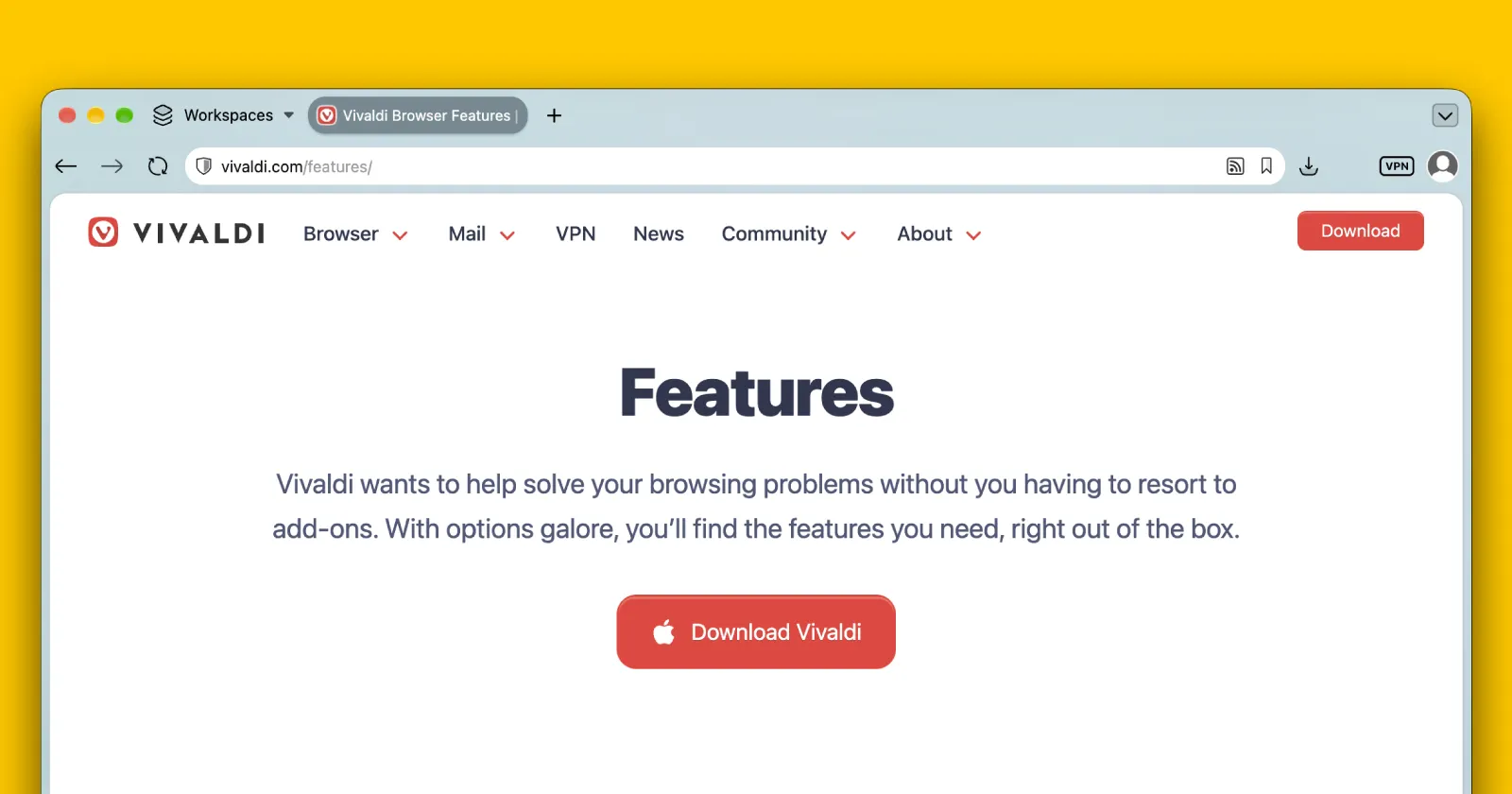
Vivaldi is getting closer to rolling out its next major desktop update, version 8.3, and the latest beta snapshot just gave us a look at what is coming next.
With the new 4190.36 test build, the browser is finally adding a direct way to import vCard contacts, alongside a handy tweak that matches website colors to your custom browser themes.
If you actually use Vivaldi’s built-in mail client, managing your address book has always been a bit of a chore. Being able to pull in standard vCard files directly means you can finally move your contacts over from other email services or your phone without jumping through annoying hoops. The devs also made sure it doesn’t choke on messy contact files that have multiple lines of text or weird formatting.
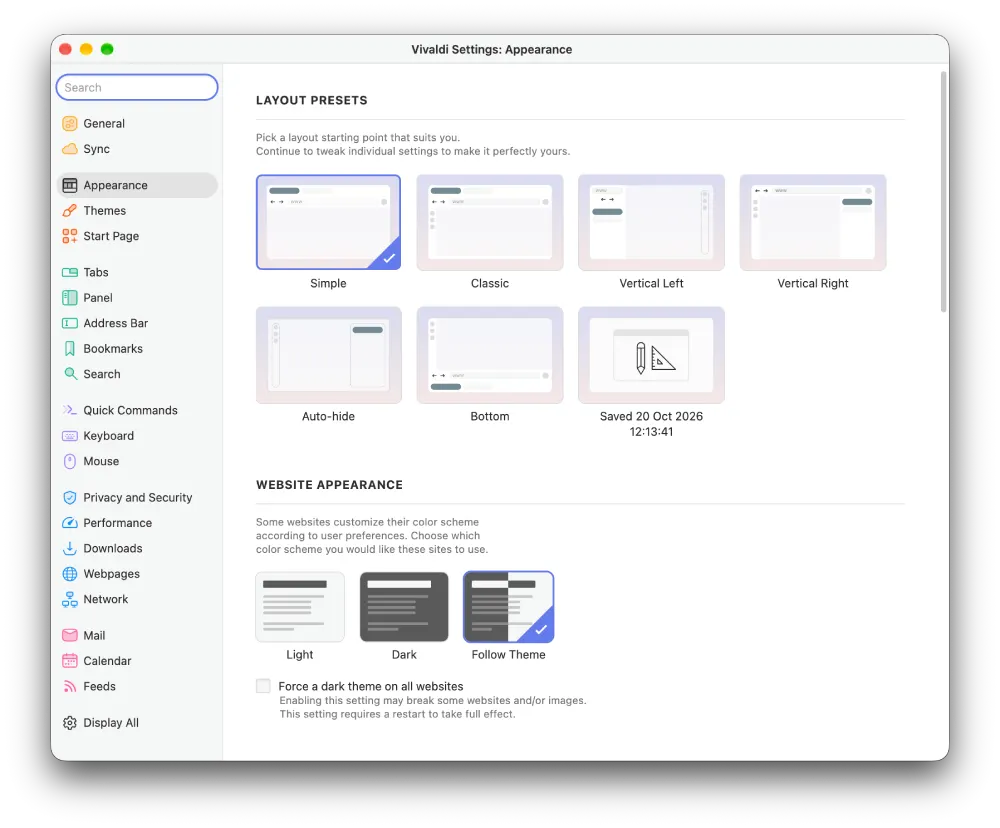
There are also some visual tweaks that are coming. Up until now, the browser had an “Auto” setting for website appearance that basically guessed whether a webpage should load in light or dark mode based on your system settings.
Vivaldi is renaming this option to “Follow Theme” so that websites actually pay attention to the specific Vivaldi theme you are currently using, though the team notes that this feature is still a work in progress.
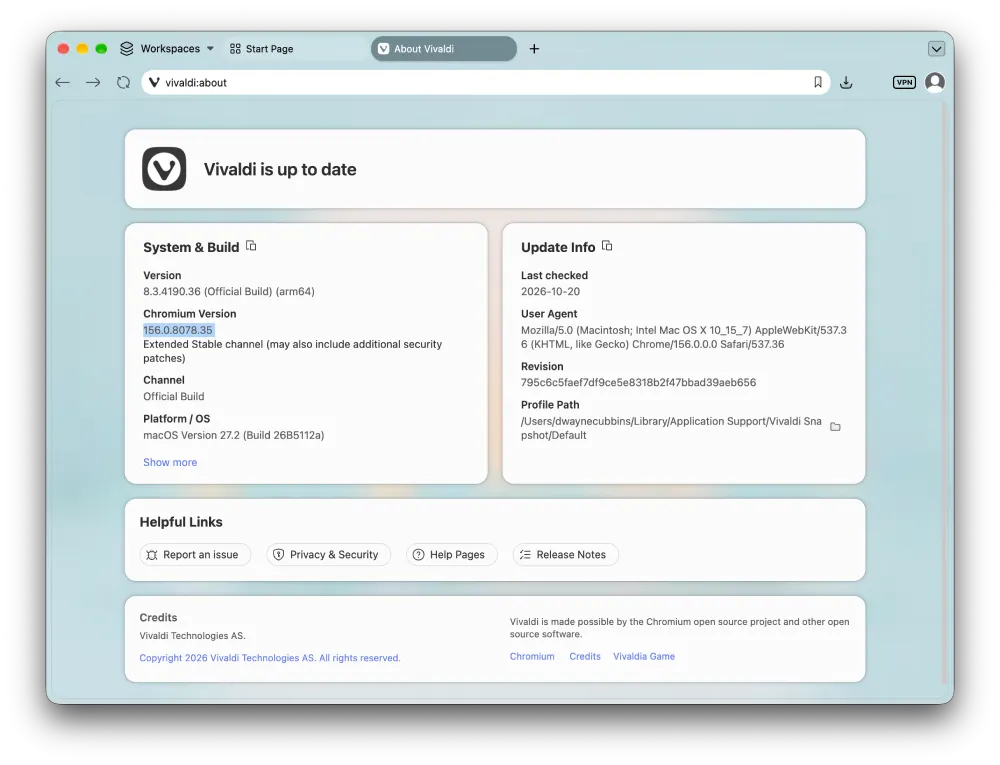
Under the hood, this snapshot bumps the browser up to the Chromium 156 engine. Just last week, Vivaldi pushed out minor desktop security and bug fixes on the older Chromium 155 base, where Vivaldi team member Ruarí Ødegaard explained that “we follow ESR, not the regular stable” and promised they “will be moving to the next ESR (Chromium 156) with the Vivaldi 8.3 release, which will also have this code enabled by default.”
Once the update arrives, it’ll likely also enable the new JPEG XL support like other Chromium browsers such as Chrome and Brave.
Beyond those main additions, the snapshot packs in a bunch of smaller fixes for the built-in ad blocker, calendar events that cross past midnight, and workspace tab movement.
It follows a steady stream of quality-of-life tweaks across all platforms, like a recent Android Vivaldi snapshot that lets you copy clean links without all those annoying tracking strings attached at the end.


Dwayne Cubbins
3129 Posts
I cover fast-moving stories across apps, online platforms, and everyday tech — phones, wearables, consoles, and whatever else people are fighting with this week. Bugs, rollouts, scams, policy enforcement, and the occasional internet-culture rabbit hole are all fair game. My goal is simple — make confusing tech news readable. When I'm not working, I'm working out or chilling with my dog. Got a tip? You can find me on X @dcubbins.