






Our engineers used Gemini 4 Argon to eliminate an entire category of browser crashes in @GoogleChrome.
— Google (@Google) October 13, 2026
Argon helped separate core webpage handling from a 6-million line legacy folder in Chromium's 40-million line codebase, completing months of work in just weeks. Here's how ↓ pic.twitter.com/CpXBW1w7f2
After making AI enthusiasts wait what felt like an eternity, Google finally released its frontier AI model, Gemini 4 Argon, to the public earlier today. In the official blog post, the company said it used Argon to clean up a large chunk of old Chrome code and eliminate an entire class of browser crashes.
In case you missed it, back in July we covered how Google confirmed that they’ve been using AI to tackle bugs and issues in Chrome. This latest cleanup tackles a headache that has been sitting under the hood for years.
Over time, Chromium’s codebase has grown to around 40 million lines of code. Buried inside all of that was a six-million-line legacy folder where core webpage handling was tangled up with everyday browser features.
Because the webpage itself and the surrounding tab features were glued together in the code, Chrome could easily trip over itself and crash whenever a page had to live outside a standard browser tab.
So Chrome engineers played this smart. Instead of spending months rewriting hundreds of files by hand, they handed the grunt work over to Argon.
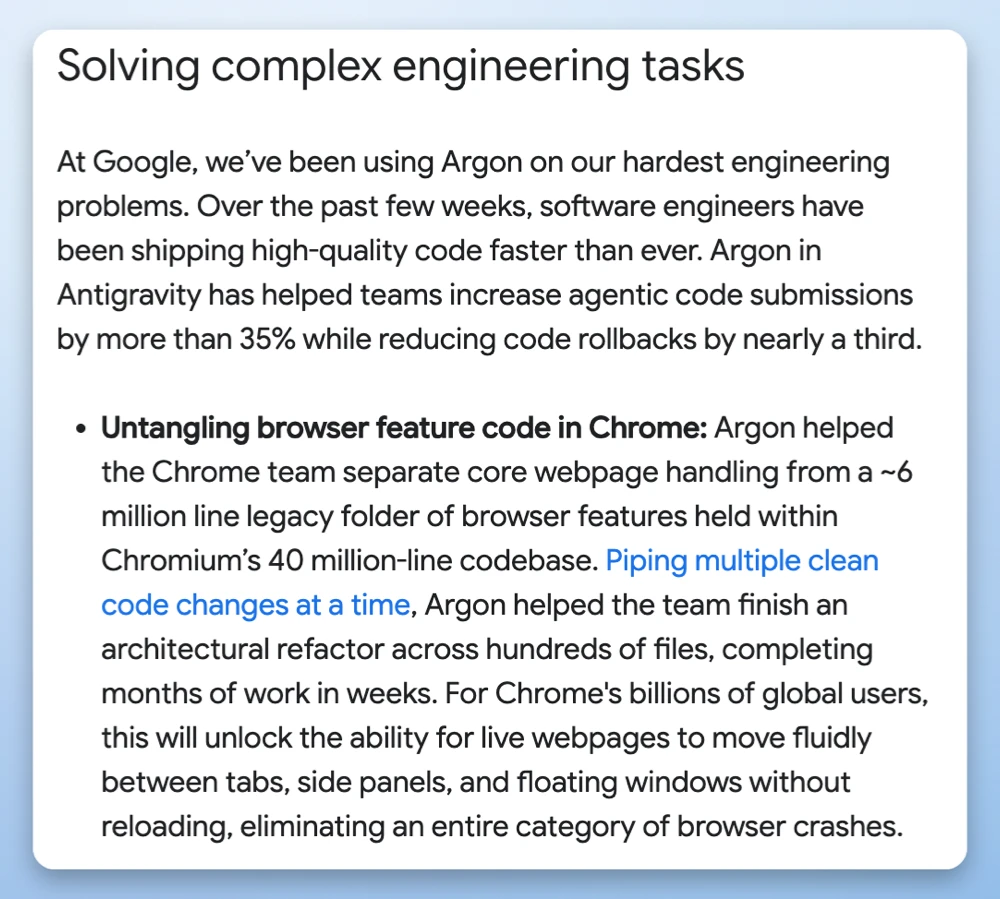
According to Google’s post on X, the model “helped separate core webpage handling from a 6-million line legacy folder in Chromium’s 40-million line codebase, completing months of work in just weeks.”
A quick look at the Chromium issue tracker shows nearly 300 individual code changes tagged as agent-generated since late July, with human engineers reviewing and signing off on each patch. This boost that comes with AI is also why we recently saw Chrome 152 roll out with over 300 security fixes in a single update.
Google notes that this overhaul “will unlock the ability for live webpages to move fluidly between tabs, side panels, and floating windows without reloading, eliminating an entire category of browser crashes.” So expect your browser to feel more snappy and responsive.

We stand out from the tech-media crowd because we break news stories; we mainly bring you stuff that you won’t find anywhere in the mainstream tech media. Our stories have been picked up by some of the world’s most popular websites and media outlets—more info is available here.

Dwayne Cubbins
3113 Posts
I cover fast-moving stories across apps, online platforms, and everyday tech — phones, wearables, consoles, and whatever else people are fighting with this week. Bugs, rollouts, scams, policy enforcement, and the occasional internet-culture rabbit hole are all fair game. My goal is simple — make confusing tech news readable. When I'm not working, I'm working out or chilling with my dog. Got a tip? You can find me on X @dcubbins.