





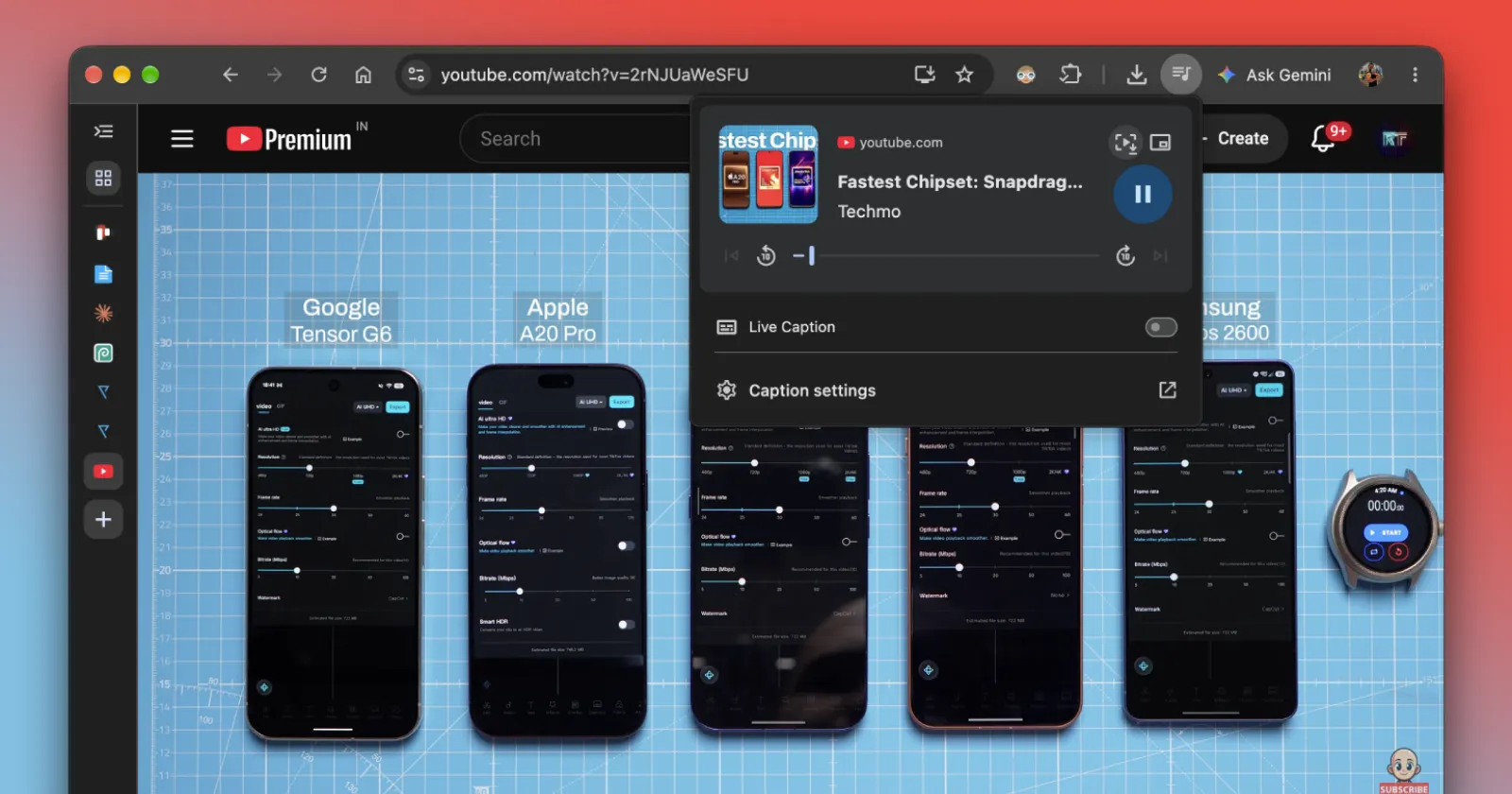
Want to screenshot a moment in a video?
— Brave (@brave) October 8, 2026
A new Brave feature makes that easy:
1⃣ Open the media player by clicking the music note icon on the toolbar.
2⃣ Click the "Save video frame" button (it looks like a play button with brackets).
3⃣ Choose where to save the image. pic.twitter.com/43wag9CwX9
If you have ever tried pausing a YouTube video to grab a screenshot of the video frame, you know how annoying it can get. You hit the spacebar, and suddenly half the screen gets blocked by player controls, progress bars, and channel watermarks. Alternatively, you have to open the screenshot tool and manually capture the exact moment you want while the video is playing. Both of these methods are tedious.
Luckily, there’s now a much easier way to do it. I actually ran into a neat solution the other day while watching a video in Chrome. Out of nowhere, a little blue tooltip popped up beside the address bar that said “Save an image of the video frame from Media Controls”.
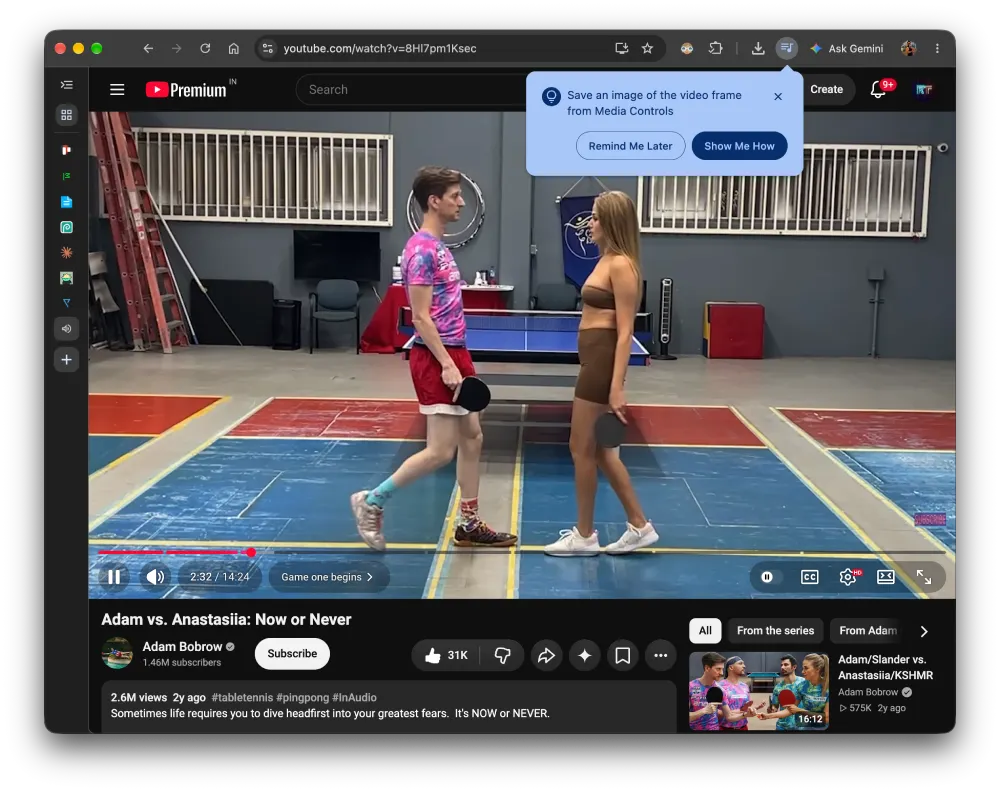
Clicking the Media Controls icon in the toolbar opened the media playback hub, and sure enough, a brand-new capture button sat right next to the picture-in-picture toggle. Tapping it immediately downloaded a crisp, full-resolution still of the frame without any paused player junk on top.
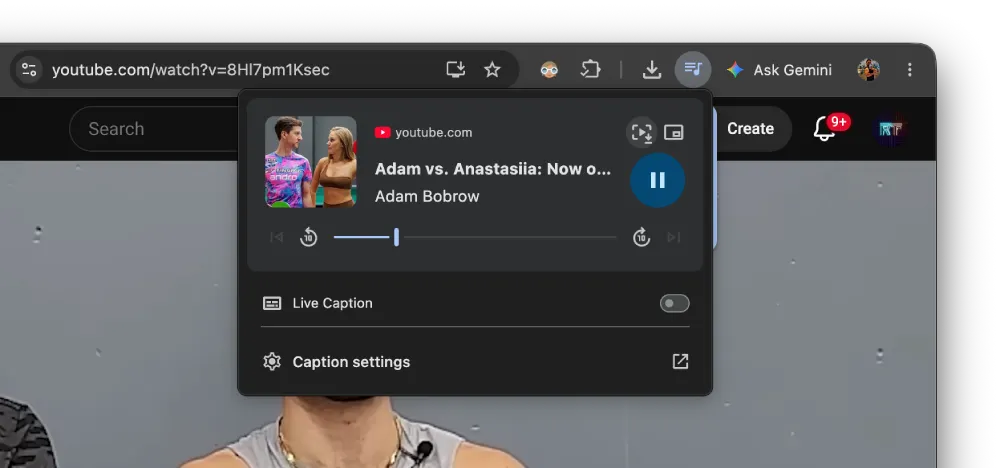
For context, I spotted this feature in a recent Chrome 155 build. The v155 update itself began rolling out a few days ago. More details on that here.
That said, just a couple of days after I spotted the feature in Chrome, Brave posted about the exact same thing on X. Their post asked users, “Want to screenshot a moment in a video? A new Brave feature makes that easy,” walking people through using the feature with their own video guide.
Curious to see if this was showing up everywhere, I updated Microsoft Edge to version 155 to check for the same button. Even though Edge shares the same Chromium roots, the video frame capture tool was nowhere to be found in its media flyout. Here’s a screenshot from the latest version of Edge for reference:
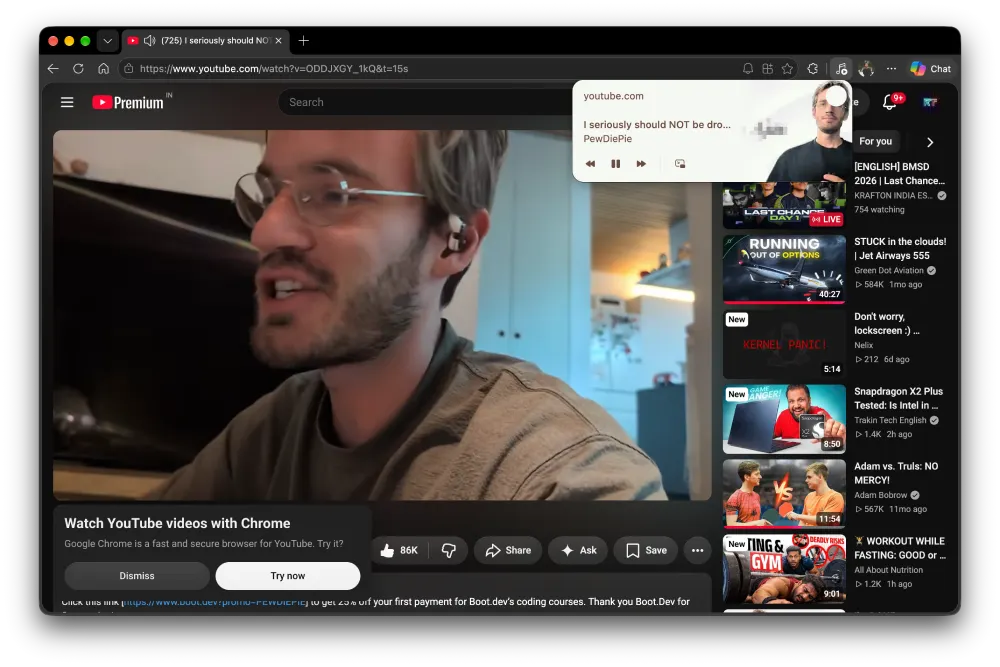
That suggests this isn’t just an automatic toggle for every browser on the web engine. Microsoft builds its own customized media menu, while Brave tends to mirror upstream Chromium features much more closely. Brave has also been busy on other interface tweaks lately, like letting users stack split-view tabs horizontally.

We stand out from the tech-media crowd because we break news stories; we mainly bring you stuff that you won’t find anywhere in the mainstream tech media. Our stories have been picked up by some of the world’s most popular websites and media outlets—more info is available here.

Dwayne Cubbins
3105 Posts
I cover fast-moving stories across apps, online platforms, and everyday tech — phones, wearables, consoles, and whatever else people are fighting with this week. Bugs, rollouts, scams, policy enforcement, and the occasional internet-culture rabbit hole are all fair game. My goal is simple — make confusing tech news readable. When I'm not working, I'm working out or chilling with my dog. Got a tip? You can find me on X @dcubbins.