





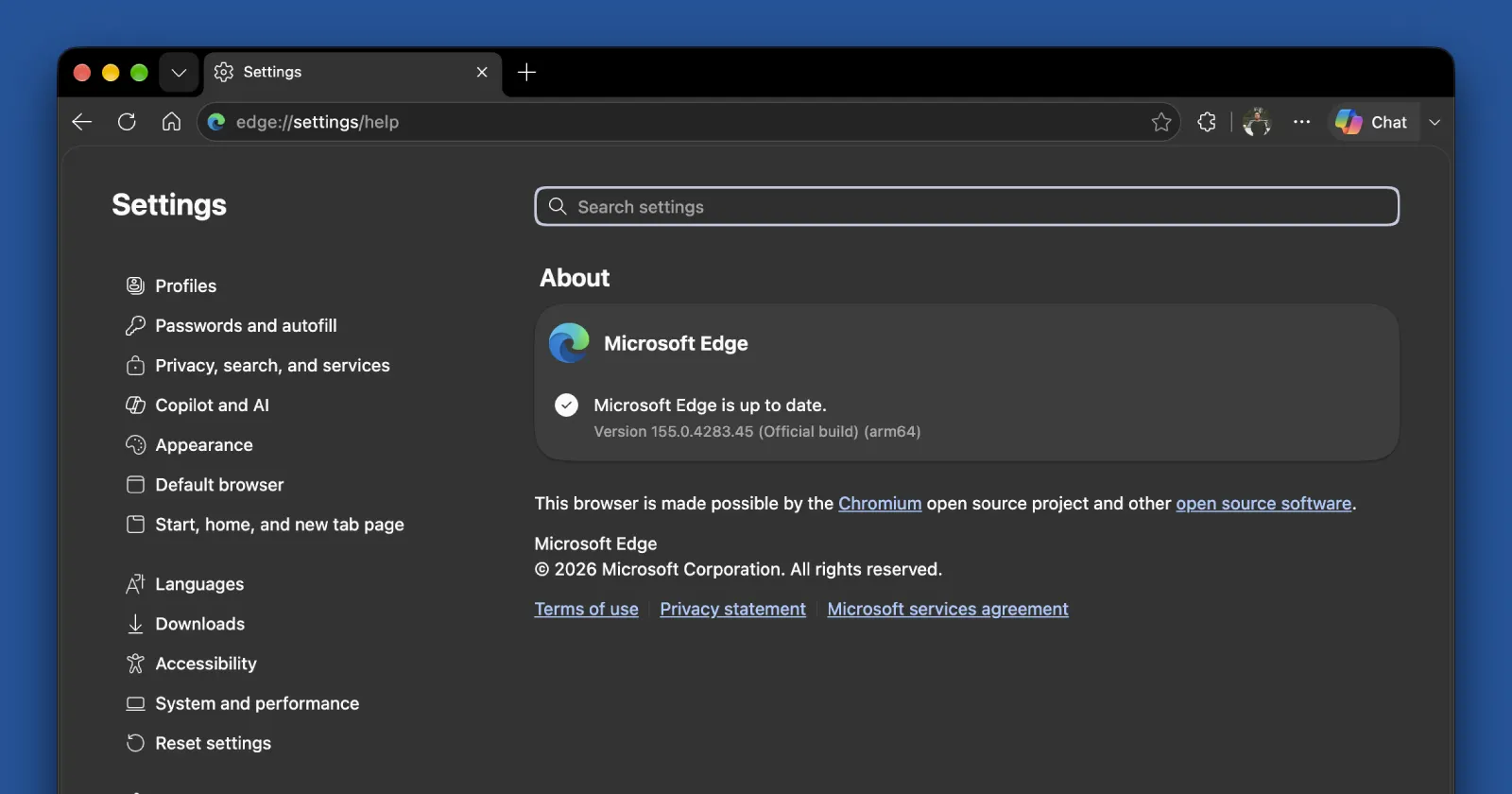
Microsoft has begun rolling out Edge version 155, which includes a long list of improvements and additions. The official release notes point to the addition of JPEG XL support, fresh windowing controls for web apps, and post-quantum cryptography to keep security tight against future threats.
JPEG XL is the big user-facing addition with this release. It is an image format built to replace old JPEGs, bringing smaller file sizes without ruining quality. Microsoft notes that it provides “progressive decoding for improved perceived loading performance” along with HDR and animation support, which should help media-heavy pages load much faster.
That said, JPEG XL support isn’t something exclusive to Edge. It’s rolling out as part of Chromium 155, so we’ve already seen it being added with Chrome 155 and the recent Brave 1.97 update. Since Edge shares the same Chromium engine, seeing the feature arrive here isn’t surprising.
The update also introduces window management controls, which give web apps permission to maximize, minimize, or restore windows.
If you use remote desktop setups or web versions of productivity software, that means window buttons can finally act like native desktop software. Alongside that, Microsoft added quantum-resistant encryption algorithms standardized by NIST to protect encrypted web data from being decrypted by quantum computers down the road.
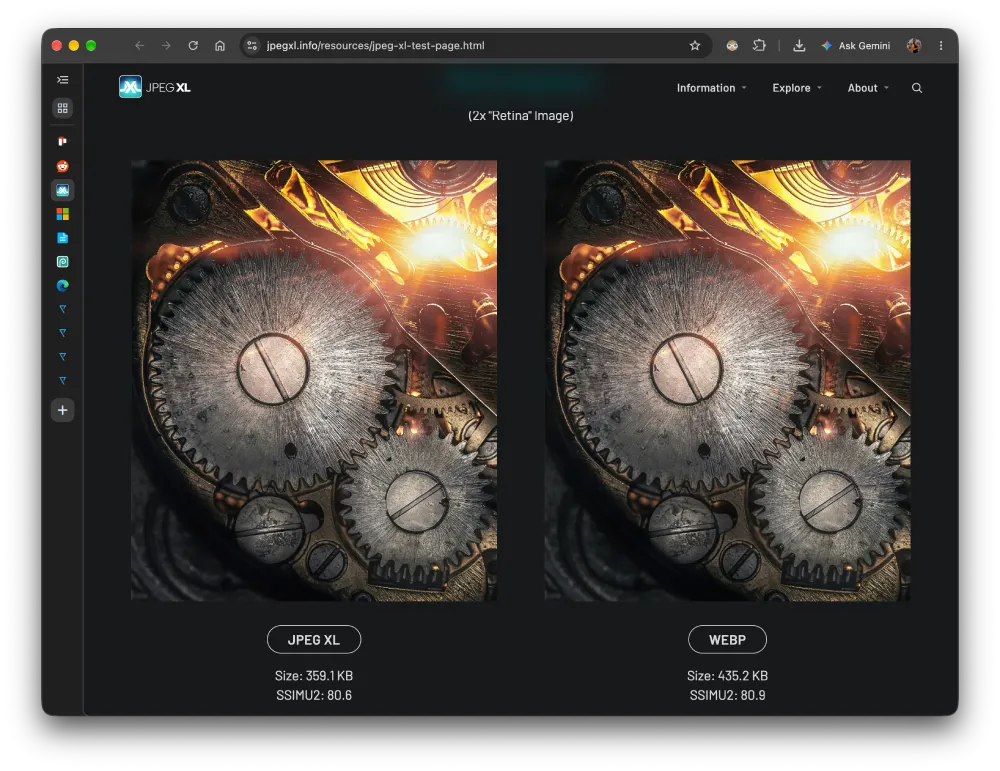
Here is the catch though. In our own testing on Edge 155, JPEG XL does not actually seem to work at all. When we loaded up the JPEG XL testing website, the browser threw an error stating that your browser does not currently support JPEG XL.

In comparison, the JPEG XL image loaded just fine on Chrome 155.
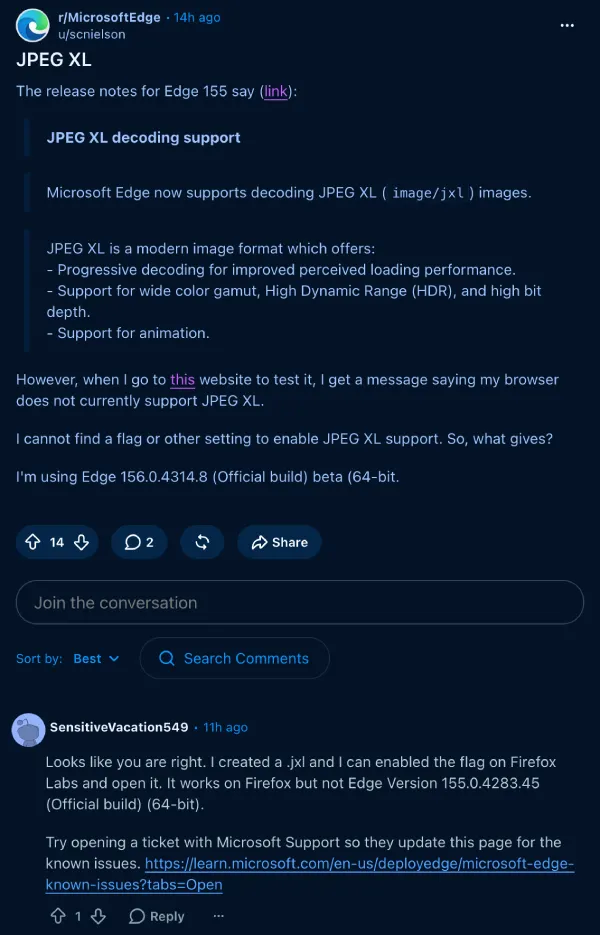
We even spotted a thread on Reddit discussing the issue. So it’s not just us who noticed the issue.
We’ll have to wait for an official update from Microsoft to know what’s going on here.


Dwayne Cubbins
3101 Posts
I cover fast-moving stories across apps, online platforms, and everyday tech — phones, wearables, consoles, and whatever else people are fighting with this week. Bugs, rollouts, scams, policy enforcement, and the occasional internet-culture rabbit hole are all fair game. My goal is simple — make confusing tech news readable. When I'm not working, I'm working out or chilling with my dog. Got a tip? You can find me on X @dcubbins.