





Just a few days after the previous bug-fixing update, a new update has landed for the Zen browser. This update also focuses on fixing bugs and refining the experience, and it further improves the major headline feature recently: The Library.
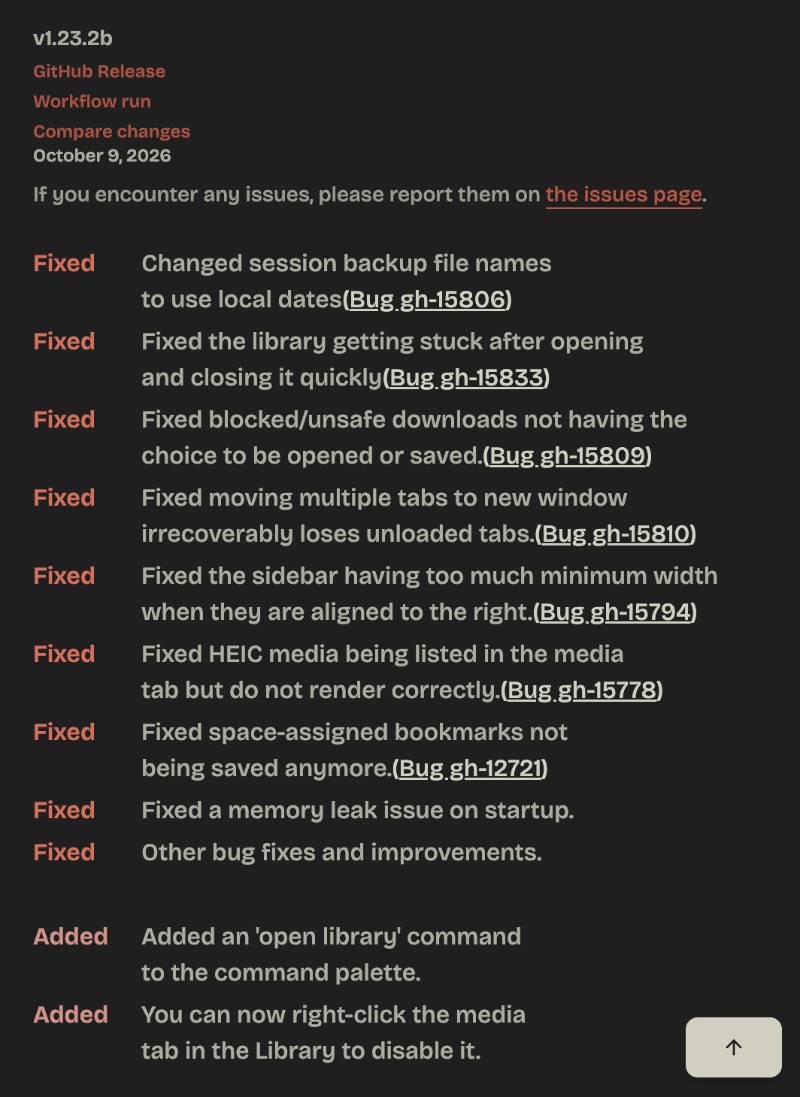
For your reference, we have attached a screenshot of the official Release Notes below. They have been taken from the blog post that Zen made regarding the update.
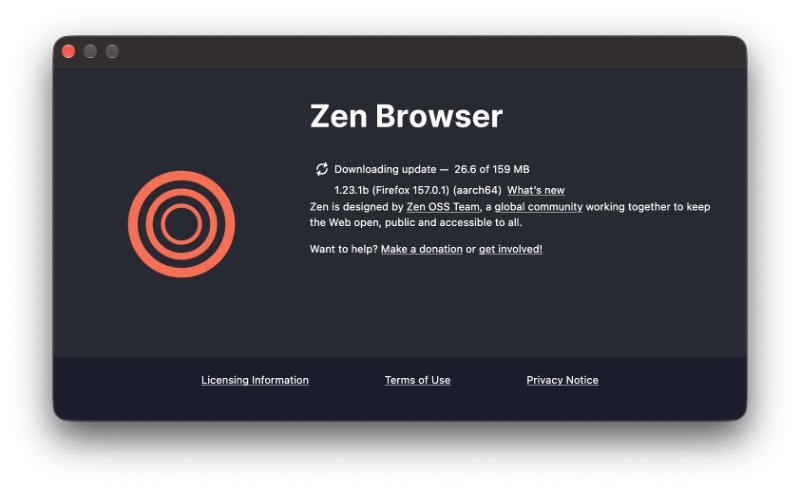
Expectedly, the update began installing in the background as soon as I opened the browser.
Here’s a list of the bug fixes and improvements:
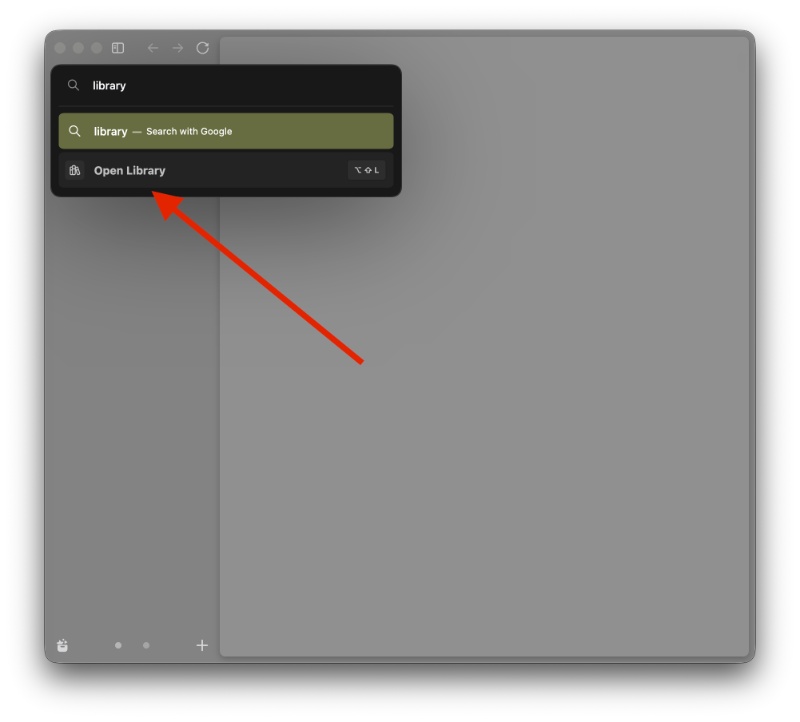
- You can now open the Library directly from the command palette (the quick-search bar).
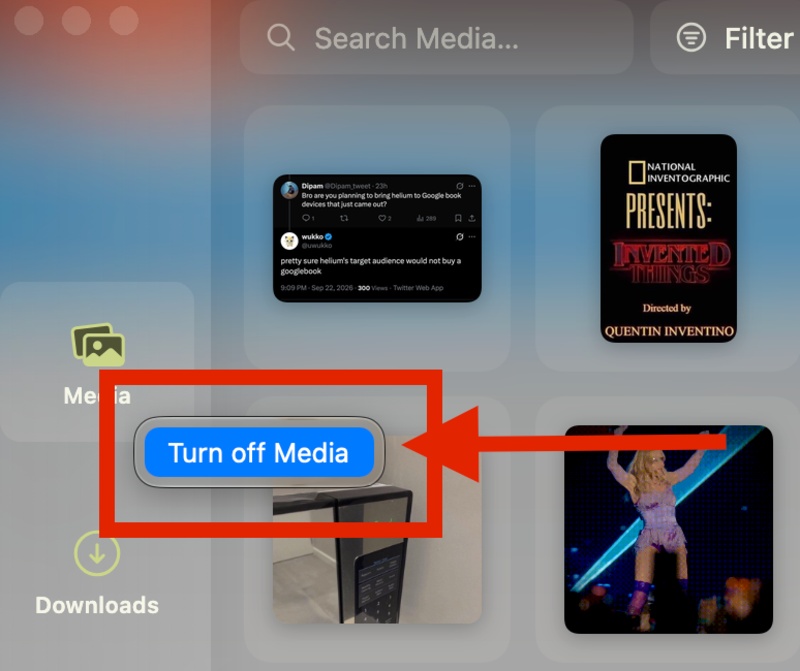
- In the Library, you can right-click the Media tab and turn it off if you don’t want it. These two are the major user-facing features. The rest are bug fixes.
- Session backup files now use your local date instead of a completely different time zone, so they’re also named correctly.
- The Library will no longer freeze or get stuck if you open/close it very quickly.
- Blocked/Unsafe downloads will properly give you the option to open or save them instead of completely failing.
- If you drag multiple tabs into a new window, you won’t permanently lose the unloaded tabs.
- The sidebar no longer forces a large minimum width when it’s positioned on the right side.
- HEIC photos (which are an efficient photo format widely used on iPhones) will now show up properly in the Library’s media section instead of not being displayed.
- Bookmarks assigned to specific Spaces are saved properly.
- Memory leak issues that could’ve happened during startup have been solved.
- Overall reliability/stability improvements.
You can find the entire Release Notes here.
Moreover, the previous update made the Library easier to use and even fixed some bugs. The Library feature itself was introduced fairly recently, which unified Media, History, and Spaces. We covered that in depth here.


Sudhanshu K
320 Posts
I have been a consumer technology enthusiast for over 5 years. Thanks to my experience in software beta testing and product reviews, I've understood and learnt a lot about what bugs and issues bother people, and I spend time trying to simplify their solutions. I cover smartphones, software, social media, apps, AI, and most consumer tech gadgets. Actively pursuing a Computer Science bachelor’s degree. I'm mostly active on Twitter/X (@TechWhirlUlt), drop a DM or tag me if you want to share info or connect!