






The latest update to the Zen browser continues to refine the experience by making existing features easier to use, and fixing bugs.
Treat this update as a smaller, clean-up update. There’s no major headlining feature or something that adds major functionality. You’ll just notice a more polished experience this time around.
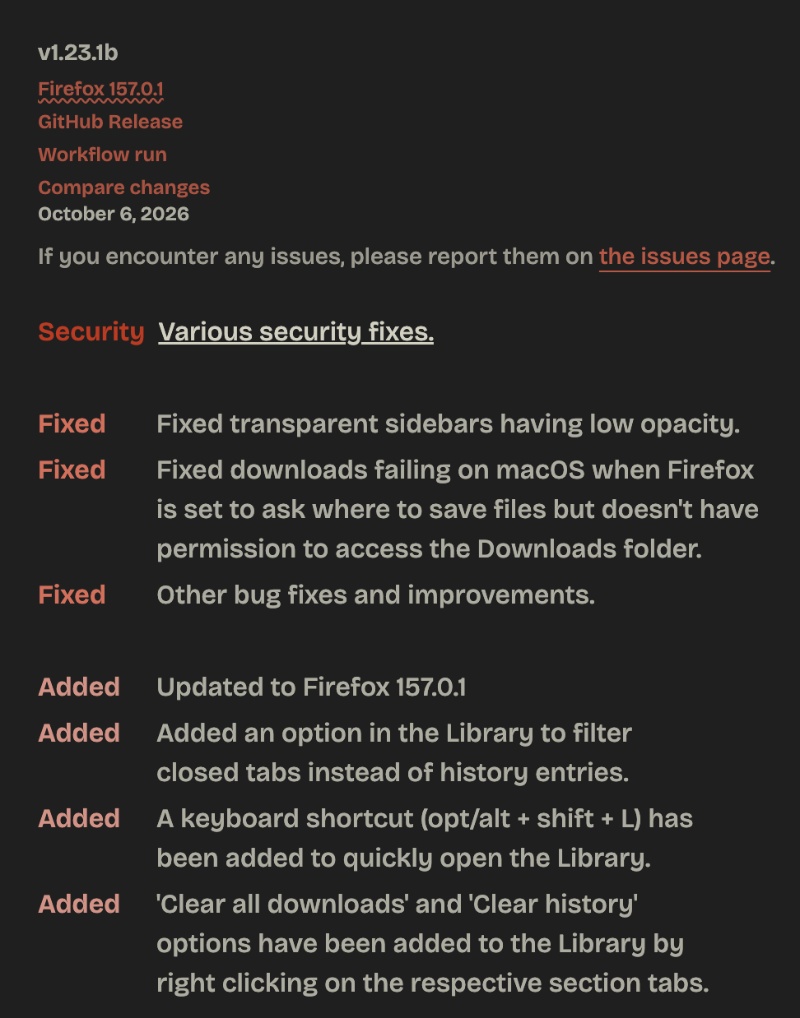
Zen officially posted the changelog on the Release Notes page. We have attached a screenshot of it below for your reference.
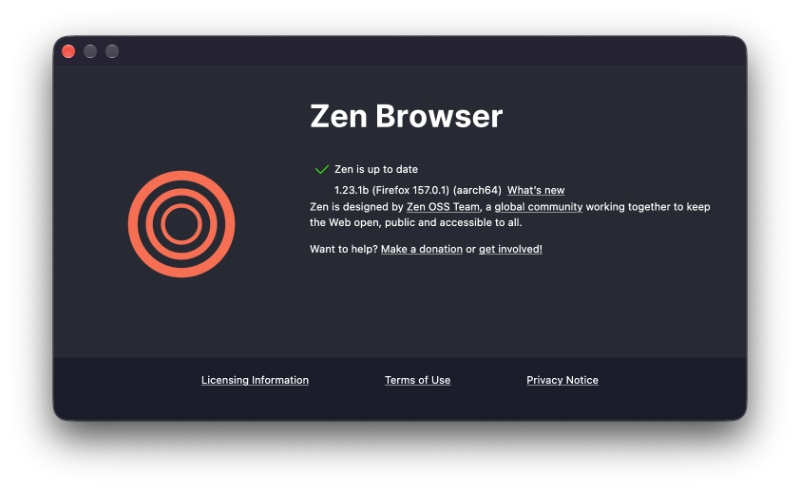
After firing up Zen, the v1.23.1b update began installing after clicking on “About Zen.”
Here’s a summary of the important changes I found:
- Security: Zen is now on Firefox v157.0.1, which brings security fixes to how the browser handles files. It also fixes a sidebar-related bug.
- The Library is now easier to use. You can filter it to show only the tabs that you have closed, instead of mixing those in with your full browsing history. If you only want to view the page that you closed earlier, it’s quite helpful.
- Furthermore, a new shortcut for the Library has been added, which is Alt + Shift + L.
- Final one related to the Library: Right-clicking the Downloads or History tab inside the Library will now show you the “Clear all downloads” and “Clear history” options directly.
- Some of the changes are visual. Transparent sidebars were “too” transparent, and they should look more readable.
- On macOS, the downloads used to sometimes fail if Zen was set to ask where to save a file. If it didn’t have permission for the Downloads folder, it used to fail.
You can view the official changelog here. Also, this update sits on top of a patch that shipped on October 1, and that version actually included one major feature, which was the Library. We detailed the entire Library feature in previous coverage.


Sudhanshu K
317 Posts
I have been a consumer technology enthusiast for over 5 years. Thanks to my experience in software beta testing and product reviews, I've understood and learnt a lot about what bugs and issues bother people, and I spend time trying to simplify their solutions. I cover smartphones, software, social media, apps, AI, and most consumer tech gadgets. Actively pursuing a Computer Science bachelor’s degree. I'm mostly active on Twitter/X (@TechWhirlUlt), drop a DM or tag me if you want to share info or connect!