





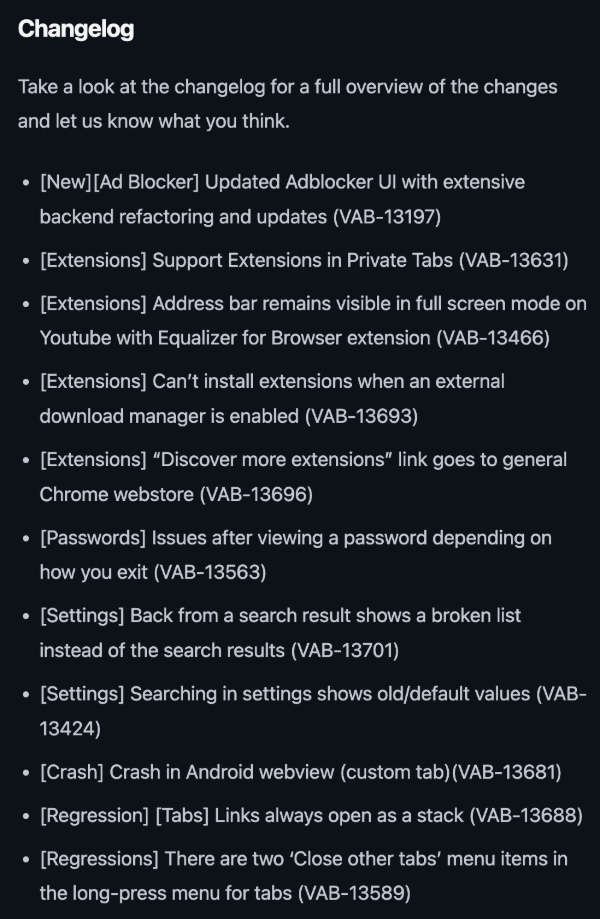
The latest snapshot (beta) update on Vivaldi brings the new ad blocker design to the Android app. The update also fixes various issues with extensions and other crash-related problems.
The company officially published a blog post about these changes. You can find a screenshot of the bug fixes and improvements attached below. The snapshot version is 4175.4.
To be clear, the ad blocker improvement isn’t just a fresh coat of paint. There are several functional improvements that come with the revamp. For instance, take a look at the screenshots I’ve attached below. The first one represents the old ad blocker (called “Tracker and Ad Blocking” on the Settings page), and the second image shows just how many new features have been added.
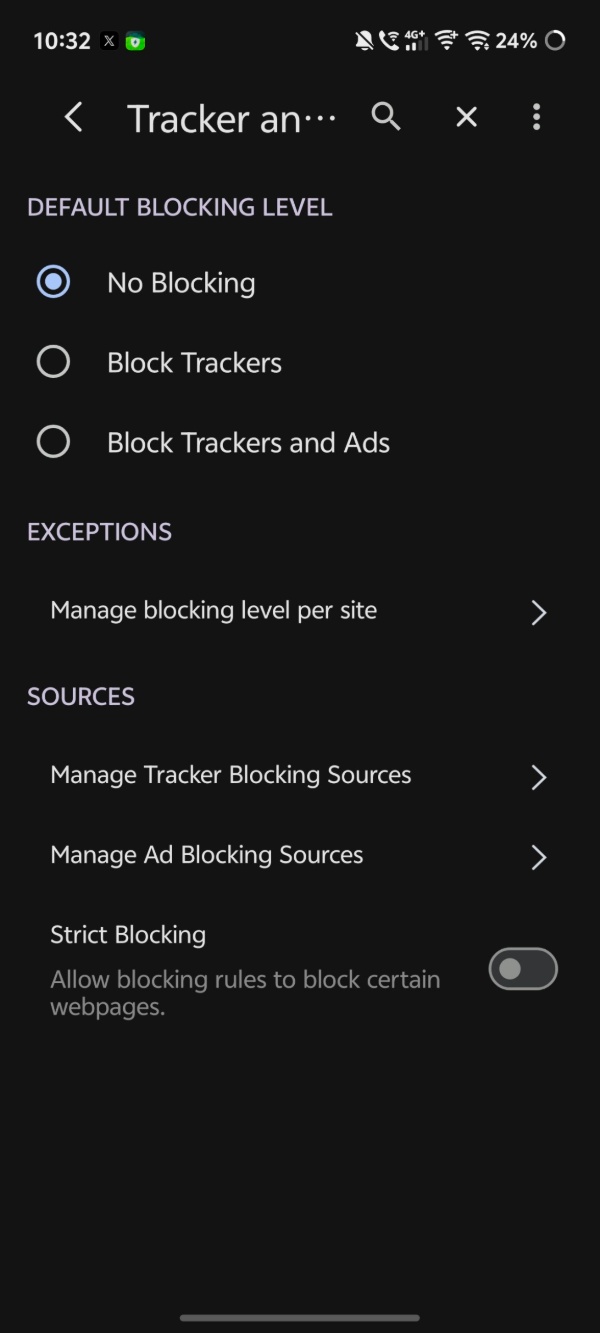

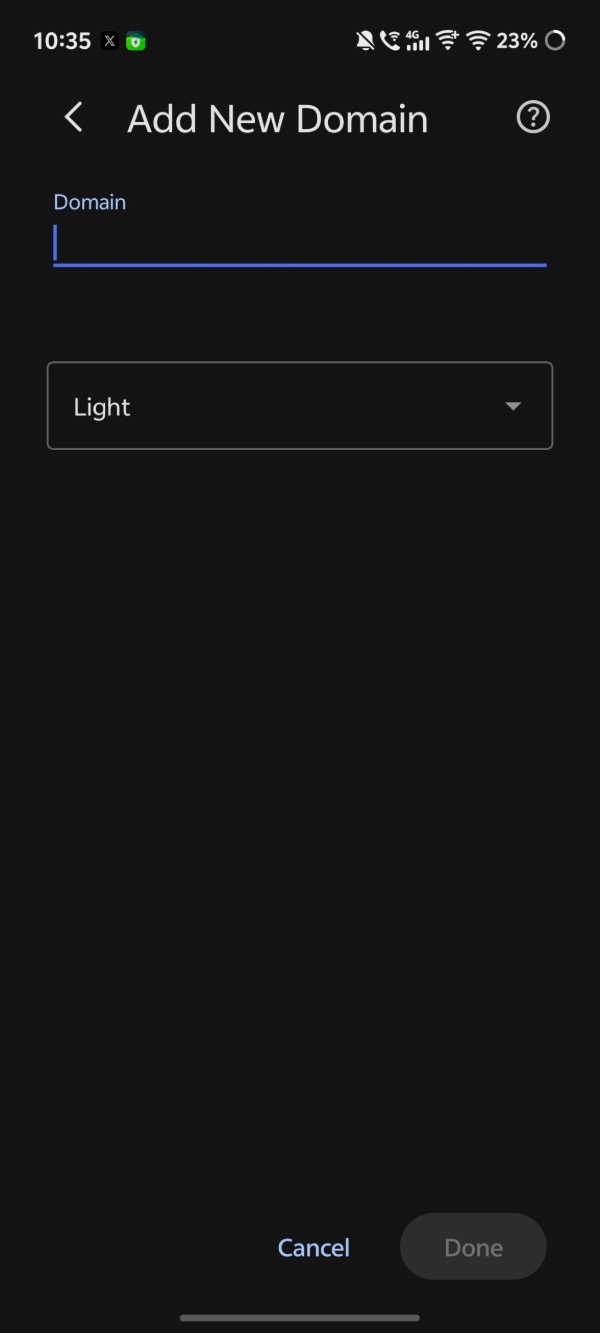
There’s a new Privacy category with various new options, and they’ve also added an Advertisements category. They’ve neatly classified ad blocking into another “Annoyances” group. The Exceptions and Sources options are still present at the end.
Those who have been following our coverage might recognize that similar news has been posted recently, and it’s because the same ad blocker functionality and UI improvements have been added to the desktop version of Vivaldi in a recent snapshot update.
The blog post about the update mentions easier navigation, independent levels of blocking, and a better tailored ad blocking experience. The per-site ad-blocking customization is also present. All in all, the ad blocker features are a massive new change with this update.
That aside, these are the other notable changes:
- Support for browser extensions in Private tabs.
- The address bar remains visible in full-screen mode on YouTube with the “Equalizer for Browser” extension.
- There are various fixes related to extensions. It was quite a buggy start with the introduction of the feature, but every update and every beta has included various fixes to improve the experience. This one fixes an issue where extensions couldn’t be installed when an external download manager was enabled on the device.
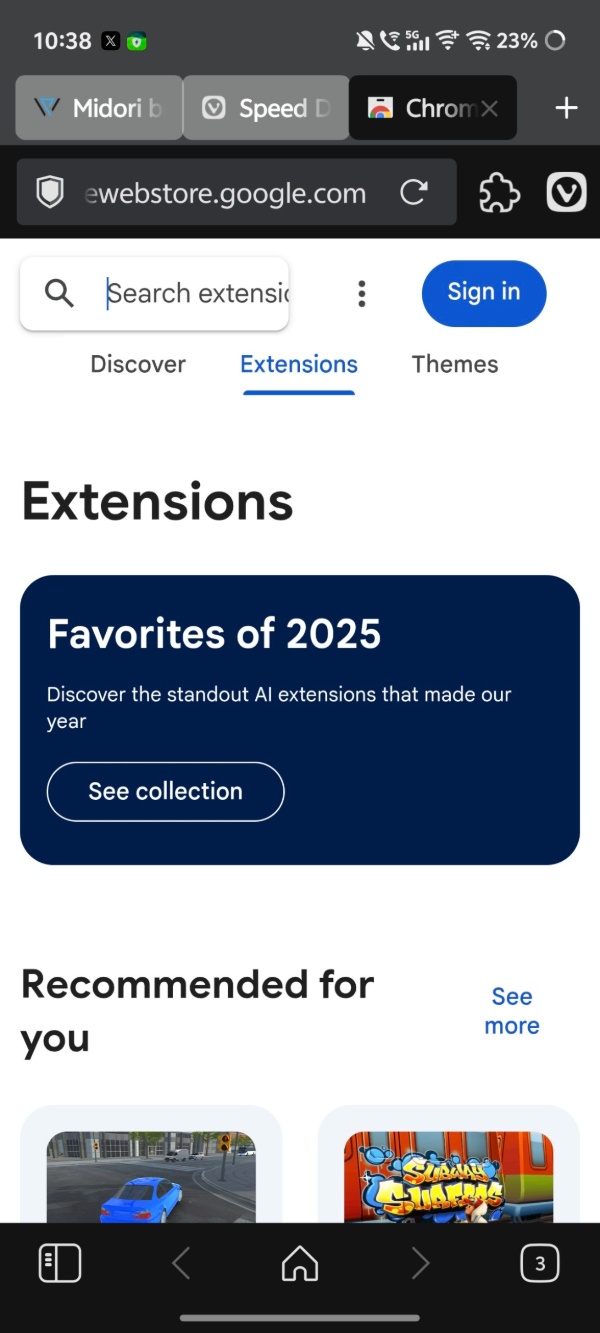
- The “Discover more extensions” link doesn’t go to the general Chrome Web Store now. It takes you to the specific extensions page.
- Issues with viewing a password have been fixed.
- Within the Settings page, going back from a search result used to show a broken list instead of the actual search results.
- Some crashes in Android WebView have been addressed.
Note: The above list doesn’t contain all of the improvements. I’ve selected a few that I find noteworthy. The entire list is available in the official blog post. Furthermore, a snapshot update is a preview of new/upcoming features and improvements.
It’s intended for testers/developers, and isn’t recommended to use as your daily driver since it’s prone to stability issues. All of these changes should make it to the stable version soon.
In other Vivaldi news, the company recently explained why it can’t ditch WebKit on iOS. More on that here.


Sudhanshu K
303 Posts
I have been a consumer technology enthusiast for over 5 years. Thanks to my experience in software beta testing and product reviews, I've understood and learnt a lot about what bugs and issues bother people, and I spend time trying to simplify their solutions. I cover smartphones, software, social media, apps, AI, and most consumer tech gadgets. Actively pursuing a Computer Science bachelor’s degree. I'm mostly active on Twitter/X (@TechWhirlUlt), drop a DM or tag me if you want to share info or connect!