






If you’ve been keeping tabs on Firefox developments, you’re probably already aware that the latest update brings the controversial new Nova design to the browser. We’ve covered all the details in our Firefox 157 breakdown. That said, if you switched to Floorp to keep your favorite look, there’s no need to worry.
Floorp version 12.19 is rolling out today, with updates to work with the new Firefox 157 base. The biggest change is that the developers have chosen to turn off the Nova UI.
Mozilla called this change “Firefox’s biggest visual refresh in years” and told users the new interface is here to stay. The new design uses a lot of rounded shapes, which take up extra space on the screen. After trying the new Firefox this morning, I found the extra padding wasn’t helpful on devices with smaller screens. Plus, the general rounded look isn’t my cup of tea.
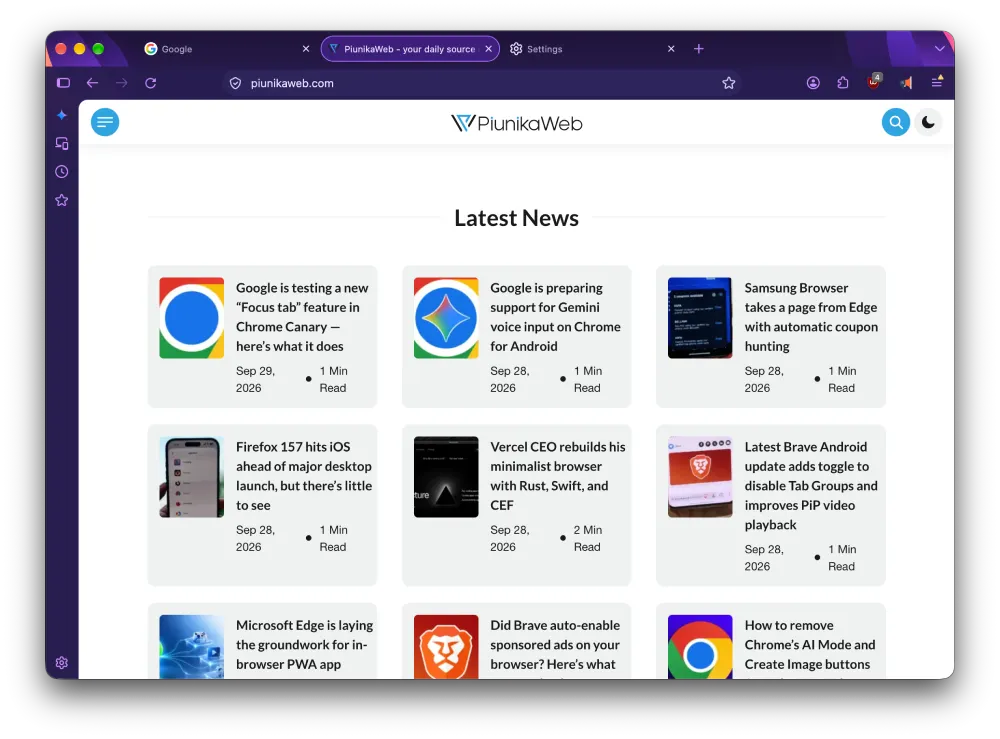
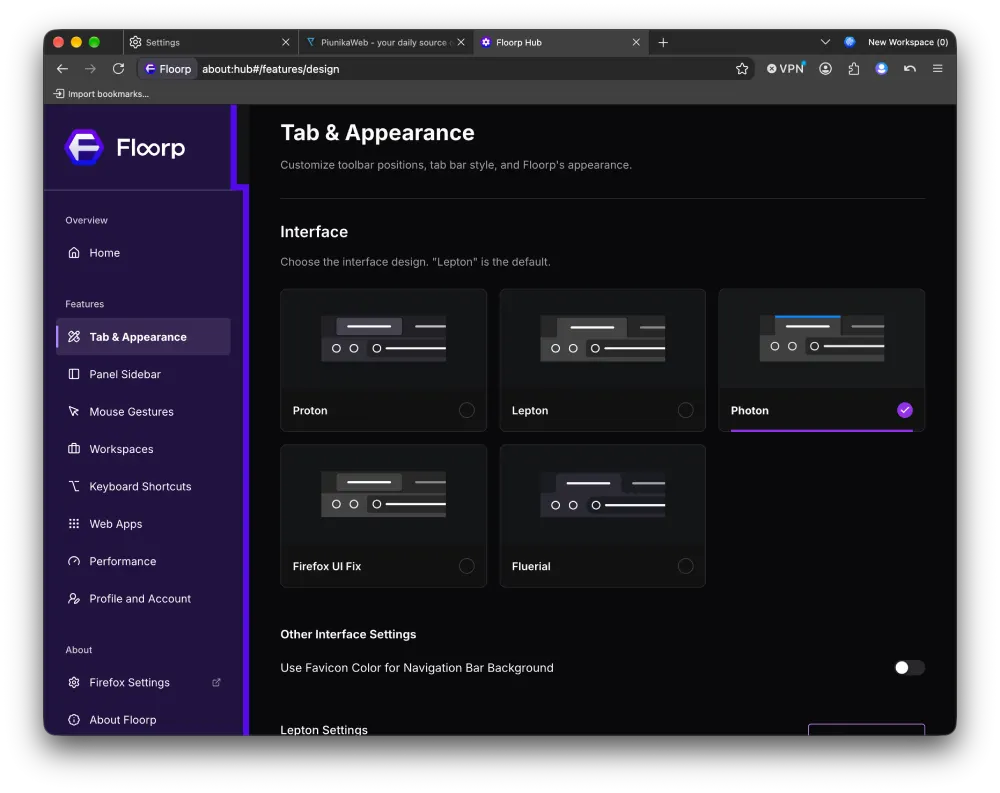
Floorp has always strived to give its users complete control over every aspect of the browser’s appearance and behavior. Hence, implementing a UI overhaul against the users’ wishes would go against the entire philosophy of the browser. Disabling Nova UI keeps all the necessary bits of CSS code untouched, and preserves the general look and feel of your preferred theme (Fluerial, Proton, etc.).
However, Floorp 12.19 is not all about UI. The update also ports over several improvements introduced in Firefox 157. Namely, the latest build enables hardware decoding for WebRTC video calling to prevent laptop overheating. The update also fixes the 8-bit HDR video rendering bug and improves audio/video synchronization at higher playback rates.
The update also includes a few Floorp-specific highlights. It follows up on the web app-related enhancements introduced in Floorp 12.18.1, and further improves the launch and quarantine reliability for standalone web apps on Mac OS. In other words, your web applications will behave better and be less buggy after the update.
Finally, the team has been busy enhancing the theming engine in Floorp. There are approximately 25 new customization flags hidden inside the theming UI for you to explore and enjoy.
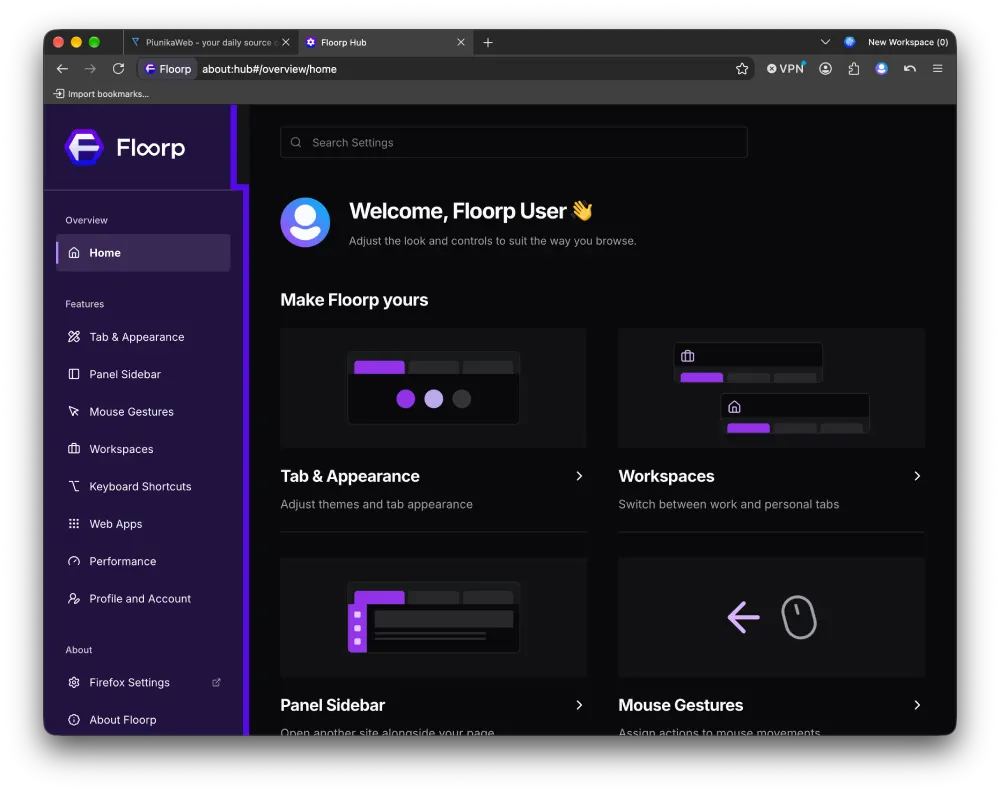
Overall, Floorp 12.19 is a big step up from earlier versions. It brings important customization and performance updates from Firefox 157, while still letting you change almost every part of the browser’s interface. The changelog highlights several major improvements since the update earlier this month, including the new Floorp Hub and better memory management.
Keep in mind that the update is rolling out slowly, so it may take some time to show up in your browser. I’ve checked the update tab on my Mac today, but nothing has changed for me yet.


Dwayne Cubbins
3063 Posts
I cover fast-moving stories across apps, online platforms, and everyday tech — phones, wearables, consoles, and whatever else people are fighting with this week. Bugs, rollouts, scams, policy enforcement, and the occasional internet-culture rabbit hole are all fair game. My goal is simple — make confusing tech news readable. When I'm not working, I'm working out or chilling with my dog. Got a tip? You can find me on X @dcubbins.