






Keep your life organized with Zens next addition coming very soon! pic.twitter.com/C7kDnBHEtn
— Zen (@zen_browser) September 25, 2026
Two important releases for the Zen browser arrived recently. For the stable version, there are various bug fixes, and the beta (Twilight version) adds a new “Library” feature.
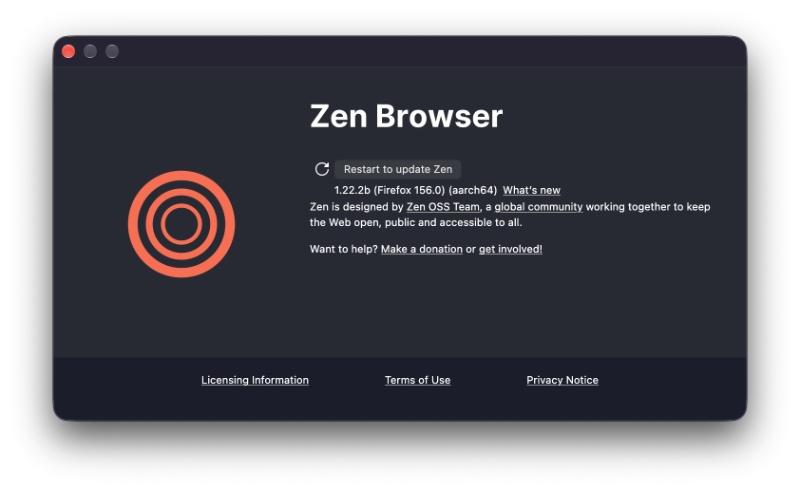
The latest stable version is v1.22.3b. As expected, the update had already finished installing in the background and was immediately available. I just had to restart to apply it.
I’ve attached a screenshot of the changelog below, and it was posted on the official Release Notes page.
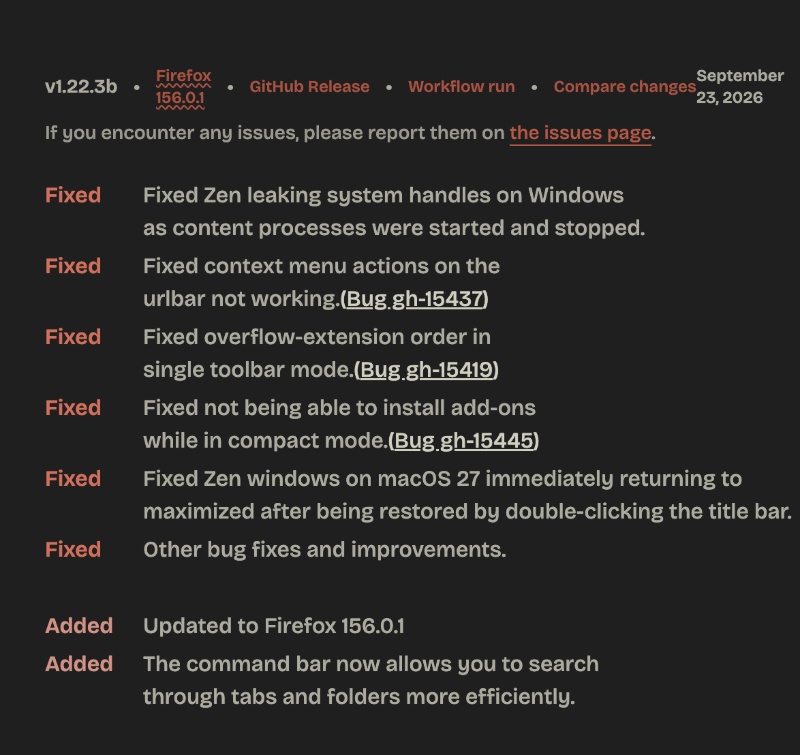
Here are the important changes I found:
- The Command bar now searches tabs and folders better than before. It’s basically the “Type what you want” overlay. Typing the name of a site, the title of a tab, or the name of a folder should result in quicker and more accurate matches.
- Every tab/page uses a “content process.” Starting and stopping those processes was leaving leftover Windows handles. Over a long session, that can mean extra RAM usage. This has been addressed now, so the resource handling is better.
- The right-click function for the address bar was broken. Actions like copy/paste/cut should now work correctly again.
- In Compact Mode, trying to install an extension would fail. This should now work as expected.
- A macOS-specific issue with window snap-back has been addressed.
- The extension icon display issue was fixed.
- Updated to Firefox v156.0.1. It’s a small engine bump that brings security fixes.
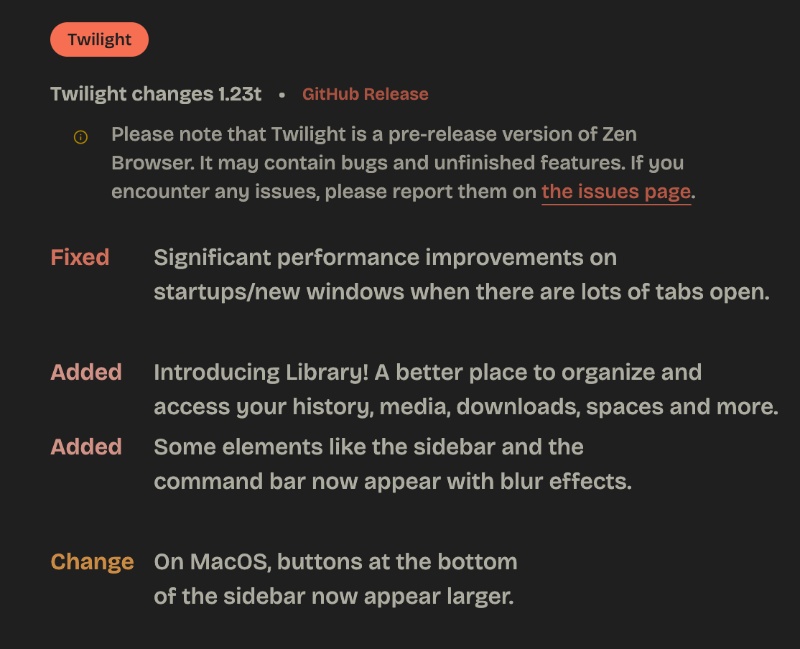
While this was mostly a polish/stability update, the Release Notes also mention the changes for Twilight version 1.23t. That actually brings a new feature, and it’s called “Library.” You can view a screenshot of the changelog below.
An official clip shows how the Library feature works. It’s basically the same as Arc’s leftmost pane.
This is what has changed in the Twilight version:
- Faster startups and new windows. The overall performance is snappier.
- New feature: Library. It’s the headline new feature in this release and acts as the place to store all the information that isn’t on the current page. For example, history, saved media, downloads, Spaces, etc.
- Blur has been added to the sidebar and command bar.
- Larger buttons at the bottom of the sidebar for the macOS version.
Note: Twilight versions are pre-release “beta” versions that are meant to provide testers/developers with an early preview of upcoming features. It’s not recommended for daily use and carries potential stability inconsistencies.
You can find both of the changelogs from this page.
Considering the rapid pace of various stability improvements and exciting new features that users can look forward to, Zen remains the best “Arc replacement” browser. It has almost everything that Arc has, and it still gets feature drops. The stability is only getting better. A previous stable update also contained a long list of bug fixes.
In fact, I recently tried another browser that was advertised to be built for “life after Arc.” Despite having a rather positive experience with it, I don’t think it quite matches up to Zen. Interested in reading about it? It’s called Crest, and you can find more information about it here.

We stand out from the tech-media crowd because we break news stories; we mainly bring you stuff that you won’t find anywhere in the mainstream tech media. Our stories have been picked up by some of the world’s most popular websites and media outlets—more info is available here.

Sudhanshu K
346 Posts
I have been a consumer technology enthusiast for over 5 years. Thanks to my experience in software beta testing and product reviews, I've understood and learnt a lot about what bugs and issues bother people, and I spend time trying to simplify their solutions. I cover smartphones, software, social media, apps, AI, and most consumer tech gadgets. Actively pursuing a Computer Science bachelor’s degree. I'm mostly active on Twitter/X (@TechWhirlUlt), drop a DM or tag me if you want to share info or connect!
Next article View Article

Opera adds auto-VPN on public Wi-Fi, but you have to switch it on yourself
Opera now has a feature that is useful for people who use cafes, airports, or libraries. Its free built-in VPN automatically turns on as soon as you connect to...
Sep 26, 2026 1 Min Read