
In recent months, Zen has been continuously improving its feature suite while squashing annoying bugs. The latest update fixes several bugs; it adds some minor features as well.
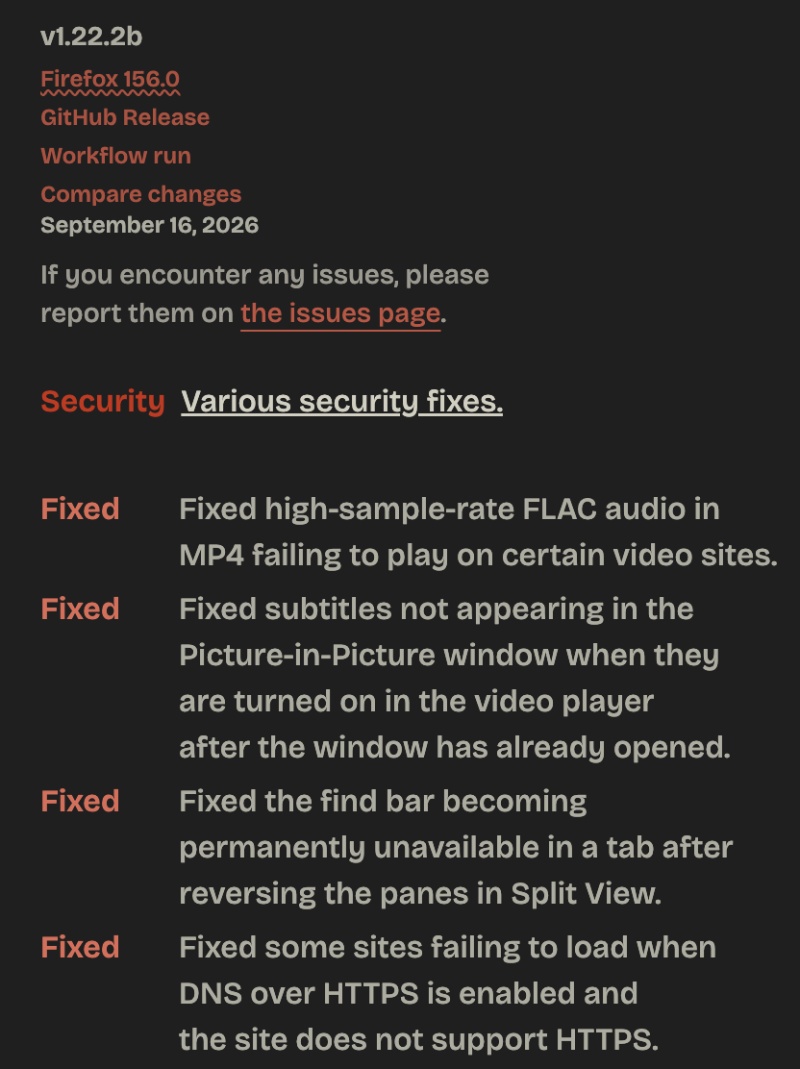
You can view a screenshot of the changelog attached below. Since it’s quite extensive and lengthy, only a snippet has been shown here.
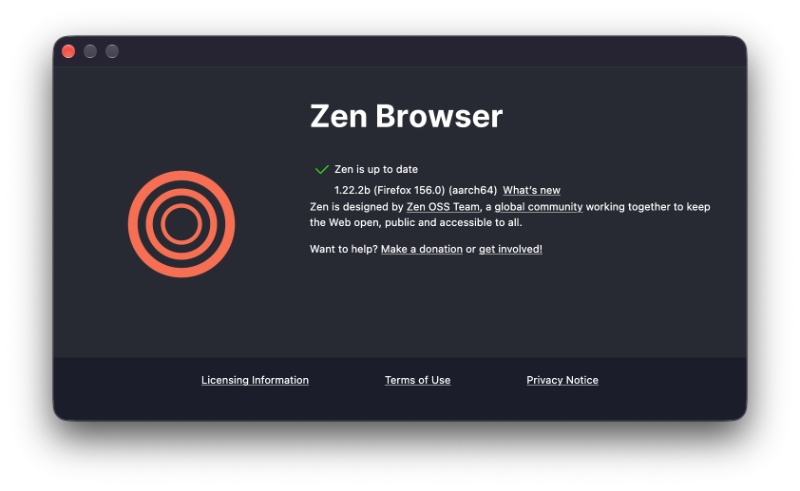
As expected, the latest v1.22.2b update automatically completed in the background, and I just had to restart the browser to apply it.
Here is a summary of a couple of the major fixes I found in the changelog:
- FLAC audio with a high sampling rate sometimes failed to play. This has been addressed.
- In PiP mode, subtitles weren’t appearing properly.
- Some websites were not loading when DNS over HTTPS was enabled, but then the site itself doesn’t support HTTPS.
- An issue on Windows where Zen could block an auto-hiding taskbar from showing up.
- Issues with cross-device sync.
- Update to Firefox v156.0.
- On macOS, you can now configure Zen to automatically start when the system boots.
- Expand current view, New space, Reopen closed tab, Duplicate tab, Reset pinned tab. These new actions were added to the command bar.
- A performance enhancement: Zen’s PDF viewer now starts up to 45% faster.
- Memory and CPU usage improvements when a large JPEG image is displayed.
- Drag-and-drop behavior/interaction improvement.
Note: This list doesn’t cover all the changes/fixes in the update. I only picked out the important ones. The full list of changes is available here.
All in all, Zen’s feature list has been growing at a fast pace, while the developers are also fixing several reported bugs. It genuinely makes the experience a lot better for users.
In other Zen news, tab continuity was added recently. More on that here.


Sudhanshu K
333 Posts
I have been a consumer technology enthusiast for over 5 years. Thanks to my experience in software beta testing and product reviews, I've understood and learnt a lot about what bugs and issues bother people, and I spend time trying to simplify their solutions. I cover smartphones, software, social media, apps, AI, and most consumer tech gadgets. Actively pursuing a Computer Science bachelor’s degree. I'm mostly active on Twitter/X (@TechWhirlUlt), drop a DM or tag me if you want to share info or connect!
Next article View Article