Earlier today, we covered the Firefox 156 release for desktop. There are a lot of new improvements and bug fixes for the desktop crowd, but there’s nothing flashy about it. Android users, on the other hand, have something big to look forward to with Firefox 156.
The update appears to have begun rolling out to a small number of Android users over the past few hours. One user who noticed the update auto-install on their phone took to Reddit to share the news. They shared a screenshot of the release notes published on the Play Store by Mozilla. In the notes, Mozilla says that the update brings its built-in VPN, enhanced media controls, and the native Android share sheet for those running Android 14 and above.
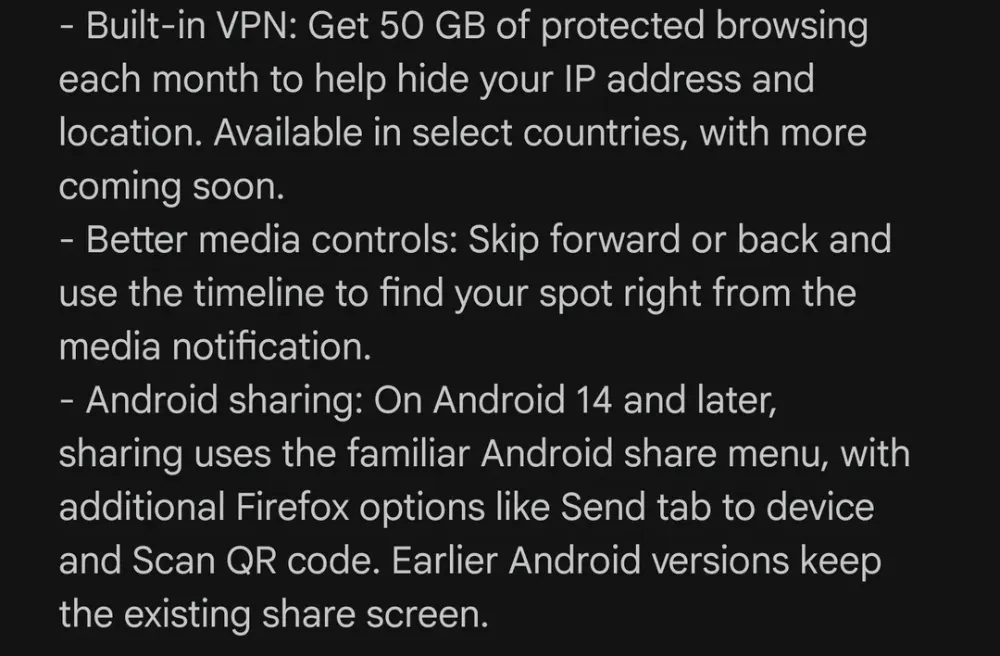
Mozilla introduced its built-in VPN earlier this year for Firefox on desktops. Later on, the company confirmed it would bring the built-in VPN to Android and iOS too.
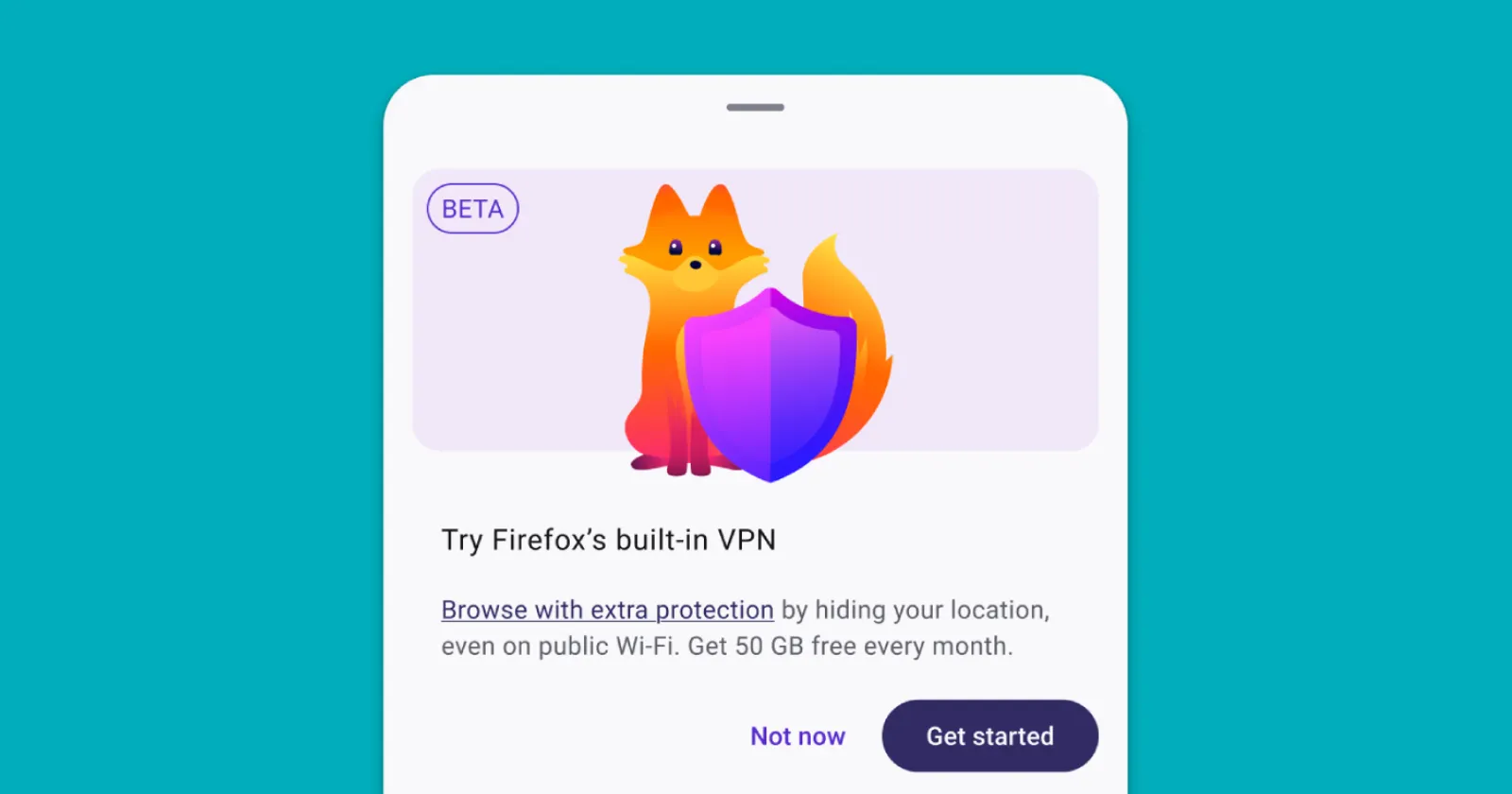
The mobile version works very similarly to its desktop counterpart. It is not a system-wide VPN that will protect background apps like WhatsApp or your banking software. Instead, it is an encrypted browser proxy that shields what you do inside Firefox tabs, packing 50 GB of free data each month.
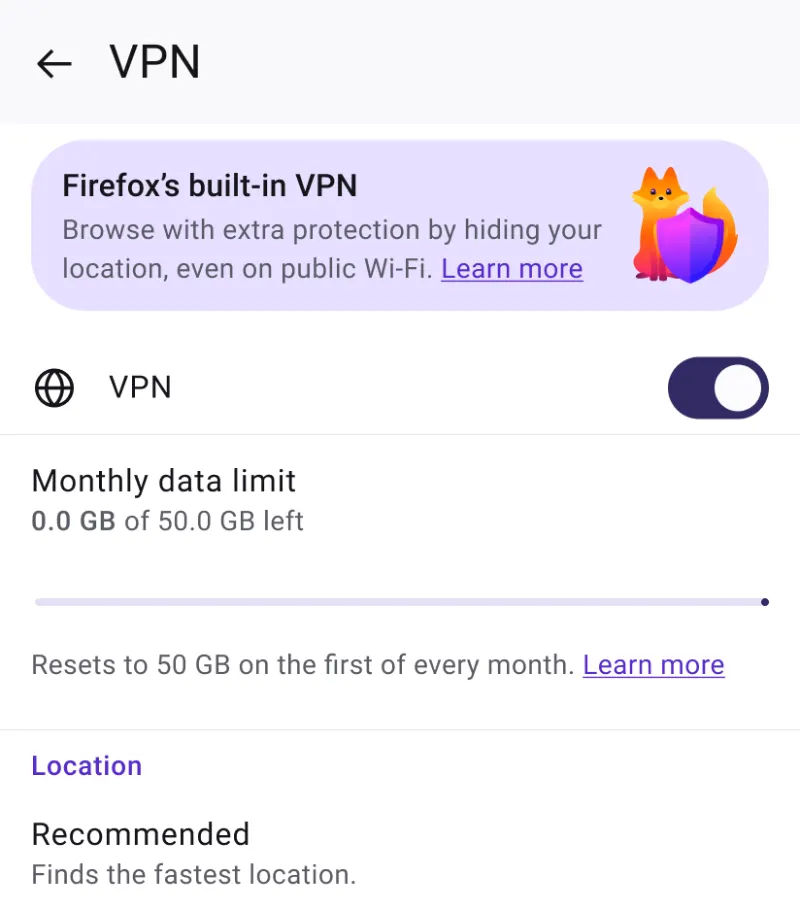
In its official support document, Mozilla says once you burn through that 50 GB allowance, the VPN will be paused, but you’ll be notified with a pop-up.
You’ll also have to sign in with a Mozilla account to activate the VPN panel in the settings menu.
Interestingly, while the desktop feature started out with a limited list of servers, the Android version lets users route their traffic through 29 different countries, or stick with a Recommended setting that chooses the fastest server automatically. A few internal Mozilla services are also exempted from the tunnel, so features like Firefox Sync do not run into login hiccups.
If you don’t see the VPN feature even after installing the update, don’t fret. Mozilla notes that “remote improvements” must be enabled, plus the feature is gradually being rolled out to users. So you may have to wait it out.
The update also brings along a handy improvement to media playback. The Android notification drawer now shows full media controls, complete with a scrubbable timeline slider and skip buttons for podcasts or videos. Before this, you had to open the app to access the media controls.
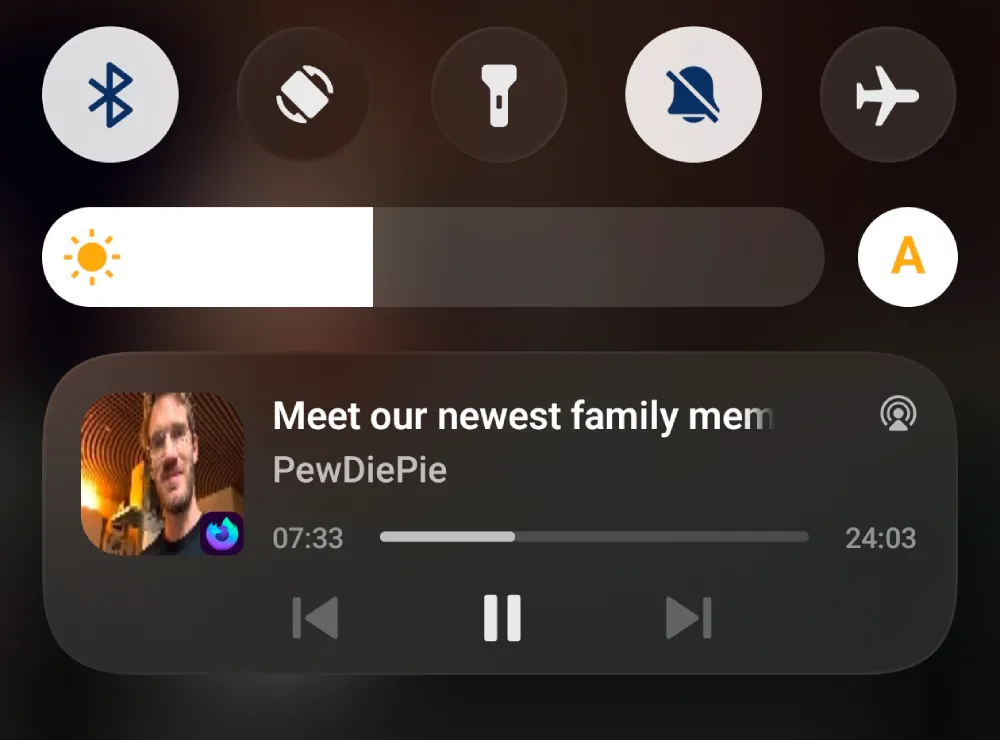
If your phone runs Android 14 or later, Firefox has also traded its clunky custom share menu for Android’s system share sheet, while keeping quick shortcuts like QR scanning and Send to Device.
As always with staged rollouts, not everyone will see version 156 on the Play Store right away. It usually takes a few days for the release to spread globally, so if your device is still on the previous build, hang tight.
Disclaimer: This article is based on user-shared information. We have not been able to independently verify the update details shared by the user due to the gradual rollout.


Dwayne Cubbins
3155 Posts
I cover fast-moving stories across apps, online platforms, and everyday tech — phones, wearables, consoles, and whatever else people are fighting with this week. Bugs, rollouts, scams, policy enforcement, and the occasional internet-culture rabbit hole are all fair game. My goal is simple — make confusing tech news readable. When I'm not working, I'm working out or chilling with my dog. Got a tip? You can find me on X @dcubbins.
Next article View Article