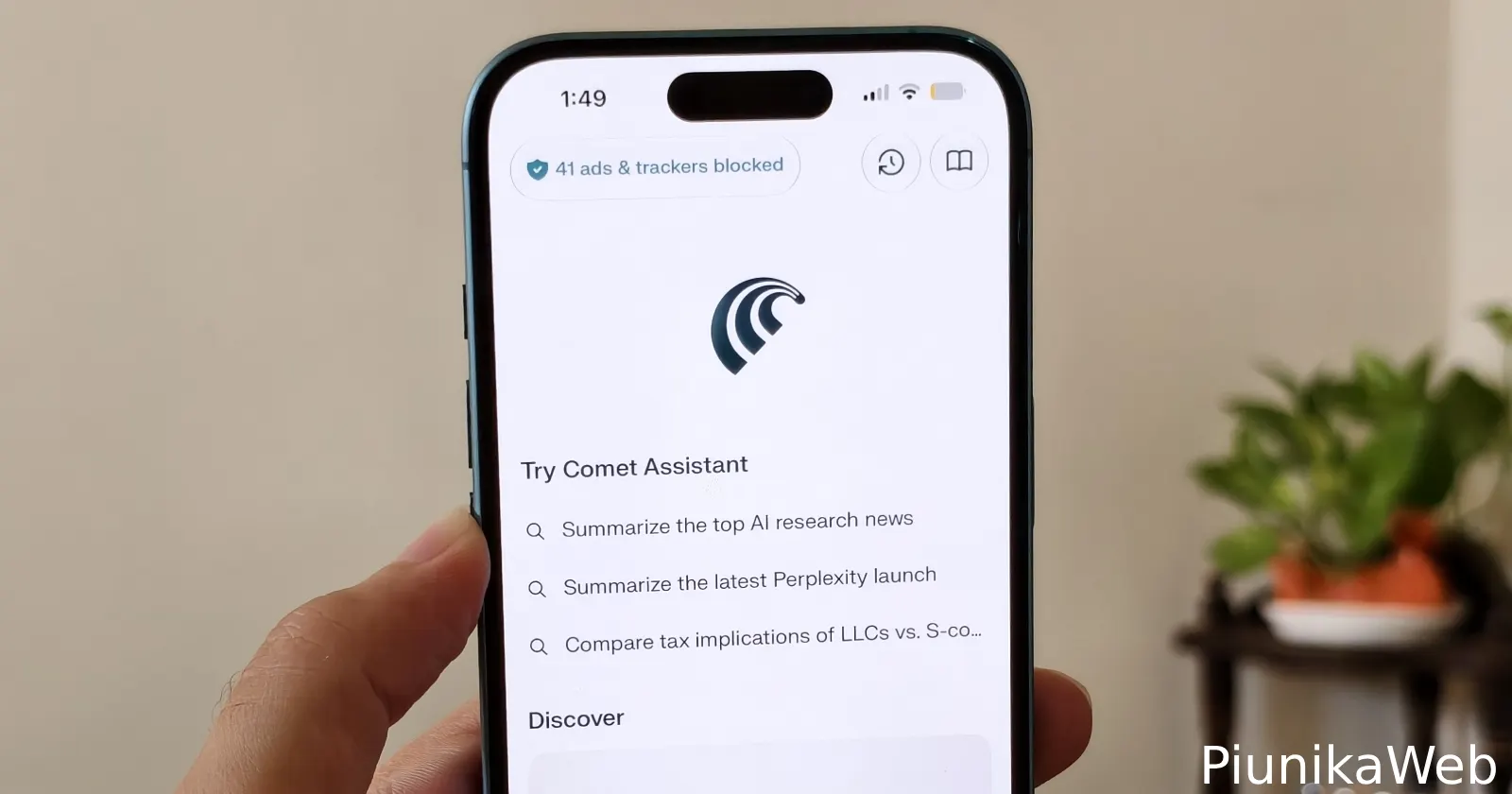
Browsing the web with an ad blocker is mostly a great experience, but it’s not perfect. You would have noticed that many websites now throw up a banner demanding that you turn off your ad blocker to continue reading or using the site.
Well, if you’re one of the many people who are frustrated by this, it looks like Perplexity has you covered.
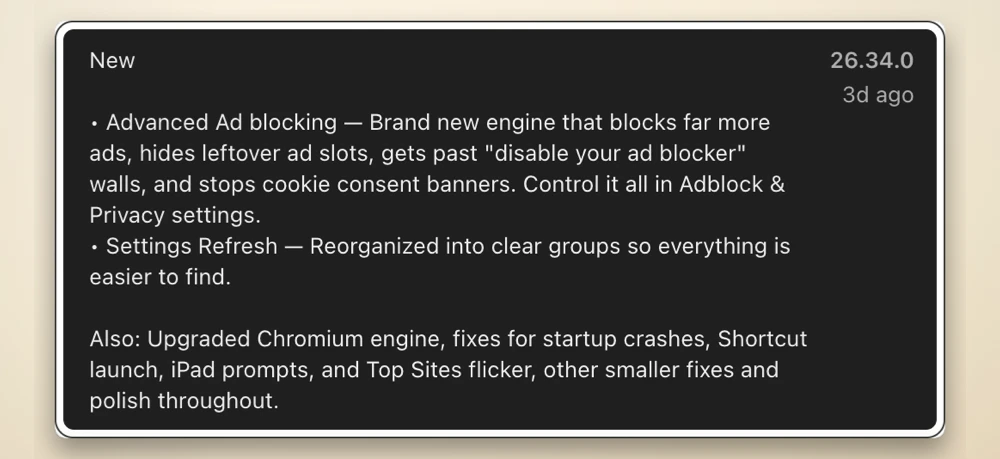
The company released a new Comet browser update, version 26.34.0, on the App Store this week. In the release notes, the team says that the update brings a “brand new engine that blocks far more ads, hides leftover ad slots, gets past ‘disable your ad blocker’ walls, and stops cookie consent banners.”
All of these options live inside a refreshed Adblock and Privacy menu, which feels like a logical next step after the update that brought Reader mode and customizable ad controls back in July.
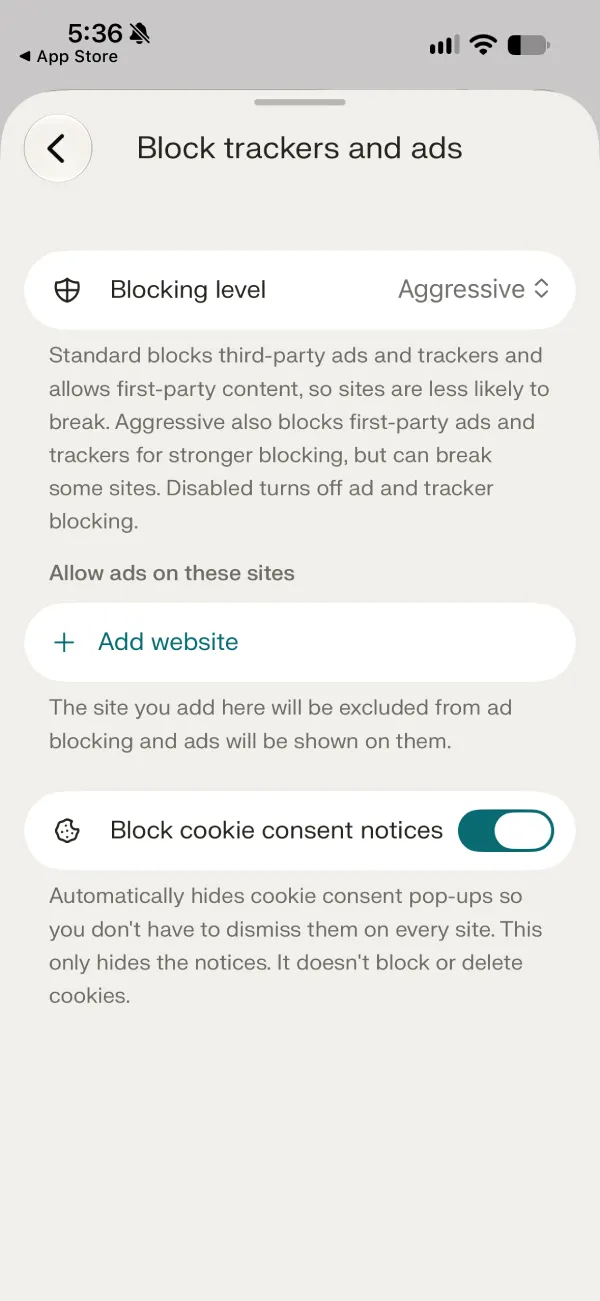
Back then, you could only pick between standard or aggressive filtering, but publishers have gotten pretty clever at detecting those blockers lately.
Aside from the ad shield changes, Perplexity reorganized the settings page into clearer groups, making specific toggles much easier to track down without aimless scrolling.
Still, it’s the ad-blocking upgrade that’s the most interesting part of this release. In our testing, the ad blocker worked the best when set to “aggressive,” and also when we toggled on the option to block scripts.
But it’s worth noting that if you enable the toggle to block scripts, certain sites might not work as expected.
The browser also recently picked up the ability to autofill your passwords on a system-wide basis and added deep integration with Siri Shortcuts. We covered that in detail here.
If your phone hasn’t pulled the update automatically yet, you can grab build 26.34.0 from the App Store and see if your favorite news sites stop yelling at you.


Dwayne Cubbins
3101 Posts
I cover fast-moving stories across apps, online platforms, and everyday tech — phones, wearables, consoles, and whatever else people are fighting with this week. Bugs, rollouts, scams, policy enforcement, and the occasional internet-culture rabbit hole are all fair game. My goal is simple — make confusing tech news readable. When I'm not working, I'm working out or chilling with my dog. Got a tip? You can find me on X @dcubbins.
Next article View Article