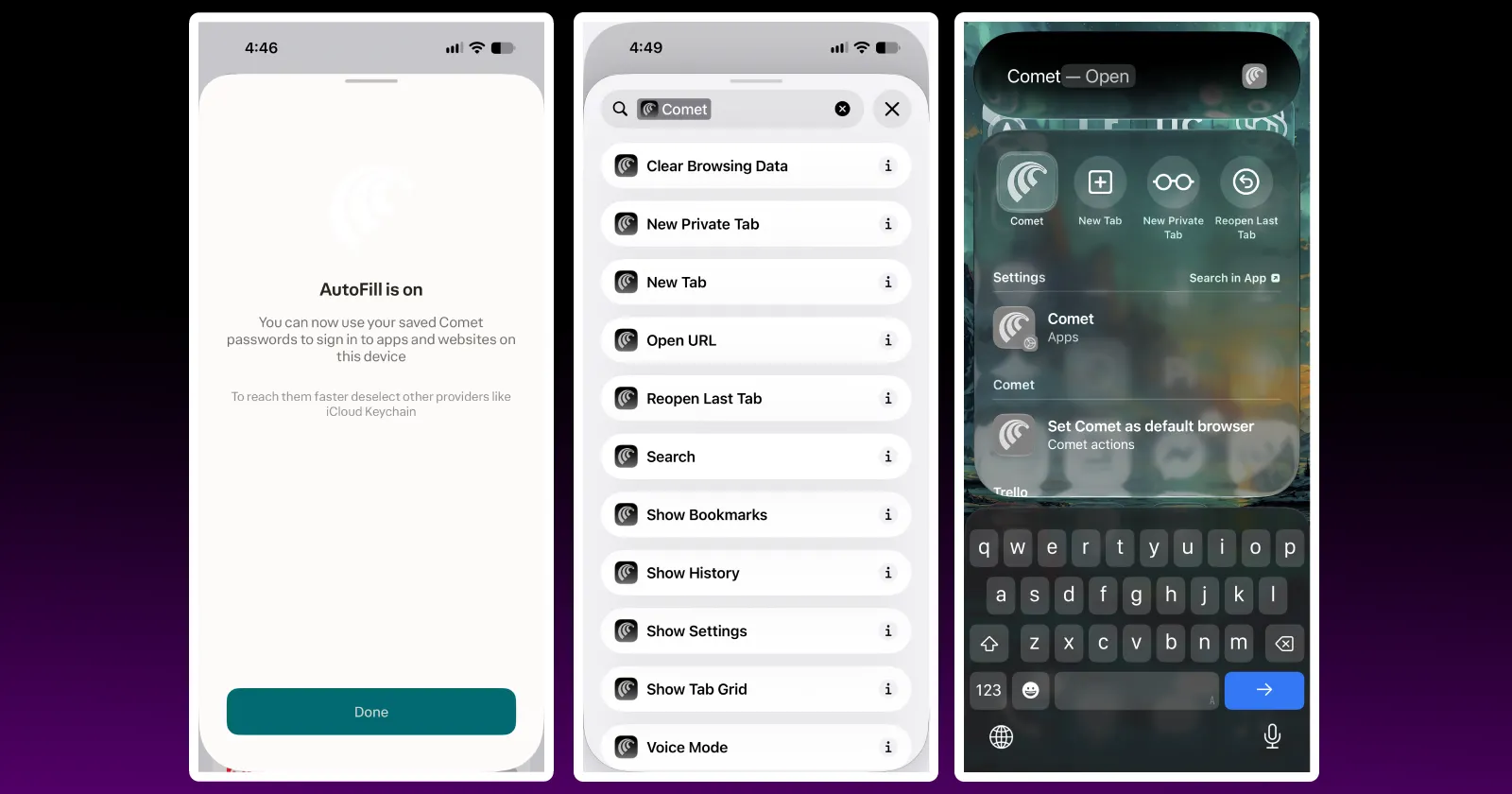
While Perplexity has been leaving its Comet user base on desktops in the dark about any new features, the company has been steadily improving the mobile app experience. The latest release — 26.32.0 — brings a few new additions to the browser, the standout one being a system-level password autofill that acts as a built-in password manager for the app.
To enable password autofill for Comet, open Settings > Passwords > AutoFill Passwords, and toggle on the switch next to Comet. Saved passwords will then appear as options when authenticating on apps and websites compatible with iOS’s password autofill system.
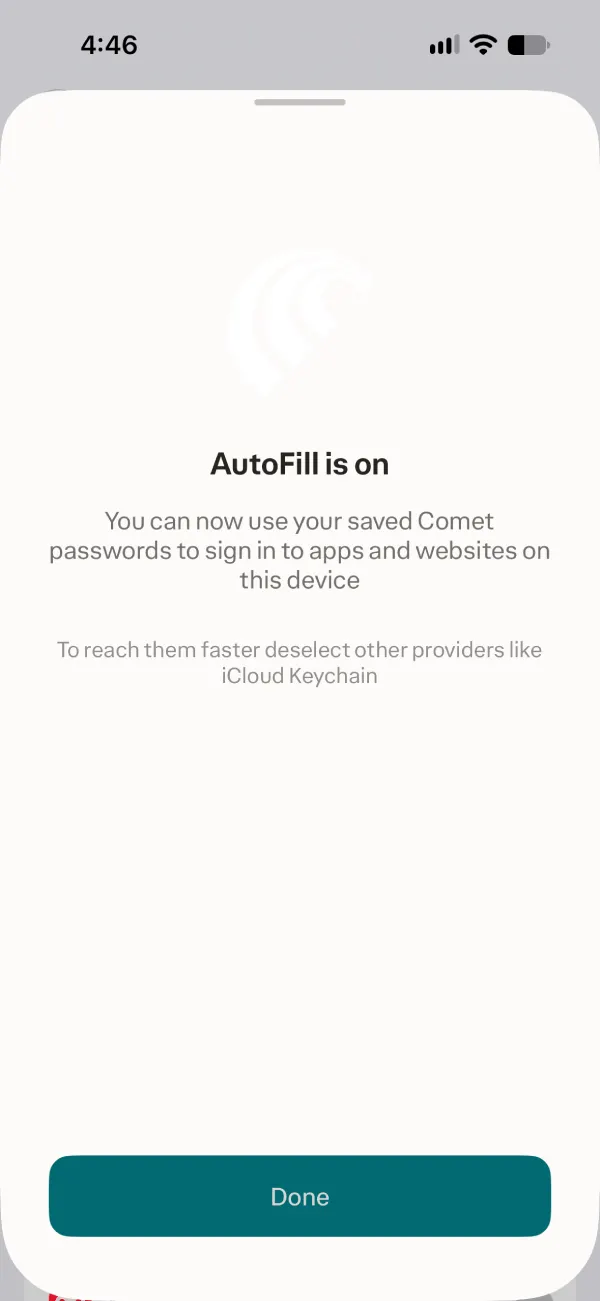
If you use iCloud Keychain or another password manager, ensure Comet is the only option toggled on when using Apple’s proprietary credential autofill feature.
The other major change is the ability to invoke Comet features through iOS’s powerful Shortcuts app. The company has implemented 11 native Comet actions in iOS, including opening a private tab, clearing browsing data, enabling voice mode, or initiating a search directly from your iPhone’s Home screen.
If you enjoy creating complex Siri shortcuts on your iPhone, you’ll be able to use many of the same actions in Comet without having to open the app first.
Creating voice shortcuts for Comet works similarly to other apps with native iOS Shortcuts support. Launch your iPhone’s Shortcuts app, tap the + button that should appear at the bottom of the screen, then tap Edit, and select Comet from the list of apps. Here you’ll see the 11 shortcuts that are available.
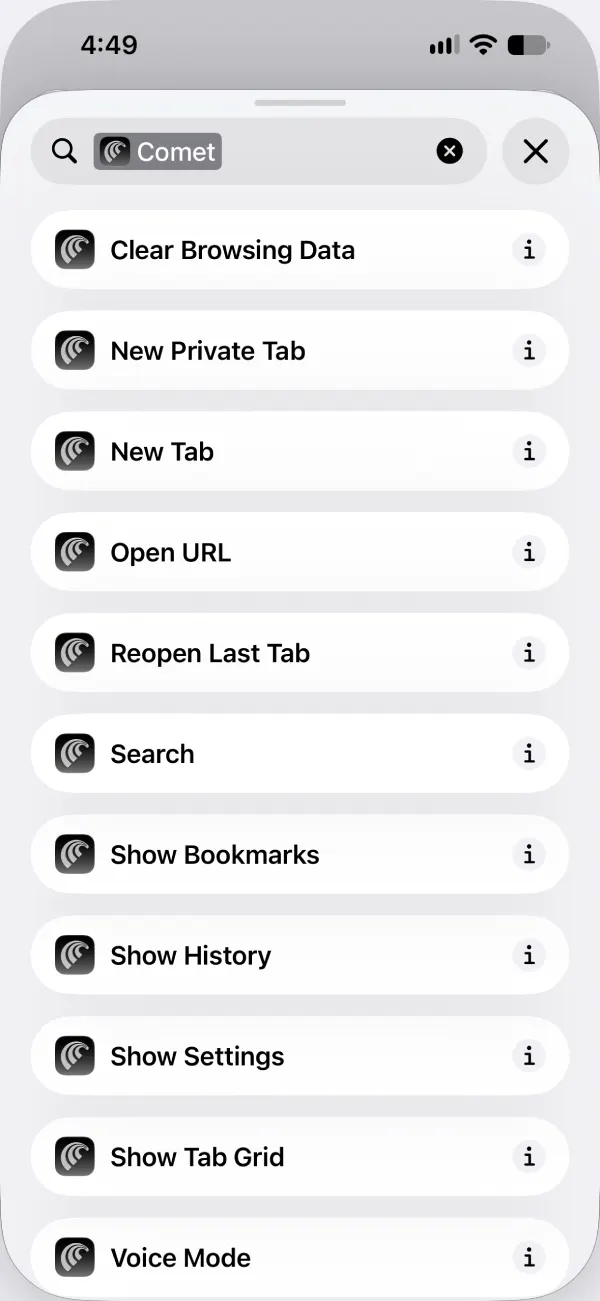
Once you’ve selected an action to add to your Shortcut, you’ll be able to rename it so you can use a voice command to trigger it. You can also bind a newly created Shortcut to your iPhone’s Action Button for quick access to a voice search.
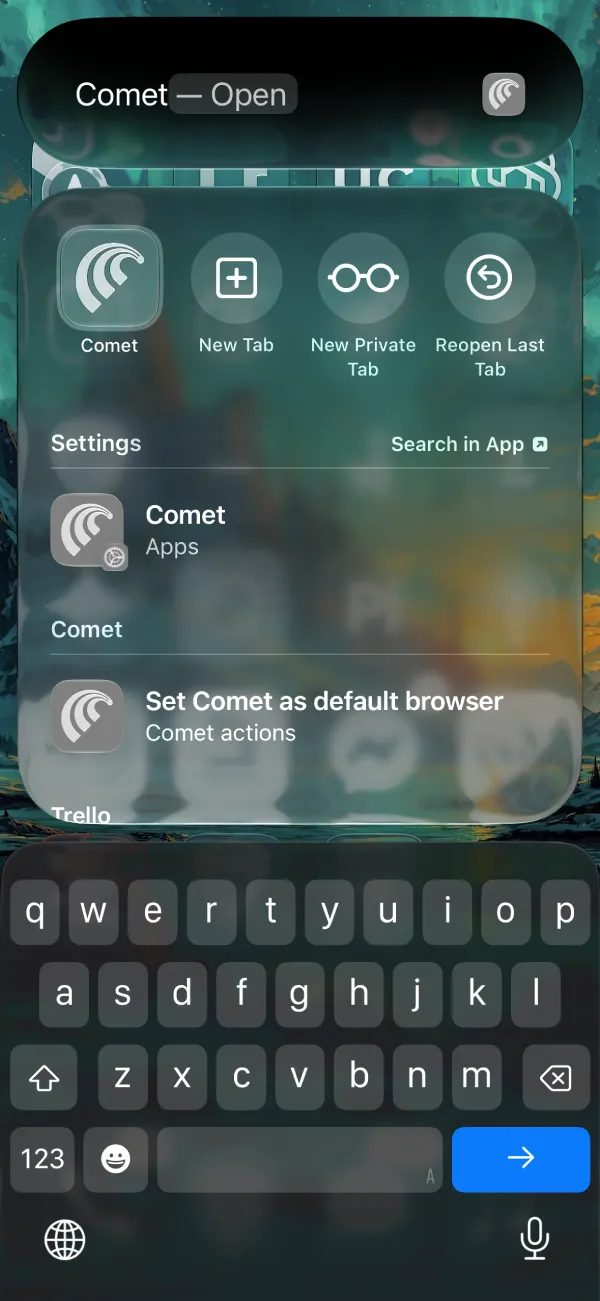
Finally, Spotlight search results for Comet received a much-needed redesign in this iOS update. When searching from your iPhone’s Home screen, you’ll see buttons to open a private tab or enter voice search mode appear below the app icon.
If you’ve not yet installed the update, you can manually check for it by heading to the App Store and searching for Comet or checking the apps list, where you can see all available updates.


Dwayne Cubbins
3050 Posts
I cover fast-moving stories across apps, online platforms, and everyday tech — phones, wearables, consoles, and whatever else people are fighting with this week. Bugs, rollouts, scams, policy enforcement, and the occasional internet-culture rabbit hole are all fair game. My goal is simple — make confusing tech news readable. When I'm not working, I'm working out or chilling with my dog. Got a tip? You can find me on X @dcubbins.
Next article View Article