Mozilla continues to push out new features and improvements to Firefox, and the latest beta release offers us a glimpse of what’s to come to the stable channel soon. Firefox 156 is now live in the beta channel and comes right after the stable release of Firefox 155, which brought some interesting changes.
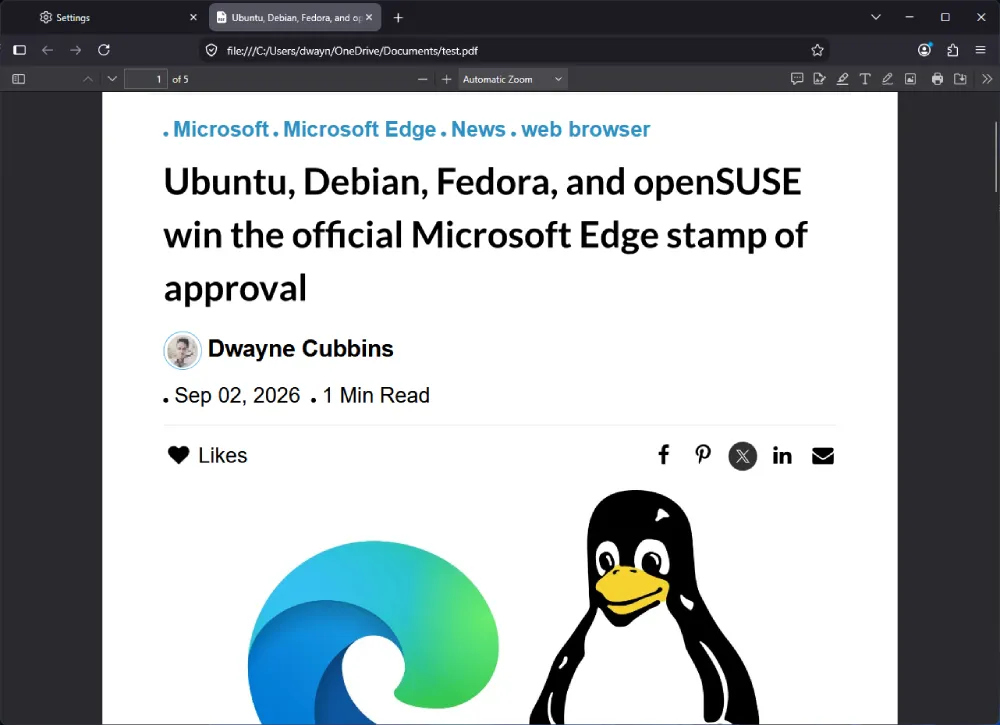
The big change with this release is a massive performance boost to the PDF viewer in the browser. Mozilla says that the “built-in PDF viewer now starts up to 45% faster.” So if you’re someone who finds yourself opening PDF files in Firefox, this should be a noticeable improvement. Shaving off 45% of the startup time should make opening files a breath of fresh air.
But PDF performance isn’t the only thing that’s improved. Changes behind the scenes have also made the browser use system resources more efficiently. The release notes suggest that users should see “improved memory and CPU usage when Firefox displays large JPEG images scaled down to fit a page.”
Image handling is clearly top of mind for Mozilla lately, particularly with Firefox 157 set to enable JPEG XL by default later this month to lighten memory loads and data usage even further.
Mozilla has also cooked up some improvements for video calls in the browser. The update lets WebRTC calls rely on hardware AV1 decoding across devices and hardware H264 on ARM64 Windows machines instead of burning battery on software fallbacks. In practice, you should notice smoother calls on video without your laptop heating up as much.
If you use Firefox on a Mac, then you can also check out the new startup settings. You can finally toggle on the ability to launch Firefox whenever your Mac boots up. Here’s a screenshot of the new settings (taken on Nightly, but it should be the same on beta):
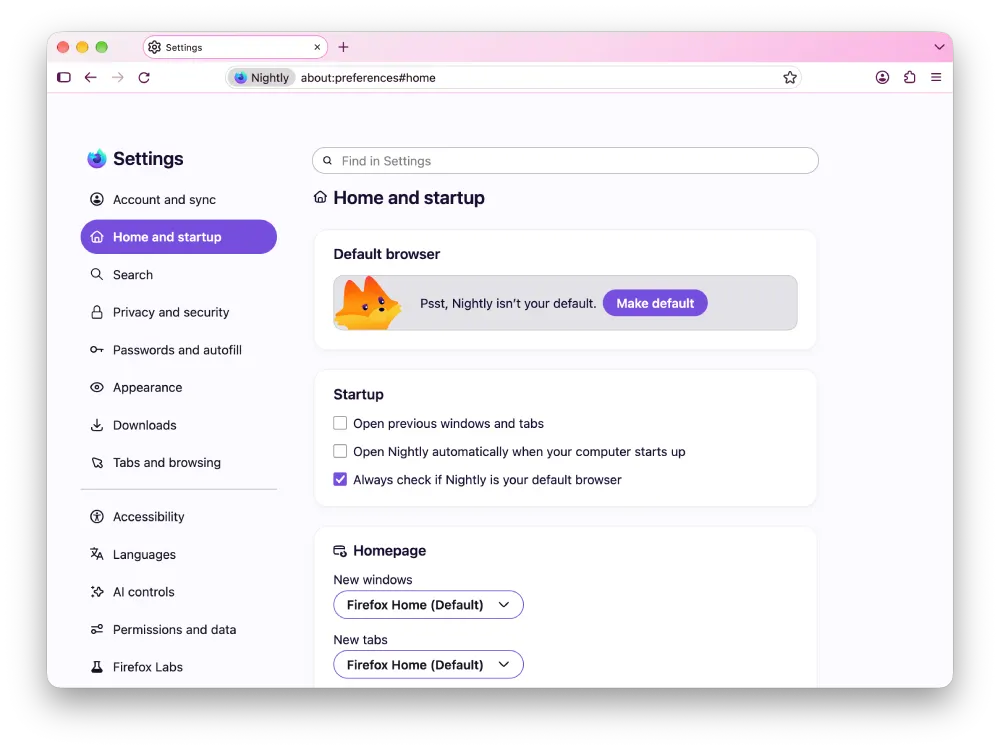
Keep in mind that the setting is turned off by default. So you’ll need to manually enable it if you want Firefox to open at startup.
Apart from these changes, Firefox has also been working on new widgets for the new tab page. Now, with the 155 beta, enterprise administrators can control whether those productivity widgets show up on the new tab page.
There’s something for mobile users too. The Android app now features a proper seek bar along with skip buttons right in your phone’s media notifications, and if you run Android 14 or higher, the browser finally hooks directly into the native system share sheet.
Since it’s a beta release, we won’t advise you to use it as your primary browser, but you can use it to check out the new features ahead of the stable release.


Dwayne Cubbins
3167 Posts
I cover fast-moving stories across apps, online platforms, and everyday tech — phones, wearables, consoles, and whatever else people are fighting with this week. Bugs, rollouts, scams, policy enforcement, and the occasional internet-culture rabbit hole are all fair game. My goal is simple — make confusing tech news readable. When I'm not working, I'm working out or chilling with my dog. Got a tip? You can find me on X @dcubbins.
Next article View Article