If you’ve been following Chrome developments for a while, you’re probably aware that Google has been pushing its Gemini AI assistant into every corner of the browser. The company even recently announced Gemini for Chrome on Android, and it has already been available on the iOS app too. Now, Google has dropped four short promo videos showing how Gemini actually works in the real world.
The fresh batch of videos lean into relatable, everyday problems like tab overload, picky pets, and wall-of-text parenting blogs, instead of technical jargon.
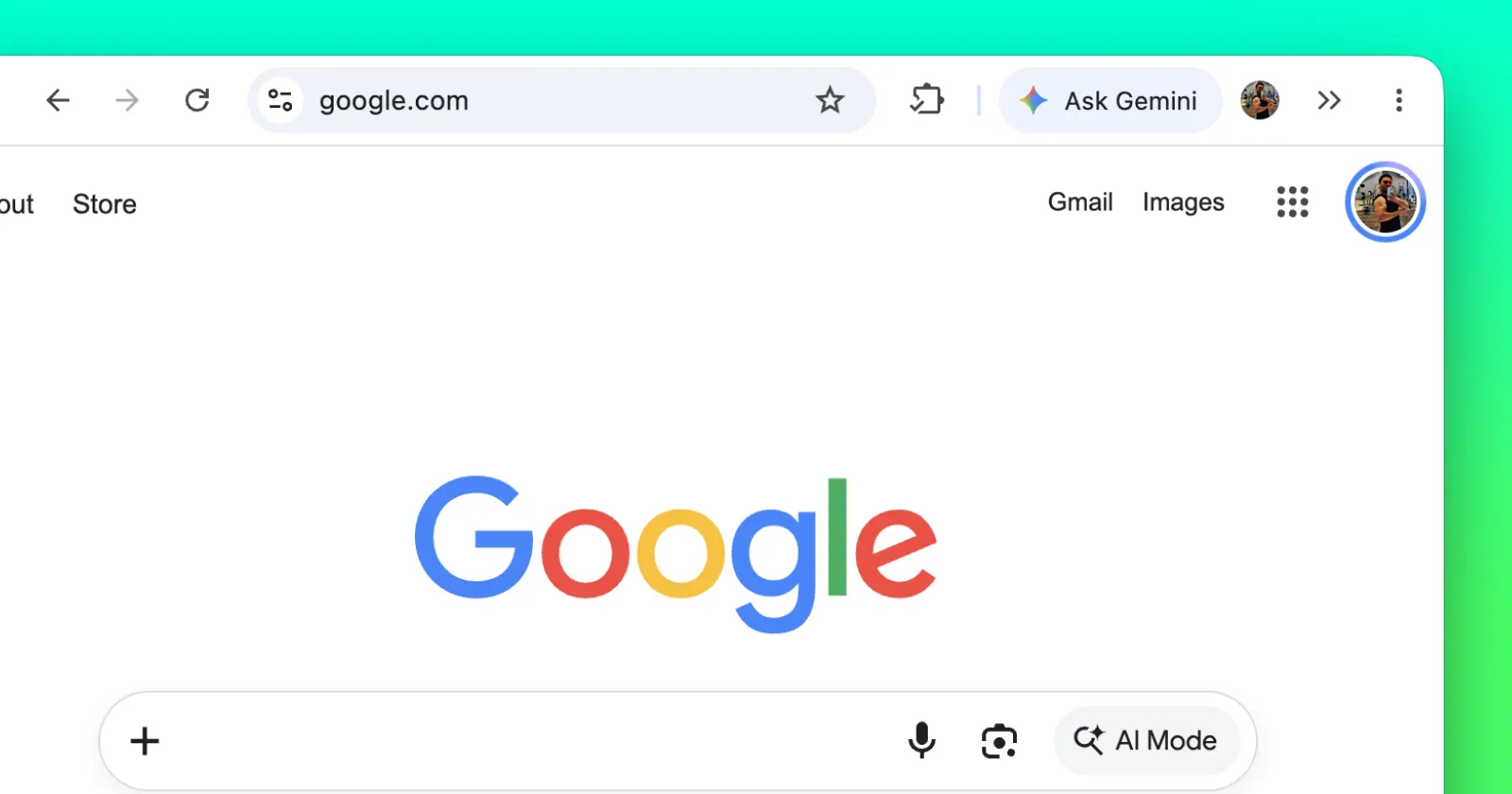
The first promo begins with a person trying to shop for a new backpack. If you’ve ever tried shopping for something online, you know how overwhelming it can be to sift through hundreds, if not thousands, of options. So to make things easier, he uses the Ask Gemini button baked into the browser to quickly find a backpack that’s both breathable and weatherproof.
The second video is about eliminating the fatigue from reading. The pet owner was concerned about her anxious betta fish and opened one comprehensive guide on the subject. She saw that the authors simply had too much to say, so she asked Gemini to extract the tips, and the assistant advised her to get a small lounger for her fish to lounge in.
The third video demonstrates brainstorming. One plant lover’s cat knocks over potted plants, so she browses indoor plants. She asks Gemini to imagine a living wall of these plants and creates a graphic on the webpage, visualizing her idea as a way to keep the plants out of her cat’s reach.
The final clip goes to Chrome on mobile, where a dad who’s struggling to toilet train his toddler asks Gemini to make a game of it after reading through a lengthy guide to potty training. Gemini transforms the potty into an astronaut rocket ship to get the kid psyched for liftoff.
If you’ve paid attention here, you’ll notice how Google is targeting the most common problems and wants the average user to use Gemini to solve their problems. Meanwhile, other AI-focused browsers like Aside are primarily trying to get tech-savvy individuals and developers to use them.
Google is also working on refinements to Gemini in Chrome as it is exploring features like asking Gemini about open tab groups to make tab management smoother. Whether you find these shortcuts genuinely helpful or prefer hiding the Gemini button entirely, Google is clearly betting that simple, real-life convenience will get more people to use it.


Dwayne Cubbins
3147 Posts
I cover fast-moving stories across apps, online platforms, and everyday tech — phones, wearables, consoles, and whatever else people are fighting with this week. Bugs, rollouts, scams, policy enforcement, and the occasional internet-culture rabbit hole are all fair game. My goal is simple — make confusing tech news readable. When I'm not working, I'm working out or chilling with my dog. Got a tip? You can find me on X @dcubbins.
Next article View Article