In the past few days, the folks at Aside have released two noteworthy updates for the AI browser. Version 1.26.820.1844 was followed by an update the next day, which resulted in the release of version 1.26.821.53. The updates included the addition of new model options, in-chat image editing capabilities, and developer tools enhancements.
With these fresh updates, the browser is now capable of generating images within the chat window itself. There’s no need to open up a dedicated website.
Additionally, it is now possible to choose the desired visual model directly in the AI settings. The options include ChatGPT, which can be selected when the account is synchronized with the service. In my testing, however, the image generation seemed very buggy, and the chat window would freeze or close.
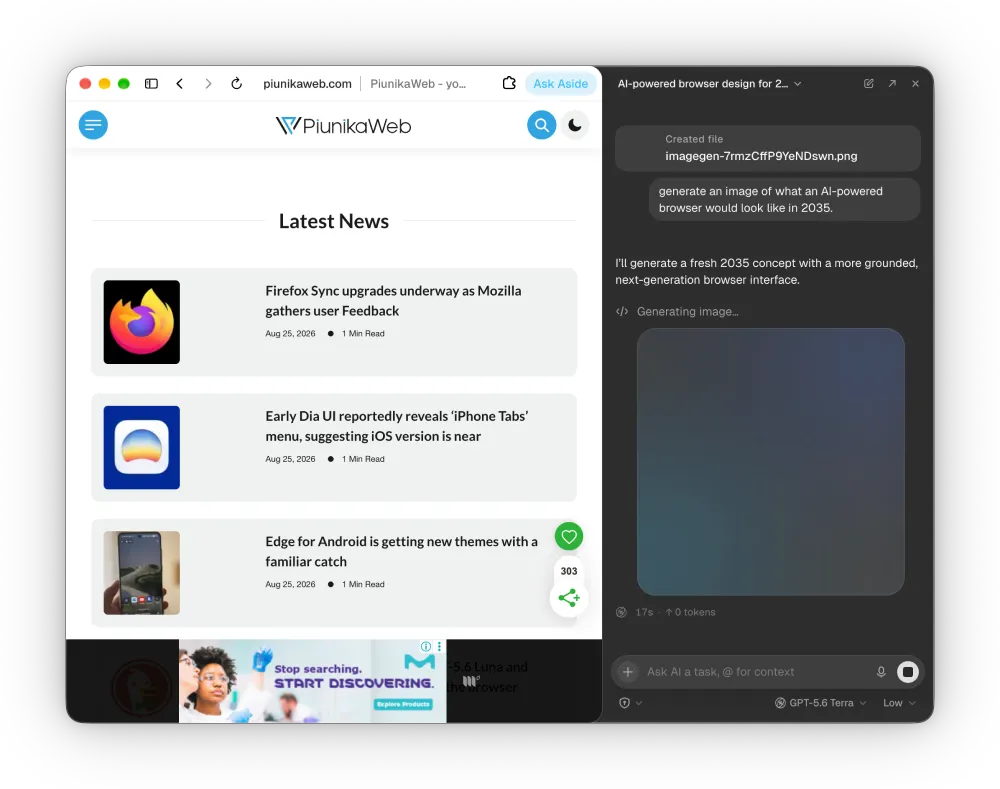
That said, the developers have made several adjustments to limit the selection of visual task models to only those capable of performing vision tasks, thus avoiding errors due to user inexperience.
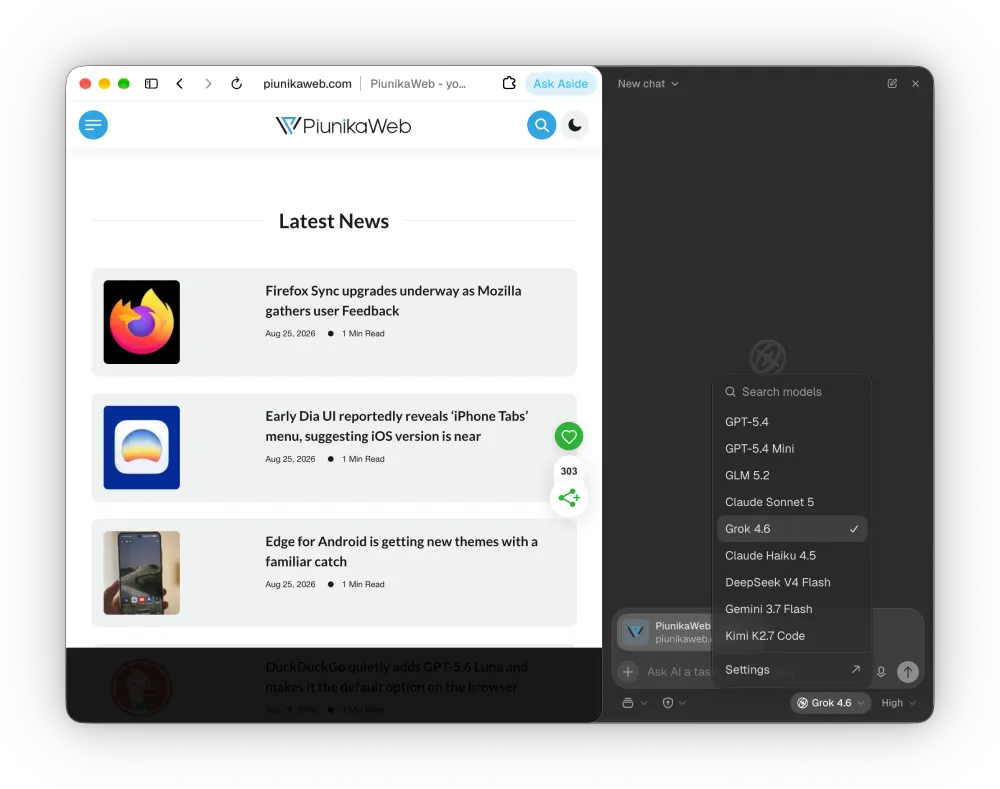
Aside has also added support for Grok 4.6 and OpenRouter Auto, providing more options for users to accomplish textual tasks and run calculations.
Developers who use the browser for coding and automation can benefit from the availability of Node.js, Python, and file search installation in the Settings panel.
The new features and improvements come after a previous update that had boosted the browser’s performance by 2x compared to an earlier build. However, the numbers the company shared were debatable.
So while these two recent updates do not address the performance aspect, they are aimed at maximizing the utility of the browser. For example, the task manager has also received enhancements that allow users to better track the progress of their operations.
In addition to the model selection panel, users can now view context usage indicators, which show the fill level of each session in real-time. The indicators help estimate what percentage of allocated tokens is used in the ChatGPT, Kimi, and Grok sessions.
If the task credits are exhausted abruptly when performing a critical operation, Aside users can now easily restore their access by purchasing additional credits or upgrading their plans directly from the credits-out interface.
Aside has also made several improvements to address the issues reported by users in the latest versions. For instance, the new release allows users to open a new tab faster than before. Another usability improvement includes the possibility of using the Cmd + Enter combination to send edited messages in the chat. Developers have also fixed the daemon logging, file opening, and password manager features.
After the account password is changed, Aside automatically logs out the user from other devices and synchronizes the data in the cloud to ensure secure access.
So if you’ve not yet updated your browser, go ahead and do so to check out the new features and improvements.


Dwayne Cubbins
3147 Posts
I cover fast-moving stories across apps, online platforms, and everyday tech — phones, wearables, consoles, and whatever else people are fighting with this week. Bugs, rollouts, scams, policy enforcement, and the occasional internet-culture rabbit hole are all fair game. My goal is simple — make confusing tech news readable. When I'm not working, I'm working out or chilling with my dog. Got a tip? You can find me on X @dcubbins.
Next article View Article