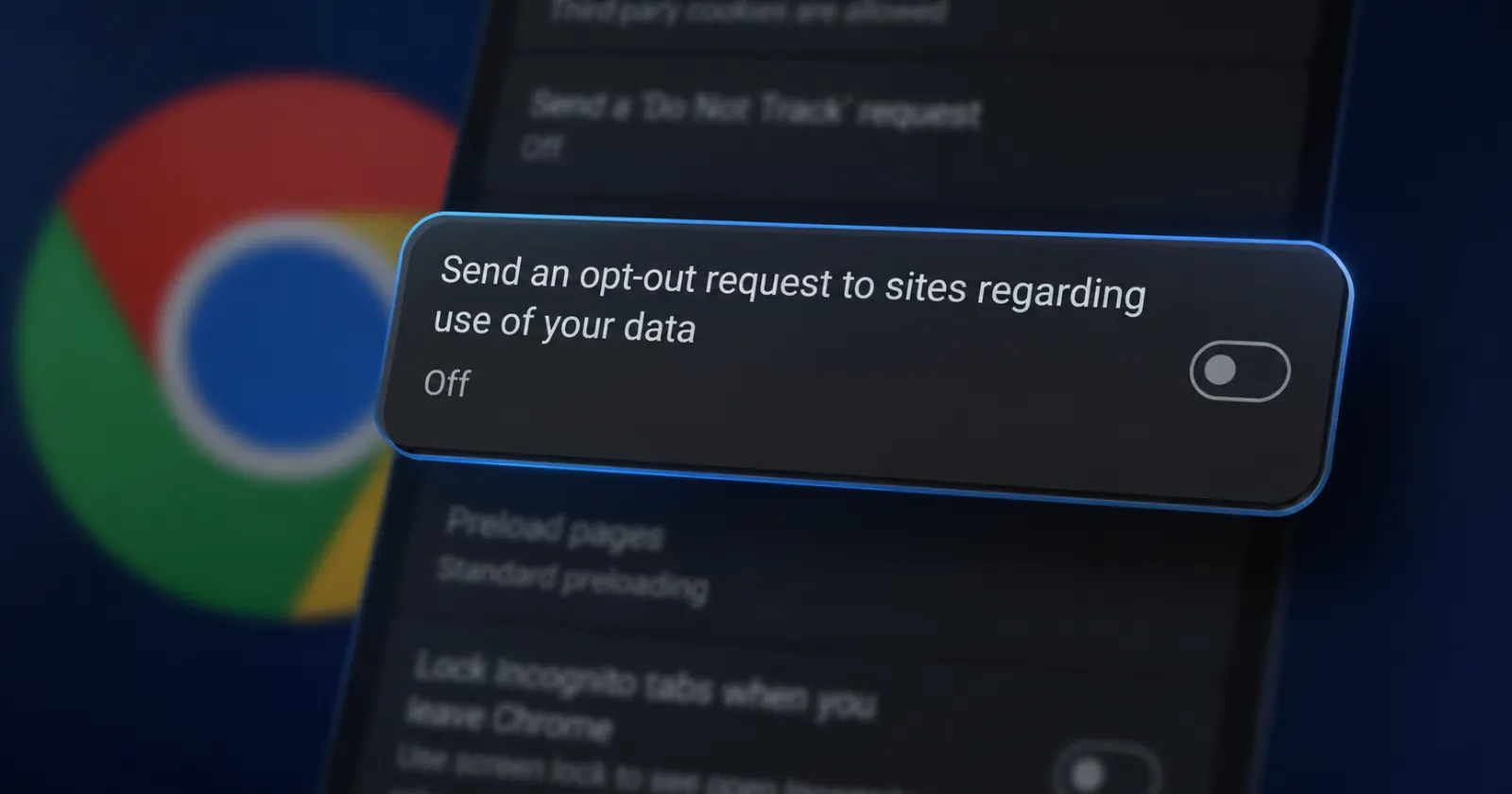
Roughly a week ago, we reported that Google had added a flag in Chrome Canary to force the Global Privacy Control signal, and we had even tested it ourselves on a Mac. Now, it looks like the feature is finally making its way into the actual settings menu instead of being hidden only in the chrome://flags menu.
As noted in our earlier report, when enabled, the GPC flag performed as expected and made it clear that Google was laying the groundwork for the feature.
Now, as spotted by the folks at Windows Report, there’s a new Universal Opt Out Settings flag in Chrome Canary on Android. This flag works by surfacing a real toggle in the settings menu. This is labeled as ‘Send an opt-out request to sites regarding use of your data’.
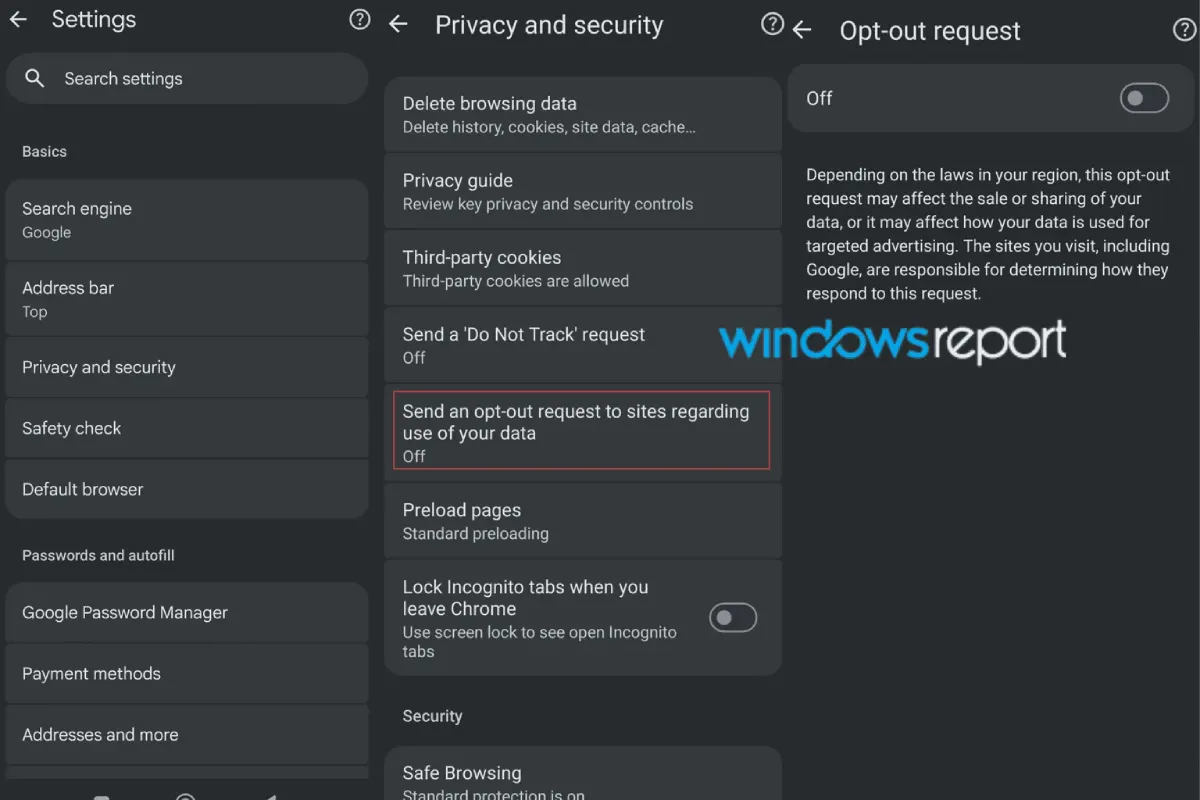
For those unaware, Global Privacy Control (GPC) is essentially a digital broadcast from your browser that tells websites that you don’t want your personal information sold, shared, or used for targeted ads.
This should not be confused with the previous Do Not Track setting that has existed for years. Most websites ignore DNT entirely, but ignoring GPC can result in legal issues in places like California. It’s also why other privacy-focused browsers like Helium are adding a GPC toggle to give users control over their data footprint.
That said, Chrome explicitly notes that “depending on the laws in your region, this opt-out request may affect the sale or sharing of your data, or it may affect how your data is used for targeted advertising.” Google also clarifies that individual websites are ultimately responsible for determining how they respond to the request.
If you’re open to tinkering with bleeding-edge software, then you can install the latest Chrome Canary build on your Android device to try it out yourself.
In our testing on Chrome Canary version 154.0.8012.2, we could not see the ‘Send an opt-out request to sites regarding use of your data’ toggle in the settings menu despite enabling both the GPC flag and the Universal Opt Out Settings flag.
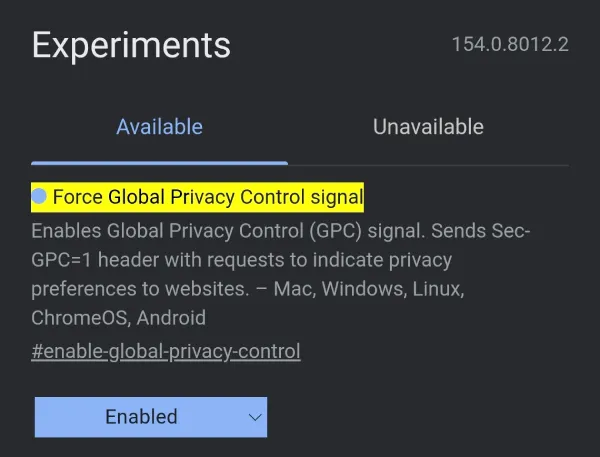
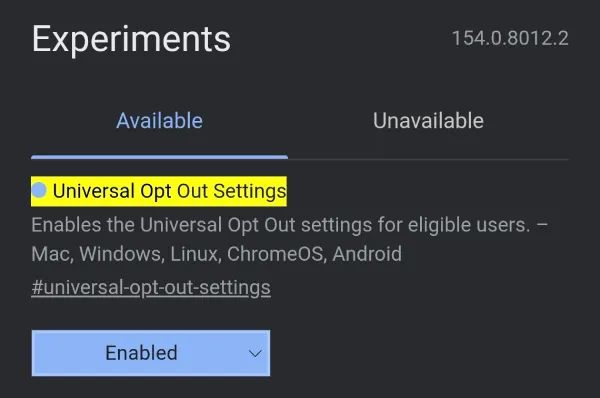
Still, if you do see the toggle in the settings menu, it’s worth noting that turning it on alone won’t send the GPC signal to websites. You will also need to enable the flag to force Global Privacy Control.
Anyway, the new user-facing addition in the settings menu makes it clear that we aren’t far off from a working version of the feature.


Dwayne Cubbins
3128 Posts
I cover fast-moving stories across apps, online platforms, and everyday tech — phones, wearables, consoles, and whatever else people are fighting with this week. Bugs, rollouts, scams, policy enforcement, and the occasional internet-culture rabbit hole are all fair game. My goal is simple — make confusing tech news readable. When I'm not working, I'm working out or chilling with my dog. Got a tip? You can find me on X @dcubbins.
Next article View Article