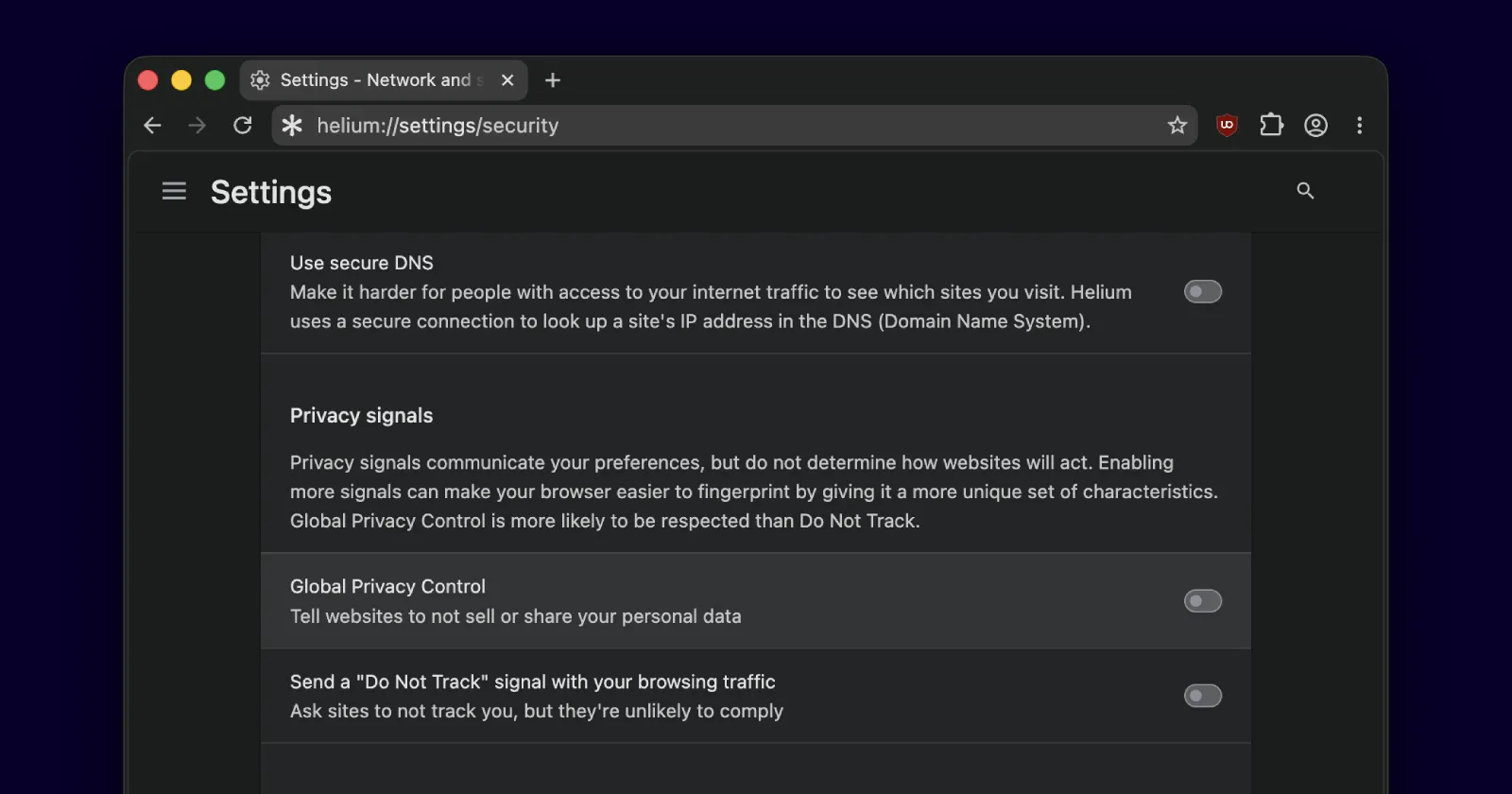
Helium browser picked up a fresh update a couple of days ago, and the biggest change with this release is the added support for Global Privacy Control (GPC). The update is live as version 0.15.3.
If you’ve been following the browser space lately, this won’t feel like a huge surprise, since Google itself recently started testing GPC in Chrome Canary.
So what does GPC actually do? Well, to put it simply, it’s a setting that tells the websites you visit that you don’t want your personal data sold or shared. Instead of digging through cookie banners and privacy menus on every single site, you flip the switch once, and your browser sends the signal automatically.
The big deal here is that it isn’t just a polite request that can be ignored. In places like California, businesses can be legally required to honor it, which is what sets GPC apart from the older Do Not Track signal that most sites quietly ignore.
Wukko, the developer behind Helium, pushed back a little on how these signals get rolled out. In a post on X, they wrote that “GPC is cool, but it’s important to highlight the drawbacks it may bring and offer it as an opt-in toggle, not as a forced feature.” They also wrote that “DNT should be deprecated,” because “it’s effectively useless.”
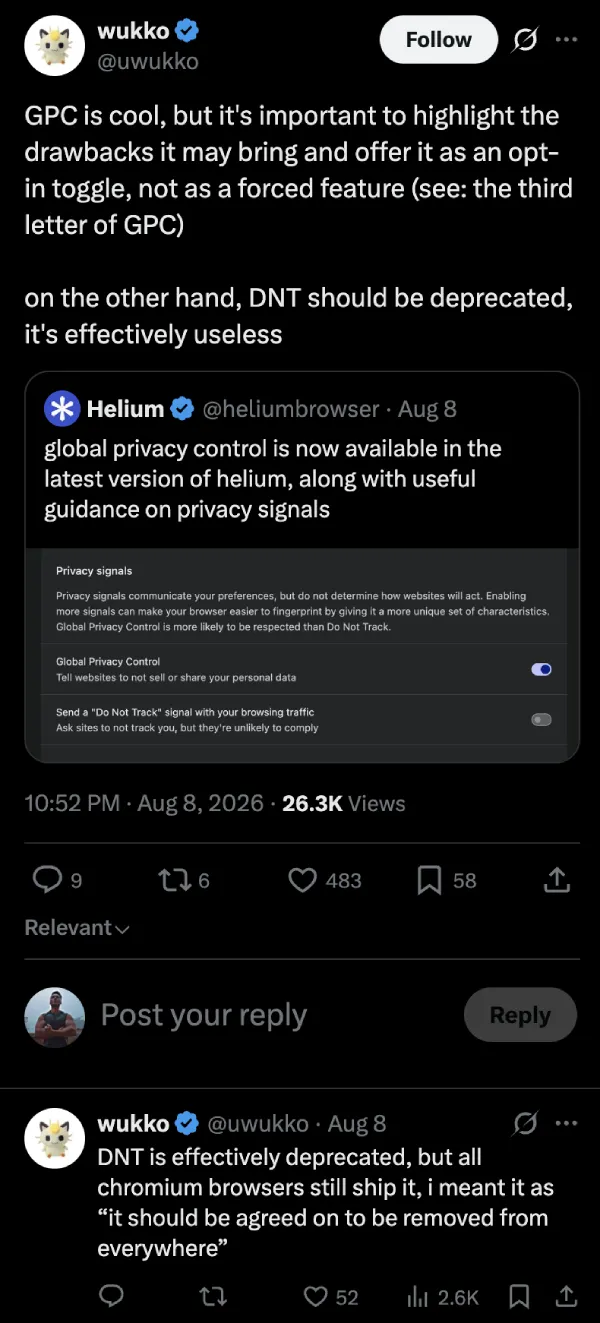
That’s a pretty honest thing to hear from someone working on the browser itself, and it fits Helium’s general habit of being upfront with users rather than overselling features. The privacy push has been steady here, and the browser has been busy on other fronts too, recently adding Brave Search and Startpage as search options.
A quick word of caution from the discussion, though. Privacy signals like GPC can sometimes make you a little easier to identify, since fewer people turn them on. If that worries you, it’s worth understanding how tracking really works, and we broke down the common myths about browser fingerprinting in a separate piece.
The update is already live, so if you’re running Helium, it should pull down on its own. Once you’re on 0.15.3, you’ll find the new toggle tucked into the browser’s network and security settings.
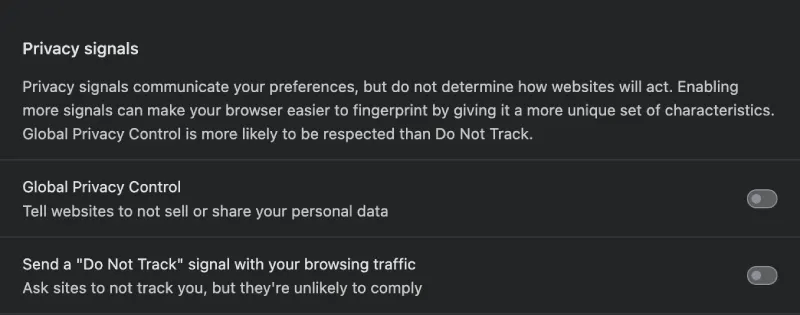
As mentioned above, it’s off by default. So you’ll have to turn it on manually.


Dwayne Cubbins
3123 Posts
I cover fast-moving stories across apps, online platforms, and everyday tech — phones, wearables, consoles, and whatever else people are fighting with this week. Bugs, rollouts, scams, policy enforcement, and the occasional internet-culture rabbit hole are all fair game. My goal is simple — make confusing tech news readable. When I'm not working, I'm working out or chilling with my dog. Got a tip? You can find me on X @dcubbins.
Next article View Article