Just a few days after the previous version, Helium v0.14.9 is already out with multiple improvements throughout. It brings an improved onboarding experience, expands the search engine choices, and also includes security patches.
Information about this release was posted on GitHub, and this update is already live for public use. You can view a screenshot of the changes below.
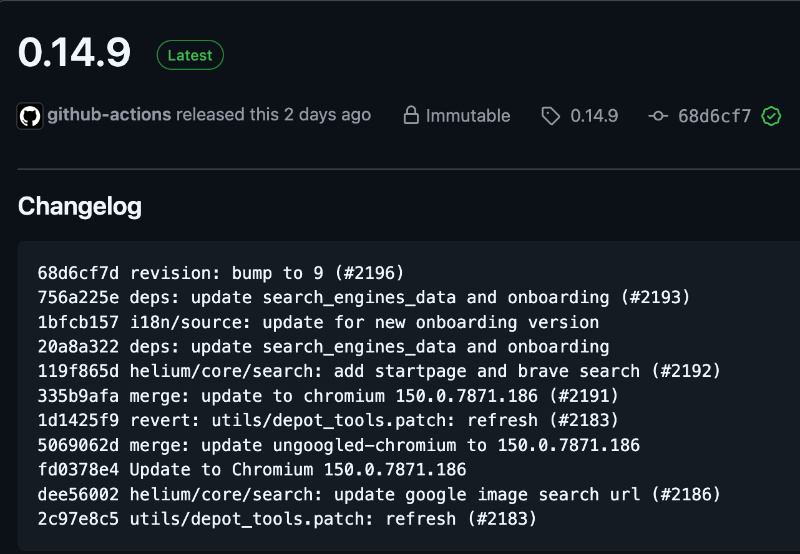
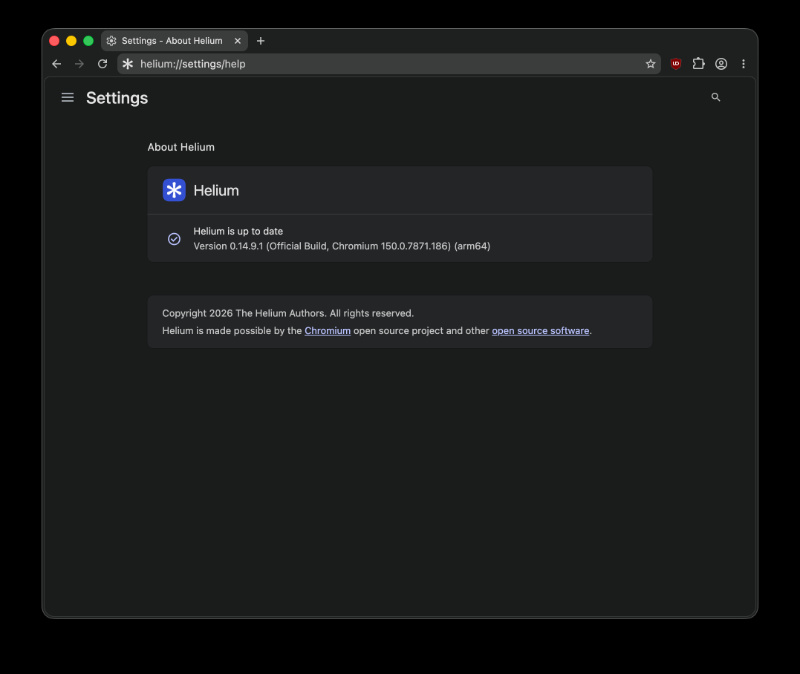
I’ve checked for this update myself, and sure enough, it began updating to the latest version immediately. While the changelog described in this post is for v0.14.9, another tiny update — v0.14.9.1 has also been released, but it doesn’t include any major changes. The only change is updating the reverse image search link, which Google changed.
Below is a comprehensive summary of the important changes:
- Updates the list of built-in search engines and also the setup screen (onboarding page).
- Text and translations have been improved (during onboarding), so that the setup screen displays correctly even for different languages.
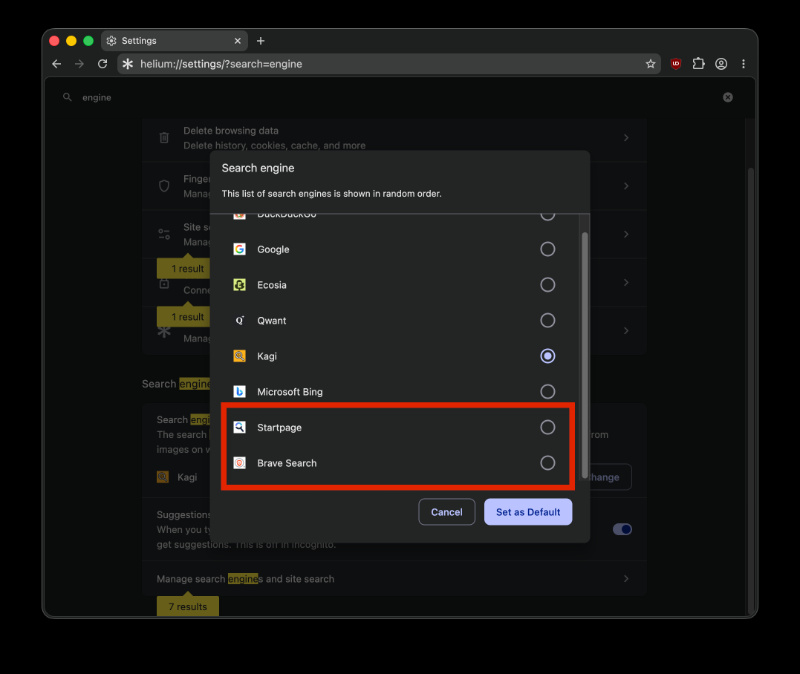
- This is among the biggest user-facing changes for this update. You can now choose Startpage or Brave Search as your default search engines, both during initial setup and also later in Settings. For those unaware, Startpage is a privacy-focused search engine, and Brave Search is another one that doesn’t rely on Google or Bing.
- It also updates to the latest version of Chromium (v150.0.7871.186) and brings the latest security updates.
- Some internal build tool changes (for developers).
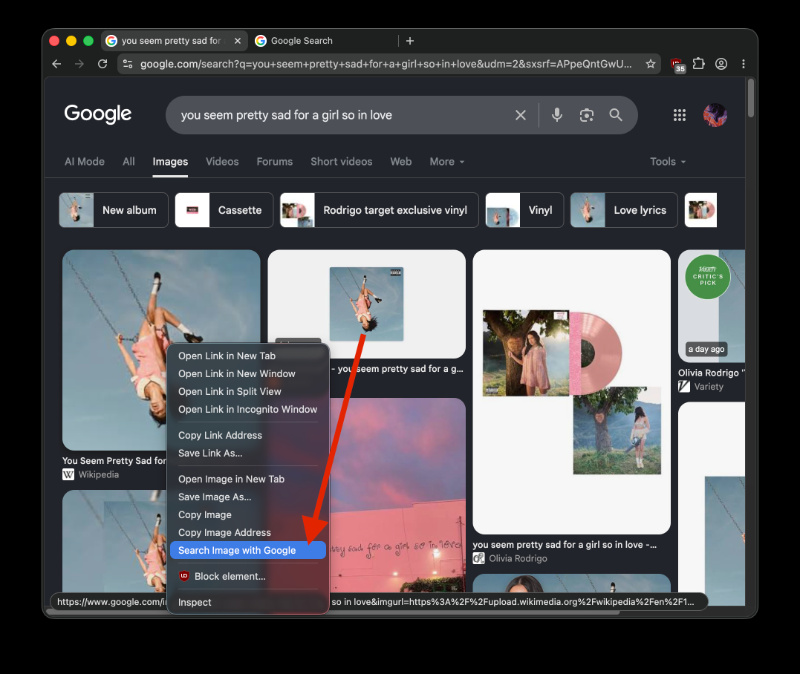
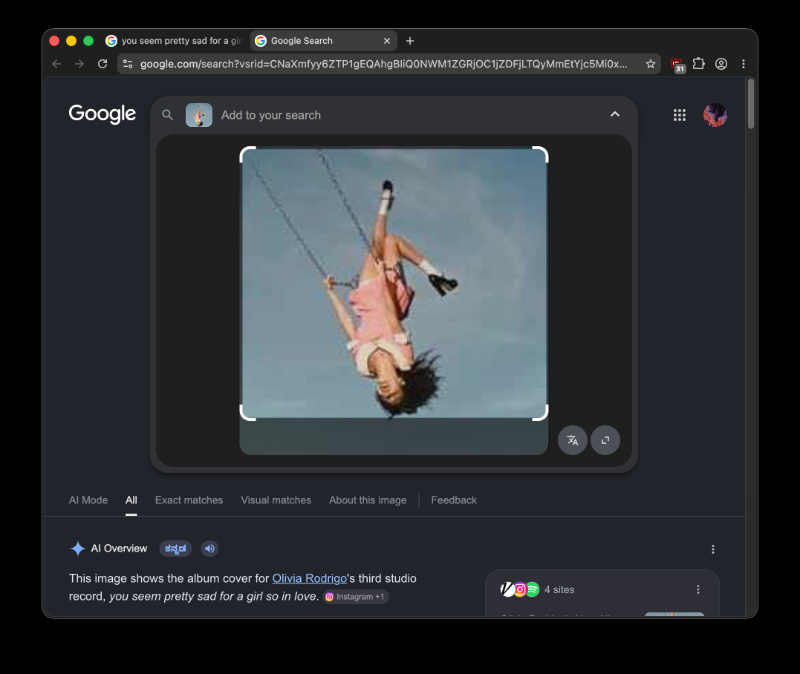
- The link used for Google’s reverse image search has been updated, so it points to the new Google Lens upload address. (Note: This requires having Google as the default search engine, so that the “Search image with Google” option becomes visible on right-click.
All in all, it’s an update that refines the experience and provides more choice to users. It does have more features and user-facing changes than the previous update.
Additionally, Helium’s developer recently promised to improve browser fingerprinting, but there are several myths about it online that you must ignore — we detailed that here.


Sudhanshu K
296 Posts
I have been a consumer technology enthusiast for over 5 years. Thanks to my experience in software beta testing and product reviews, I've understood and learnt a lot about what bugs and issues bother people, and I spend time trying to simplify their solutions. I cover smartphones, software, social media, apps, AI, and most consumer tech gadgets. Actively pursuing a Computer Science bachelor’s degree. I'm mostly active on Twitter/X (@TechWhirlUlt), drop a DM or tag me if you want to share info or connect!
Next article View Article