





recently added to the helium browser:
— Helium (@heliumbrowser) July 23, 2026
- opt-in crash reporting, with a prompt after a crash and optional automatic reporting in settings
- fingerprinting protection settings and explainers. helium has had fingerprinting protection for a while, but now you can toggle it per site… pic.twitter.com/MQzuC0an9l
The Helium browser just got a new update, and the list of changes is quite long this time around. It’s an update focused on improving the quality of life and fixing bugs. There are several little refinements throughout the browser that make it a more stable experience overall.
The GitHub changelog details a Chromium bump and some fixes to macOS-specific issues. However, a much larger list of changes which were “recently added” was posted on X. You can view the entire post below.
I’ve checked for this update myself, and sure enough, the browser began updating to v0.14.8 immediately.
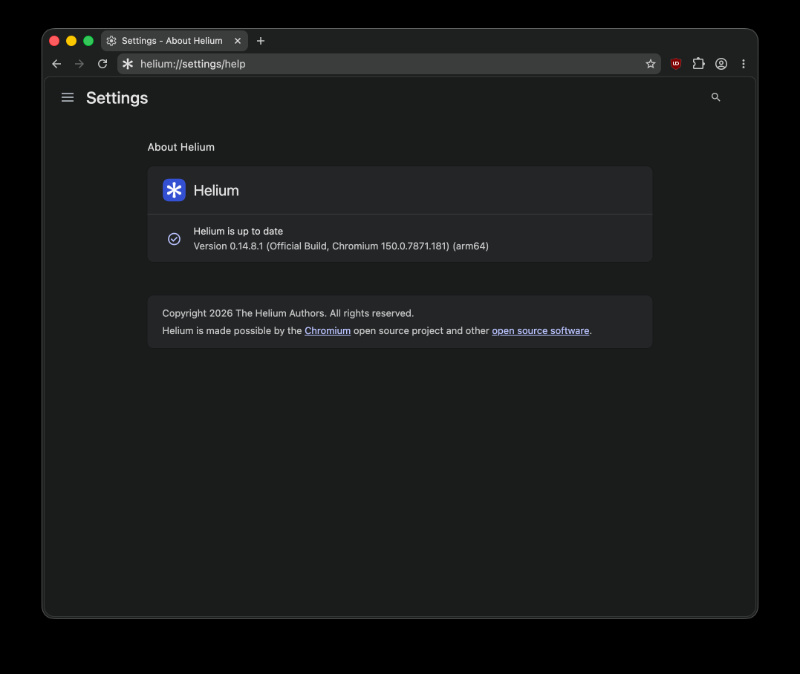
The important ones are:
- Opt-in crash reporting: After a browser crash, Helium now displays a prompt asking if you want to send a report. You also have the option to enable automatic reporting in settings. This helps the team fix bugs faster, and this isn’t an issue, since the crash-report server is also open-source.
- Fingerprinting protection controls: You can now turn fingerprinting protection on or off, per website. If protection breaks certain websites, you can disable it.
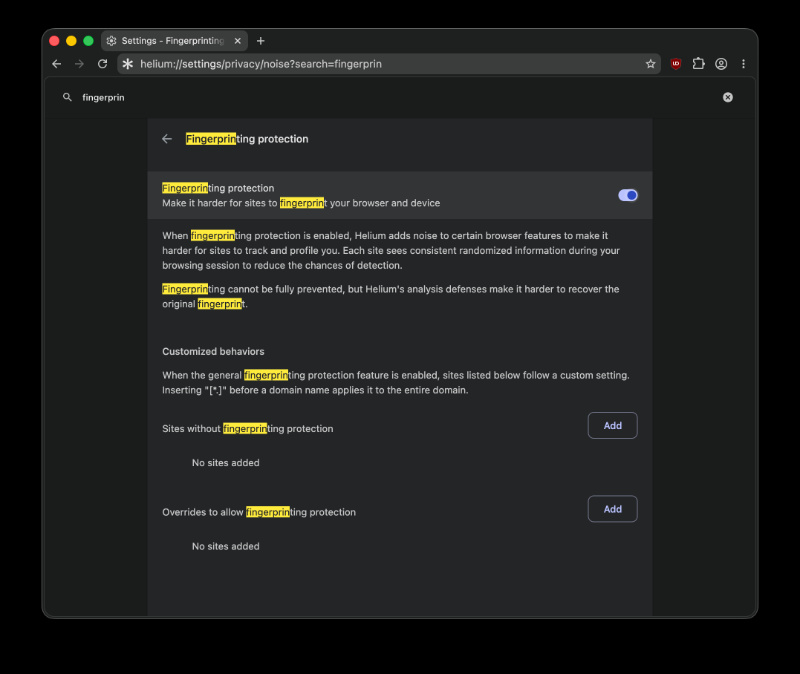 For those unaware, fingerprinting essentially means tracking, where specific details about your device and software settings are collected, and when combined, they can create a unique “digital footprint” that websites can use to track you across the web, even without using cookies. It’s not possible to protect yourself from it 100%, and we covered several myths around fingerprinting here.
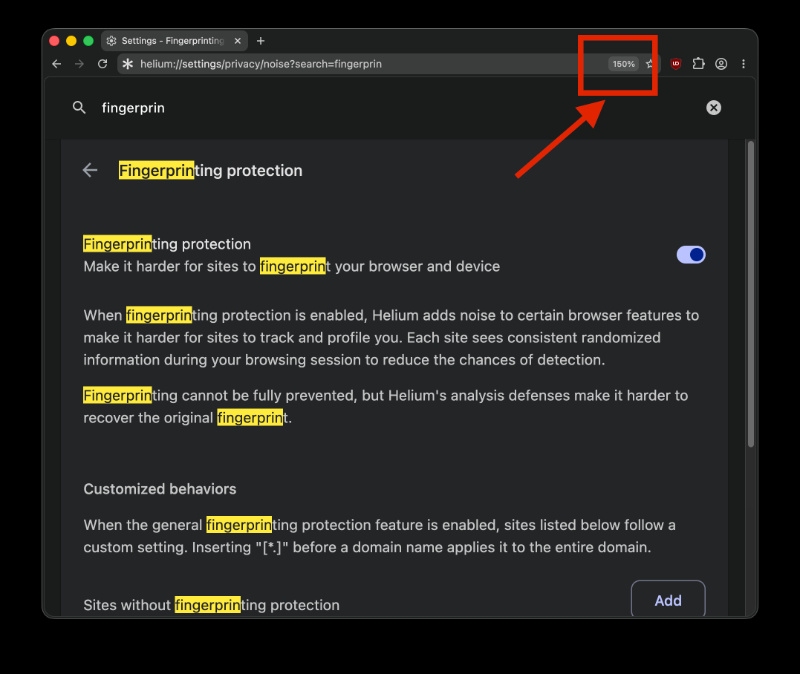
 - Page zoom indicator makes a return: It shows the current zoom percentage, and you can click it to reset zoom to 100%. If you want to, you can also hide this indicator entirely.
- Force paste: Enter the right-click menu, and you can now force-paste into input fields.
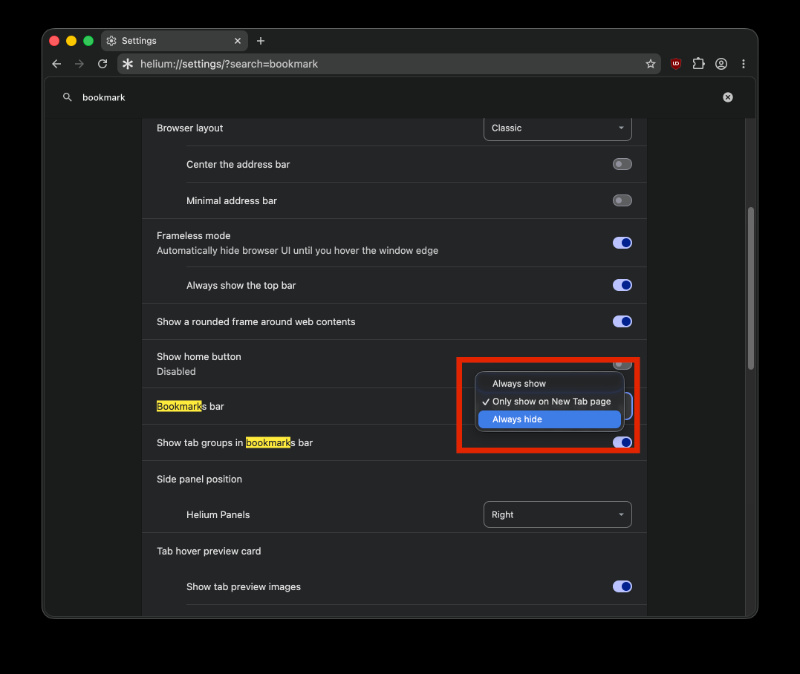
- New bookmark bar visibility option: There’s an “always hide” setting now, which applies permanently.
- For macOS specifically, there’s native text translation using Apple’s built-in translation API.
- There are also improvements to the tab group UI, theme-tinted internal pages, built-in screenshot ability, reverse image search in the right-click menu, and more. The update also includes under-the-hood fixes for custom keyboard shortcuts, general stability refinements, and more.
In other Helium news, the browser is stepping up its fight against fingerprinting as well. More on that here.

We stand out from the tech-media crowd because we break news stories; we mainly bring you stuff that you won’t find anywhere in the mainstream tech media. Our stories have been picked up by some of the world’s most popular websites and media outlets—more info is available here.

Sudhanshu K
299 Posts
I have been a consumer technology enthusiast for over 5 years. Thanks to my experience in software beta testing and product reviews, I've understood and learnt a lot about what bugs and issues bother people, and I spend time trying to simplify their solutions. I cover smartphones, software, social media, apps, AI, and most consumer tech gadgets. Actively pursuing a Computer Science bachelor’s degree. I'm mostly active on Twitter/X (@TechWhirlUlt), drop a DM or tag me if you want to share info or connect!
Next article View Article

Helium v0.14.9 expands search engine choices with Brave Search & Startpage
Just a few days after the previous version, Helium v0.14.9 is already out with multiple improvements throughout. It brings an improved onboarding experience, expands the search engine choices...
Jul 26, 2026 1 Min Read