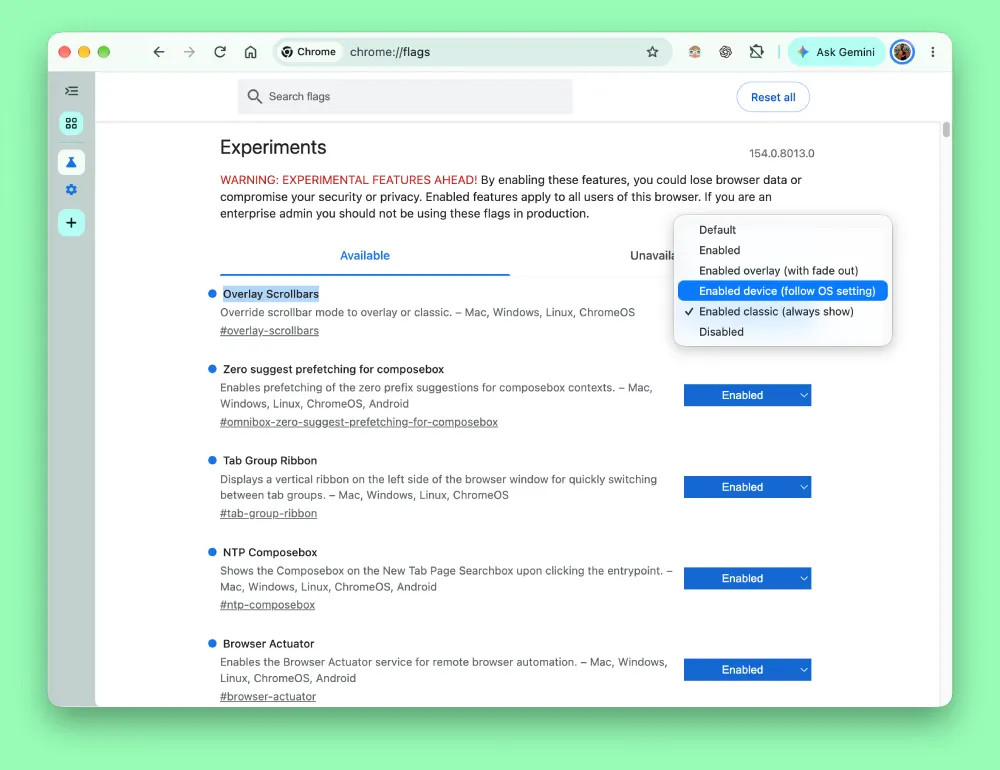
The Overlay Scrollbars flag in Chrome has been around for a long time now. But it keeps going in and out of the browser for whatever reason. And it looks like the same thing is happening again. The flag is back in Chrome and lets users pick how they want the browser to handle scrollbars.
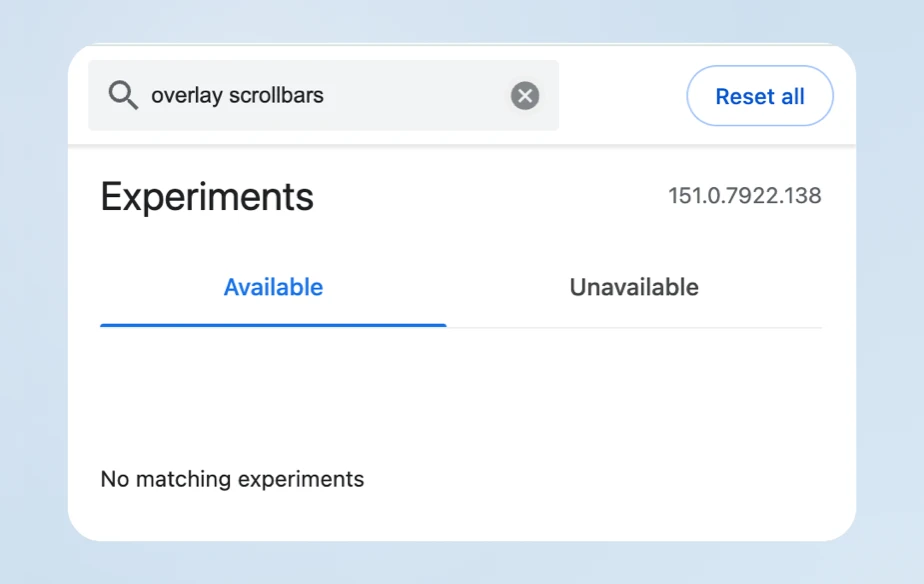
I spotted the flag when testing Chrome Canary version 154.0.8013.0. For reference, the flag isn’t present on the stable channel right now, at least on Chrome version 151.0.7922.138.
For context, overlay scrollbars are those modern slim scrollbars that float over web content and fade away when you stop moving your mouse or trackpad. Classic scrollbars, on the other hand, sit in their own dedicated vertical lane on the side of the browser window.
Some people love the clean look of auto-hiding scrollbars, while others find them annoying because they hide where you are on a long page or make click-and-drag scrolling harder.
With the latest revamp of the Overlay Scrollbars flag, you now get more options instead of just the standard enable or disable options. You can force classic scrollbars, force overlay scrollbars with a fade-out effect, or tell Chrome to just follow your operating system settings.
I ended up digging through the Chromium Gerrit code commits to see what was happening behind the scenes. A merged code submission by developer Steve Kobes reveals that Google turned the setting into a three-state feature parameter.
In the commit notes, the developer explains that “On Windows, Linux, and ChromeOS, the OS setting for overlay scrollbars can now be overridden in either direction”.
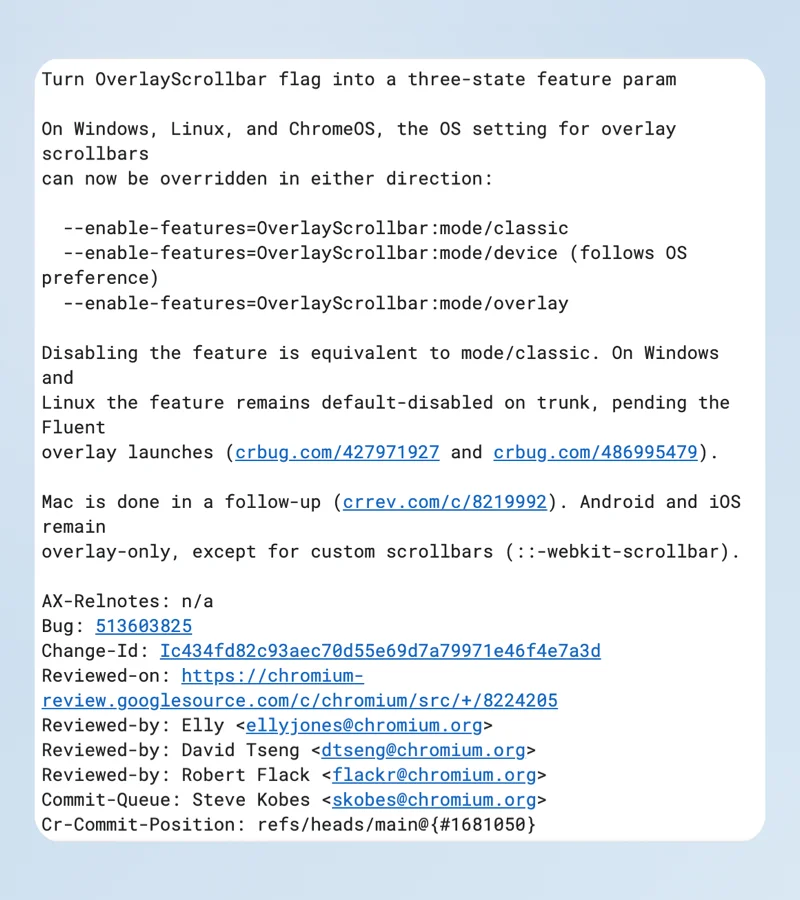
This gives users the power to decide if Chrome should match system preferences or override them completely.
Adding to that, for Windows 11 users, tech creator BrenTech recently demonstrated how Chrome Canary interacts with system-level scrollbar preferences.
In his hands-on test, turning off the “always show scrollbars” setting in Windows accessibility caused Chrome Canary to auto-hide scrollbars until scrolling began, showing how the browser behaves when set to mirror OS preferences.
It reminds me a bit of how Google has been slowly adding user control toggles across other parts of the browser, like the recent user-facing GPC opt-out switch in Chrome settings. We have also seen them refine interface elements on desktop through the ongoing work on the floating desktop AI search tool.
Right now, this expanded menu is sitting in Canary for testing. It’s unclear if Google will bring this customization option to the user-facing settings page at some point. I guess we’ll have to wait and find out.


Dwayne Cubbins
3063 Posts
I cover fast-moving stories across apps, online platforms, and everyday tech — phones, wearables, consoles, and whatever else people are fighting with this week. Bugs, rollouts, scams, policy enforcement, and the occasional internet-culture rabbit hole are all fair game. My goal is simple — make confusing tech news readable. When I'm not working, I'm working out or chilling with my dog. Got a tip? You can find me on X @dcubbins.
Next article View Article