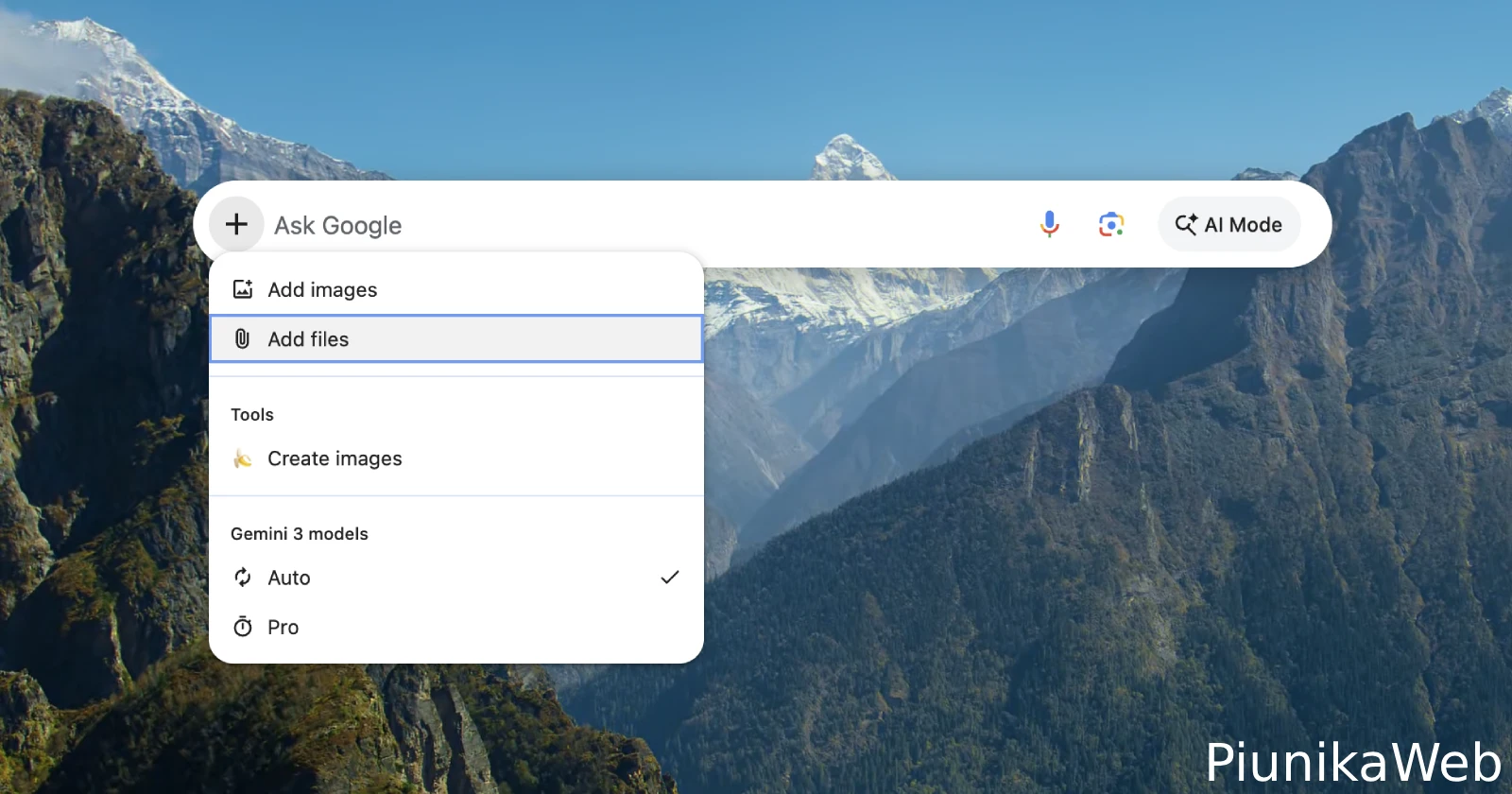
Google’s idea of detaching Chrome’s address bar and letting it float freely over your desktop was not just a random experiment they forgot about. The company is very much still working on polishing the tool and adding useful features that’ll make using it more seamless with your OS.
The team over at Chrome Unboxed recently went through a stack of fresh Chromium code submissions, highlighting a long list of changes heading to the project.
When we did our hands-on look at Chrome’s floating Omnibox a couple of months back, the prototype felt pretty rigid. You could summon it with a quick keyboard shortcut, but it stayed locked right in the center of your display and vanished the moment you clicked on anything else.
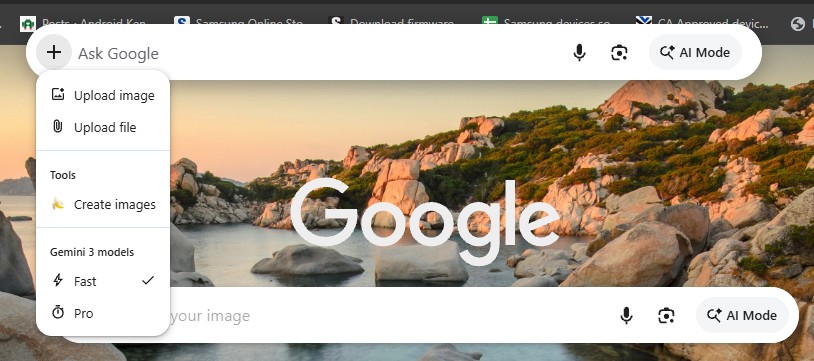
Google is now addressing most of those early quirks. Recent code updates show developers adding drag-and-drop support so you can click and move the search bar wherever you want on screen. Then, instead of disappearing completely when you click away, the floating overlay can now slip behind active windows so you do not lose your progress.
They are even building a system tray menu so you can launch it without keeping a full Chrome window running in the background.
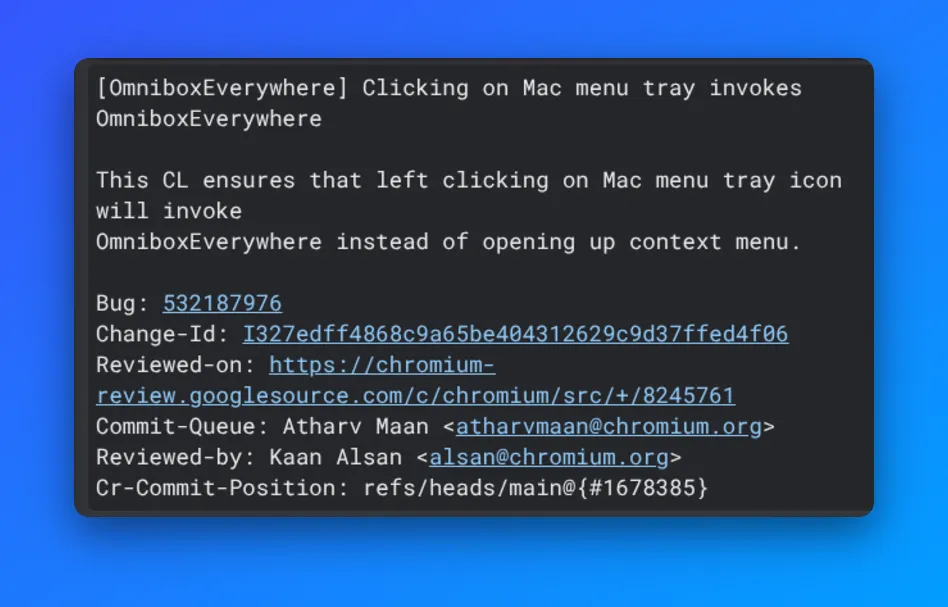
The publication also spotted other quality-of-life upgrades like profile persistence so that the bar remembers whether you were using your work or personal Google account even after a system restart. Then, on Mac, new screen capture support lets you grab a quick screenshot and drop it directly into the prompt for Gemini to break down.
Still, despite all the progress Google has made in development, they don’t appear to be in a rush to get it out.
This upcoming feature fits right alongside Google’s broader efforts to bake AI deeper into every corner of browsing, from bringing Gemini to Chrome on Android to testing tools that can turn regular web articles into podcasts. Google wants Gemini available across your entire desktop, whether Chrome is sitting open on your screen or not.
Unless you like digging through experimental developer builds and flipping hidden flags, you will have to wait a bit longer to try the full setup yourself. But given how consistently new code is hitting the repository, Google clearly sees a big future for a standalone desktop search bar.


Dwayne Cubbins
3123 Posts
I cover fast-moving stories across apps, online platforms, and everyday tech — phones, wearables, consoles, and whatever else people are fighting with this week. Bugs, rollouts, scams, policy enforcement, and the occasional internet-culture rabbit hole are all fair game. My goal is simple — make confusing tech news readable. When I'm not working, I'm working out or chilling with my dog. Got a tip? You can find me on X @dcubbins.
Next article View Article