





Brave now has an easy-to-use screenshot tool! 📸
— Brave (@brave) April 13, 2023
Just click the Share icon next to the URL bar, choose "Screenshot," and then click and drag area you want to capture!
The image is copied to your clipboard automatically but you can also download it. pic.twitter.com/I345aCGvkD
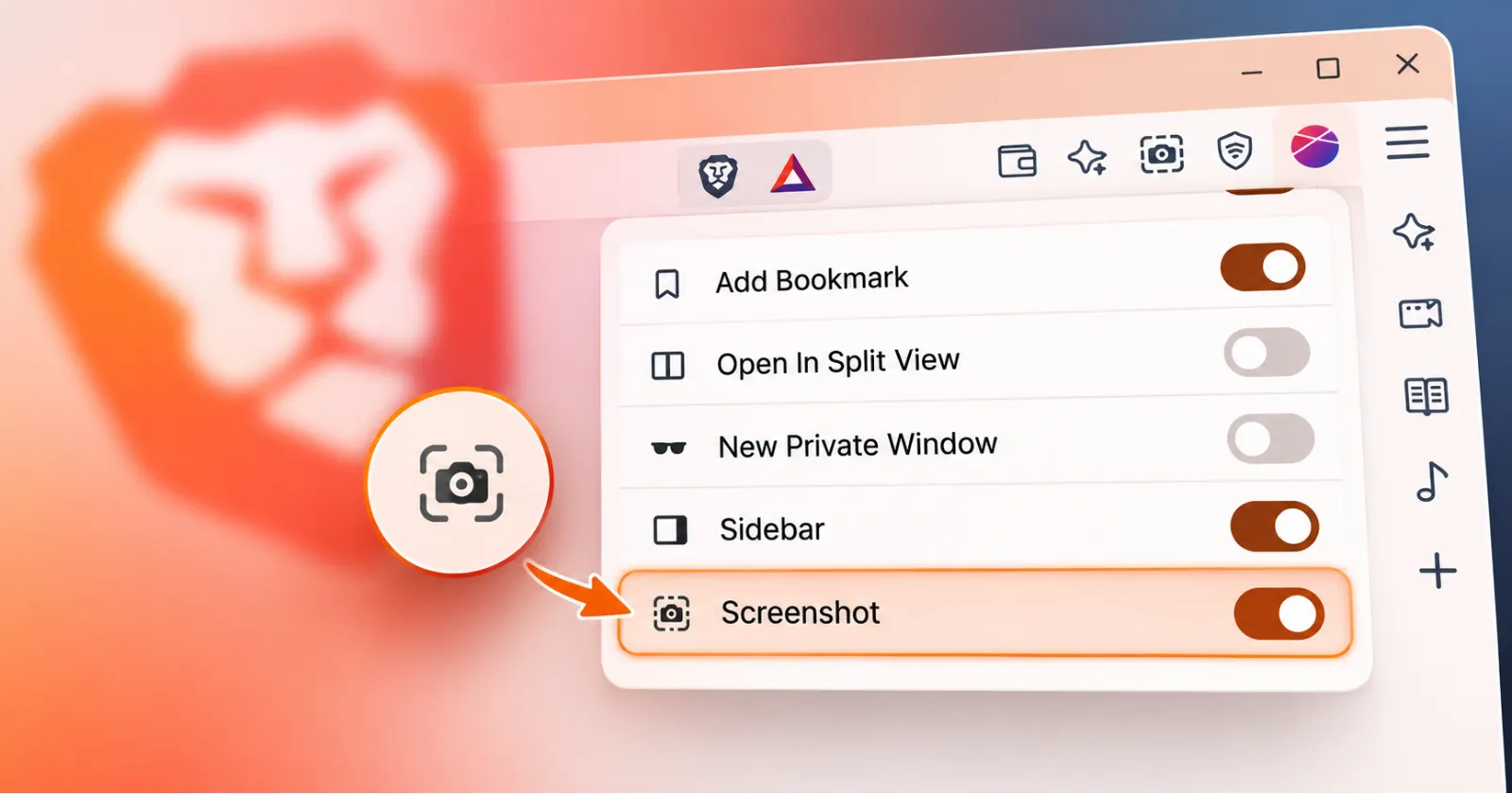
If you use Brave on desktop and take a lot of screenshots, you probably know the slight annoyance of having to hit a key combo or hunt through menus every single time. Brave is working on a pretty handy change to clean that up. The browser will soon let you pin a dedicated screenshot tool right to your main toolbar, so capturing a webpage is just one click away instead of buried inside submenus.
In case you weren’t already aware, the feature arrived roughly three years ago.
Right now, taking a screenshot in Brave means either memorizing a shortcut — Ctrl, Shift, and S on Windows and Linux, or Command, Shift, and S on a Mac — or opening the main menu, clicking down into Save and Share, and selecting the option from there. That works fine enough; however, if you are grabbing clips regularly while doing research, saving receipts, or sharing stuff with coworkers, all those extra clicks become a chore.
Brave Support confirmed the change recently over on X after a user brought it up. They noted that the feature is already active for testing in the Beta and Nightly builds, and that it will officially arrive for everybody once version 1.94 comes out.
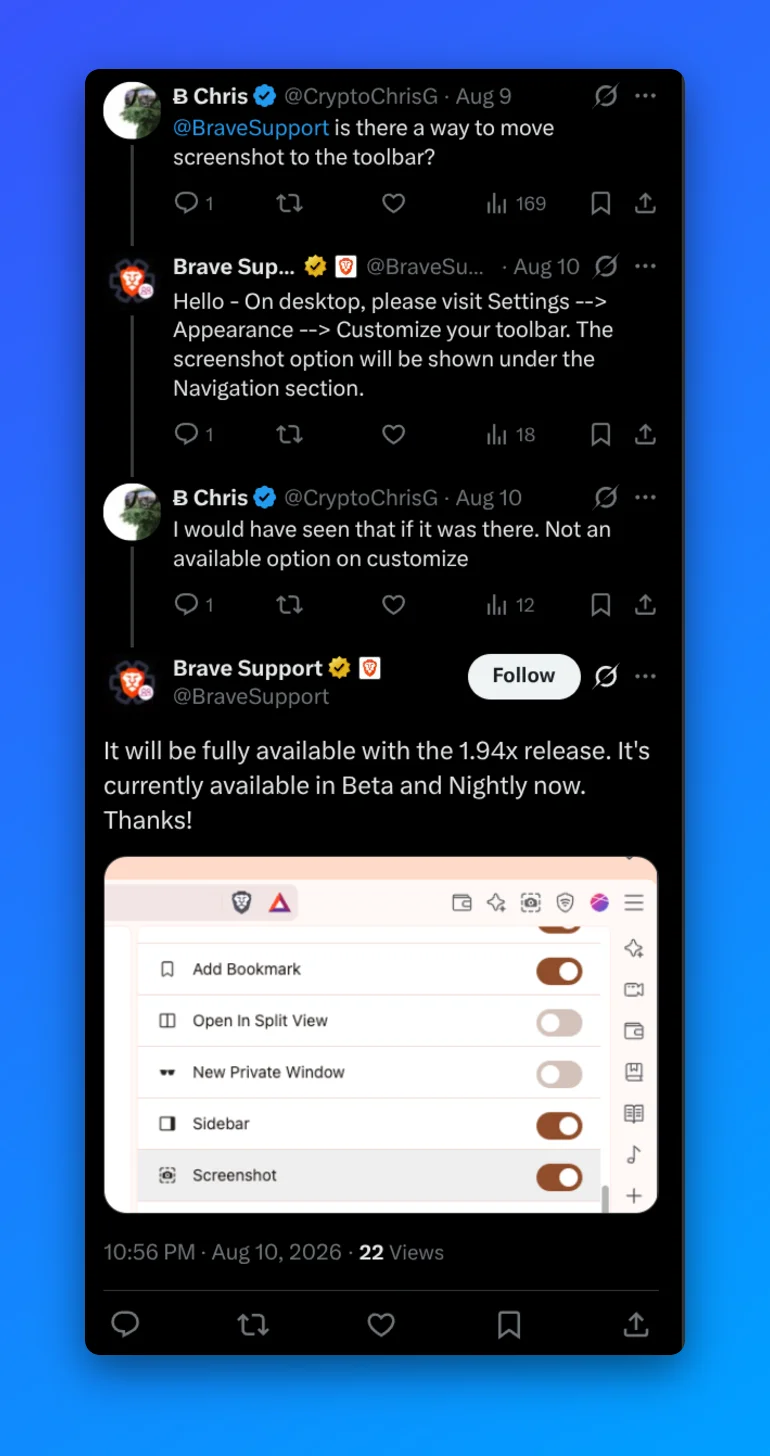
When the update with the feature goes live, you will just need to go into your browser Settings, select Appearance, and head into Customize your toolbar. Under the Navigation section, there will be a simple toggle to turn on the screenshot button so it sits right alongside your standard navigation controls, address bar, and so on.
Of course, this isn’t a big feature that’ll make people want to switch their browsers, but it’s a nice quality-of-life improvement for existing users. If you do not want to wait for the stable 1.94 release, you can try out the Beta or Nightly builds right now, though those preview builds can occasionally be buggy, so waiting for the main rollout is probably the safer bet for most people.
Meanwhile, Brave also just rolled out a fresh update that included a codec change for Linux. We covered the details here. Another big change comes with the default GPU fingerprinting protection that’s gradually rolling out. So Brave users have much to look forward to.

We stand out from the tech-media crowd because we break news stories; we mainly bring you stuff that you won’t find anywhere in the mainstream tech media. Our stories have been picked up by some of the world’s most popular websites and media outlets—more info is available here.

Dwayne Cubbins
3019 Posts
I cover fast-moving stories across apps, online platforms, and everyday tech — phones, wearables, consoles, and whatever else people are fighting with this week. Bugs, rollouts, scams, policy enforcement, and the occasional internet-culture rabbit hole are all fair game. My goal is simple — make confusing tech news readable. When I'm not working, I'm working out or chilling with my dog. Got a tip? You can find me on X @dcubbins.
Next article View Article
Brave Browser is picking up its partial Liquid Glass UI refresh on iOS with v1.93 update
Ever since Apple dropped iOS 26 with its new Liquid Glass design language, developers have been scrambling to bring their apps up to speed. Some third-party apps nailed the...
Aug 17, 2026 2 Min Read