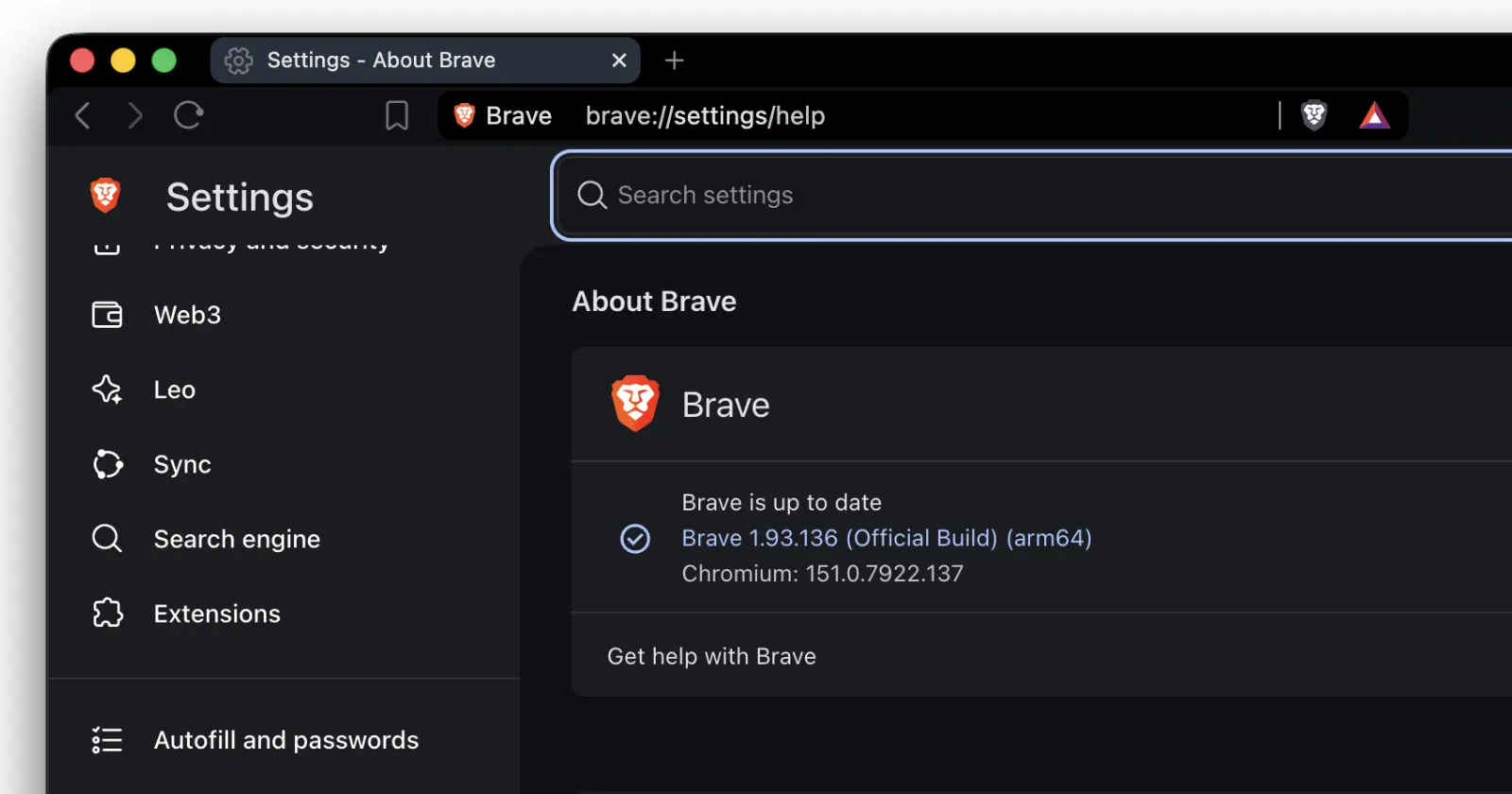
Brave has released a new update for the browser as version 1.93.136. It’s not a major release that we often look forward to, but it does bring some behind-the-scenes changes.
For starters, this update brings Chromium 151.0.7922.137, along with a couple of smaller fixes that probably won’t change much about how you use the browser every day.
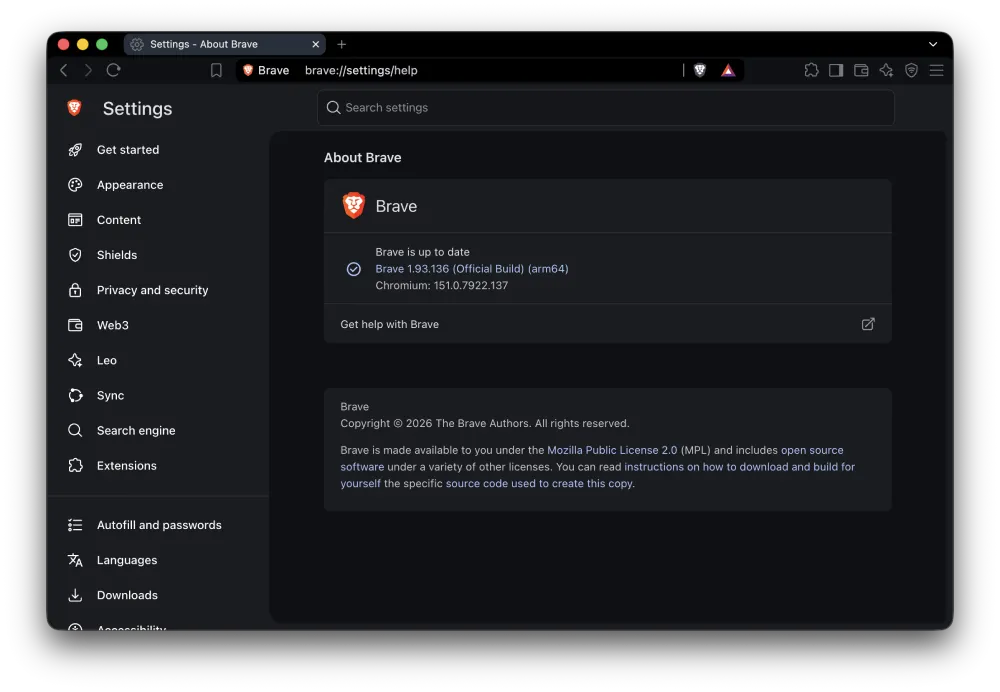
Brave regularly pulls in changes from Chromium, so the browser gets the latest upstream fixes as new versions arrive. The previous Brave 1.93.132 update also included a minor Chromium 151 bump and a number of security fixes. So this latest release is more of a continuation of that work than a major feature update.
The Linux version is also getting a small change to how it handles HEVC video. Brave has disabled the HEVC software decoder by default on Linux, which means video using the codec will no longer be decoded by the CPU through that software path unless you enable it again.
Most users probably won’t notice the change at all, although it could matter if you rely on HEVC playback on a Linux machine.
Another fix in the release deals with extensions. Brave has addressed an issue where ‘getExtension’ could end up returning a null script for an extension. It’s a fairly technical bug, but fixing problems like this helps avoid extensions behaving unexpectedly in the browser.
There’s also a slightly odd issue being reported alongside the rollout.
One Brave user commented on the company’s release announcement saying the browser kept displaying an update prompt that redirected them to ‘google.com/chrome/update’. They said they had already reinstalled Brave, removed their extensions, and cleared the cache, but the prompt kept appearing.
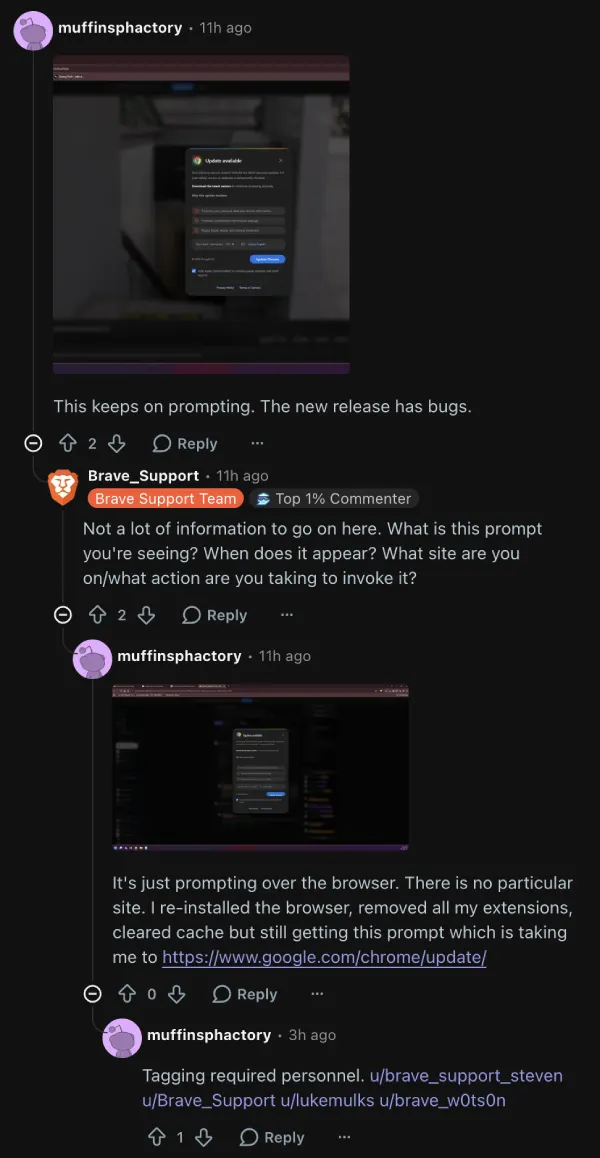
But before you panic, it doesn’t seem like a widespread issue. I’ve also installed the update on Mac and Linux and haven’t run into the issue. Add to that that there are no other corroborating reports of the issue, so it’s probably a one-off problem.
Brave 1.93.136 is already rolling out, so you can check for it by opening the About Brave section in the browser. The update should download automatically once it becomes available for your installation.


Dwayne Cubbins
3105 Posts
I cover fast-moving stories across apps, online platforms, and everyday tech — phones, wearables, consoles, and whatever else people are fighting with this week. Bugs, rollouts, scams, policy enforcement, and the occasional internet-culture rabbit hole are all fair game. My goal is simple — make confusing tech news readable. When I'm not working, I'm working out or chilling with my dog. Got a tip? You can find me on X @dcubbins.
Next article View Article