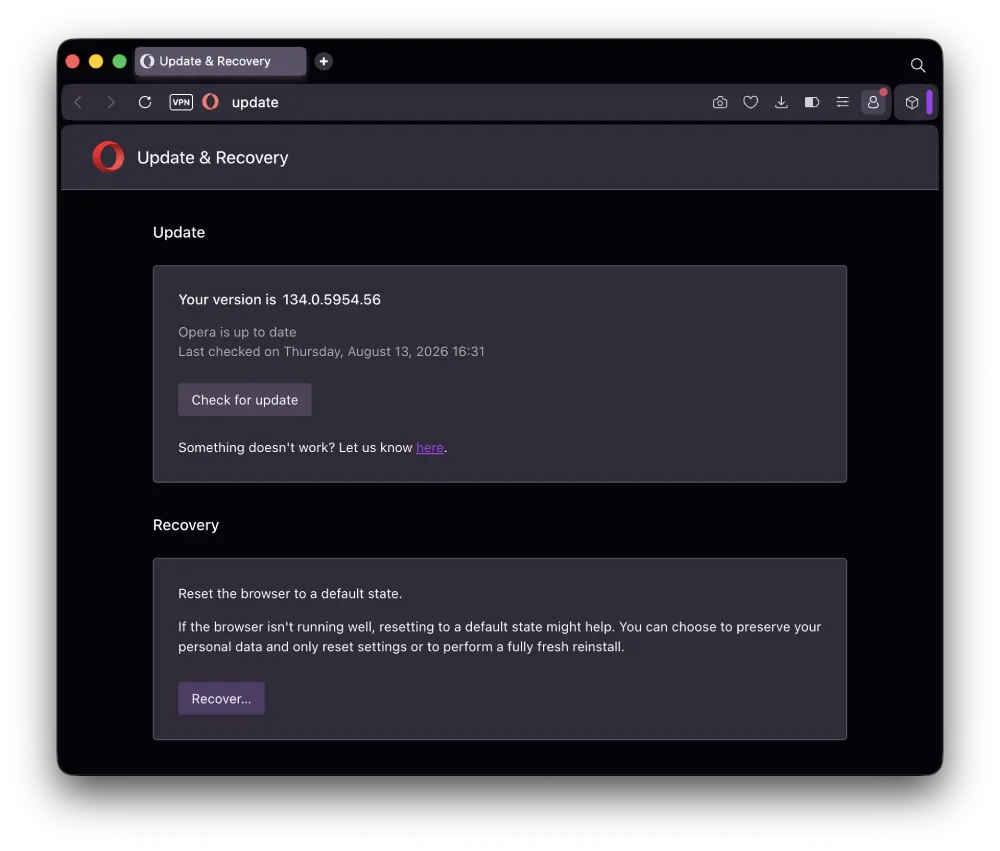
Opera has started rolling out version 134.0.5954.56 to users on the stable channel, with a handful of bug fixes and a newer Chromium base under the hood.
There isn’t much in the way of new features in this release, but there are several fixes that should make the browser a little less frustrating to use, particularly if you’ve been dealing with crashes or problems with picture-in-picture.
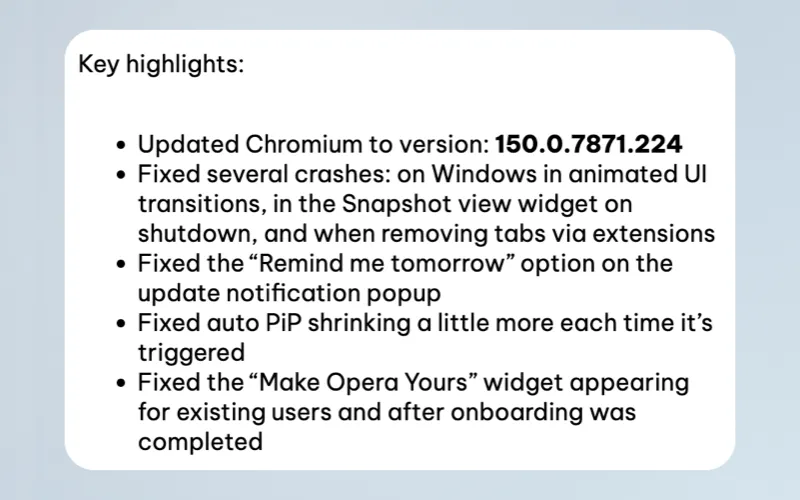
One big change is the bump in the Chromium base. Opera 134.0.5954.56 is now based on Chromium 150.0.7871.224. So your browser should be more secure and carry other underlying changes that come with the Chromium build.
Other than that, most of the changes revolve around bug fixes. The changelog suggests that Opera has addressed an issue on Windows that could cause the browser to crash during animated UI transitions. Another crash affecting the Snapshot tool has been fixed, while a separate problem could cause a crash when extensions removed tabs.
They also fixed a weird bug where the automatic picture-in-picture window would get smaller each time it was triggered. That could make the feature increasingly difficult to use, particularly if you regularly pop videos out while doing something else.
The “Remind me tomorrow” option in Opera’s update notification also picked up a fix since it was apparently not functioning as intended. Another annoying issue involving the “Make Opera Yours” welcome widget has been addressed as well, so users who had already completed the onboarding process shouldn’t continue seeing it.
Opera has been keeping busy with feature updates alongside these smaller fixes. The browser recently picked up Vertical Tabs and an upgraded Google Lens, along with plenty of other changes in a previous update.
The company has also been seeing growth in its mobile user base across the US and UK, which we covered recently.
There’s also been plenty of discussion around Opera’s approach to extensions as Chrome continues its push away from Manifest V2. Opera previously responded to the Chrome MV2 changes and explained what users can expect from its own built-in ad blocker. More details here.
The Opera 134.0.5954.56 update should arrive automatically, but you can also check for it manually by opening the About Opera section in the browser. A fresh copy can also be downloaded from Opera’s website.


Dwayne Cubbins
3037 Posts
I cover fast-moving stories across apps, online platforms, and everyday tech — phones, wearables, consoles, and whatever else people are fighting with this week. Bugs, rollouts, scams, policy enforcement, and the occasional internet-culture rabbit hole are all fair game. My goal is simple — make confusing tech news readable. When I'm not working, I'm working out or chilling with my dog. Got a tip? You can find me on X @dcubbins.
Next article View Article