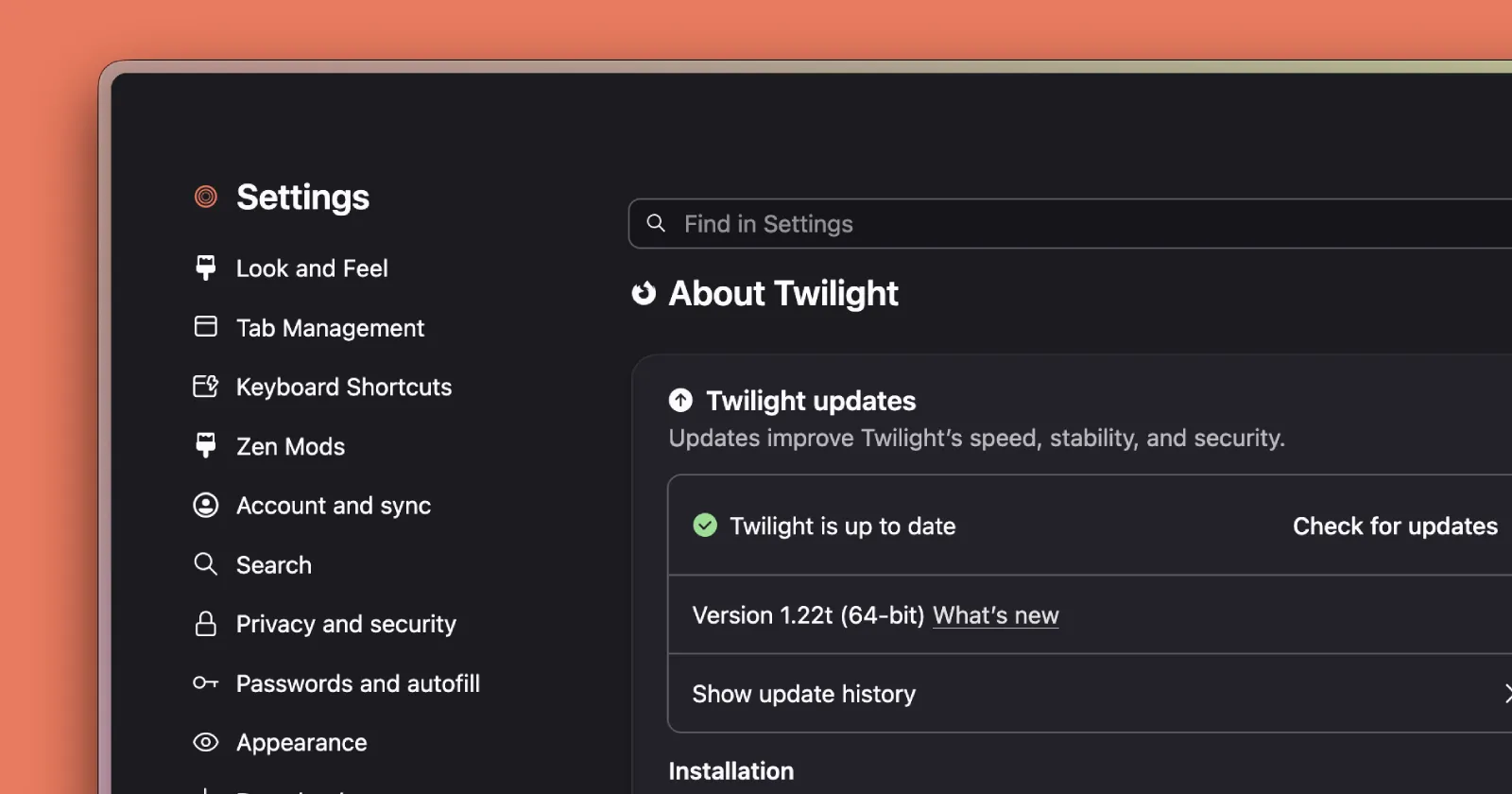
Zen browser developers have been quietly working behind the scenes to polish the browser. The newest Twilight build, which is out as version 1.22t, adds two small changes that you might brush off as inconsequential, but they’re actually quite useful. Plus, there’s also a hint about where the browser’s Spaces feature is headed.
The first change is about compact mode, the setting that tucks the sidebar out of the way until you need it.
Before, the sidebar could disappear at awkward moments. Now it pays attention to where your mouse is, even after the cursor drifts outside the window. As Zen puts it, the sidebar “stays open while your cursor lingers near the window’s edge and only tucks away once you move further out.”
I turned it on, and it behaves the way you’d want. The sidebar sticks around even if you accidentally move your cursor outside the browser’s window. It only gets dismissed if the cursor moves much further away. This saves you from the mild annoyance of the sidebar disappearing when you mistakenly move the cursor outside the window.
The second change is also a quality-of-life improvement, at least in my books.
You can now grab and move the whole window by dragging an empty part of a webpage, the same way you’d drag the title bar. This sounds minor until you use a browser with a thin frame, where finding a spot to grab the window is genuinely fiddly.
I’ve hit this exact problem on Dia. With Zen’s change, you can start the drag from just a few millimeters in, as long as you land on blank space on the page. Links and buttons still work like normal, so you’re not going to move the window by accident. Interestingly, I noticed that this doesn’t work on Zen’s own settings page, only on regular web pages. Hopefully that’s just a bug and is sorted once the feature makes its way to the stable channel. That said, Native window snapping and tiling still work while you drag.
I’ve recorded a short clip showing both changes in action. Check it out below:
Then there’s Spaces. If you’ve been following along, you’ll remember Zen recently started letting you sync your Spaces across devices using a Mozilla account. This build doesn’t stop there. The notes say folders, Essentials, split views, and more are on the way, so the setup you’ve built on one machine should eventually follow you everywhere without any manual rebuilding.
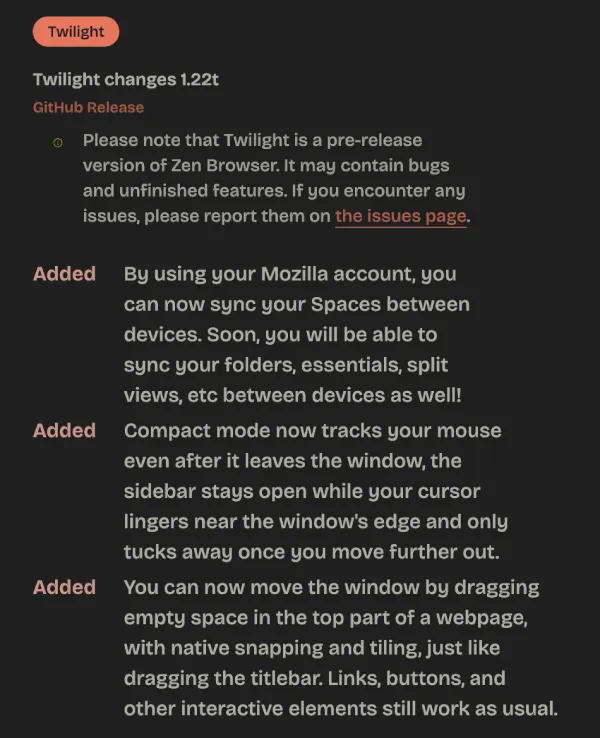
Keep in mind that this is still Twilight, Zen’s experimental track, so expect the odd rough edge. If you’re on the stable version instead, the recent update was mostly bug fixes. You can read Zen’s full changelog on its release notes page.
You can download the latest Twilight build from the official GitHub repo.


Dwayne Cubbins
3078 Posts
I cover fast-moving stories across apps, online platforms, and everyday tech — phones, wearables, consoles, and whatever else people are fighting with this week. Bugs, rollouts, scams, policy enforcement, and the occasional internet-culture rabbit hole are all fair game. My goal is simple — make confusing tech news readable. When I'm not working, I'm working out or chilling with my dog. Got a tip? You can find me on X @dcubbins.
Next article View Article