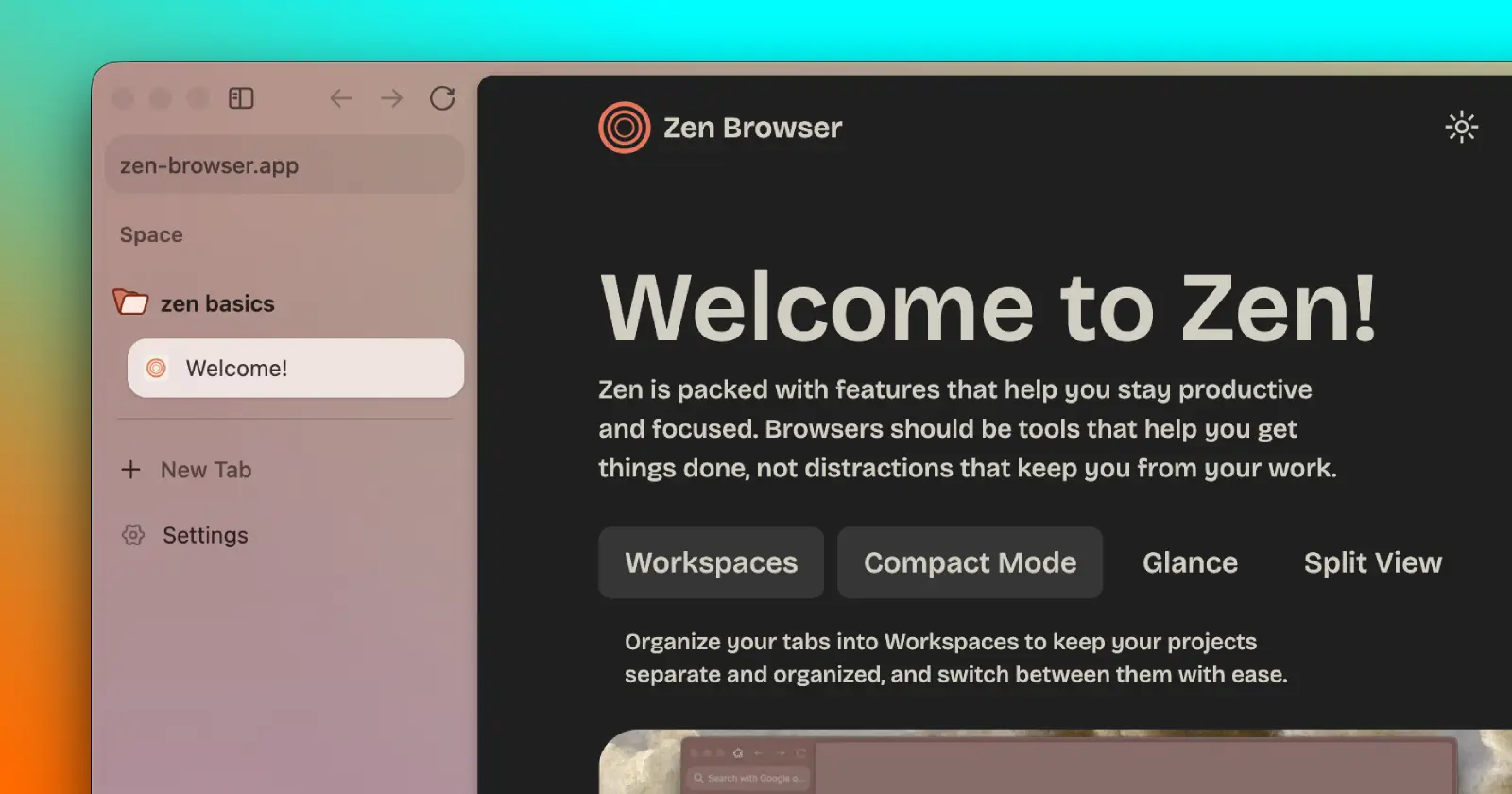
Zen Browser has supported Firefox Sync for a while now. You could already sign in with a Mozilla account and keep your bookmarks, history, passwords, and extensions in sync across devices.
What it couldn’t do was sync Zen itself. So if you had Spaces neatly organized on your desktop, they stayed there. Pinned tabs, folders, and your workspace layout didn’t follow you to another computer. This is what the new feature aims to fix for good.
The feature is now showing up in Zen Twilight, the browser’s experimental build, where it’s being tested before a wider release.
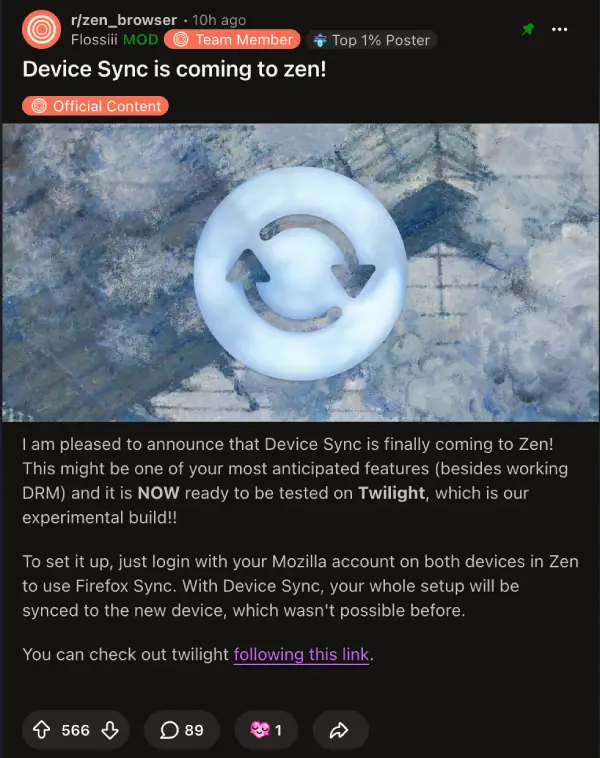
The easiest way to think about it is this. Open Zen on another computer, sign in, and your Spaces should look the same instead of giving you a blank slate. It’s very similar to how Arc keeps the same workspace across devices, something one Reddit user asked about directly. A Zen developer replied with a simple “Yes.”
I installed the latest Twilight build to see what the experience was like.
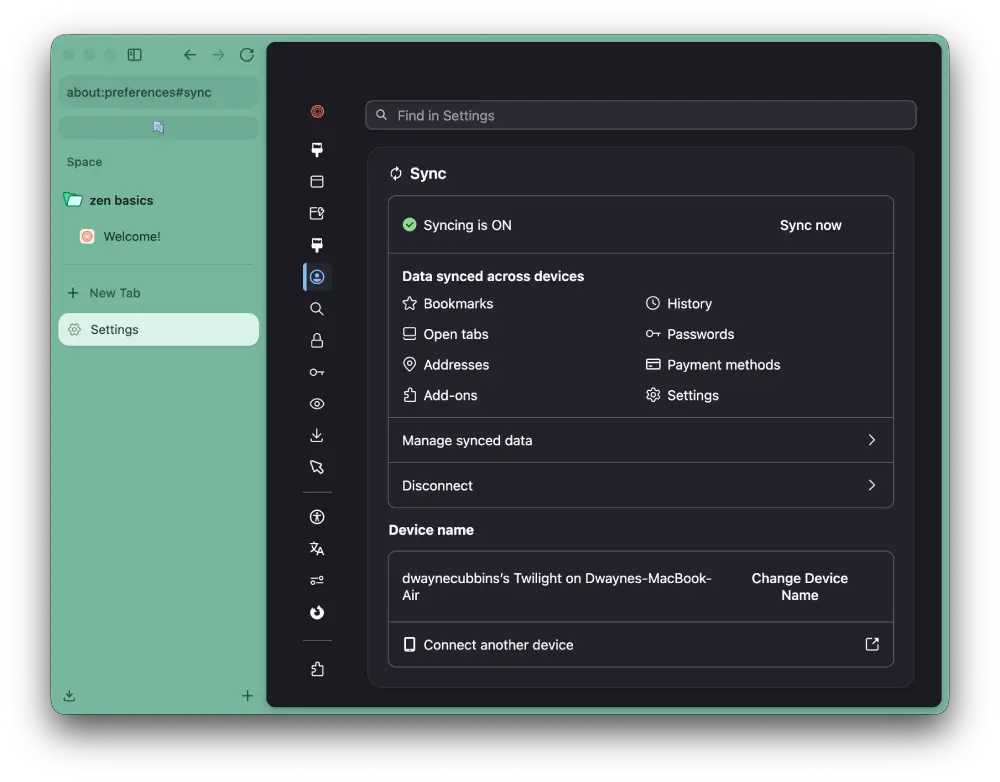
The setup itself was straightforward. I signed into my Mozilla account on both machines, opened the Sync settings, and enabled the available options. One thing that caught me off guard was seeing all of my Firefox extensions appear automatically. I was expecting to spend a few minutes reinstalling everything, but they were already there. That’s existing Firefox Sync doing its job, not the new feature, but it still made moving over feel smoother than I expected.
The part that’s new is having Zen’s own workspaces move with you.
The feature isn’t ready for everyone just yet. It’s currently limited to Twilight, and the team hasn’t shared when it’ll arrive in the stable version of the browser.
There are still a couple of loose ends as well. Zen doesn’t have a mobile app yet, so this only works between desktop devices for now. Some browser-specific features, including container routing, also aren’t syncing yet, although the developers have said support is planned.
This has been a busy stretch for the project. Just a few weeks ago, Zen passed the 500,000-user mark, which is a notable milestone for an independent browser that’s still relatively young.
Not long before that, the browser also picked up smart tab routing, making it easier to keep links opening in the right workspace instead of scattering them across different Spaces.
Device sync has probably been the biggest missing piece in Zen’s feature set. Judging by the reactions from users, it was also one of the last reasons some people were still sticking with browsers like Arc. Now that it’s finally being tested, Zen feels a step closer to offering the same seamless experience across multiple computers.


Dwayne Cubbins
3117 Posts
I cover fast-moving stories across apps, online platforms, and everyday tech — phones, wearables, consoles, and whatever else people are fighting with this week. Bugs, rollouts, scams, policy enforcement, and the occasional internet-culture rabbit hole are all fair game. My goal is simple — make confusing tech news readable. When I'm not working, I'm working out or chilling with my dog. Got a tip? You can find me on X @dcubbins.
Next article View Article